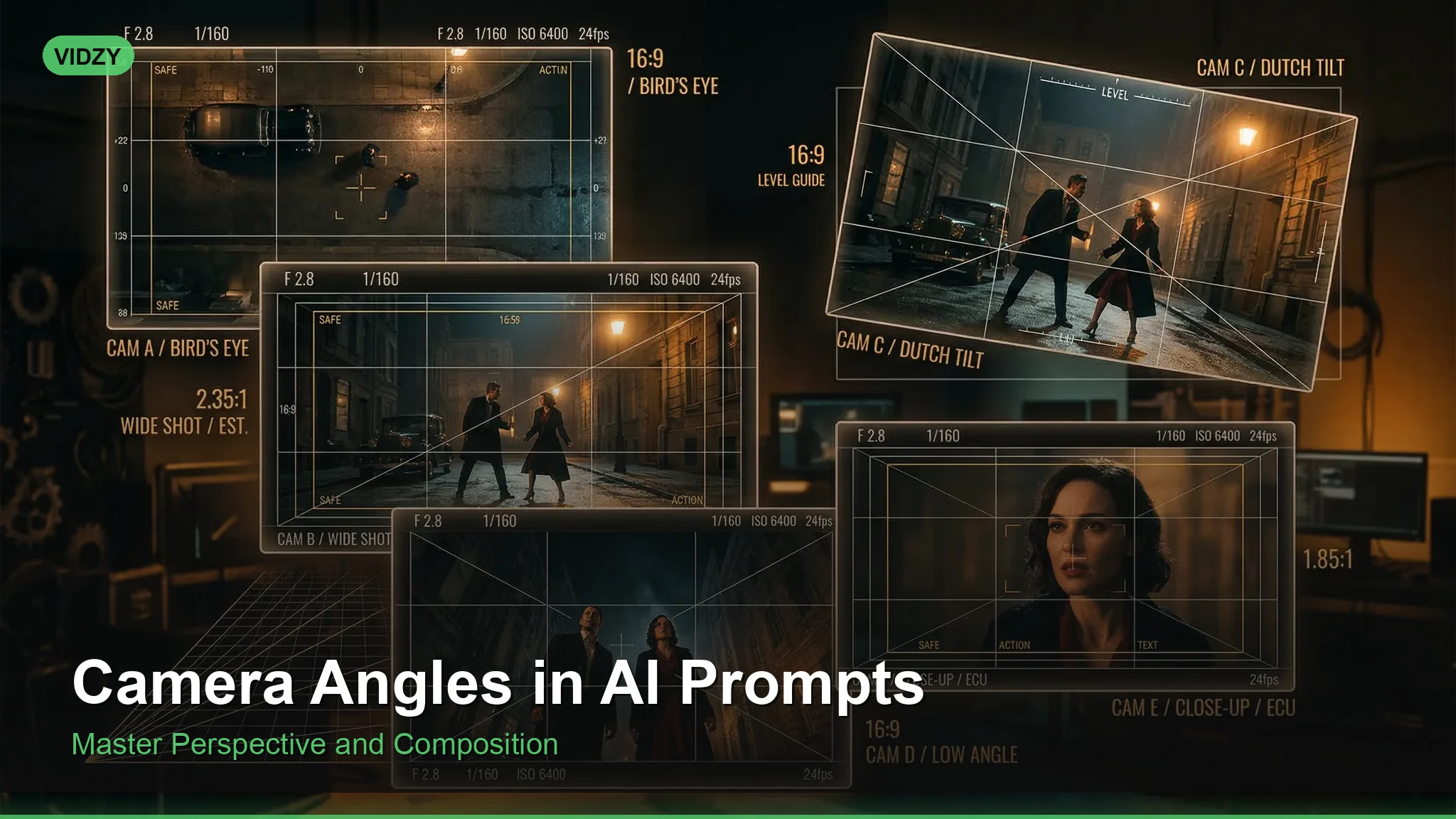
Why Camera Angles Matter in AI Prompts
When you describe an image to an AI generator, you are effectively playing the role of photographer and cinematographer at the same time. One of the most powerful tools in that role is the camera angle. Camera angles in AI prompts do not just change where the viewer is looking — they change the entire emotional impact, narrative weight, and visual composition of the image.
A portrait shot from below makes a person look powerful and imposing. The same person shot from above looks vulnerable or small. A bird’s-eye view transforms a city street into an abstract pattern. A Dutch angle injects tension into an otherwise calm scene. These are not subtle differences — they are fundamental shifts in how the viewer perceives your subject.
Yet most AI prompt writers default to eye-level, straight-on compositions every single time. Learning to specify camera angles is one of the fastest ways to dramatically improve the quality and variety of your AI-generated images.
The Essential Camera Angles for AI Prompts
Here is a comprehensive breakdown of every camera angle you can use in your prompts, what each one communicates visually and emotionally, and when to use it.
Eye Level
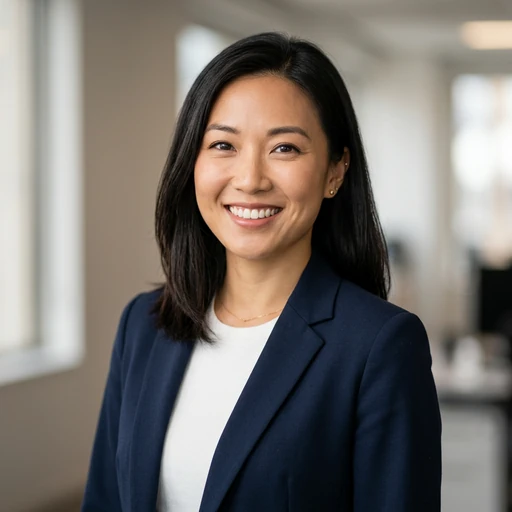
This is the default — what you get if you do not specify an angle at all. The camera is positioned at the subject’s eye height, creating a neutral, natural perspective. It is the most common angle in photography because it feels honest and straightforward.
When to use it: Portraits, documentary photography, product shots where neutrality matters, conversational scenes.
Prompt: “Eye-level portrait of a young woman in a coffee shop, natural window light, Canon 85mm f/1.4, shallow depth of field, warm and inviting atmosphere”
Low Angle (Worm’s-Eye View)
The camera is positioned below the subject, looking upward. This makes the subject appear larger, more powerful, and more dominant. It is a staple of superhero imagery, architectural photography, and any scene where you want the subject to command attention.
When to use it: Hero shots, architectural grandeur, making products look premium, conveying power or authority.
Prompt: “Low-angle shot of a towering glass skyscraper against a dramatic cloudy sky, wide-angle lens, architectural photography, sense of scale and power, converging vertical lines” These camera angles AI prompts are designed for professional results.
High Angle
The camera looks down on the subject from above (but not directly overhead). This diminishes the subject, making them appear smaller, more vulnerable, or less significant. It can also create a sense of overview or surveillance.
When to use it: Depicting vulnerability or isolation, environmental storytelling, food photography, establishing a character’s emotional state.
Prompt: “High-angle shot of a lone figure walking across an empty parking lot at night, single overhead streetlight casting a long shadow, film noir atmosphere, isolated and melancholic mood” Using the right camera angles AI prompts makes all the difference in your output quality.
Bird’s-Eye View (Overhead / Top-Down)
The camera is positioned directly above the subject, looking straight down. This creates abstract, pattern-like compositions and removes the typical three-dimensional perspective. It is frequently used in flat-lay photography, drone shots, and artistic compositions.
When to use it: Flat-lay product photography, drone landscapes, abstract patterns, meal presentations, workspace layouts.
Prompt: “Bird’s-eye view flat lay of a designer’s workspace, MacBook, coffee cup, succulents, notebook with sketches, marble desk, organized and minimalist, soft natural light from above” With these camera angles AI prompts, you can achieve stunning results every time.
Dutch Angle (Tilted / Canted)
The camera is tilted on its horizontal axis, creating a diagonal horizon line. This immediately creates a sense of unease, tension, or dynamic energy. It is a favorite in horror, thriller, and action genres.
When to use it: Horror scenes, action sequences, psychological tension, avant-garde fashion photography, expressing disorientation.
Prompt: “Dutch angle close-up portrait of a woman in a dimly lit hallway, single harsh overhead light, deep shadows, horror movie still, unsettling and tense atmosphere, high contrast” Master camera angles AI prompts to take your AI generation to the next level.
Over-the-Shoulder (OTS)
The camera is positioned behind one subject’s shoulder, looking toward another subject or toward what they are viewing. This creates intimacy, context, and a voyeuristic quality. It is the most common angle in dialogue scenes in film.
When to use it: Conversation scenes, product reveals (looking over someone’s shoulder at a screen), gaming setups, storytelling compositions.
Prompt: “Over-the-shoulder shot of a person looking at a glowing neon cityscape from a rooftop at night, cyberpunk aesthetic, rain-soaked, shallow depth of field on the background city lights” The best camera angles AI prompts combine technical precision with creative vision.
Close-Up and Extreme Close-Up
While technically about framing rather than angle, close-ups deserve inclusion because they dramatically change what the image communicates. A close-up fills the frame with the subject’s face. An extreme close-up shows only a single detail — an eye, a hand, a texture.
When to use it: Emotional portraits, texture and detail shots, dramatic reveals, beauty photography.
Prompt: “Extreme close-up of an eye with reflected city lights, macro photography, hyper-detailed iris texture, shallow depth of field, dramatic and cinematic, teal and amber color grading” These camera angles AI prompts are designed for professional results.
Wide Shot / Establishing Shot
The camera pulls far back to show the full environment with the subject occupying a small portion of the frame. This establishes context, conveys scale, and creates a sense of place.
When to use it: Landscape photography, establishing a scene, showing environments, conveying isolation or grandeur.
Prompt: “Wide establishing shot of a tiny lone hiker on a vast glacier, massive ice formations towering around them, overcast sky, epic sense of scale, National Geographic style, 24mm wide-angle lens” Using the right camera angles AI prompts makes all the difference in your output quality.
Combining Camera Angles with Other Prompt Elements
Camera angles become even more powerful when combined with other prompt engineering techniques. Here is how they interact with the key elements:
Angles + Lighting
Low angles combined with backlit rim lighting create a heroic silhouette effect. High angles with soft overhead light create an intimate, almost confessional mood. The interplay between angle and light is one of the richest areas to explore. For a deep dive into lighting options, see our lighting keywords guide.
Angles + Lens Choice
A low angle shot on a 24mm wide-angle lens exaggerates the perspective distortion, making buildings look like they are leaning inward and subjects look monumental. The same low angle on an 85mm telephoto compresses the scene, creating a different kind of drama. Specifying both angle and focal length gives the AI two reference points to work from.
Angles + Mood Keywords
A Dutch angle paired with “unsettling” or “tense” reinforces the emotional intent. A bird’s-eye view paired with “serene” or “organized” tells the model exactly what feeling to prioritize. Angles and mood keywords should always work together, not contradict each other (unless you are intentionally creating cognitive dissonance for artistic effect).
Angle Cheat Sheet for Common Scenarios
- Professional headshot: Eye level, slight medium close-up
- Product hero shot: Slight low angle to make the product look premium
- Food photography: 45-degree angle or direct overhead (bird’s-eye)
- Architecture: Low angle for grandeur, bird’s-eye for urban patterns
- Action/sports: Low angle for power, Dutch angle for dynamism
- Horror/thriller: Dutch angle, extreme close-up, high angle for vulnerability
- Landscape: Eye level for immersion, bird’s-eye for abstraction, wide shot for scale
- Fashion editorial: Any angle works — vary between shots for editorial variety
Common Mistakes When Specifying Camera Angles
Conflicting Angle and Framing Instructions
Asking for a “bird’s-eye view close-up portrait” confuses the model — bird’s-eye typically implies distance and overhead perspective, which conflicts with an intimate close-up. Be consistent: if you want overhead, the subject will usually be smaller in frame.
Forgetting to Specify an Angle at All
If you leave it out, the model defaults to eye-level. This is fine sometimes, but if every image in a series is eye-level, the collection will feel visually monotonous. Varying angles is key to creating dynamic, professional-looking sets.
Overcomplicating the Angle Description
“Slightly tilted low-angle shot from the right side looking up at approximately 30 degrees” — this kind of over-specification can confuse models. Stick to recognized photography terminology: “low angle,” “bird’s-eye view,” “Dutch angle.” The model knows these terms well.
Practice Prompts: One Subject, Five Angles
Here is the same subject photographed from different angles. Try each one and compare the dramatically different results:
Prompt: “Eye-level medium shot of a samurai warrior in full armor standing in a bamboo forest, morning mist, cinematic lighting” With these camera angles AI prompts, you can achieve stunning results every time.
Prompt: “Low-angle hero shot of a samurai warrior in full armor standing in a bamboo forest, morning mist, dramatic backlit rim lighting, imposing and powerful” Master camera angles AI prompts to take your AI generation to the next level.
Prompt: “High-angle shot of a samurai warrior in full armor standing in a bamboo forest, morning mist, vulnerable and contemplative, soft diffused light” The best camera angles AI prompts combine technical precision with creative vision.
Prompt: “Bird’s-eye view of a samurai warrior standing alone in a circular clearing in a bamboo forest, morning mist, geometric patterns, meditative and serene” These camera angles AI prompts are designed for professional results.
Prompt: “Dutch angle close-up of a samurai warrior in full armor, bamboo forest background, morning mist, tense and dramatic, high contrast lighting” Using the right camera angles AI prompts makes all the difference in your output quality.
Same subject, five completely different images. That is the power of camera angles.
Frequently Asked Questions
Which camera angle works best for AI-generated portraits?
Eye level is the safest default for natural, flattering portraits. For editorial or fashion work, experiment with slight low angles (adds presence) or slight high angles (adds vulnerability). Avoid extreme angles for portraits unless you have a specific artistic intent — they can distort facial features in ways that look unnatural.
Can I combine multiple camera angle keywords in one prompt?
Generally, stick to one angle per prompt. Combining “low angle” and “bird’s-eye view” will confuse the model since they are physically incompatible. You can, however, combine angle with framing: “low-angle close-up” or “high-angle wide shot” work well because angle and framing are complementary dimensions.
Do camera angles work the same across all AI platforms?
The core terms (low angle, high angle, bird’s-eye, etc.) are well-understood by every major model. However, more nuanced terms like “Dutch angle” or “over-the-shoulder” may work better on models with larger training datasets (Midjourney, Flux) than on smaller fine-tuned models. If a specific angle term is not working, try describing the physical camera position instead: “camera positioned below looking up.”
Level Up Your Prompt Engineering
Mastering camera angles in AI prompts is one of the highest-leverage skills in your prompt engineering toolkit. Combined with strong prompt writing fundamentals and the right generation tools, camera angle control lets you create images with the visual sophistication of professional photography.
Use Vidzy’s Prompt Generator to build angle-aware prompts effortlessly, then bring them to life. Download Vidzy and start creating images that look like they came from a professional shoot.