Open Source AI Models vs Closed Source: A Creator’s Decision Guide
The debate over open source AI models versus closed source alternatives has moved from academic circles to practical relevance for every creator working with generative AI. Whether you’re generating images for social media, producing marketing assets, or exploring AI art as a creative medium, the choice between open and closed source models affects your workflow, your costs, your creative freedom, and even the legal standing of your output.
In, both camps have compelling offerings. Closed source models like DALL-E 3, Midjourney v7, and Google’s Imagen 3 deliver exceptional quality through polished APIs and user-friendly interfaces. Open source models like Flux, Stable Diffusion 3.5, and the expanding ecosystem of community fine-tunes offer unmatched customization, transparency, and control. Understanding the tradeoffs is essential for making the right choice for your specific needs.
What Makes a Model “Open Source”?
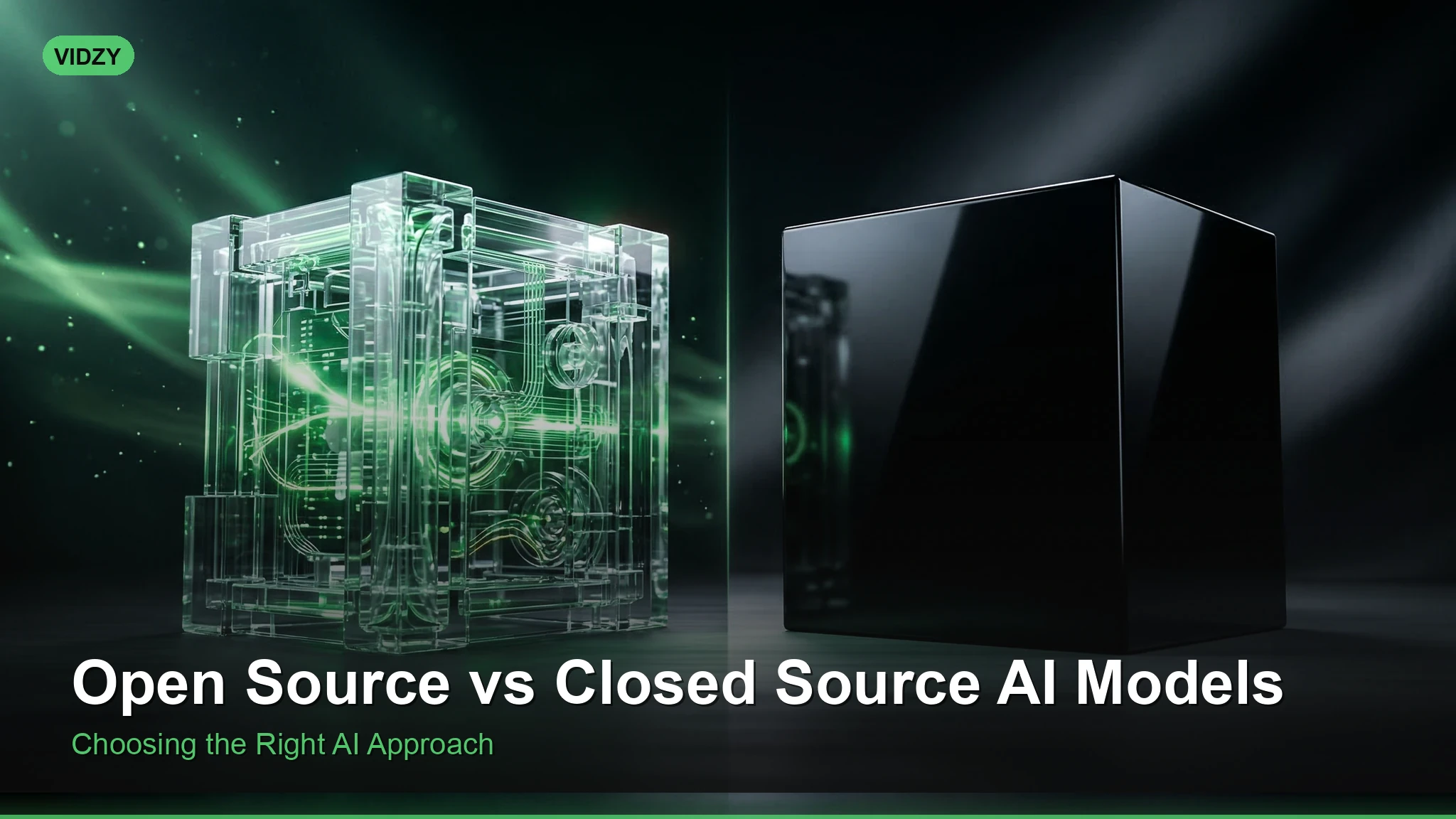
The term “open source” in AI has become somewhat muddied, so precise definitions matter. A truly open source AI model provides public access to model weights (the trained parameters that define the model’s behavior), the training code, documentation of the training process, and a license that permits modification and redistribution.
In practice, many models described as “open source” or “open weight” fall somewhere on a spectrum. Some release weights but not training data. Others release weights with restrictive licenses that limit commercial use or require attribution. The distinction matters because it determines what you can actually do with the model.
Fully open examples: Stable Diffusion 1.x and 2.x (CreativeML Open RAIL license), certain Flux variants (Apache 2.0 license).
Open weight, restricted license: Stable Diffusion 3.5 (Stability AI Community License), Llama-based models (Meta’s custom license).
Closed source: DALL-E 3, Midjourney, Google Imagen. No access to weights, available only through APIs or proprietary interfaces.
Quality Comparison today
Two years ago, quality comparisons clearly favored closed source models. That gap has narrowed dramatically, though nuances remain.
Photorealistic Image Generation
Flux models have reached parity with closed source alternatives for photorealistic generation. Detail rendering, skin texture, lighting accuracy, and compositional understanding are competitive with DALL-E 3 and Midjourney at their best. In blind comparison tests conducted by independent AI art communities, trained observers frequently cannot distinguish Flux outputs from DALL-E 3 outputs for standard photorealistic prompts.
Closed source models maintain a slight edge in specific scenarios: complex multi-person compositions, unusual perspectives, and prompts requiring deep cultural or contextual understanding. This advantage stems from larger training datasets and more extensive RLHF (reinforcement learning from human feedback) tuning.
Artistic and Stylized Content
This is where open source models genuinely excel. The ability to fine-tune, merge, and customize open source models has produced an ecosystem of specialized models that outperform any closed source offering in specific artistic domains. Want anime-style illustration? There’s a fine-tuned model optimized for that. Need architectural visualization? Photographic portraits with specific film stock aesthetics? Oil painting reproduction? The community has built specialized tools for each.
Closed source models offer one interpretation of each style, optimized for broad appeal. Open source models offer hundreds of interpretations, many of which capture niche aesthetics with stunning accuracy.
Text Rendering in Images
Text rendering has historically been a weakness for all AI image models, but closed source models—particularly DALL-E 3 and recent Midjourney updates—have pulled ahead in this specific capability. Their text rendering is more consistently accurate, especially for longer phrases and specific fonts. Open source models are improving rapidly but still produce more frequent text errors.
Cost Structures: A Complete Analysis
Cost comparison between open source AI models and closed source services requires looking beyond per-image pricing.
Closed source costs are straightforward: monthly subscriptions (typically $10 to $60 per month for individual plans) or per-generation API pricing ($0.02 to $0.08 per image for standard resolution). The pricing is predictable and requires zero infrastructure investment.
Open source costs depend entirely on your deployment approach:
Cloud GPU rental: Running open source models on cloud GPUs (AWS, Google Cloud, RunPod, etc.) costs approximately $0.30 to $1.50 per hour for capable hardware. At typical generation speeds, this translates to roughly $0.005 to $0.02 per image—significantly cheaper than closed source APIs at volume.
Local hardware: Running models on your own GPU requires an upfront hardware investment ($800 to $2,000+ for a capable consumer GPU) but reduces per-image costs to essentially electricity—fractions of a cent per generation. For high-volume creators, the economics strongly favor local deployment.
Hosted open source: Services like Replicate, fal.ai, and others host open source models and charge per-generation, typically at rates between closed source APIs and self-hosted costs.
Control, Customization, and Creative Freedom
This dimension is where the open versus closed distinction matters most for serious creators.
Open source advantages:
– Fine-tuning: Train the model on your own images to capture specific styles, products, faces, or aesthetics. This is impossible with closed source models.
– No content restrictions: Open source models don’t have the safety filters that closed source platforms enforce. This is relevant for artistic expression, medical imagery, and other legitimate use cases that trigger false positives on commercial platforms.
– Workflow integration: Open source models can be embedded directly into custom applications, automated pipelines, and production workflows without API dependency or rate limits.
– Reproducibility: Given the same model weights, seed, and parameters, open source models produce identical results every time. Closed source models can change their behavior without notice.
Closed source advantages:
– Ease of use: No technical setup required. Type a prompt, get an image. The barrier to entry is as low as it can be.
– Consistent updates: Models improve over time without requiring user action. New capabilities are added automatically.
– Safety and moderation: Built-in content filters reduce the risk of generating problematic content, which matters for business and brand safety contexts.
– Support and reliability: Commercial SLAs, uptime guarantees, and customer support provide peace of mind for business-critical workflows.
Privacy and Data Considerations
For creators working with sensitive or proprietary content, the open source approach offers meaningful privacy advantages. When you run an open source model locally or on your own cloud instance, your prompts and generated images never leave your control. No third party sees your creative process, your proprietary concepts, or your unreleased product designs.
Closed source APIs, by contrast, process your prompts on the provider’s infrastructure. While reputable providers have privacy policies prohibiting the use of customer data for training, the data still transits through third-party systems. For agencies working with pre-launch brand assets or confidential product designs, this distinction can be decisive.
The Ecosystem Factor
Open source AI models benefit from an extraordinary community ecosystem. Stable Diffusion alone has spawned thousands of community-created fine-tunes, LoRAs (Low-Rank Adaptations), embeddings, and tooling. Platforms like Civitai host hundreds of thousands of community models, many of which target specific creative niches with remarkable precision.
This ecosystem means that whatever your specific creative need, there’s likely an optimized open source model or adaptation available. The collective creative output of thousands of community contributors produces specialization depth that no single company can match.
Closed source models, meanwhile, benefit from their own ecosystem of integration partners, plugins, and workflow tools. Midjourney’s Discord-based community provides creative inspiration and shared learning. DALL-E’s integration with ChatGPT and Microsoft products embeds image generation into broader creative workflows.
Making the Right Choice for Your Workflow
Choose closed source if: You want the simplest possible workflow, generate images occasionally rather than at high volume, need reliable text rendering, want built-in safety filters for brand-safe content, or don’t have technical skills for model deployment.
Choose open source if: You need fine-tuning for custom styles or products, generate images at high volume and want to minimize costs, require privacy for sensitive content, need specific artistic styles that closed source models can’t replicate, or want full creative control without content restrictions.
Consider both: Many professional creators use closed source models for quick concept exploration and open source models for production work. Platforms like Vidzy bridge this gap by providing access to multiple model families through a single, user-friendly interface—giving you the quality of leading models without the complexity of self-hosting.
Frequently Asked Questions
Are open source AI image models as good as DALL-E or Midjourney?
For photorealistic generation, leading open source models like Flux have reached effective parity with closed source alternatives. For specialized artistic styles, open source models often exceed closed source quality thanks to community fine-tuning. Text rendering and complex compositional prompts still slightly favor closed source models.
Is it legal to use open source AI models commercially?
It depends on the specific license. Models released under Apache 2.0 or similar permissive licenses allow unrestricted commercial use. Models with custom licenses (like Stability AI’s Community License) may have restrictions. Always review the license terms for any model you plan to use commercially.
Do I need expensive hardware to run open source AI models?
A consumer GPU with 8GB or more VRAM can run most open source image generation models. Cards like the NVIDIA RTX 4060 or higher provide good performance. Cloud GPU rental is an alternative that requires no hardware investment, with costs starting at around $0.30 per hour.
Can I fine-tune closed source models on my own data?
Generally no. Closed source models like DALL-E and Midjourney do not offer fine-tuning capabilities to end users. This is one of the primary advantages of open source models for creators who need customized output.
Try the Best of Both Worlds
You don’t have to choose sides in the open source versus closed source debate. Vidzy gives you access to top-tier AI generation models through an intuitive mobile interface—no GPU setup required, no API management, just your creative vision turned into stunning visuals.
James Okafor is a tech journalist covering the AI generation space. With bylines in TechCrunch and The Verge, he brings an analytical lens to AI model reviews, industry trends, and the evolving landscape of creative AI tools.
AI Character Consistency: The Breakthrough That Changed Everything AI character consistency represents the most commercially significant breakthrough in generative AI this year. For years, the inability to maintain a character’s appearance across multiple generated images or video clips was the single biggest limitation preventing AI from being used for serialized content, brand mascots, storybooks, web […]
Image-to-Video AI: How Still Photos Are Coming to Life The ability to take a still photograph and transform it into a moving video seemed like science fiction just three years ago. In, image to video AI has become one of the most transformative and practical applications of generative AI. Upload a product photo and watch […]
AI Democratizing Content: Breaking Down the Barriers to Professional Creation AI democratizing content creation is the defining story of the creative economy today. For the first time in history, professional-quality video, images, and multimedia content can be produced by anyone with a smartphone and a creative idea. The equipment, expertise, and capital that once gatekept […]
James Okafor
8 min read
Your Next Video Is 30 Seconds Away
Download Vidzy free, pick a template, and create your first video right now.