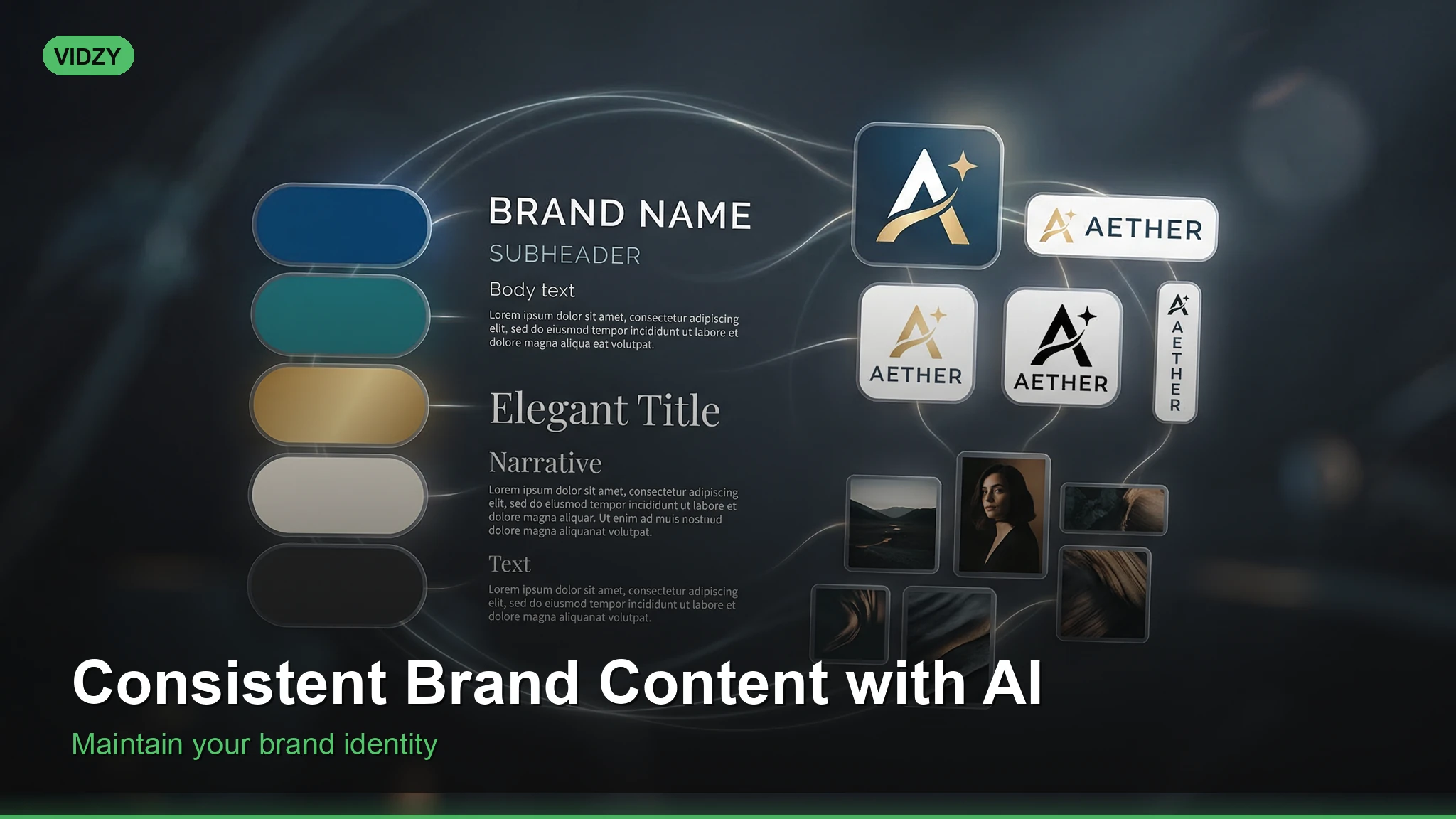
Build a Cohesive Visual Brand Using AI Content Generation
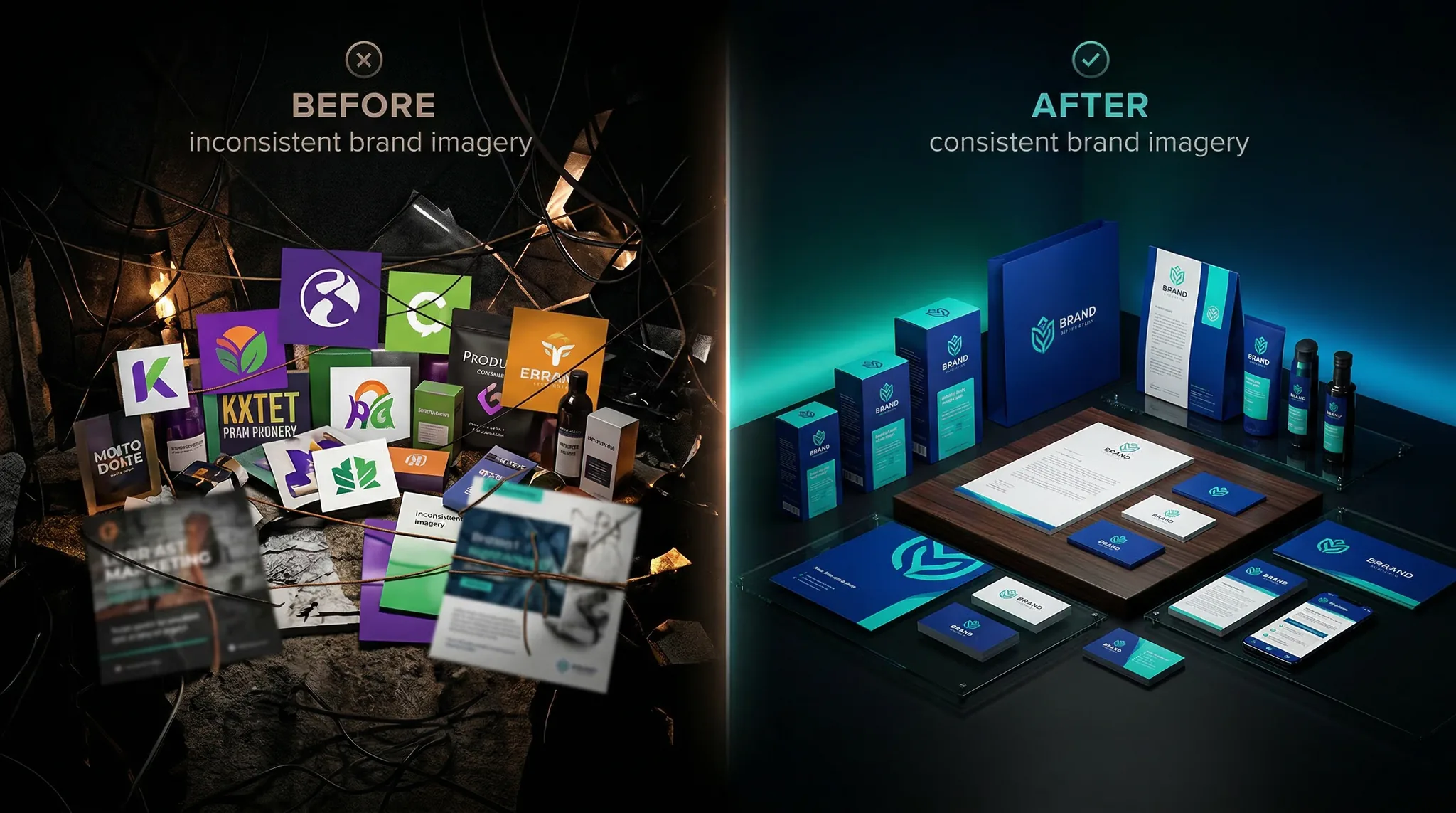
Brand consistency is what separates a forgettable social media presence from a recognizable one. When every image, video, and visual asset shares the same color palette, lighting style, composition language, and overall aesthetic, your audience begins to recognize your content before they even see your name. Achieving this level of consistent brand AI content used to require a dedicated design team or strict brand guidelines that every freelancer and agency partner had to follow meticulously. Now, AI image and video generation can maintain brand consistency automatically — if you know how to set it up correctly.
This tutorial shows you how to build a brand-aligned AI generation system that produces on-brand visuals every single time.
Why Brand Consistency Matters More Than Ever
The average person encounters between 6,000 and 10,000 ads and branded messages per day. In that ocean of visual noise, consistency is your lifeline. Research from Lucidpress shows that consistent brand presentation increases revenue by up to 23%.
Brand consistency in visual content means:
Color consistency: The same palette appears across all assets, from social posts to website hero images to product photography.
Style consistency: The same photographic or illustrative style — whether that is warm and editorial, cool and minimal, bold and saturated — runs through everything.
Composition patterns: Similar framing, layout structures, and visual hierarchies that become recognizable patterns.
Tonal consistency: The mood and feeling of your visuals matches your brand voice — serious, playful, luxurious, accessible.
When you generate content with AI, maintaining these elements requires deliberate prompt engineering. The model does not know your brand unless you tell it.
Step 1: Define Your Visual Brand Foundation
Before writing a single AI prompt, you need to codify your brand’s visual identity into clear, describable parameters. This is your brand prompt foundation — the set of descriptions you will include in every generation.
Document these five elements:
1. Color palette:
List your exact brand colors with descriptive names the AI will understand. Do not use hex codes — use natural language descriptions.
Example: “Warm ivory background (#F5F0E8), deep forest green (#2D5F3E), soft gold accent (#D4A574), charcoal text (#333333)”
Prompt translation: “Color palette of warm ivory, deep forest green, soft gold accents, and charcoal. No bright or neon colors.”
2. Lighting style:
How is your brand lit? This single decision shapes the mood of every image.
Example: “Warm, natural, golden-hour-inspired lighting. Soft shadows, never harsh. Slightly overexposed highlights for an airy feel.”
3. Photography style:
What does a “brand photo” look like?
Example: “Clean lifestyle photography with shallow depth of field, natural materials in frame (wood, linen, ceramic), minimalist compositions with breathing room.”
4. Subject treatment:
How do people, products, and objects appear in your brand world?
Example: “People shown in candid, unposed moments. Products displayed in context of use, never floating in space. Always grounded in a real environment.”
5. Mood descriptors:
Three to five adjectives that capture your brand’s visual feeling.
Example: “Warm, approachable, artisanal, calm, intentional.”
Step 2: Create Your Brand Prompt Template
Now translate your brand foundation into a reusable prompt template. This is the master blueprint you will use for every piece of consistent brand AI content.
Here is the structure:
[Subject/scene description]. [Brand lighting style]. [Brand color palette]. [Brand photography style]. [Brand mood descriptors]. Shot on [consistent camera reference].
Here is a completed example for a wellness brand:
[SUBJECT PLACEHOLDER]. Warm natural light from a large window, soft and diffused, gentle shadows with no harsh contrasts. Color palette of warm ivory, sage green, and natural wood tones with soft gold accents. Clean lifestyle photography with shallow depth of field, natural materials visible, minimalist composition with ample negative space. Warm, calming, artisanal, intentional. Shot on Fujifilm GFX 100S with 80mm f/2.8 for creamy bokeh and warm Fujifilm color science.
The only thing that changes between generations is the [SUBJECT PLACEHOLDER]. Everything else stays exactly the same, ensuring every image looks like it belongs to the same brand.
Step 3: Build a Brand Prompt Library
A single template is your starting point, but a complete brand needs multiple prompt templates for different content types. Build a library of 5-8 templates covering your most common visual needs:
Template 1 — Product hero shot:
Close-up product photography of [PRODUCT] on a natural linen surface, styled with a sprig of dried lavender and a ceramic dish. Warm window light from the left, soft shadows, warm ivory and sage green palette, clean and minimal, shot on Fujifilm GFX with macro lens, artisanal luxury feel.
Template 2 — Lifestyle in context:
A person using [PRODUCT/SERVICE] in a bright, airy home environment with white walls and natural wood furniture. Candid, unposed moment of genuine engagement. Morning golden light through sheer curtains, warm ivory and sage palette, documentary lifestyle photography, shot on 35mm f/1.8, warm and approachable.
Template 3 — Social media quote card background:
Abstract minimalist background with soft organic shapes in sage green and warm ivory, subtle linen texture overlay, gentle gradient, clean and calm, designed as a background for text overlay, ample negative space in center, warm and serene, 1:1 square format.
Template 4 — Team/culture content:
Candid workspace photography showing [ACTIVITY] in a bright modern office with plants and natural materials, warm overhead lighting mixed with window light, authentic and genuine moment, warm ivory and sage palette, documentary style, 35mm lens, relatable and human.
Template 5 — Blog and article header:
[SCENE/CONCEPT] in a clean minimalist setting, warm natural light, shallow depth of field with subject in sharp focus, warm ivory and sage green color palette, editorial lifestyle photography, negative space on top or bottom for text overlay, 16:9 landscape format, calm and intentional.
Store these templates in a document, note, or shared team resource so anyone generating brand content uses the same foundations.
Step 4: Lock In Your Camera and Lens Reference
One often-overlooked element of brand consistency is the simulated camera system. Different camera and lens references produce different visual characteristics — color rendering, bokeh quality, depth of field behavior, and overall “feel.”
Pick one camera system and use it across all your brand templates. This creates subtle but powerful visual consistency.
For warm, editorial brands: “Fujifilm GFX 100S” or “Fujifilm X-T5” — known for warm, film-like color rendering.
For clean, precise brands: “Hasselblad X2D 100C” — associated with clinical sharpness and neutral color accuracy.
For cinematic brands: “Sony A7S III” or “Canon EOS R5” — associated with video-centric imagery with deep color.
For authentic, documentary brands: “Leica Q3” or “Ricoh GR III” — associated with street photography and candid aesthetics.
Include your chosen camera reference in every prompt template. The AI model associates specific visual qualities with specific camera systems, creating consistency in ways that are hard to achieve through color descriptions alone.
Step 5: Generate a Brand Consistency Test Batch
Before producing content for publication, generate a test batch of 10-15 images across your different templates. This reveals whether your prompt system actually produces consistent results.
Generate 3 images using Template 1 (product hero) with different products.
Generate 3 images using Template 2 (lifestyle) with different scenarios.
Generate 3 images using Template 3 (quote backgrounds).
Generate 3 images using Template 4 (team/culture).
Generate 3 images using Template 5 (blog headers) with different subjects.
Now view all 15 images together as a grid. Ask yourself:
Do they look like they came from the same brand?
Is the color palette consistent across all images?
Does the lighting feel similar in every image?
Would these look cohesive side by side on an Instagram grid?
Do they match the mood and feeling you defined in Step 1?
If any images feel off-brand, identify which prompt element is causing the inconsistency and adjust. Common culprits are vague color descriptions, missing lighting specifications, or inconsistent camera references.
Step 6: Create a Brand Style Guide for AI
Traditional brand style guides tell human designers what to do. You need an AI-specific brand guide that tells anyone on your team how to prompt for on-brand content.
Your AI brand guide should include:
Do-use phrases:
“Warm natural window light, soft shadows”
“Color palette of warm ivory, sage green, soft gold”
“Clean minimalist composition with negative space”
“Shot on Fujifilm GFX, shallow depth of field”
“Calm, warm, artisanal, intentional”
Never-use phrases:
“Neon colors, vibrant, electric, bold”
“Dramatic lighting, harsh shadows, chiaroscuro”
“Cluttered, busy, maximalist”
“Digital art, illustration, 3D render”
“Cool tones, blue light, clinical”
Template library: All 5-8 prompt templates with fill-in-the-blank subject placeholders.
Reference gallery: 5-10 of your best-generated images that exemplify the brand look. These serve as visual benchmarks for quality and style.
This guide ensures that anyone generating content — whether it is you, a team member, or a freelancer — produces visuals that look unmistakably like your brand.
Step 7: Apply Consistency to Video Content
Everything you have built for image generation applies directly to video generation as well. Your brand prompt foundations, color palette, lighting style, and camera references should carry over into your video prompts.
Brand video template:
[SUBJECT/ACTION]. Warm natural light with soft shadows, golden hour warmth. Color palette of warm ivory, sage green, and natural wood tones. Smooth, unhurried camera movement — slow dolly or gentle pan. Calm and intentional pace, no rapid cuts or jarring motion. Cinematic but approachable. Shot on Fujifilm camera with anamorphic lens characteristics, warm film-like color rendering, subtle grain.
For video, also standardize:
Pacing: Fast-paced for energetic brands, slow and deliberate for premium/luxury brands.
Camera movement: Handheld for authentic brands, smooth stabilized for polished brands, static for minimal brands.
Transitions: Cuts for modern brands, dissolves for softer brands. (Applied in post-production.)
Step 8: Maintain Consistency Over Time
Brand consistency is not a one-time setup — it is an ongoing discipline. Here is how to maintain it as you produce more content:
Review monthly: Look at all the AI-generated content from the past month as a collection. Does it still feel cohesive? Flag any outliers.
Update templates quarterly: Refine your prompt templates based on what you have learned. Add new descriptions that consistently produce great results. Remove language that causes inconsistencies.
Train new team members: When someone new starts creating content, walk them through your AI brand guide and templates. Have them generate a test batch before publishing.
Evolve deliberately: Brands evolve, and your AI prompt system should evolve with them — but changes should be intentional and applied across all templates simultaneously, not introduced piecemeal.
Frequently Asked Questions
How many prompt templates do I need for brand consistency?
Start with 5 templates covering your most common content types: product shots, lifestyle images, social media backgrounds, team/culture content, and blog headers. Expand as new needs arise, always building from your brand foundation.
Can I use the same brand prompt template across different AI models?
The same template will produce slightly different results on different models, but the core brand elements — color palette, lighting, mood — will carry through. Test your templates on each model you use through Vidzy and note any adjustments needed.
What if my brand has multiple sub-brands or product lines?
Create a variation of your master template for each sub-brand. Share the core lighting style and camera reference, but adjust the color palette and mood descriptors for each line. This creates family resemblance with appropriate differentiation.
How do I ensure color accuracy for specific brand colors?
AI models interpret colors descriptively, not through exact hex codes. Use multiple color descriptions for precision: “sage green, similar to a dried eucalyptus leaf, muted and earthy, not bright or lime.” The more reference points you give, the more accurate the color matching.
Should I post-process AI images to match brand colors exactly?
Light post-processing to fine-tune colors is a good practice. Adjust white balance, apply a consistent color grade or LUT, and ensure your brand colors appear accurately. Think of it as the same color correction step photographers apply to their raw images.
Start Building Your Brand System Today
Consistent brand AI content does not happen by accident — it is the result of a deliberate system built on clearly defined visual parameters, reusable prompt templates, and ongoing quality review. But once that system is in place, it works like a machine, producing on-brand visuals at a speed and cost that traditional creative production simply cannot match.
Begin by defining your five visual brand elements, build your first prompt template, and generate a test batch through Vidzy. Use the prompt generator to structure your brand prompts with all the right components. Within an afternoon, you will have a brand-aligned AI content system that can produce cohesive visuals for months to come.
Elena Vasquez is a digital marketing consultant specializing in AI-powered content for small businesses. She helps brands leverage AI video and image tools to create professional marketing assets on any budget. She writes about use cases, social media strategies, and practical AI tutorials.
Why AI Slideshow Presentations Are Changing the Game Creating polished AI slideshow presentations used to require hours of design work, stock footage licensing, and video editing expertise. With modern AI video generators, you can now turn bullet points into cinematic slide-based videos in minutes. Whether you are pitching a startup, building a course, or creating […]
Generate Professional AI Product Photos for E-commerce That Actually Sell High-quality product photography can make or break an online store. Shoppers cannot touch, feel, or try your products — they rely entirely on images to make purchasing decisions. Professional product photography traditionally costs hundreds of dollars per SKU when you factor in studio rental, photographer […]
Why Nano Banana Excels at Text in Images If you have ever tried generating images with text using AI, you know the frustration — misspelled words, jumbled letters, and unreadable typography. Nano Banana text in images solves this problem. Nano Banana 2 is specifically designed to handle text rendering within AI-generated images with remarkable accuracy, […]
Elena Vasquez
7 min read
Your Next Video Is 30 Seconds Away
Download Vidzy free, pick a template, and create your first video right now.