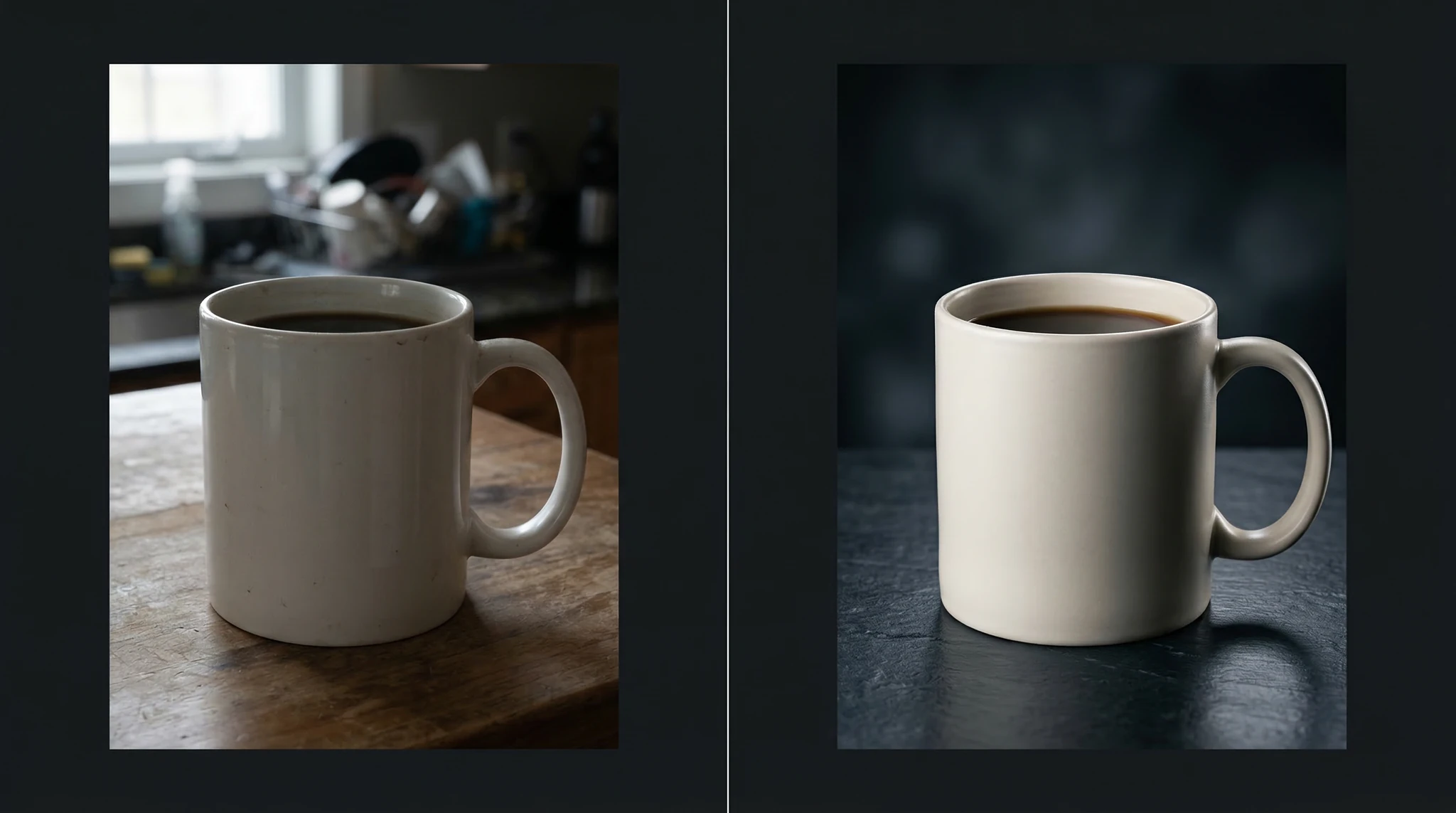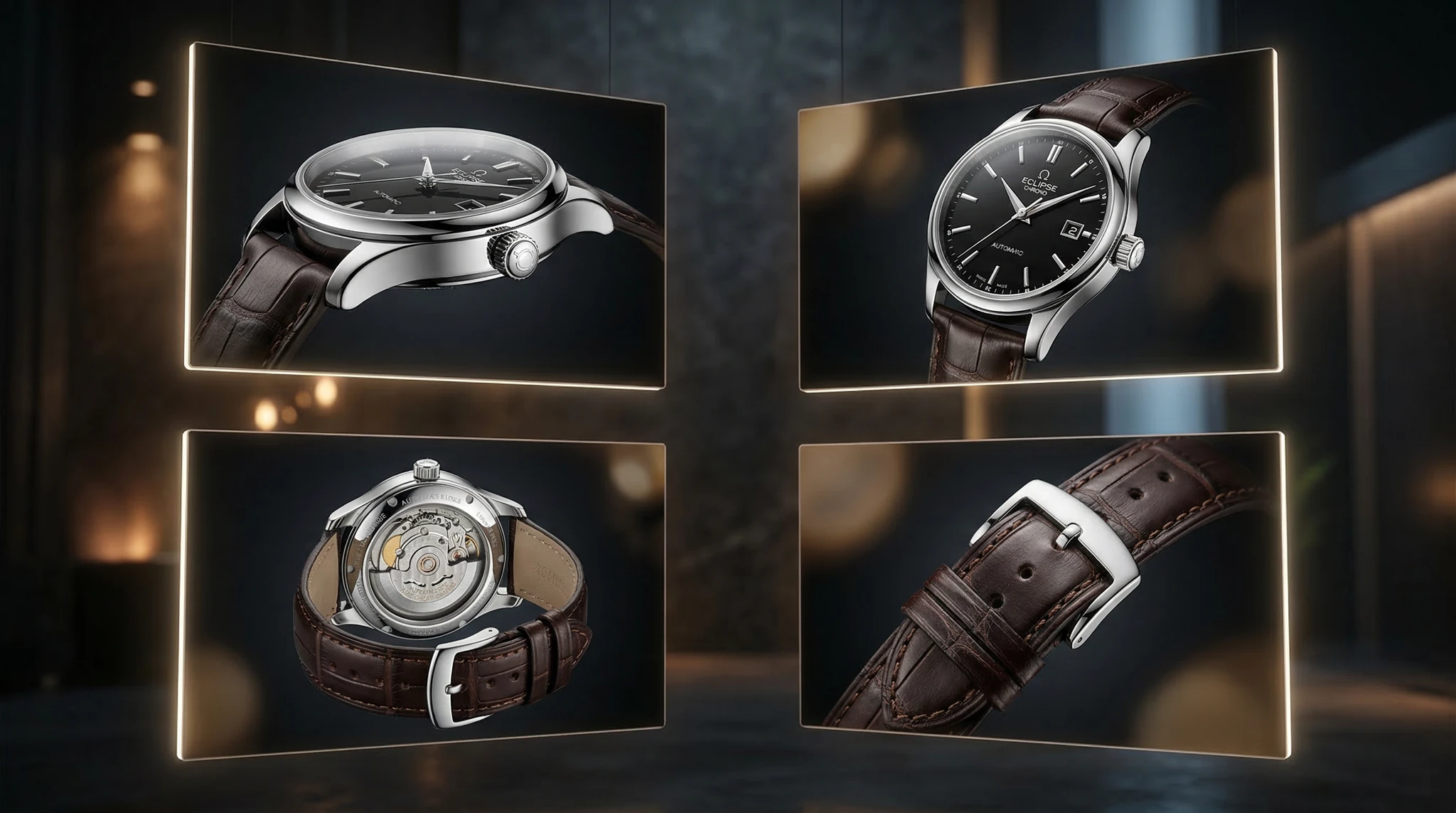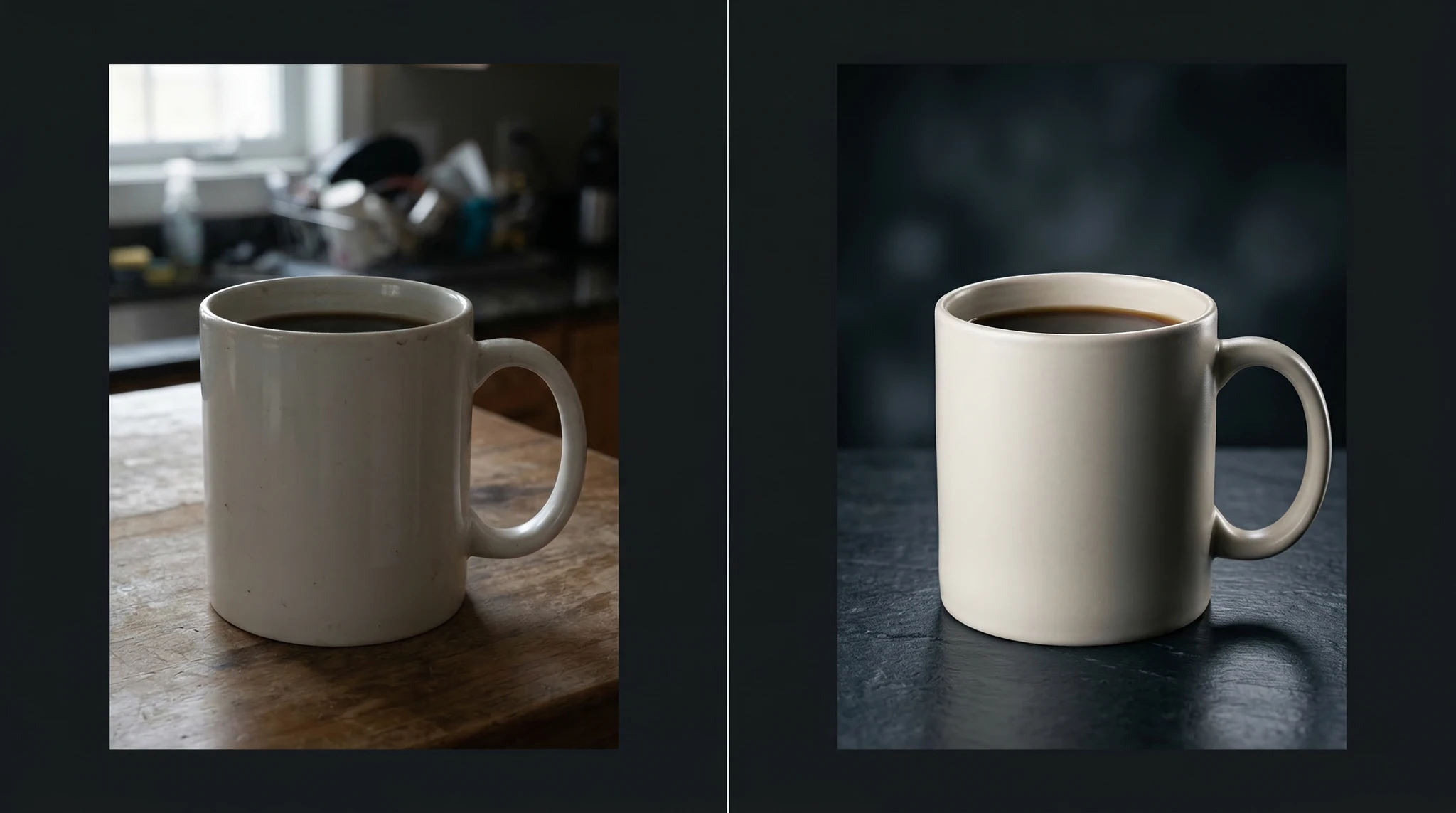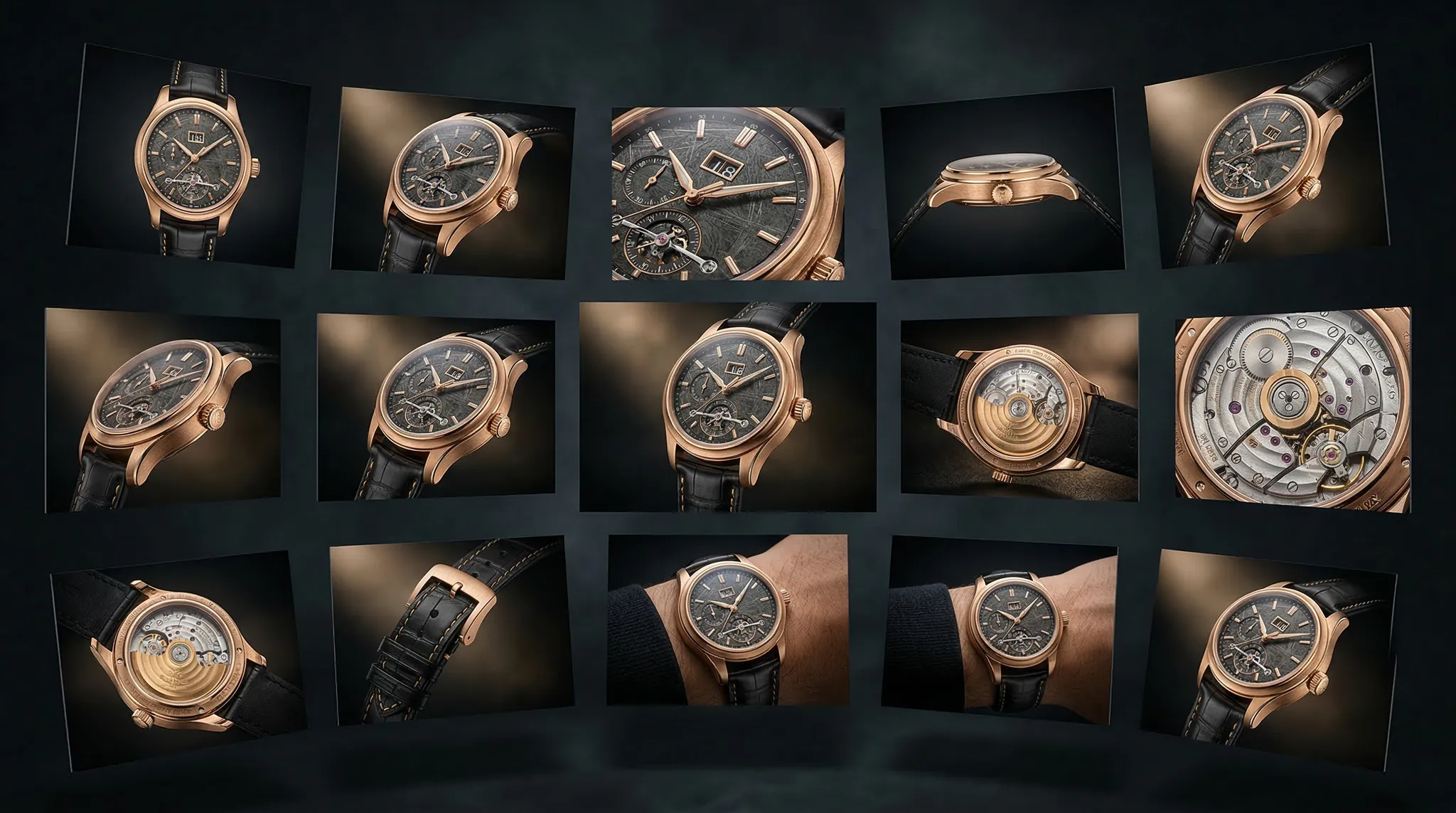
Generate Professional AI Product Photos for E-commerce That Actually Sell
High-quality product photography can make or break an online store. Shoppers cannot touch, feel, or try your products — they rely entirely on images to make purchasing decisions. Professional product photography traditionally costs hundreds of dollars per SKU when you factor in studio rental, photographer fees, and post-production. AI product photos for ecommerce change that equation entirely, letting you generate studio-quality product images for a fraction of the cost and in a fraction of the time. This step-by-step tutorial shows you exactly how to create product images that look professionally shot, convert browsers into buyers, and scale across your entire catalog.Why AI Product Photography Works for E-commerce
Before diving into the how-to, it is worth understanding why AI-generated product photos can be just as effective as traditional photography for many use cases:- Consistency: Every product image uses the same lighting, background, and style — no variation between shoot days or photographers.
- Speed: Generate dozens of product variants in minutes instead of scheduling multi-day photo shoots.
- Cost efficiency: No studio rental, no equipment, no retouching fees. Each image costs pennies in AI credits.
- Flexibility: Need your product on a marble surface instead of white? In a kitchen instead of a studio? Change the prompt, regenerate in seconds.
- Seasonal updates: Create holiday-themed, seasonal, or campaign-specific product imagery without reshooting.
Step 1: Photograph Your Product for Reference
The best AI product photos start with a real reference image. Even a smartphone photo gives the AI model crucial information about your product’s shape, proportions, color, and texture that a text description alone cannot fully capture. Here is how to capture a good reference:- Use natural light. Place your product near a window. Avoid direct sunlight — overcast or diffused window light works best.
- Use a plain background. A white sheet of paper or a clean table surface. The AI will replace the background anyway.
- Capture multiple angles. Front, three-quarter, side, and top-down views give you more options for generation.
- Show scale. If your product’s size is not obvious from its appearance, include a common reference object in one shot.
- Clean your product. Dust, fingerprints, and smudges are easier to prevent than to fix in post.
Step 2: Choose the Right AI Model for Product Photography
Not all AI image models handle product photography equally well. For AI product photos ecommerce use cases, you need a model that excels at:- Sharp, clean edges with no blurring or artifacts
- Accurate material rendering (glass, metal, fabric, leather)
- Consistent, studio-quality lighting
- Precise color reproduction
Step 3: Write Product Photography Prompts
Product photography prompts follow a specific formula. Unlike creative or artistic prompts, product prompts prioritize clarity, cleanliness, and commercial appeal. The optimal structure: Product description → Surface/Setting → Background → Lighting → Camera specs → Style reference Clean white background (Amazon/Shopify style):Product photography of a matte black wireless Bluetooth speaker, cylindrical shape with a fabric mesh exterior and aluminum base, centered on a pure white seamless background, soft studio lighting from a large overhead softbox with subtle shadow underneath, shot on Hasselblad H6D with 120mm macro lens at f/11, commercial product catalog style, ultra-sharp focus, clean and minimalLifestyle context shot:
A premium leather wallet in cognac brown resting on a dark walnut desk surface, next to a vintage mechanical watch and a cup of black coffee, warm morning window light from the left, shallow depth of field with focus on the wallet, lifestyle product photography for a luxury brand, shot on Canon EOS R5 with 50mm f/1.4, rich warm tonesHero shot with dramatic lighting:
A sleek stainless steel water bottle with a matte black cap, standing upright on a wet dark stone surface with water droplets scattered around, dramatic single spotlight from above creating a bright highlight on the steel surface and deep shadows behind, product hero shot for a brand website, moody dark background, commercial advertising photography
Step 4: Master Material-Specific Descriptions
The secret to convincing product photos is accurately describing materials. AI models respond well to specific material language: Glass and transparent products: Include “light refracting through,” “caustic light patterns,” “transparent with visible contents,” and “clean sharp reflections.” Glass products need extra attention to how light interacts with them. Fabric and textile products: Use “visible weave texture,” “soft draping folds,” “thread-level detail,” or material-specific terms like “brushed cotton,” “raw selvage denim,” “ribbed knit.” These cues tell the model exactly what surface quality to render. Metal products: Specify the finish: “brushed aluminum,” “polished chrome,” “matte anodized titanium,” “hammered copper with patina.” Metal finishes dramatically change how light behaves on the surface. Leather products: Describe the grain: “full-grain vegetable-tanned leather,” “pebbled calfskin,” “smooth Nappa leather with subtle sheen.” Include aging cues if appropriate: “natural patina developing at edges.”Related: Sora 2 prompts
Step 5: Create a Consistent Product Photo System
For an ecommerce store, consistency across your product catalog is critical. Shoppers expect every product page to have the same visual treatment. Here is how to build a repeatable system:- Create a master prompt template that includes your standard lighting, background, camera settings, and style reference. Leave a placeholder for the product description.
- Document your settings: Record the aspect ratio, model, and any other parameters you used for your best results.
- Generate in batches: Process similar product categories together (all bags, all electronics, all clothing) so you maintain visual consistency within each category.
- Create 3-4 standard angles: Front-facing hero shot, 45-degree angle, detail close-up, and lifestyle context shot. Generate each angle using dedicated prompt variants.
Product photography of [PRODUCT DESCRIPTION WITH MATERIAL AND COLOR], [ANGLE: centered front view / 45-degree angle / top-down flat lay], on a [SURFACE], [BACKGROUND DESCRIPTION], [LIGHTING: large softbox overhead with subtle gradient shadow / natural window light from left / dramatic single spot], shot on medium format camera with macro lens at f/8-f/11, commercial product catalog photography, ultra-sharp focus throughout, clean and professional
Step 6: Optimize for Different E-commerce Platforms
Each marketplace has specific image requirements. Here is how to tailor your AI product photos: Amazon:- Primary image: Pure white background (RGB 255,255,255), product fills 85% of frame
- Prompt tip: “Pure white seamless background, product centered and filling the frame, no shadows, flat even lighting, Amazon product listing style”
- Aspect ratio: 1:1 (square) at minimum 1000×1000 pixels
- More creative freedom — lifestyle shots, styled flat lays, and brand-consistent backgrounds all work
- Prompt tip: “Lifestyle product photography matching a [minimalist/luxury/playful] brand aesthetic”
- Mix white background and styled shots for a complete product page
- Lifestyle-first — products should look natural and aspirational, not catalog-sterile
- Prompt tip: “Instagram-worthy product styling, natural setting, warm inviting tones, lifestyle context”
- Aspect ratio: 4:5 (portrait) for maximum feed real estate
Step 7: Add Context and Lifestyle Shots
White background catalog images are essential, but lifestyle context shots are what actually sell products. These show your product in use, in a real environment, making it easy for the shopper to imagine owning it. Skincare product lifestyle example:A frosted glass jar of moisturizer with a bamboo lid sitting on a bathroom vanity counter made of white marble with gray veining, fresh eucalyptus sprigs and a folded white cotton towel nearby, soft natural morning light from a frosted window, clean and serene spa atmosphere, lifestyle beauty product photography, Fujifilm GFX 100S with 80mm f/2.8Tech product lifestyle example:
Wireless earbuds in a matte white charging case resting on a modern oak desk next to an open laptop and a ceramic coffee mug, afternoon sunlight creating warm highlights, clean minimalist workspace setting, lifestyle tech product photography for a brand website, shallow depth of field with earbuds in sharp focusThe key is to match the lifestyle setting to your target customer’s aspirational environment. Luxury products belong in luxury settings. Outdoor products belong in nature. Kitchen products belong in beautiful kitchens.
Step 8: Post-Process for Maximum Impact
Even great AI-generated product photos benefit from light post-processing:- Crop and resize to meet platform-specific aspect ratio and resolution requirements.
- Adjust white balance if the AI output skews slightly warm or cool compared to your actual product color.
- Sharpen selectively to ensure product edges and textures are crisp.
- Add a consistent watermark or brand element if you are using images on social media where they might be shared without attribution.
- Background cleanup — occasionally AI generates subtle artifacts in the background. A quick pass in any photo editor handles this.
Common Mistakes in AI Product Photography
Over-describing the product’s appearance. If you are working from a reference image, the AI already sees what the product looks like. Focus your text prompt on the scene, lighting, and style rather than redundantly describing the product. Inconsistent lighting across your catalog. If your first product has dramatic moody lighting and the next has flat bright lighting, your store looks unprofessional. Standardize your lighting description and reuse it. Forgetting to specify material textures. A “black bag” could be matte leather, glossy patent, woven nylon, or canvas. The material description is often more important than the color description. Using unrealistic settings for everyday products. A basic kitchen spatula on a marble countertop in a mansion kitchen creates a disconnect. Match the setting’s prestige level to the product’s price point.Frequently Asked Questions
Can AI product photos replace traditional photography entirely?
For many product categories, yes. Simple consumer goods, accessories, home decor, beauty products, and tech accessories can all be photographed effectively with AI. Products with complex mechanisms, precise color matching requirements, or regulated labeling may still benefit from traditional photography.How do I ensure AI product photos match my actual product’s colors?
Use a reference image of your real product whenever possible. In your prompt, specify exact color descriptions like “Pantone Classic Blue” or “matte sage green similar to Benjamin Moore HC-114” to guide the model toward accurate colors.Are AI-generated product photos legal to use on Amazon?
Amazon’s image requirements focus on technical specifications — white background, product filling 85% of frame, no watermarks. They do not prohibit AI-generated images as long as they accurately represent the product being sold. Misrepresenting a product with misleading images violates Amazon policy regardless of how those images were created.How many product photos should I generate per SKU?
Aim for 5-7 images per product: one white background hero shot, one 45-degree angle, one detail close-up, and 2-3 lifestyle context shots. This gives shoppers enough visual information to feel confident purchasing.What is the best aspect ratio for e-commerce product photos?
1:1 square for most marketplaces and product grids. 4:5 portrait for Instagram Shopping and social media. 3:2 landscape for website hero sections and banners.Start Generating Product Photos Today
AI product photos for ecommerce are not a gimmick — they are a practical tool that thousands of online sellers are already using to reduce costs, increase speed, and maintain consistent visual quality across their catalogs. The best way to start is with your best-selling product. Generate a set of images using the prompts and techniques in this guide, compare them to your existing product photos, and see the quality for yourself. Open Vidzy, select a model suited for product photography, and generate your first professional product image. Your store deserves images as good as your products — and now you can create them in minutes.