Design Stunning AI Animated Logos That Elevate Your Brand Identity
A static logo communicates your brand. An animated logo performs it. Animated logos, also called logo reveals, motion logos, or logo stings, are short animations that bring your brand mark to life — and they have become essential for modern digital branding. They appear in video intros, social media profiles, website loading screens, email signatures, and presentation openers. Creating one traditionally requires a motion graphics designer and software like After Effects, costing anywhere from 500 to 5,000 dollars. AI animated logos let you generate professional-quality logo animations using text prompts, making this premium branding asset accessible to businesses of any size.
This tutorial walks you through the complete process of creating an animated logo using AI video generation.
Why Every Brand Needs an Animated Logo
Animated logos are not just visual flair — they serve concrete branding purposes:
Memorability: Motion captures attention and triggers stronger memory encoding than static images. Viewers are significantly more likely to remember a brand with an animated logo.
Professionalism: An animated logo instantly signals that your brand is established and invested in its presentation. It is the digital equivalent of a well-designed business card.
Versatility: A single animated logo can be used across dozens of touchpoints — video content, social media, website, presentations, ads, and email.
Storytelling: The way your logo moves communicates brand personality. Does it slam into frame with energy? Fade in softly with elegance? Glitch in with tech-forward edge? The animation itself tells a story.
Step 1: Prepare Your Logo for Animation
Before generating your AI animated logo, you need a clean static version of your logo ready for the process.
Best practices for logo preparation:
High resolution: Your logo should be at least 1024×1024 pixels. Vector formats (SVG, AI) are ideal because they scale without quality loss.
Simple, clean design: Logos with clear, distinct shapes animate best. Highly detailed or intricate logos may lose detail during animation.
Transparent background: Export your logo as a PNG with a transparent background. This gives you maximum flexibility for placement on different backgrounds.
Separate elements if possible: If your logo has distinct components (icon + wordmark), having them as separate files allows for more sophisticated animation approaches.
If you do not have a logo yet, you can use AI image generation to create one first, then animate it. However, logos designed by humans or specialized logo tools tend to be simpler and more effective for animation.
Step 2: Choose Your Animation Style
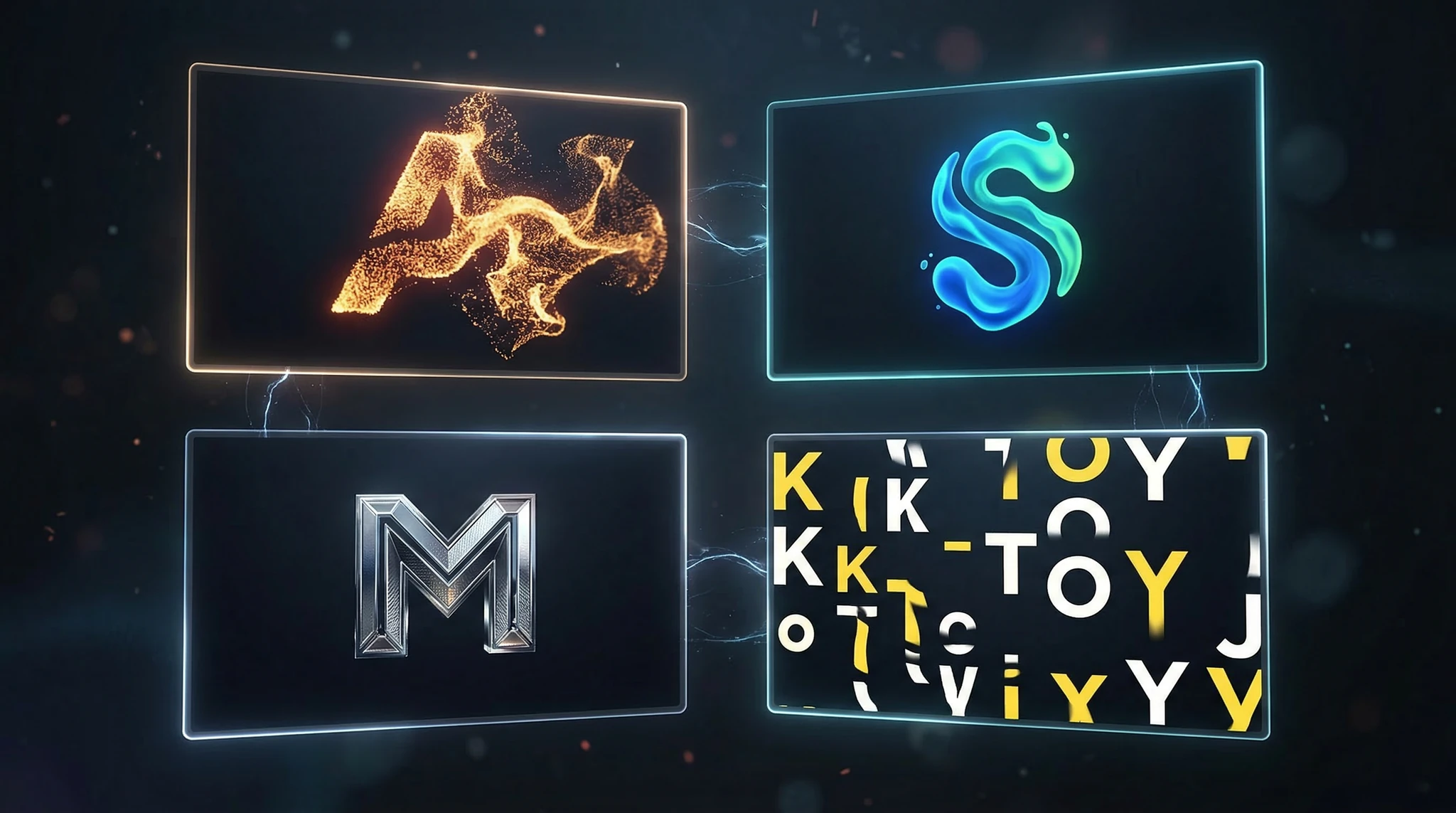
The animation style should match your brand personality. Here are the seven most effective logo animation styles and the brand types they suit:
1. Elegant fade and scale: The logo gradually fades in while slowly scaling from slightly larger to its final size. Clean and sophisticated.
Best for: Luxury brands, professional services, premium products.
2. Dynamic slide and lock: Logo elements slide in from different directions and lock into place with a satisfying snap. Energetic and confident.
Best for: Tech companies, startups, sports brands.
3. Particle assembly: Small particles, dots, or fragments swirl together and coalesce into the logo shape. Modern and tech-forward.
Best for: AI companies, digital services, innovation-focused brands.
4. Liquid morph: An abstract shape or liquid form morphs and transforms into the logo. Organic and creative.
Best for: Creative agencies, beverage brands, art-related businesses.
5. 3D rotation reveal: The logo rotates in 3D space, revealing depth and dimension. Bold and impactful.
Best for: Gaming companies, entertainment brands, product brands.
6. Minimalist draw-on: The logo appears as if being drawn by an invisible pen, line by line. Clean and intentional.
Best for: Handcrafted brands, design studios, personal brands.
7. Glitch and digital: The logo appears through digital glitch effects, pixel distortion, and electronic interference. Edgy and modern.
Best for: Tech startups, cybersecurity, gaming, digital media.
Step 3: Write Your Logo Animation Prompt
This is where your preparation pays off. You will use either text-to-video (describing the entire scene) or image-to-video (uploading your logo and describing the motion) through Vidzy.
Method A: Image-to-Video (Recommended)
Upload your static logo and write a motion prompt describing how it should animate:
Elegant fade reveal:
The logo gradually materializes from a soft glow, fading in from 0% to full opacity over 3 seconds, simultaneously scaling from 110% down to 100%. A subtle light sweep passes across the logo surface from left to right as it reaches full visibility. Dark background, clean and minimal, premium brand reveal animation.
Particle assembly:
Hundreds of small luminous particles scattered across the frame begin to drift and accelerate toward the center, swirling and converging into the shape of the logo. As particles lock into position they solidify into the final logo form. The last few particles settle into place with a subtle pulse of light. Dark background with subtle depth, modern and sophisticated.
3D rotation reveal:
The logo starts facing away from camera at a 90-degree angle, appearing as a thin edge. It slowly rotates toward camera over 4 seconds, revealing the full logo face. Subtle reflections and shadows shift as it rotates, suggesting a metallic or glass material. Dramatic studio lighting with a key light from above. Dark background, cinematic and premium.
Method B: Text-to-Video
If you do not have a logo image to upload, describe both the logo and the animation:
A minimalist geometric logo mark consisting of two overlapping circles forming a subtle infinity symbol, rendered in metallic gold on a deep navy background. The logo assembles from scattered geometric fragments that float in from the edges of frame and lock into position with precision. A subtle golden light pulse radiates outward from the logo once fully assembled. Clean, premium, luxury brand identity reveal. 16:9 cinematic format.
Step 4: Optimize Background and Environment
The background of your logo animation matters more than you might think. It sets the stage for your logo and affects the overall production quality.
Solid dark background (most versatile):
“Pure black background” or “deep charcoal background (#1A1A1A)” — works with any logo color and feels cinematic. This is the safest choice for a logo animation that needs to work across multiple contexts.
Gradient background (adds depth):
“Subtle radial gradient from dark charcoal center to pure black edges” — creates a sense of depth and a spotlight effect without distracting from the logo.
Textured background (adds premium feel):
“Dark brushed metal surface with subtle reflective sheen” or “deep navy fabric texture with fine weave visible” — adds tactile quality for luxury and premium brands.
Environmental background (for specific use cases):
“Logo appearing on a frosted glass office door” or “Logo projected onto a concrete wall with dramatic lighting” — creates a specific context. Best for brand films or about pages, not for general-purpose logo stings.
Step 5: Add Light and Material Effects
Light and material effects transform a basic animation into a polished, professional logo reveal.
Light effects to include in your prompt:
“Subtle lens flare passing across the logo surface” — adds cinematic polish.
“Soft golden light pulse radiating outward upon completion” — signals the reveal moment.
“Ambient light particles floating slowly in the background” — adds depth and atmosphere.
“Dramatic rim lighting outlining the logo edges” — creates separation from the background.
Material descriptions that enhance realism:
“Metallic gold with subtle brushed texture” — premium and luxurious.
“Frosted glass with light refracting through edges” — modern and clean.
“Matte white with soft shadows cast on the surface behind” — minimal and elegant.
“Holographic chrome reflecting rainbow light at angles” — futuristic and attention-grabbing.
“Embossed texture with subtle shadows in the letter forms” — tactile and dimensional.
Step 6: Get the Timing Right
Logo animations have specific timing conventions based on their use case:
Social media profile/intro (2-3 seconds):
Short and punchy. The logo should be fully visible by the 2-second mark with a brief hold at full visibility. Include “fast reveal animation completing within 2 seconds, brief hold at full visibility” in your prompt.
Video intro/outro (3-5 seconds):
The standard length for YouTube intros, podcast video openings, and brand content. Allows for a build-up, reveal, and brief hold. “Animation builds over 3 seconds with a 1-second hold at full visibility before ending.”
Brand film/presentation (5-8 seconds):
For cinematic openers and premium contexts. The animation can be more elaborate with a slower, more dramatic reveal. “Slow, cinematic reveal building anticipation over 5 seconds, elegant and deliberate pacing.”
Loading screen/website (looping, 2-4 seconds):
Must loop seamlessly. “Continuous subtle animation that loops smoothly — gentle pulse, slow rotation, or breathing scale effect.”
Step 7: Generate and Iterate
Generate your first version using your prepared prompt in Vidzy.
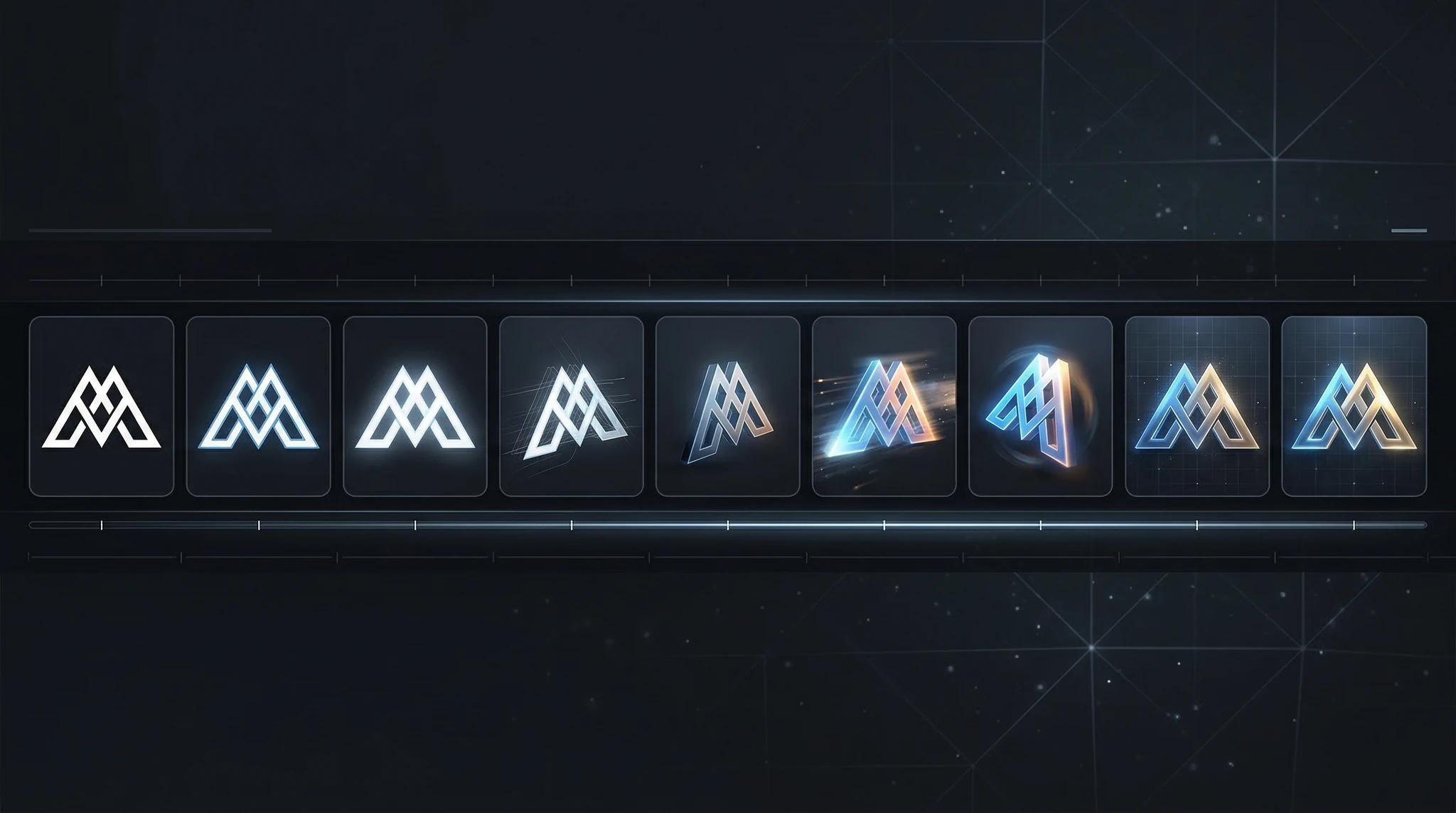
Evaluate the timing. Does the animation feel too fast, too slow, or just right? Adjust timing descriptors in your prompt.
Evaluate the motion quality. Is the movement smooth and natural? Jerky or warped motion suggests the prompt needs simplification — describe fewer simultaneous actions.
Check logo integrity. Does your logo remain accurate and recognizable throughout the animation? Complex logos may need simpler animation approaches to maintain their form.
Refine and regenerate. Make targeted adjustments based on your evaluation. Two to four iterations typically produce a professional result.
Step 8: Export and Deploy Your Animated Logo
Once you have your final animation, prepare it for deployment across your platforms:
Video file (MP4):
The universal format. Use for YouTube intros, social media posts, and website backgrounds. Export at the highest available resolution.
GIF:
Convert your MP4 to GIF for email signatures, forum avatars, and contexts where video playback is not supported. Keep the GIF under 5MB for email compatibility. Tools like EZGIF or CloudConvert handle this conversion.
Transparent video (MOV with alpha channel):
If your animation has a transparent background, export as a ProRes 4444 MOV file. This allows you to overlay your animated logo on top of any video content in your editor. If the AI outputs on a solid background, you may need to use a background removal tool in post-production.
Where to deploy your animated logo:
YouTube channel intro and outro
Instagram and TikTok video content
Website loading screen or hero section
Presentation opening slide
Email signature (as GIF)
Podcast video intro
Client proposal and pitch deck opener
Product demo video intro
Pro Tips for Professional Results
Keep it simple. The most effective logo animations use one primary motion — not five competing effects happening simultaneously. A clean fade-in with a single light sweep will always look more professional than a complex sequence of rotations, particles, and glitch effects combined.
Match the energy to your brand. A law firm should not have an explosive, energetic logo reveal. A gaming company should not have a slow, quiet fade. The animation’s speed and intensity should reflect your brand personality.
Add sound design in post. A subtle audio element — a soft whoosh, a clean click, a gentle tone — elevates your animation from good to professional. Find royalty-free sound effects that match your animation’s energy and sync them in a video editor.
Create multiple versions. Generate a short version (2 seconds) for social media and a longer version (5 seconds) for video intros. Having both ready means your animated logo is deployment-ready for any context.
Frequently Asked Questions
Do I need to be a designer to create an AI animated logo?
No. You need a static logo (which you may already have) and the ability to describe the animation you want in plain English. The AI handles the motion design and rendering. Following the prompt templates in this guide produces professional results without any design or animation experience.
How long should an animated logo be?
Two to five seconds for most use cases. Social media intros can be as short as 2 seconds. Video intros typically run 3-5 seconds. Brand films and presentations can extend to 5-8 seconds. Longer is not better — concise animations feel more professional.
Can I animate a text-only logo (wordmark)?
Yes. Text-only logos work well with letter-by-letter reveal animations, typing effects, slide-in from the side, or fade-in with a light sweep. Describe the specific motion for each word or letter group in your prompt.
What resolution should my animated logo be?
Generate at the highest resolution available — 1080p minimum, 4K if your tool supports it. You can always downscale for specific platforms, but you cannot upscale without quality loss.
Can I use AI animated logos commercially?
Yes. Animations generated through Vidzy can be used for commercial purposes including brand content, advertising, social media, and client work.
Animate Your Brand Identity Today
An AI animated logo is one of the highest-impact, lowest-effort brand assets you can create. It signals professionalism, enhances memorability, and adds a layer of polish to every piece of video content you produce.
Start with your existing logo, choose an animation style from this guide that matches your brand personality, and generate your first animation through Vidzy. Within minutes, you will have a branded motion asset that would have cost hundreds or thousands of dollars to produce traditionally. Your brand has a story — now let your logo tell it in motion.
Elena Vasquez is a digital marketing consultant specializing in AI-powered content for small businesses. She helps brands leverage AI video and image tools to create professional marketing assets on any budget. She writes about use cases, social media strategies, and practical AI tutorials.
Master Nano Banana 2: The Complete Tutorial for Photorealistic AI Images Nano Banana 2 is quickly becoming one of the most talked-about AI image models in the creative community, and for good reason. This model delivers stunningly photorealistic outputs with a level of detail and coherence that rivals much larger, more resource-intensive generators. Whether you […]
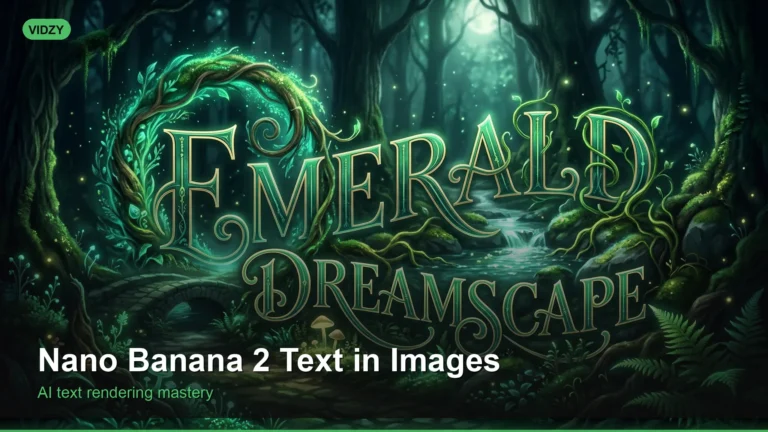
Why Nano Banana Excels at Text in Images If you have ever tried generating images with text using AI, you know the frustration — misspelled words, jumbled letters, and unreadable typography. Nano Banana text in images solves this problem. Nano Banana 2 is specifically designed to handle text rendering within AI-generated images with remarkable accuracy, […]
Create Professional AI Headshots for LinkedIn That Make a Strong First Impression Your LinkedIn profile photo is often the very first thing a recruiter, client, or business connection sees. Research consistently shows that profiles with professional headshots receive significantly more views and connection requests than those with casual photos or no photo at all. But […]
Elena Vasquez
10 min read
Your Next Video Is 30 Seconds Away
Download Vidzy free, pick a template, and create your first video right now.




![How to Make AI Headshots for LinkedIn [Step by Step]](https://getvidzy.com/wp-content/uploads/2026/03/post113-featured-768x432.webp "How to Make AI Headshots for LinkedIn [Step by Step] 8")
