Why AI Testimonial Videos Are Transforming Business Marketing
Social proof is the most powerful driver of purchasing decisions. Studies consistently show that testimonial videos increase conversion rates by 30-80%. But producing traditional testimonial videos requires coordinating with customers, setting up film equipment, and editing hours of footage. AI testimonial videos offer a new approach — generating professional visual content that supports your real customer quotes, reviews, and case study data.
This tutorial shows you how to create compelling, ethical AI testimonial video content that builds trust and drives conversions.
Important: Ethics and Transparency First
Before we begin, let us be absolutely clear about ethics:
- Never fake testimonials — all quotes, statistics, and claims must come from real customers
- Never generate fake people giving testimonials — do not create AI-generated “customers” pretending to give reviews
- Always disclose AI usage — label AI-generated visual content clearly
- Use AI for visuals, not for fabricating social proof — AI enhances presentation, not truthfulness
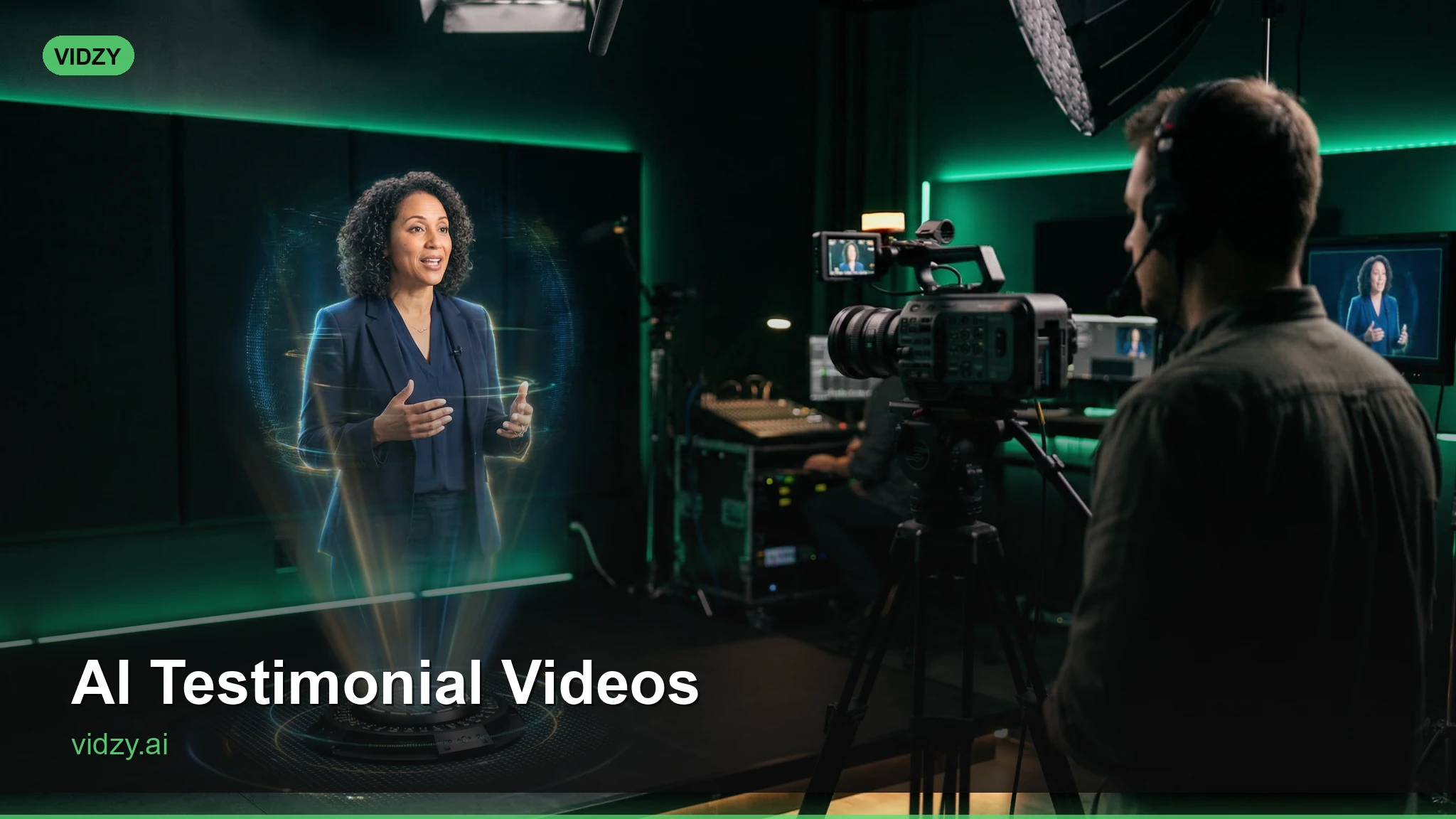
The legitimate use of AI testimonial videos is creating professional visual presentations around real customer feedback — beautiful backgrounds, animated text, product showcases, and atmospheric footage that makes genuine testimonials more engaging and shareable.
Step 1: Gather Real Testimonials
Start with authentic customer feedback:
Sources of Real Testimonials
- Email surveys — send post-purchase satisfaction surveys
- Review platforms — pull quotes from Google Reviews, Trustpilot, G2, Yelp
- Social media mentions — screenshot and quote positive customer posts
- Customer support interactions — with permission, use positive feedback messages
- Case study interviews — conduct brief interviews and extract key quotes
- NPS survey comments — promoters (9-10 scores) often leave great quotes
What Makes a Strong Testimonial
Curate testimonials that include:
- Specific results — “Increased sales by 40%” beats “Really great product”
- Emotional language — “This changed how our team works” resonates
- Pain point reference — mentions the problem they had before your solution
- Credibility markers — job title, company name, location (with permission)
Step 2: Choose Your Testimonial Video Format
Format 1: Quote Showcase Video
Customer quotes displayed as animated text over beautiful AI-generated backgrounds. The most common and versatile format.
Format 2: Product + Testimonial Video
AI-generated product footage paired with text overlay customer quotes. Shows the product while delivering social proof.
Format 3: Results-Focused Video
Animated statistics and metrics from real case studies, presented over professional AI-generated visuals. Data-driven social proof.
Format 4: Story-Based Testimonial
A visual narrative showing the customer journey — from problem to discovery to solution to results — with real customer quotes at each stage.
Step 3: Generate Visual Content
Use Vidzy to generate the visual elements for your testimonial videos:
Background Clips for Quote Overlays
Soft, abstract light bokeh on a dark background. Golden and warm white circles of light gently moving and drifting. Elegant, professional atmosphere. Clean space for text overlay. 9:16 vertical format.
A slow pan across a modern, minimalist office space with warm natural lighting. Clean, professional environment. Blurred depth of field creating soft, non-distracting background. Corporate feel, 16:9 landscape.
Abstract flowing gradient of soft blue and white light with subtle particle effects. Professional, trustworthy atmosphere. Gentle, smooth motion. Clean space for text overlay. 9:16 vertical.
Product Context Clips
A close-up of hands using a sleek laptop in a bright, modern workspace. Typing motion, engaged work. Soft natural lighting, clean minimalist desk. Professional productivity feel. Shallow depth of field. 16:9.
A team of professionals in a bright meeting room looking at a shared screen, smiling and nodding approvingly. Positive energy, collaborative atmosphere. Warm natural lighting. Medium wide shot. Corporate commercial quality. 16:9.
Results/Data Visualization Clips
An abstract data visualization with glowing green trend lines moving upward on a dark background. Numbers counting up. Professional data dashboard aesthetic. Smooth animation, corporate technology feel. 16:9.
Step 4: Assemble Your Testimonial Video
Quote Showcase Template (30 seconds)
- Opening (3 seconds): AI background clip + “What our customers say” text
- Quote 1 (7 seconds): AI background clip + customer quote text + customer name and title
- Quote 2 (7 seconds): Different AI background clip + second customer quote
- Quote 3 (7 seconds): Another AI background clip + third customer quote
- CTA (6 seconds): Product clip or logo + “Join [number] happy customers” + call to action
Text Overlay Best Practices
- Use large, readable fonts — viewers will be reading on mobile screens
- Highlight key phrases — bold or color the most impactful words in each quote
- Include attribution — customer name, title, and company (with permission)
- Add quotation marks — visual cue that this is a real person’s words
- Star ratings — if the testimonial came from a review, show the star rating
Music and Sound
Choose background music that conveys trustworthiness:
- Soft piano or acoustic guitar for B2C/lifestyle brands
- Light, positive corporate music for B2B/SaaS
- Upbeat, energetic tracks for younger/dynamic brands
- Keep volume low — music supports the text, it does not compete with it
Step 5: Create Platform-Specific Versions
Instagram Reels / TikTok (9:16, 15-30 seconds)
- Start with a bold stat or question as hook
- Show 2-3 short quotes with fast transitions
- End with CTA and trending audio underneath
- Add captions for silent viewing
YouTube Pre-Roll (16:9, 15 seconds)
- One powerful quote in first 5 seconds (before skip button)
- Product shot and CTA in remaining 10 seconds
- Professional voice-over reading the quote
Website Testimonial Section (16:9 or 1:1, 30-60 seconds)
- Multiple quotes with smooth transitions
- Include company logos of testimonial sources
- Autoplay without sound — ensure text-based viewing works
- Loop seamlessly for continuous playback
Email Marketing (1:1 square, 10-15 seconds)
- Single powerful quote
- Animated GIF version for email compatibility
- Eye-catching enough to drive click-through to landing page
Step 6: Scale Your Testimonial Content
Create a system for ongoing testimonial video production:
- Collect continuously — set up automated post-purchase review requests
- Curate weekly — select the best new testimonials each week
- Generate in batches — create a library of 10-20 background clips to reuse
- Produce monthly — assemble 2-4 new testimonial videos per month
- Rotate on social — cycle through testimonial content in your posting schedule
Testimonial Video Ideas Beyond Basic Quotes
- “Numbers That Speak” video — animated real customer metrics (revenue growth, time saved, satisfaction scores)
- “Wall of Love” compilation — rapid-fire sequence of 10+ short testimonial snippets
- Industry-specific testimonials — group quotes by industry for targeted advertising
- Before/After testimonials — pair customer quotes with AI-generated before/after visuals representing their journey
- Seasonal highlight reels — quarterly compilation of best customer feedback
FAQ
Is it ethical to use AI visuals in testimonial videos?
Yes, as long as the testimonials themselves are real. Using AI-generated backgrounds, product shots, and visual effects to present real customer quotes is no different from using stock footage or motion graphics. The critical rule: never fabricate quotes, never create fake customers, and always use genuine feedback.
Do I need customer permission to use their testimonials?
Yes. Always get written permission before using a customer’s name, photo, company, or quote in marketing materials. Many companies include a testimonial permission clause in their terms of service or post-purchase surveys. When in doubt, ask directly — most happy customers are glad to help.
How many testimonials should I include in one video?
For social media: 2-3 short quotes per video. For website or sales page: 4-6 quotes with more detail. For email: 1 powerful quote. Quality and impact per quote matters more than quantity.
Can AI testimonial videos replace real video testimonials?
They complement, not replace, real video testimonials. A customer speaking on camera is the gold standard for social proof. AI testimonial videos are excellent for when you have great written feedback but cannot get the customer on camera, or when you need to quickly produce polished social proof content at scale.
Start Building Your Testimonial Video Library
Your customers are already saying great things about your business. AI tools like Vidzy help you present that feedback in the most professional, engaging, and shareable format possible. Start collecting your best testimonials, generate beautiful visual content, and let your customers’ words do the selling.
Find more marketing strategies and tutorials on the Vidzy blog.