AI Music Videos Are the Future of Visual Storytelling
Learning how to create AI music video content is one of the most exciting skills you can develop right now. Independent artists, producers, and content creators are using AI video generation to produce music videos that rival studio-quality productions — without cameras, actors, or editing suites. What used to cost thousands of dollars and weeks of production time now takes hours and costs pennies.
This complete tutorial shows you how to go from a song to a finished AI music video, step by step.
What You Need Before Starting
Gather these before you begin:
Your music track — finished and mastered audio file (MP3 or WAV)
A visual concept — mood, narrative, or abstract direction for the video
An AI video generator — Vidzy with Sora 2 delivers cinematic quality perfect for music videos
A video editor — CapCut, DaVinci Resolve, or Premiere Pro for final assembly
Song lyrics or structure notes — timestamps for verse, chorus, bridge sections
Step 1: Analyze Your Song Structure
Break your song into visual sections. Every music video needs visual variety that matches the musical energy:
Listen to the track 3-5 times — note emotional shifts, tempo changes, and climactic moments
Chorus (0:45-1:15) — high energy, dramatic visuals
Verse 2 (1:15-1:45) — story development
Bridge (1:45-2:15) — visual shift, different environment
Final Chorus (2:15-2:45) — peak intensity
Outro (2:45-3:00) — resolution
Assign a visual theme to each section — different locations, color palettes, or subjects
Step 2: Develop Your Visual Concept
The best AI music videos follow one of these proven formats:
Narrative Music Video
Tell a story that unfolds across scenes. Each verse advances the plot, and the chorus serves as a visual refrain — a recurring image or setting that ties everything together.
Performance Video
Focus on a performer or band in various settings. AI can generate realistic-looking performance scenes with stage lighting, concert venues, or intimate studio environments.
Abstract/Mood Video
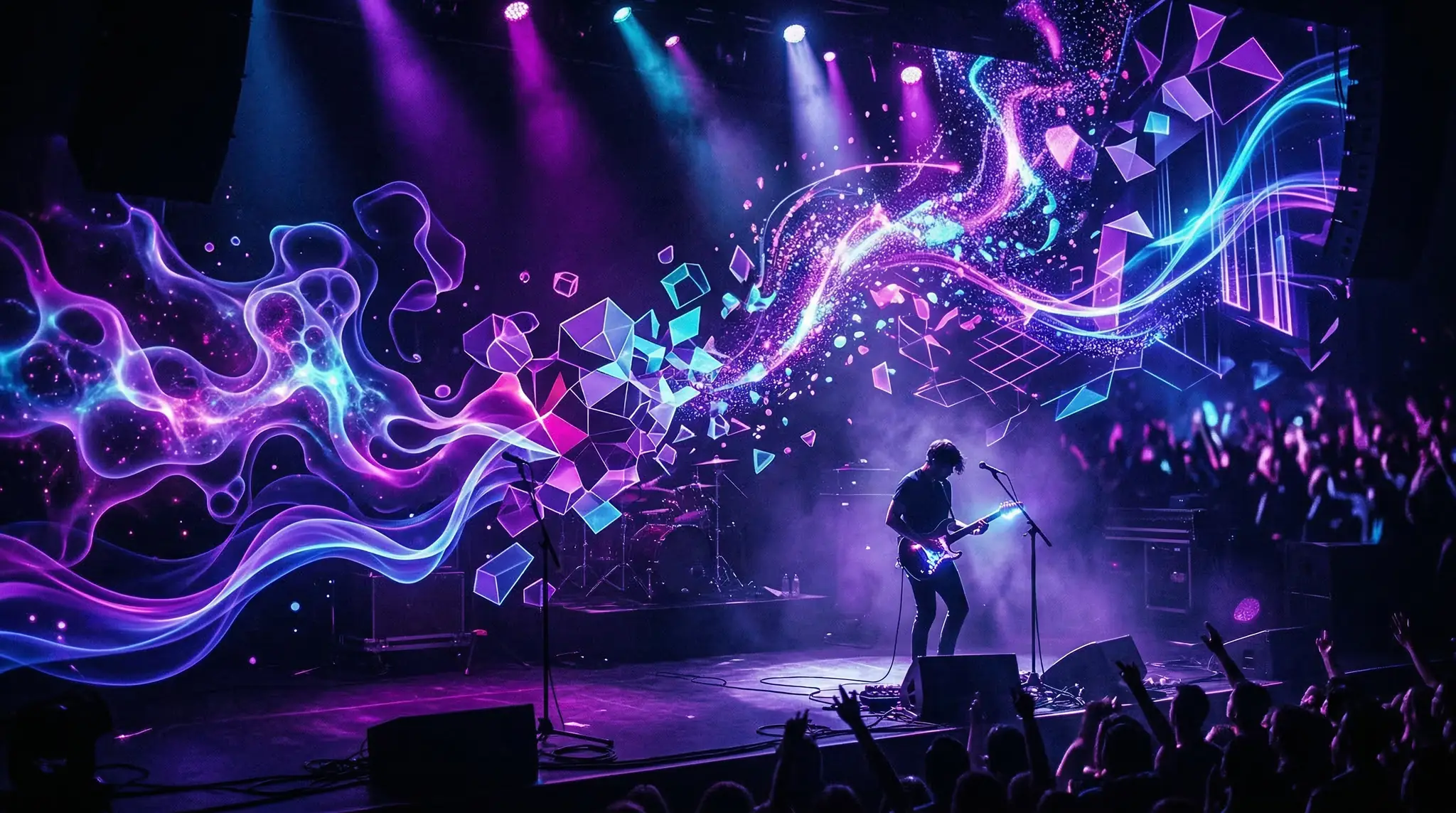
Pure visual poetry. Flowing colors, morphing landscapes, surreal imagery that captures the feeling of the music without literal storytelling. This is where AI truly shines.
Hybrid Approach
Combine narrative scenes in verses with abstract visuals during choruses. This approach is forgiving and allows maximum creative flexibility with AI generation.
Step 3: Write Scene-by-Scene Prompts
Create detailed prompts for each section. Consistency is critical — establish visual anchors that repeat throughout:
Establishing visual consistency:
Define a consistent color palette (e.g., “deep teal and amber tones”)
Specify a consistent visual style (e.g., “cinematic film grain, anamorphic lens”)
Use a recurring subject or symbol
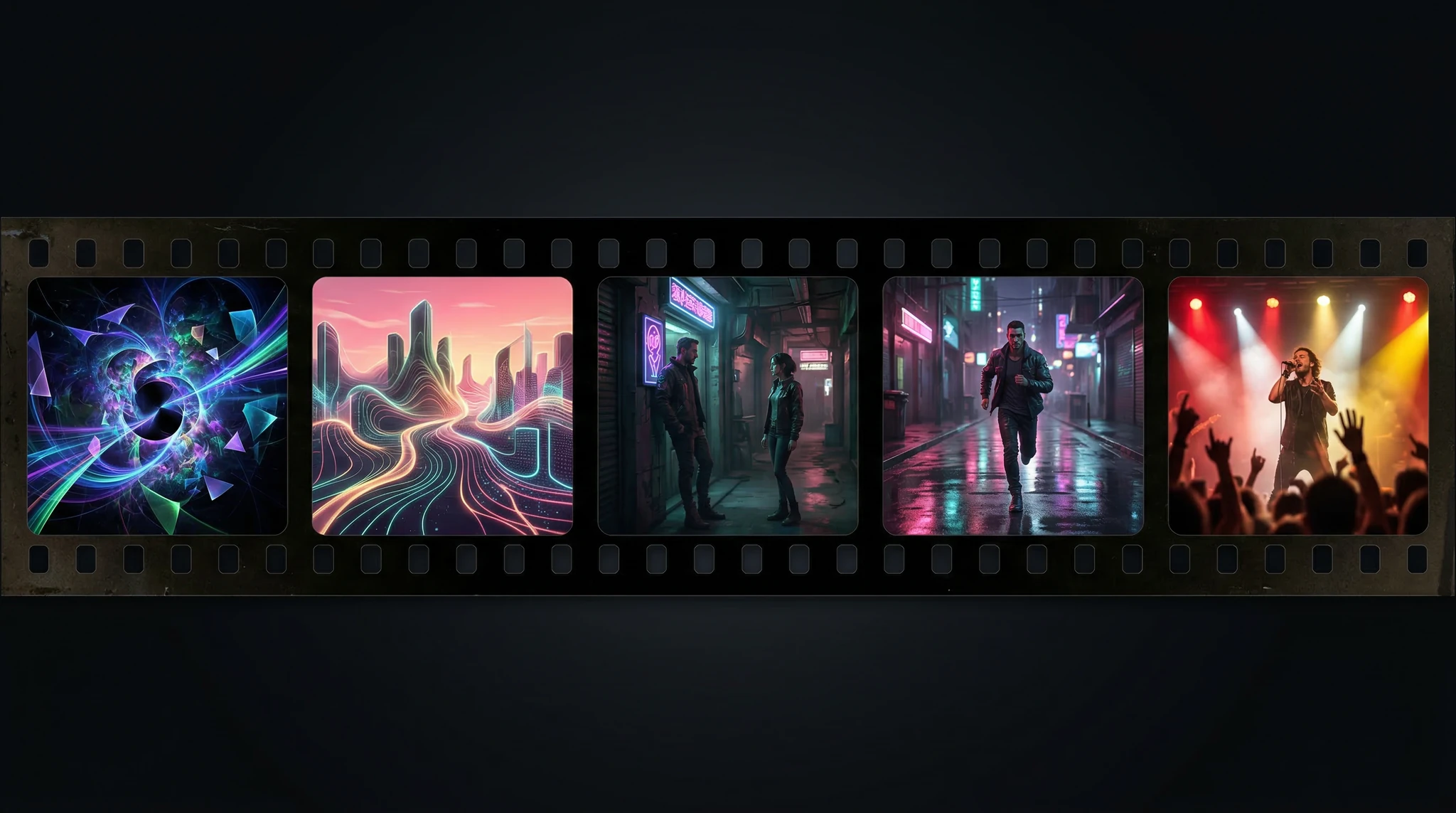
Example prompt set for a moody electronic track:Intro:A vast empty desert at dusk, deep teal sky with amber clouds. Cinematic wide shot, slow dolly forward. Film grain texture, anamorphic lens flare. Moody atmospheric lighting, 16:9 aspect ratio.Verse 1:A lone figure walking through a neon-lit rain-soaked city street at night. Deep teal and amber color palette. Reflections on wet pavement, cinematic tracking shot following from behind. Film grain, atmospheric fog, 16:9.Chorus:Explosive abstract visuals — geometric shapes shattering and reforming in deep teal and amber light. Dramatic camera movement, high energy motion. Cinematic quality, anamorphic lens effects, 16:9.Verse 2:Close-up details — hands touching water, light refracting through glass, flowers blooming in time-lapse. Deep teal and amber color grading. Intimate macro cinematography, film grain, 16:9.
Indie/Folk: Natural landscapes, warm color grading, gentle camera movement, intimate close-ups
Pop: Bright colors, multiple locations, energetic transitions, clean modern aesthetics
Metal/Rock: Dark atmospheres, fire and smoke elements, intense motion, high contrast
FAQ
How long does it take to create an AI music video?
For a 3-minute song, expect 2-4 hours of generation time and 2-3 hours of editing. With practice, you can reduce this significantly by reusing prompt templates and developing a faster editing workflow.
Can I upload AI music videos to YouTube without copyright issues?
The video visuals you generate are yours to use. The music must be either your original work or properly licensed. YouTube’s Content ID system will flag unlicensed music regardless of whether the video is AI-generated.
What resolution should I generate clips at?
Generate at the highest resolution your AI tool supports. Sora 2 through Vidzy generates high-quality clips that hold up well at 1080p output. For 4K final output, AI upscaling can help bridge the gap.
How do I make AI clips look consistent across a whole video?
Three techniques: (1) use identical style descriptions in every prompt, (2) apply a unified color grade in post-production, and (3) add a consistent overlay like film grain or light leak across all clips.
Create Your First AI Music Video
You do not need a budget, a crew, or professional video equipment to create a music video anymore. AI generation through Vidzy gives you cinematic-quality footage that matches any mood or genre. Start with one song, follow this process, and you will have a finished music video that stands out from the crowd.
Explore more creative AI video tutorials to expand your production toolkit.
Elena Vasquez is a digital marketing consultant specializing in AI-powered content for small businesses. She helps brands leverage AI video and image tools to create professional marketing assets on any budget. She writes about use cases, social media strategies, and practical AI tutorials.
The Complete Guide to Using Sora 2 Sora 2 is one of the most powerful AI video generation models available today, capable of producing cinematic-quality video from text descriptions. Whether you are a beginner creating your first AI video or an experienced creator looking to push the boundaries, this guide on how to use Sora […]
Why Nano Banana Excels at Text in Images If you have ever tried generating images with text using AI, you know the frustration — misspelled words, jumbled letters, and unreadable typography. Nano Banana text in images solves this problem. Nano Banana 2 is specifically designed to handle text rendering within AI-generated images with remarkable accuracy, […]
Why AI Slideshow Presentations Are Changing the Game Creating polished AI slideshow presentations used to require hours of design work, stock footage licensing, and video editing expertise. With modern AI video generators, you can now turn bullet points into cinematic slide-based videos in minutes. Whether you are pitching a startup, building a course, or creating […]
Elena Vasquez
6 min read
Your Next Video Is 30 Seconds Away
Download Vidzy free, pick a template, and create your first video right now.