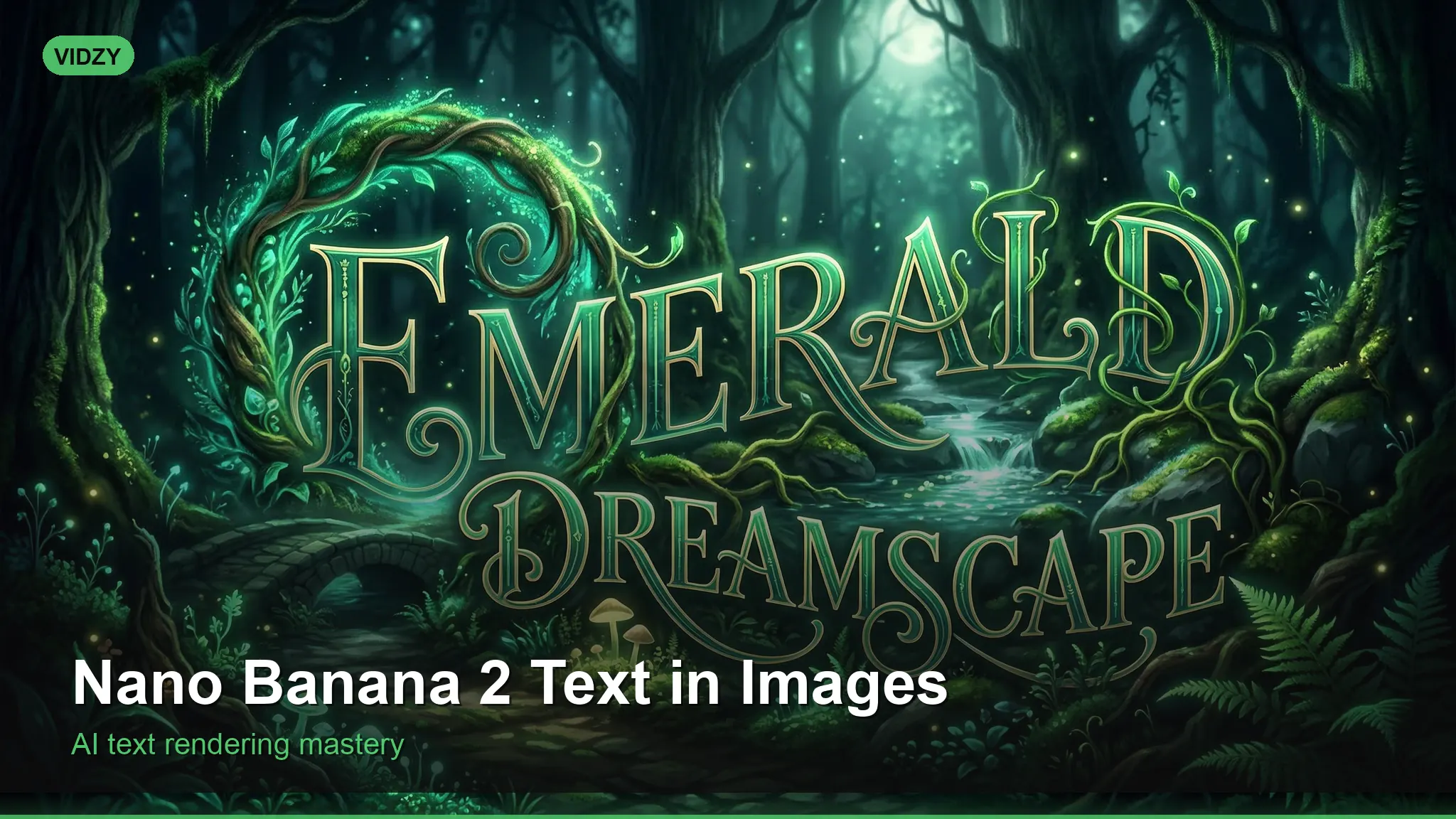
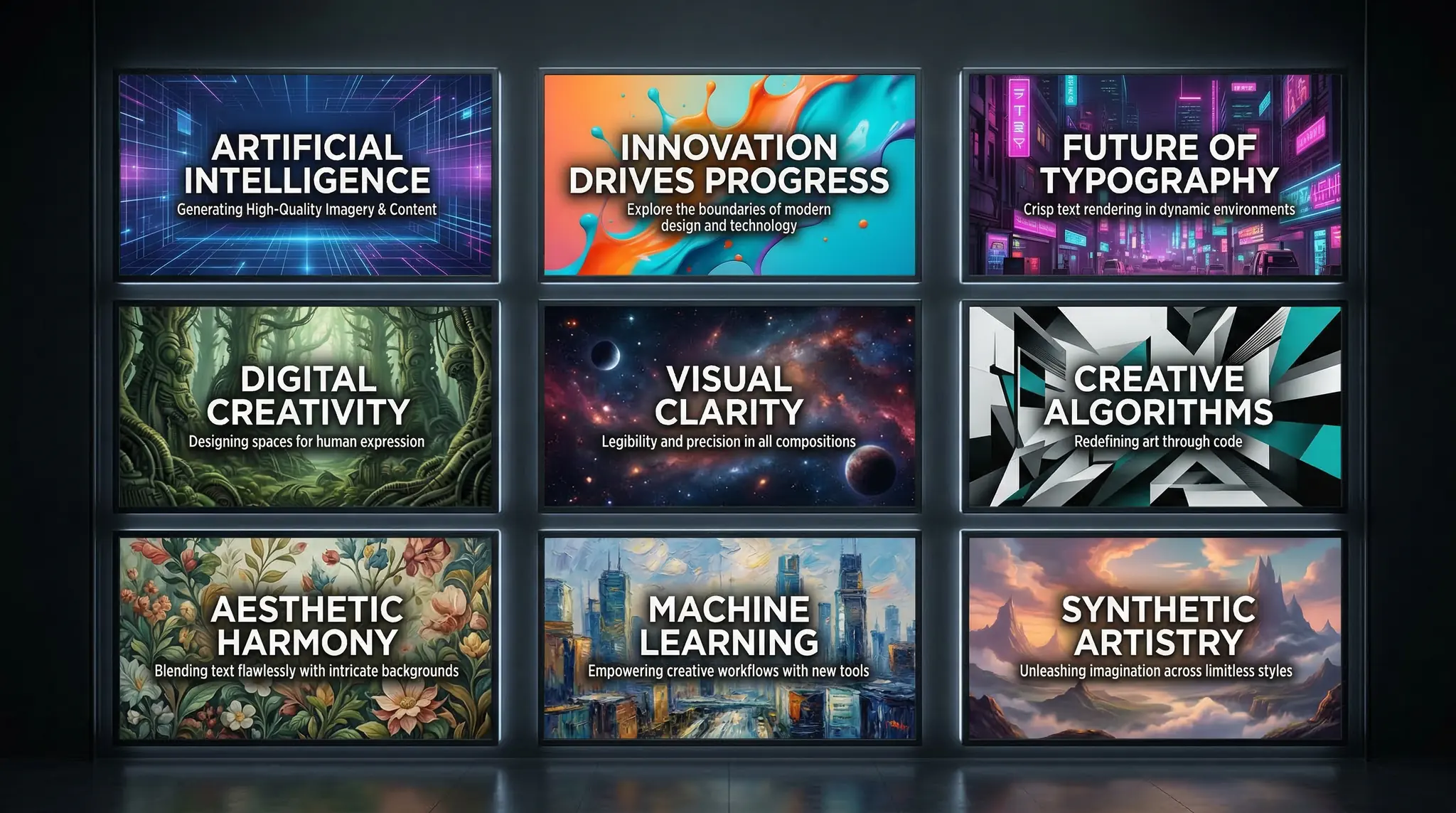
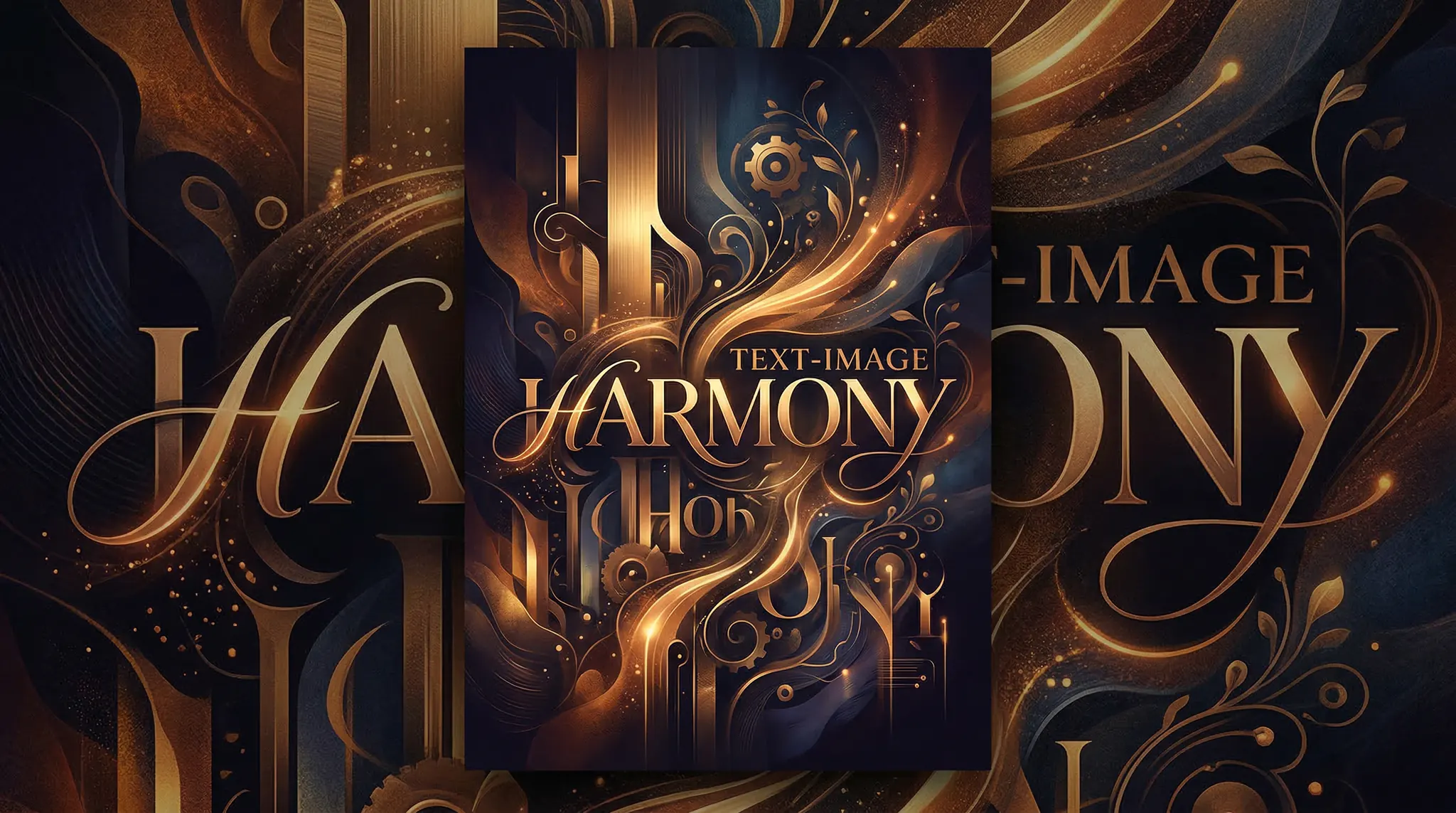
If you have ever tried generating images with text using AI, you know the frustration — misspelled words, jumbled letters, and unreadable typography. Nano Banana text in images solves this problem. Nano Banana 2 is specifically designed to handle text rendering within AI-generated images with remarkable accuracy, making it the go-to model when your design needs readable, correctly spelled text.
This tutorial shows you how to use Nano Banana 2 to create stunning images with perfect text — from social media graphics to poster designs to product mockups.
What Is Nano Banana 2?
Nano Banana 2 is an AI image generation model that specializes in typography-integrated artwork. While models like Flux and DALL-E have improved their text rendering, Nano Banana 2 was architected with text rendering as a core feature. This means:
Higher accuracy on spelled words and phrases
Better font variety — it can render serif, sans-serif, script, and decorative fonts
Proper text integration — text looks naturally placed within the scene, not pasted on top
Multiple text elements — can handle headlines, subheadlines, and body text in a single image
You can access Nano Banana 2 through Vidzy for image generation tasks.
Step 1: Understand Text Prompting Basics
The key to getting accurate Nano Banana text in images is how you format your text instructions in the prompt.
Core Rules
Use quotation marks — always wrap the desired text in quotes: text reading "YOUR TEXT HERE"
Keep text short — single words and short phrases (2-5 words) have the highest accuracy
Specify placement — “centered text,” “text at the top,” “text in the bottom third”
Describe the font style — “bold sans-serif,” “elegant script,” “hand-lettered”
Specify text color — “white text,” “gold lettering,” “black typography”
Prompt Format
[Scene/background description]. Text reading "[YOUR EXACT TEXT]" in [font style] [color] [size] [position]. [Overall style and quality modifiers].
Step 2: Create Social Media Graphics
Social media quotes and graphics are the most popular use case for text-in-image AI. Here are proven prompts:
Motivational quote post:A beautiful sunrise over a calm ocean with soft pink and gold clouds. Text reading "START BEFORE YOU ARE READY" in bold white sans-serif capital letters centered in the image. Clean, modern typography. Inspirational social media post design, 1:1 square format.Instagram story graphic:A minimalist gradient background transitioning from deep navy to soft lavender. Text reading "NEW COLLECTION" in elegant thin serif white letters centered, with smaller text "DROPPING FRIDAY" below. Fashion brand aesthetic, clean design, 9:16 vertical format.YouTube thumbnail:A dramatic close-up of a person looking surprised with a bright yellow background. Bold text reading "I TRIED THIS" in large black impact-style letters at the top, with "FOR 30 DAYS" in red below. YouTube thumbnail style, high contrast, attention-grabbing, 16:9.
Step 3: Design Poster and Print Graphics
Nano Banana 2 excels at poster designs that integrate text naturally:
Event poster:A retro-style concert poster with a dark background and neon glow effects. Text reading "SUMMER FEST" in large retro neon sign lettering at the top, with "JUNE 15-17" in smaller clean white text below. Vintage neon aesthetic with pink and blue glow, worn texture. Poster design, portrait format.Book cover concept:A mysterious dark forest scene with fog and a single beam of moonlight. Text reading "THE LAST DOOR" in elegant silver serif letters at the top, and "A NOVEL" in small white capital letters at the bottom. Book cover design, atmospheric and moody, portrait format.Restaurant menu board:A rustic chalkboard background with subtle chalk texture. Text reading "TODAY'S SPECIAL" in decorative hand-lettered white chalk style at the top, with "GRILLED SALMON" in larger letters below. Warm, inviting chalkboard menu design. Portrait format.
Step 4: Generate Product Mockups with Text
Create product visuals with branding and text elements:
T-shirt design mockup:A flat lay of a black t-shirt on a clean white surface. The t-shirt has text reading "HUSTLE" in bold distressed white block letters across the chest. Streetwear aesthetic, product photography lighting, realistic fabric texture. Square format.Coffee mug mockup:A white ceramic coffee mug on a wooden desk next to an open book. The mug has text reading "BUT FIRST, COFFEE" in playful hand-lettered black text. Cozy morning scene, soft natural window light. Product photography style, 1:1 square.Tote bag mockup:A natural canvas tote bag hanging on a rustic wooden hook. The bag features text reading "BOOK LOVER" in minimalist serif black letters. Clean, lifestyle product photography, soft directional lighting. Portrait format.
Step 5: Advanced Text Techniques
Multiple Text Elements
You can include multiple text pieces, but be explicit about hierarchy:
A modern business card design on a dark surface. Large text reading "JANE DOE" in bold white sans-serif at the center, with smaller text reading "CREATIVE DIRECTOR" below in thin white letters. Minimalist design, clean typography, professional. Landscape format.
Text with Specific Fonts
Reference well-known font styles for more control:
“Helvetica-style” — clean, modern sans-serif
“Garamond-style” — elegant, classic serif
“Impact-style” — bold, heavy, condensed (great for thumbnails)
“Brush script” — hand-painted calligraphy look
“Typewriter” — monospaced, vintage feel
“Neon sign” — glowing, illuminated text effect
Text Effects and Treatments
Add visual effects to your text:
“Embossed text” — raised, 3D effect pressed into a surface
“Gold foil lettering” — luxury metallic text
“Neon glow text” — glowing illuminated letters
“Distressed/grunge text” — worn, vintage look
“Outlined text” — just the letter outlines, no fill
“Shadow text” — text with dramatic drop shadow
Step 6: Troubleshoot Common Text Issues
Even with Nano Banana 2, text generation can occasionally have issues. Here is how to fix them:
Misspelled Words
Double-check your prompt — make sure the quoted text is spelled correctly
Try shorter text — reduce to single words or very short phrases
Regenerate multiple times — text accuracy improves with multiple attempts
Use all capitals — uppercase text tends to render more accurately
Text Too Small or Hard to Read
Add “large text” or “prominent lettering” to your prompt
Specify “high contrast” between text and background
Use bold font descriptions
Simplify the background to make text stand out
Text Placement Issues
Be very specific: “centered horizontally in the upper third of the image”
Describe what is behind the text: “text overlaid on a blurred background section”
Use “rule of thirds” composition language
Practical Applications
Nano Banana text in images is perfect for:
Social media managers — generate branded quote graphics, announcement posts, and story templates
Content creators — create YouTube thumbnails, podcast cover art, and blog header images
Small business owners — design promotional materials, menu graphics, and signage concepts
Print on demand sellers — generate text-based designs for t-shirts, mugs, and accessories
Marketers — create ad visuals with headline text integrated into the design
FAQ
How accurate is Nano Banana 2 at rendering text?
Nano Banana 2 has significantly higher text accuracy than other AI image models. Short text (1-4 words) in common fonts renders correctly the vast majority of the time. Longer text or unusual fonts may require regeneration. Always verify spelling in the output before using the image.
Can Nano Banana 2 render text in languages other than English?
It works best with Latin-alphabet languages (English, Spanish, French, etc.). CJK characters (Chinese, Japanese, Korean) and Arabic script have lower accuracy. Test your specific language needs with short text first.
What is the maximum text length I should use?
For best results, keep text under 5 words per text element. A single word or short phrase (2-3 words) gives the highest accuracy. For designs requiring more text, generate the background image and add text in a graphic design tool like Canva or Figma.
Can I use Nano Banana 2 for logo design?
It can create logo concepts with text, but professional logos typically require vector formats and precise pixel-level control that AI image generators do not provide. Use Nano Banana 2 for logo ideation and concept exploration, then recreate the final version in a vector tool.
Start Creating Text-Rich AI Images
With Nano Banana 2 through Vidzy, generating images with accurate, beautiful text is finally reliable. Start with simple social media quote graphics, experiment with different font styles and placements, and build up to complex multi-text designs. The ability to generate text-in-image content on demand is a game-changer for creators and businesses alike.
Discover more AI image generation techniques on the Vidzy blog.
Elena Vasquez is a digital marketing consultant specializing in AI-powered content for small businesses. She helps brands leverage AI video and image tools to create professional marketing assets on any budget. She writes about use cases, social media strategies, and practical AI tutorials.
What Is Image-to-Video AI and Why It Matters Image to video AI is the technology that transforms a static image into a moving video clip. Instead of starting from a text description alone, you provide an actual image as the starting frame and then instruct the AI on how to animate it. This approach solves […]
Build a Complete AI Content Creation Workflow from Ideation to Publishing Creating content with AI is easy. Creating content with AI systematically — in a way that is repeatable, scalable, and consistently high-quality — is where most creators and teams fall short. An AI content workflow transforms scattered experimentation into a structured production pipeline that […]
Create High-Converting AI Social Media Ads: A Step-by-Step Tutorial Social media advertising is a visual arms race. You are competing against thousands of other ads in your audience’s feed, and you have less than two seconds to stop their scroll. The brands winning this battle are the ones producing the most compelling creative at the […]
Elena Vasquez
10 min read
Your Next Video Is 30 Seconds Away
Download Vidzy free, pick a template, and create your first video right now.