Why Getting Text in AI Images Right Is So Difficult
Generating readable, accurate text in AI images remains one of the hardest challenges in AI art. Most image generators struggle with spelling, letter spacing, and font consistency — producing garbled characters that undermine otherwise beautiful compositions. Yet the demand is enormous: social media graphics, product mockups, posters, logos, and marketing materials all require legible text.
The good news is that newer models like DALL-E 3, Flux, and Midjourney v6 have made significant improvements in text rendering. With the right prompting techniques, you can now generate images with readable text that requires minimal post-editing. This guide covers everything you need to know about prompting for typography in AI-generated images.
How AI Models Process Text in Images
Understanding why AI models struggle with text helps you write better prompts. Image generation models learn visual patterns, not language rules. They recognize that text appears in certain contexts — on signs, in books, on screens — but they do not understand spelling or grammar the way a language model does.
When you prompt for text, the model is essentially trying to draw letters as visual shapes. Shorter words work better because there are fewer shapes to coordinate. Common words and phrases work better because the model has seen them more frequently in training data.
This means your prompting strategy for text should focus on making the model’s job as easy as possible: short text, clear context, and explicit typographic instructions.
Core Rules for Prompting Text in AI Images
After extensive testing across multiple generators, these rules consistently produce the best text rendering:
Rule 1: Keep text short. One to three words perform dramatically better than sentences. “HELLO” will render correctly far more often than “Hello World, Welcome to Our Store.”
Rule 2: Use quotation marks. Always wrap your desired text in quotation marks within the prompt. This signals to the model that these characters must appear exactly as written.
“A neon sign reading ‘OPEN’ glowing in hot pink against a dark brick wall, urban night photography, rain reflections on wet pavement”
Rule 3: Specify the typography style. Tell the model what kind of text you want — not just the words, but the font category, weight, and style:
“A vintage movie poster with the title ‘NOIR’ in bold sans-serif uppercase letters, Art Deco typography, gold foil text on black background, 1940s Hollywood aesthetic”
Rule 4: Give text a physical context. Text rendered on a sign, book cover, screen, or product label performs better than floating text, because the model has seen text in these contexts millions of times.
Typography Keywords That Improve Text Rendering
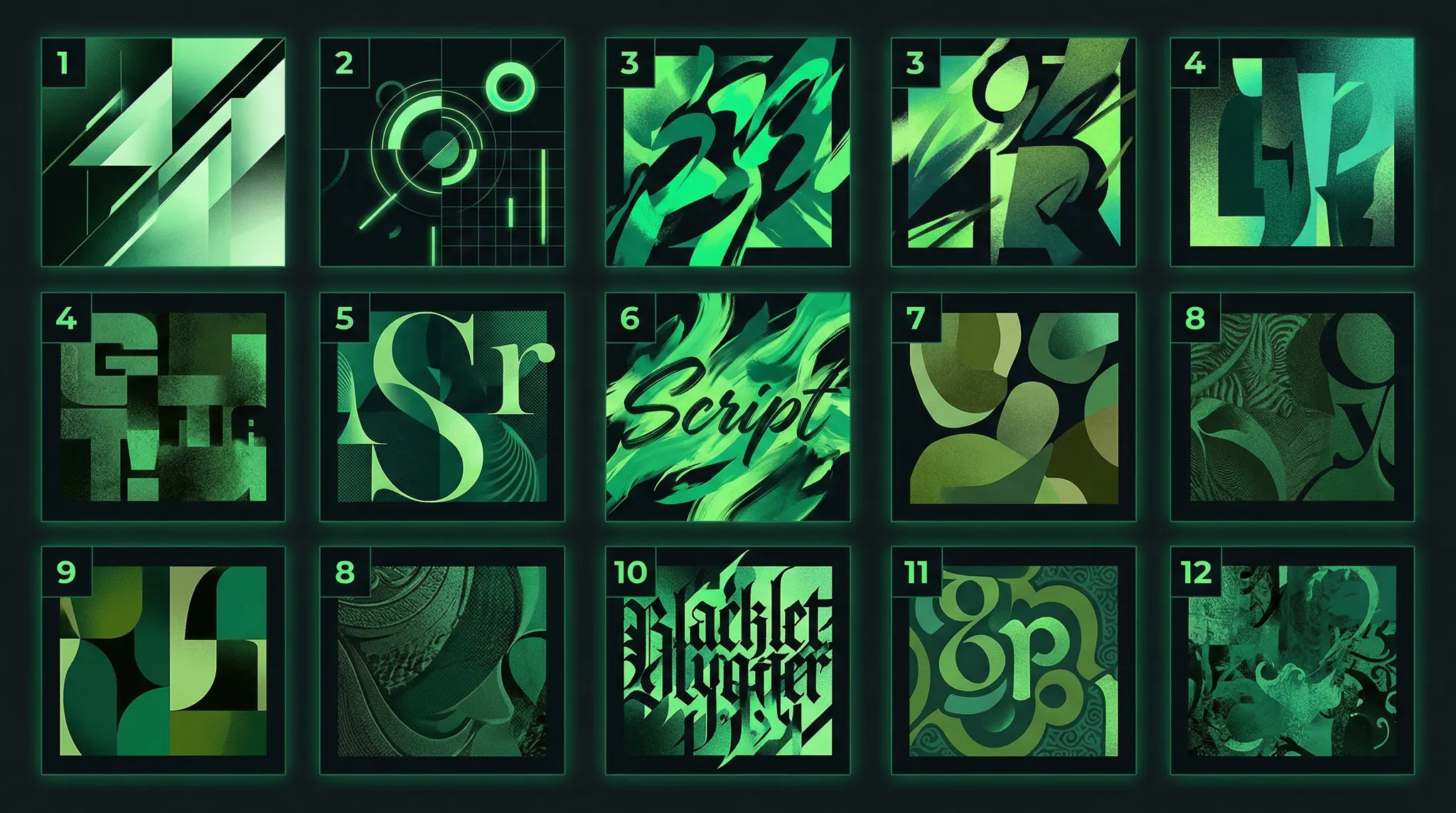
The following typography keywords help AI models understand what kind of text you want:
Font categories:
Sans-serif — clean modern text (Helvetica, Arial-like)
Serif — traditional text with decorative strokes (Times-like)
Monospace — fixed-width computer/typewriter text
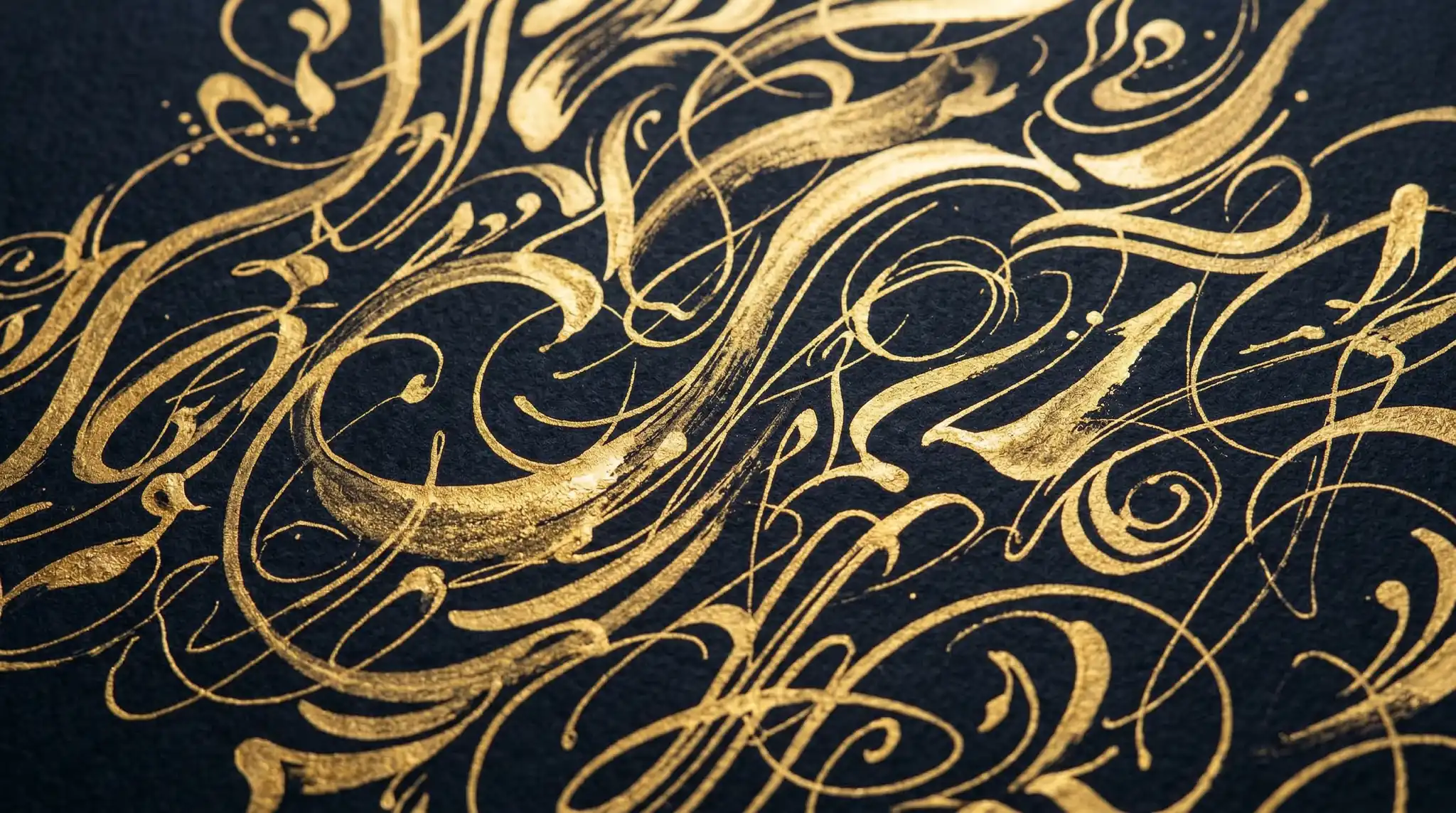
Script/cursive — flowing handwritten style
Display/decorative — stylized headline fonts
Blackletter/Gothic — medieval calligraphy style
Weight and style:
Bold, extra bold, heavy, black
Light, thin, hairline
Italic, oblique
Condensed, extended, wide
Uppercase, all caps, small caps
Text effects:
Embossed, debossed, engraved
Neon glow, backlit
Metallic, chrome, gold foil
3D extruded, drop shadow
Hand-lettered, chalk, painted
Best Contexts for AI Text Generation
Some visual contexts consistently produce better text than others. Here are the most reliable ones, ranked by success rate:
Tier 1 — Highest success:
“A storefront with a hanging wooden sign that reads ‘BAKERY’ in hand-painted serif letters, warm morning light, cobblestone street, European village setting”
Signs, neon signs, and storefronts work best because AI models have trained on millions of images containing readable signage.
Tier 2 — Very reliable:
“A hardcover book lying on a wooden desk with the title ‘COSMOS’ embossed in silver serif typography on a dark navy cover, overhead flat lay photography, soft natural light”
Book covers, magazine covers, and product labels are strong contexts. The model understands that text is central to these objects.
Tier 3 — Good with careful prompting:
“A smartphone screen displaying a minimal app interface with the word ‘START’ as a large centered button, flat UI design, white background, clean typography”
Screens, posters, and T-shirts work well but may need more explicit typographic direction.
Model-Specific Tips for Text Generation
Different AI models handle text differently. Here is what works best for each:
DALL-E 3: Currently the strongest at text rendering. Use natural language descriptions and always put desired text in quotation marks. It handles up to four or five words reliably.
Flux: Improving rapidly. Works best with short text (one to two words) in clear physical contexts. The AI prompt keywords cheat sheet includes Flux-specific typography keywords.
Midjourney v6: Use the –style raw flag for cleaner text. Place text in quotation marks and keep it to one or two words. Works best with signs and display typography.
Nano Banana: Handles text well in poster and card contexts. Specify font style explicitly for best results.
Common Text Prompting Mistakes
These are the errors that most frequently lead to garbled or misspelled text:
Too many words — “Welcome to Our Amazing Coffee Shop and Bakery” will almost certainly fail. Use “COFFEE” instead.
No quotation marks — Without quotes, the model may treat your text as a description rather than literal characters to render.
No typographic context — Floating text with no surface or object produces inconsistent results.
Unusual spellings — Made-up words or uncommon proper nouns are harder for models to spell correctly.
Small text in large scenes — Text that occupies a small portion of the image is more likely to be garbled. Make text the focal point.
Advanced Typography Prompting Techniques
For designers who need precise typographic results, these advanced techniques push text quality further:
Specify letter spacing:
“The word ‘SPACE’ in widely tracked uppercase sans-serif letters with generous letter spacing, minimalist white text on solid black background, centered composition”
Use typographic hierarchy:
“A poster with ‘JAZZ’ in large bold display type at the top and ‘FESTIVAL’ in smaller condensed sans-serif below, two-color design in orange and cream, vintage concert poster style”
Reference real typography traditions:
“A Swiss International Style poster with the word ‘DESIGN’ in Helvetica-like bold sans-serif, grid-based layout, red and white color scheme, clean modernist aesthetic”
Text in AI Video Prompts
Text in AI-generated video is even more challenging because the model must maintain consistent letterforms across frames. For video prompts with text, use static text elements — signs, screens, or objects that do not move — rather than animated text.
Vidzy’s Prompt Generator can help you structure prompts that include text elements in video scenes, ensuring consistency across the generated frames.
Workflow: Generate, Then Refine
The most practical workflow for text in AI images combines AI generation with light post-editing:
Generate the image with a text placeholder prompt
Select the best composition from multiple generations
If text is slightly imperfect, fix it in a design tool (Figma, Canva, Photoshop)
For perfect text, generate the image without text and overlay typography manually
This hybrid approach gives you the creative power of AI generation with the precision of traditional design tools.
FAQ
Which AI model is best for generating text in images?
DALL-E 3 currently leads in text rendering accuracy, reliably handling up to four or five words. Flux and Midjourney v6 are improving rapidly and handle one to two words well. For longer text, generate the image without text and add typography in post-production.
Why does AI-generated text always look misspelled?
AI models generate text as visual patterns, not as language. They do not understand spelling rules — they reconstruct letter shapes from training data. Shorter, more common words are more likely to render correctly because the model has seen them more frequently.
How do I get specific fonts in AI-generated images?
You cannot specify exact fonts by name (like “Helvetica”), but you can describe font categories and characteristics. Use terms like “bold sans-serif,” “elegant thin serif,” or “hand-lettered script” combined with weight and style keywords.
Can AI generate logos with text?
AI can generate logo concepts with short text (one to two words), but the text often needs refinement. Use prompts like “minimalist logo design with the letter ‘V’ in geometric sans-serif, flat vector style” for best results. Always plan for post-production refinement on final logos.
Does text work in AI-generated videos?
Text in AI video is challenging due to frame-to-frame consistency. Static text elements (signs, screens) work better than animated text. For video titles and captions, add text in post-production for reliable results.
Master Text in Your AI Creations
Getting readable text in AI-generated images requires understanding the model’s limitations and working within them. Keep text short, provide clear typographic context, and use the right keywords to guide the model toward clean, legible results.
Try Vidzy’s Prompt Generator to build typography-aware prompts, or download the Vidzy app to generate professional AI images and videos with optimized text rendering.
Sarah Chen is a prompt engineer and AI content strategist with 5+ years in generative AI. Former ML researcher at Stanford, she now helps creators unlock the full potential of tools like Sora, Flux, and Nano Banana. She writes about prompt engineering, image generation techniques, and the future of AI creativity.
Why Converting Midjourney to Flux Prompts Requires a Different Approach If you are switching from Midjourney to Flux — or using both — you have probably noticed that the same prompt produces very different results in each model. That is because Midjourney and Flux were trained differently, process prompts differently, and respond to different language […]
Why AI Prompt Templates Save Time and Improve Consistency If you generate AI images or videos regularly — for social media, e-commerce, content marketing, or creative projects — you are probably rewriting similar prompts from scratch every time. This is a massive waste of effort. AI prompt templates let you create reusable frameworks that maintain […]
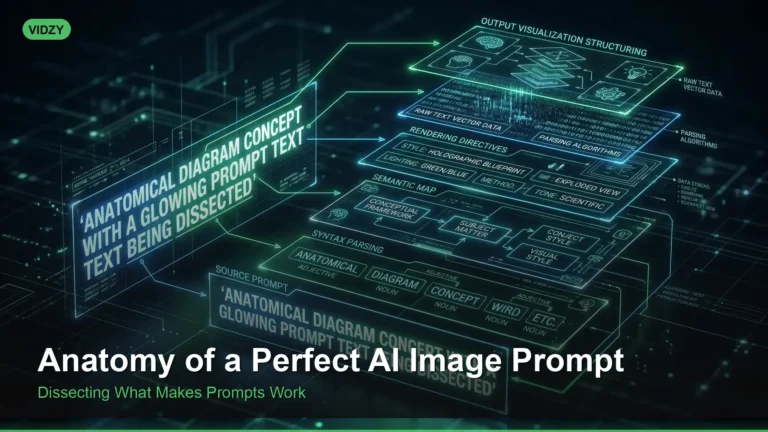
Understanding AI Image Prompt Structure Every stunning AI-generated image starts with a well-structured prompt. While it might seem like some people have a magic touch with AI generators, the truth is far more systematic. There is a clear AI image prompt structure that consistently produces better results — a formula that works whether you are […]
Sarah Chen
9 min read
Your Next Video Is 30 Seconds Away
Download Vidzy free, pick a template, and create your first video right now.