Why AI Before After Content Dominates Social Media
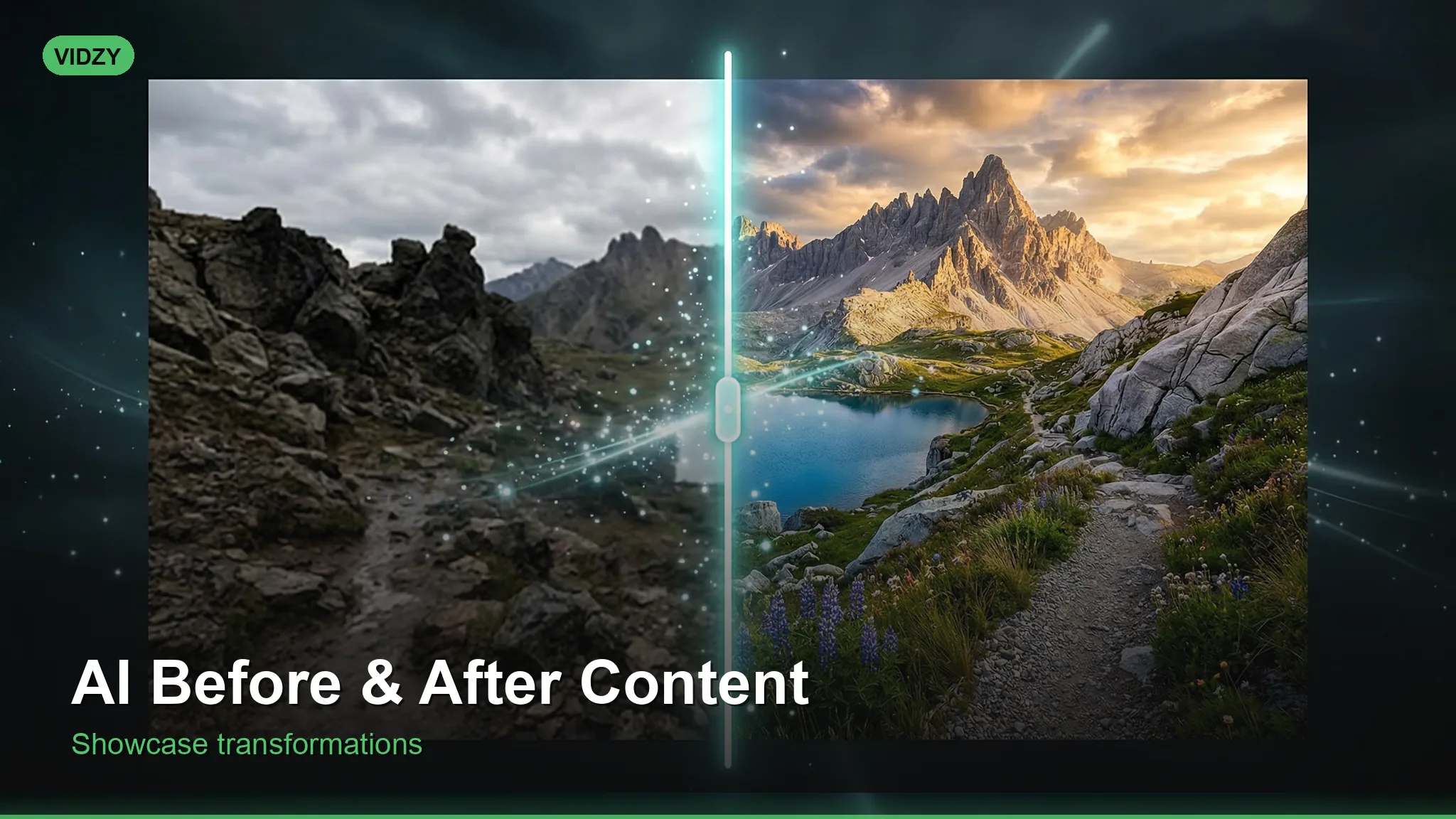
AI before after content is one of the highest-performing content formats on social media. The transformation reveal triggers an irresistible psychological response — people cannot scroll past a dramatic change. Fitness brands, beauty companies, home renovation businesses, and SaaS products all use before-and-after formats because they work. Now, with AI video and image generation, you can create compelling transformation content without needing real photos or waiting for actual results.
This tutorial teaches you how to create professional before-and-after content using AI tools for any niche or industry.
Step 1: Choose Your Before-After Format
There are several proven formats for AI before after content:
Side-by-Side Comparison
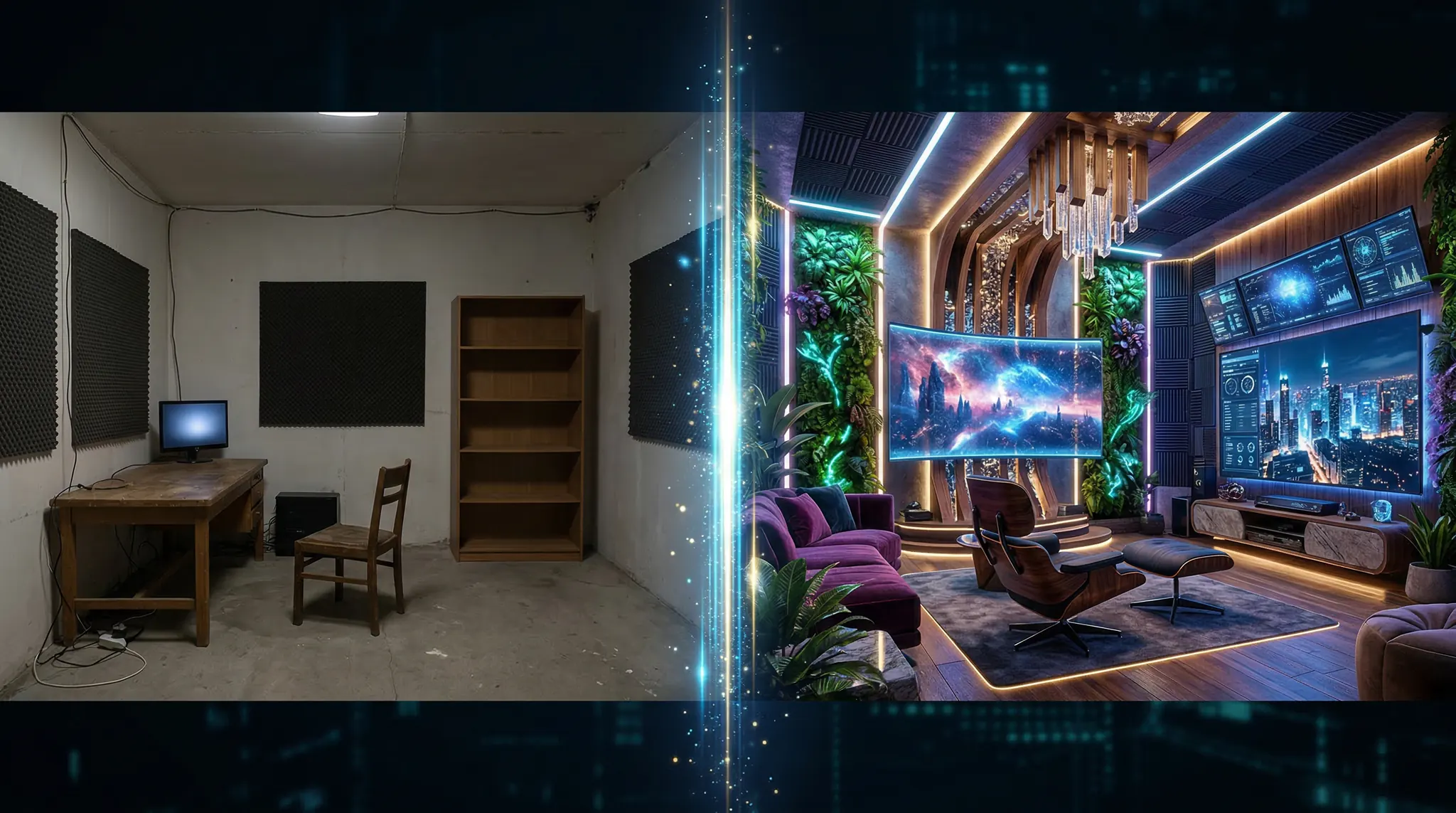
The classic split-screen showing “before” on the left and “after” on the right. Best for images and static social posts.
Swipe/Slider Reveal
An interactive format where viewers drag a slider to reveal the transformation. Extremely engaging on Instagram and web pages.
Video Transformation
A short video that shows the “before” state morphing or transitioning into the “after” state. This is the most powerful format for social media video — and where AI video generation truly excels.
Time-Lapse Transformation
A compressed sequence showing gradual change. Works brilliantly for renovation, nature, and design content.
Step 2: Plan Your Transformation Concept
The best before-after content has a dramatic, clearly visible difference. Plan both states carefully:
High-impact transformation ideas by niche:
Interior design: Outdated room transforms into modern, styled space
Product packaging: Generic package redesigned into premium branding
Website design: Cluttered old site becomes sleek modern interface
Fashion/styling: Casual outfit elevated to styled, polished look
Food presentation: Basic ingredients become plated restaurant dish
Urban restoration: Rundown building restored to its former glory
Step 3: Generate the “Before” State
Start by creating your “before” image or video. The “before” should look clearly inferior but realistic:
Prompt template for “before” scenes:A [subject] in poor/outdated condition. [Specific flaws: peeling paint, cluttered space, dim lighting, outdated design]. Realistic photography style, natural unflattering lighting. Slightly desaturated colors. Documentary photography feel.Example — Kitchen renovation before:A dated 1990s kitchen with yellowed linoleum flooring, dark oak cabinets, cluttered countertops, and a single fluorescent ceiling light. Realistic interior photography, unflattering overhead lighting, slightly desaturated and warm color cast. Wide-angle lens, 16:9 aspect ratio.
Generate this in Vidzy using Flux for images or Sora 2 for video clips.
Step 4: Generate the “After” State
Now create the transformed version. The “after” should feel aspirational and polished:
Prompt template for “after” scenes:A stunning [subject] in perfect condition. [Specific improvements: fresh modern design, bright lighting, clean organized space]. Professional photography style, beautiful natural lighting. Vibrant saturated colors. Interior design magazine quality.Example — Kitchen renovation after:A beautiful modern kitchen with white quartz countertops, sage green shaker cabinets, warm wood floating shelves, and pendant lights over a marble island. Fresh flowers on counter, morning sunlight streaming through large windows. Professional interior photography, warm and inviting lighting. Wide-angle lens, 16:9 aspect ratio.
Critical Consistency Tips
For believable before-after content, maintain these elements across both versions:
Same camera angle — use identical perspective descriptions
Same room/space structure — windows, doors, and walls should be in the same positions
Same aspect ratio — both images or clips must match exactly
Realistic scope of change — the transformation should be dramatic but plausible
Step 5: Create Video Transformations
For the most engaging format, generate AI video that shows the actual transformation happening:
Transition video prompt:A smooth transformation sequence showing a dated kitchen morphing into a modern renovated kitchen. Camera stays perfectly still as surfaces change, colors brighten, and new elements appear. Cinematic quality, steady locked-off camera, 16:9.
Alternatively, use the image-to-video approach:
Generate your “before” image
Upload it to Vidzy’s image-to-video feature
Prompt the AI to animate it transforming into the “after” state
This approach often produces the most seamless transformations because the AI uses your “before” image as the actual starting frame.
Step 6: Assemble and Edit
Combine your before-after content for maximum impact:
For Instagram/TikTok Reels
Show the “before” for 2-3 seconds with text overlay “BEFORE”
Add a dramatic transition (flash, whip pan, or glitch effect)
Reveal the “after” for 3-4 seconds with text overlay “AFTER”
Add trending audio — transformation reveals pair perfectly with bass drop moments
End with a call to action
For YouTube Shorts
Open with a hook: “Watch this [subject] transform completely”
Show the full before state with voiceover describing the problems
Build anticipation with “Now watch this…”
Dramatic reveal of the after state
Show side-by-side comparison at the end
For Static Posts (Instagram/Pinterest)
Create a carousel: before image, process shots, after image
Or create a single side-by-side image with clear labels
Use consistent borders and text styling
Step 7: Optimize for Engagement
Before-after content performs best with these optimizations:
Hook in first second — show a glimpse of the “after” result, then rewind to the “before”
Add satisfying sound effects — whoosh, sparkle, or bass drop at the transformation moment
Use captions — many viewers watch without sound
Ask a question — “Which version do you prefer?” drives comments
Post at peak times — transformation content performs well in evening hours
Industry-Specific Before-After Ideas
Real estate: Virtual staging — empty room to fully furnished space
SaaS/tech: Old dashboard UI to new redesigned interface
Fitness: AI-generated body transformation scenarios for workout program marketing
Auto detailing: Dirty vehicle to showroom-clean finish
Dentistry: Simulated smile transformations for dental practice marketing
FAQ
Is it ethical to use AI-generated before-after content?
It depends on the context. For conceptual demonstrations, portfolio mockups, and illustrative marketing, AI before-after content is perfectly appropriate. Never present AI-generated transformations as real results of your product or service — that crosses into misleading advertising. Always be transparent when using AI-generated imagery.
How do I keep the before and after images consistent?
Use identical camera angle descriptions, room structure details, and aspect ratios in both prompts. For video transformations, the image-to-video approach gives the best consistency because the AI starts from your exact “before” image.
What is the best platform for before-after content?
Instagram Reels and TikTok deliver the highest engagement for video transformations. Pinterest is excellent for static before-after comparisons, especially in home, fashion, and food niches. YouTube Shorts works well for longer, more detailed reveals.
Can I use before-after content for ads?
Yes — before-after format is one of the highest-converting ad formats. Facebook and Instagram ads with transformation reveals typically achieve 2-3x higher click-through rates than standard creative. Just ensure your claims are truthful and your AI usage is disclosed where required.
Start Creating Transformation Content
Before-after content is a proven engagement driver across every platform and niche. With AI generation through Vidzy, you can create stunning transformation reveals without real photography or physical changes. Start with one transformation concept today and watch the engagement roll in.
Find more content creation strategies on the Vidzy blog.
Elena Vasquez is a digital marketing consultant specializing in AI-powered content for small businesses. She helps brands leverage AI video and image tools to create professional marketing assets on any budget. She writes about use cases, social media strategies, and practical AI tutorials.
Transform Any Photo into a Dynamic Video Using AI Image-to-Video You have that perfect photo — a product shot, a landscape, a portrait, a piece of art — and you wish it could come to life. Until recently, animating a still image required motion graphics expertise, expensive software, and hours of frame-by-frame work. Now, AI […]
Build a Cohesive Visual Brand Using AI Content Generation Brand consistency is what separates a forgettable social media presence from a recognizable one. When every image, video, and visual asset shares the same color palette, lighting style, composition language, and overall aesthetic, your audience begins to recognize your content before they even see your name. […]
Create Stunning AI Videos from Text Prompts: A Complete Beginner Guide The ability to create AI video from text has transformed from a futuristic concept into an accessible reality. What once required a full production crew — camera operators, lighting technicians, actors, editors — can now be accomplished by typing a description and clicking generate. […]
Elena Vasquez
10 min read
Your Next Video Is 30 Seconds Away
Download Vidzy free, pick a template, and create your first video right now.