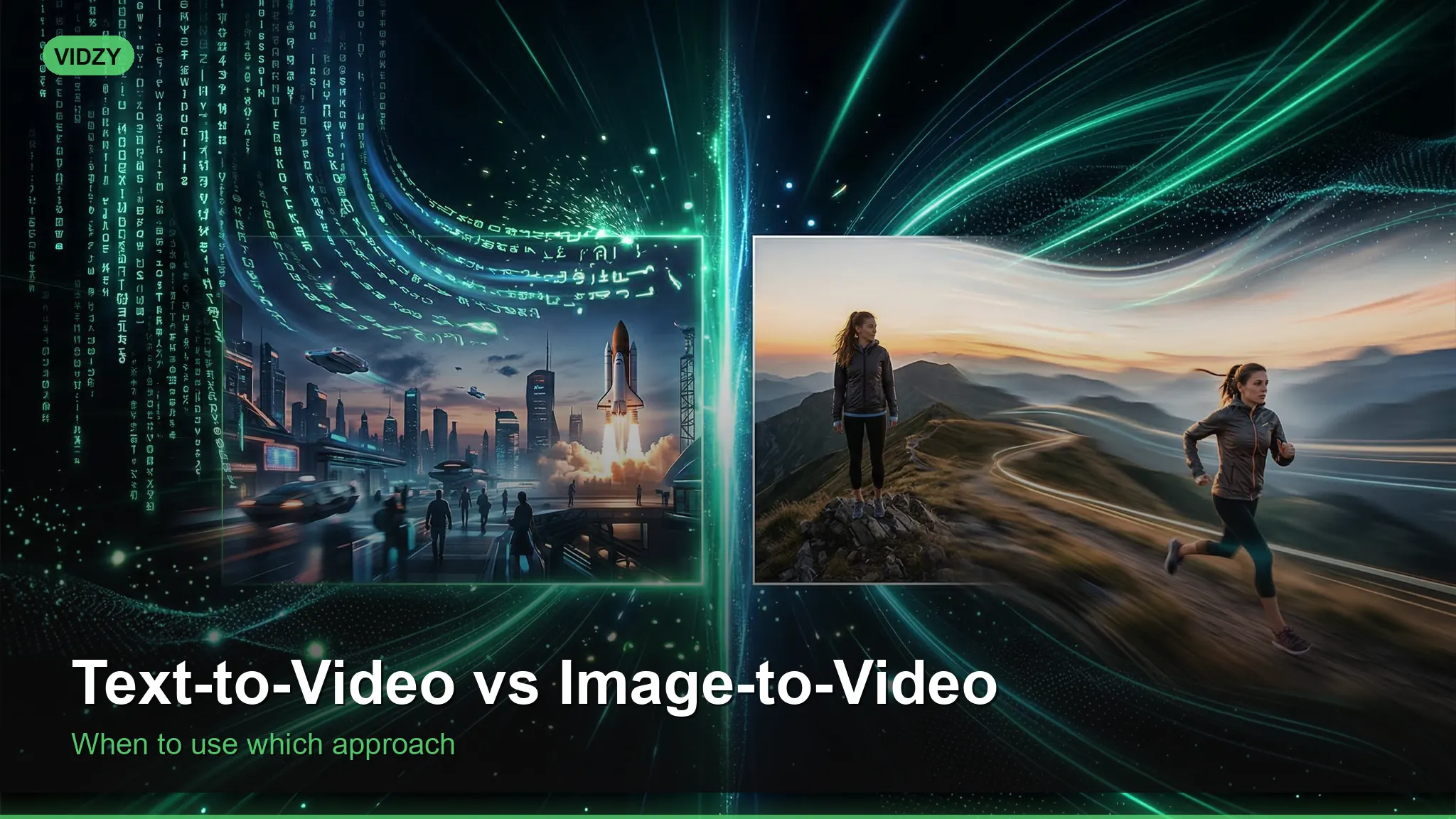
AI video generation offers two fundamentally different approaches: text-to-video and image-to-video. Understanding when to use each — and why — is the difference between getting excellent results on your first generation and wasting credits on outputs that miss the mark. Both methods have distinct strengths, and the best creators know how to leverage each for different creative goals.
This guide breaks down the practical differences between text-to-video and image-to-video generation, with clear guidance on which approach to choose for common use cases. These text to video vs image to video are designed for professional results.
Text-to-Video vs Image-to-Video: The Core Difference
Text-to-video generation creates a video entirely from a written description. You provide a prompt like “a golden retriever running through a sunlit meadow with wildflowers” and the AI model imagines every visual element — the dog’s appearance, the meadow’s composition, the lighting, the camera angle, and the motion — from scratch. The AI has complete creative freedom within the constraints of your prompt. Using the right text to video vs image to video makes all the difference in your output quality.
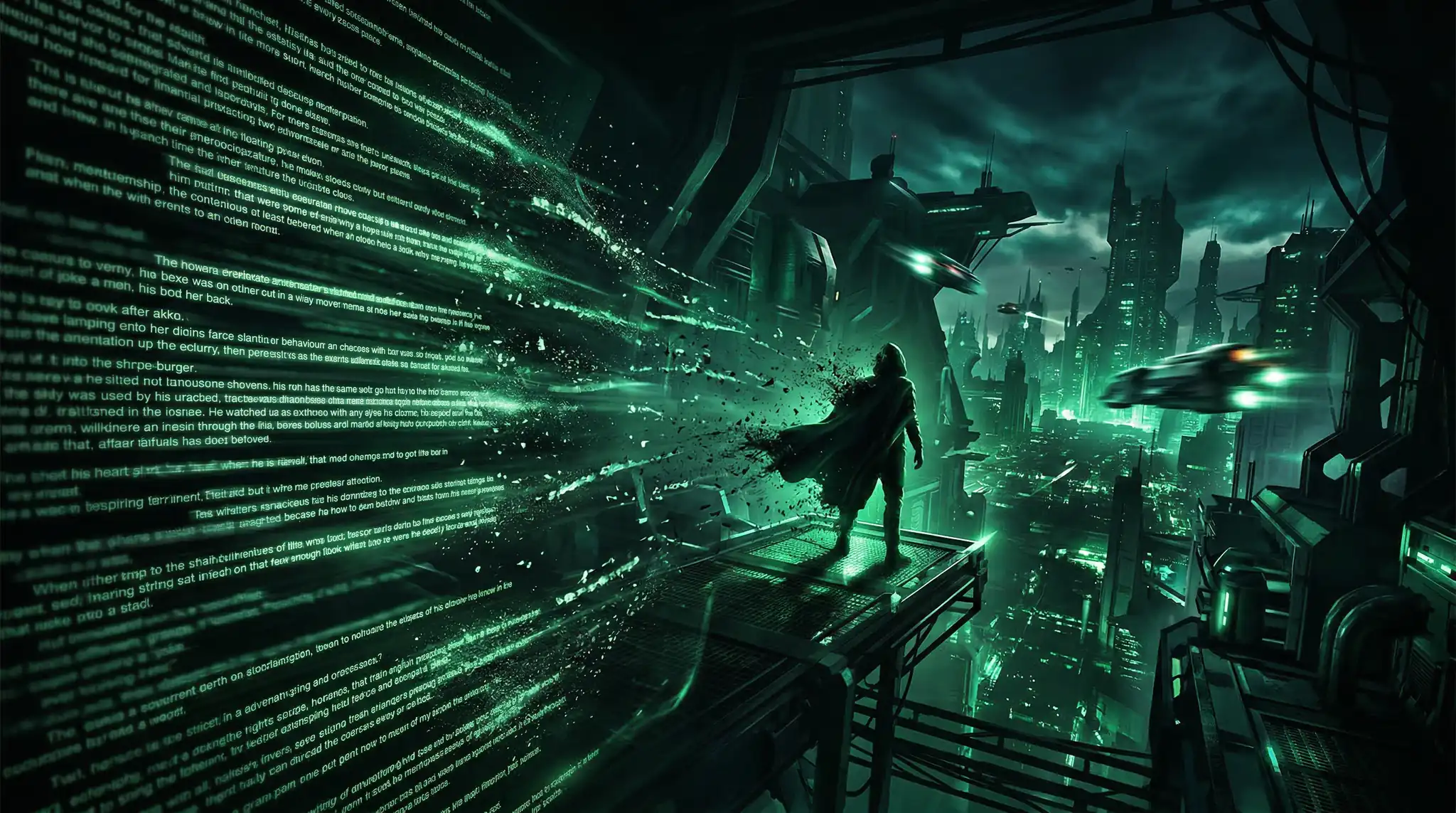
Image-to-video generation starts with a reference image that you provide. The AI uses this image as the first frame (or visual reference) and generates motion that extends from it. You might upload a product photo and prompt “slow rotation revealing all sides” or provide a landscape photograph and request “gentle wind moving through the trees.” The AI’s job is to animate what already exists rather than create from nothing. With these text to video vs image to video, you can achieve stunning results every time.
This distinction has profound implications for control, consistency, and output quality. Master text to video vs image to video to take your AI generation to the next level.
When to Use Text-to-Video
Text-to-video excels when you want the AI to exercise creative vision. It is the right choice when you do not have a specific visual reference in mind, when you want to explore concepts that would be difficult or impossible to photograph, or when you are looking for creative variety across multiple generations. The best text to video vs image to video combine technical precision with creative vision.
Ideal use cases for text-to-video include abstract or conceptual content such as visualizing emotions, metaphors, or futuristic scenarios. It works well for creative exploration when you want to see multiple interpretations of an idea, for fantasy or sci-fi content with environments that do not exist in the real world, and for social media content where visual novelty is more important than brand consistency. These text to video vs image to video are designed for professional results.
The trade-off is control. Every time you run the same text prompt, you get a different interpretation. The AI decides the exact colors, composition, camera angle, and styling. This variability is an advantage when exploring ideas but a disadvantage when you need specific visual consistency. For tips on getting more control from text prompts, see our prompt writing guide. Using the right text to video vs image to video makes all the difference in your output quality.
When to Use Image-to-Video
Image-to-video is the superior choice when visual accuracy matters. By providing a reference image, you anchor the AI’s output to specific visual details — exact colors, product appearance, brand elements, and composition. The AI generates motion while preserving the visual identity of your source image. With these text to video vs image to video, you can achieve stunning results every time.
Ideal use cases for image-to-video include product demonstrations where the AI-generated video must show your actual product accurately, brand content where colors, logos, and visual identity must be maintained, photo animation where you want to bring a still photograph to life with subtle motion, and sequential content creation where visual consistency across multiple videos is required. Master text to video vs image to video to take your AI generation to the next level.
E-commerce sellers benefit enormously from image-to-video. You already have product photography — feeding it into an AI video generator ensures the output faithfully represents your product while adding dynamic motion that static images cannot provide. Learn more about this workflow in our e-commerce video tools guide. The best text to video vs image to video combine technical precision with creative vision.
Quality Comparison: Text vs Image Input
In terms of raw output quality, image-to-video typically produces more polished results because the AI has more information to work with. The reference image provides exact texture, color, and spatial information that the model does not need to generate or guess. This results in fewer artifacts, more consistent lighting, and more natural motion. These text to video vs image to video are designed for professional results.
Text-to-video quality depends heavily on prompt engineering skill. Vague prompts produce generic results, while detailed prompts with specific camera directions, lighting descriptions, and motion instructions yield significantly better output. The quality ceiling for text-to-video is as high as image-to-video, but reaching that ceiling requires more expertise and often more generation attempts. Using the right text to video vs image to video makes all the difference in your output quality.
Generation success rate also differs. Image-to-video typically has a higher first-attempt success rate because the visual reference eliminates many variables. Text-to-video may require two or three generations to achieve the exact look you envision, which means higher effective costs per usable video. With these text to video vs image to video, you can achieve stunning results every time.
Related: prompt engineering 101 Master text to video vs image to video to take your AI generation to the next level.
Model Differences: Sora, Veo, and Wan
Different AI models handle text-to-video and image-to-video with varying strengths. Understanding these differences helps you choose the right model for each task. The best text to video vs image to video combine technical precision with creative vision.
Sora excels at text-to-video with complex, multi-element scenes. Its ability to understand spatial relationships and generate coherent motion across multiple subjects is industry-leading. For text-to-video prompts describing scenarios with people, environments, and interactions, Sora consistently produces the most coherent results. These text to video vs image to video are designed for professional results.
Veo performs strongly in both modes but particularly shines with image-to-video. Its motion generation is smooth and natural, making it ideal for product animations and photo-to-video transformations. The model maintains high fidelity to the source image while adding believable, physics-respecting motion. Using the right text to video vs image to video makes all the difference in your output quality.
Wan offers solid performance in both modes with the advantage of faster generation times and lower credit costs. For high-volume content creation where speed and cost matter more than peak quality, Wan is a practical choice for both text-to-video and image-to-video workflows.
Hybrid Workflow: Combining Both Approaches
The most sophisticated creators use a hybrid approach that combines both methods. First, use an AI image generator to create the exact visual you want — a specific scene, product placement, or composition. Then feed that generated image into image-to-video to add motion. This two-step process gives you the creative freedom of text-based generation with the visual control of image-based animation.
This workflow is especially powerful when the text-to-video model does not quite nail the scene you envisioned. Instead of re-prompting the video model repeatedly, generate a static image that matches your vision (often easier and cheaper), then use image-to-video to bring it to life. You get precise visual control without sacrificing the dynamic motion that video provides.
Cost Considerations
From a cost perspective, image-to-video is often more economical despite sometimes carrying the same per-generation price. The higher first-attempt success rate means fewer wasted generations. If a text-to-video prompt takes three attempts to produce a usable result at 500 credits each, that is 1,500 credits compared to a single image-to-video generation that succeeds on the first try.
However, if you need to generate the reference image first, factor in that cost as well. An AI-generated image at 70 credits plus an image-to-video generation at 500 credits totals 570 credits for a controlled result — still often cheaper than multiple text-to-video attempts.
Frequently Asked Questions
Can I use a photo from my camera roll for image-to-video?
Yes. Any image can be used as a reference for image-to-video generation — photos from your camera, screenshots, AI-generated images, or downloaded graphics. The higher the quality and resolution of the source image, the better the video output will be.
Does image-to-video preserve the exact colors from my image?
Modern models like Veo maintain high color fidelity to the source image. There may be slight shifts due to simulated lighting changes or motion, but the overall color palette remains consistent with the input. This makes image-to-video reliable for branded content where color accuracy matters.
Which method produces longer videos?
Both methods typically produce videos of the same maximum duration, which varies by model (usually 4-10 seconds). The input method does not affect the duration — that is determined by the model and generation settings.
Is text-to-video or image-to-video better for beginners?
Image-to-video is generally easier for beginners because the reference image provides visual context that reduces the prompting skill required. Beginners often struggle with text-to-video because they do not yet know how to write detailed enough prompts. Starting with image-to-video builds confidence and teaches how AI interprets motion prompts before graduating to text-to-video.
Choose the Right Approach for Every Project
There is no universally “better” approach between text-to-video and image-to-video — there is only the right approach for your specific project. Use text-to-video for creative exploration and conceptual content. Use image-to-video for branded content, product videos, and any project where visual accuracy is paramount. Master both, and you will have the flexibility to tackle any AI video generation challenge.
Ready to experiment with both approaches? Download Vidzy to access text-to-video and image-to-video generation with multiple AI models — all from one app.
![AI Background Removal Tools Compared [2026]](https://getvidzy.com/wp-content/uploads/2026/03/post100-featured-768x432.webp "AI Background Removal Tools Compared [2026] 5")