![Best AI Tools for YouTube Content Creators [2026]](https://getvidzy.com/wp-content/uploads/2026/03/post92-featured.webp "Best AI Tools for YouTube Content Creators [2026] 1")
Essential AI Tools YouTube Creators Need today
The landscape ofAI tools youtube creators rely on has expanded dramatically today. What started as basic text-to-image generators has evolved into a comprehensive ecosystem covering every stage of the content creation pipeline — from ideation and scripting to video generation, editing, thumbnail creation, and optimization. The creators who are growing fastest aren’t necessarily the most talented editors; they’re the ones who’ve integrated AI tools strategically into their workflow.
This guide covers the best AI tools for YouTube content creators across every category, with honest assessments of what each tool does well, where it falls short, and how it fits into a practical production workflow.
AI Video Generation Tools
Sora 2 (OpenAI)
Sora 2 has become a go-to for YouTube creators who need B-roll footage, establishing shots, and visual content to supplement their talking-head videos. Its 20-second maximum clip length is generous enough for most B-roll applications, and the prompt understanding means you can describe exactly the footage you need. Creators in educational, tech review, and essay-style niches benefit most. These AI tools youtube creators are designed for professional results.
Best YouTube use: B-roll footage, concept visualizations, intro sequences
Pricing: Included with ChatGPT Plus ($20/mo) with limits
Runway Gen-3
Runway’s editing-focused approach makes it particularly valuable for YouTube creators who need to modify and refine AI-generated footage. The motion brush tool lets you animate specific elements in still images — turning a thumbnail concept into a short animated intro, for example. Its cinematic aesthetic also works well for channel trailers and branded content. Using the right AI tools youtube creators makes all the difference in your output quality.
Best YouTube use: Custom intros, animated thumbnails, cinematic B-roll
Pricing: From $12/mo
Vidzy
Vidzy gives YouTube creators access to multiple AI video models from a single mobile app, including Sora 2 and Veo 3.1. The mobile-first approach is valuable for creators who batch-generate content ideas on the go. Its credit system lets you try different models to see which produces the best footage for each specific need. With these AI tools youtube creators, you can achieve stunning results every time.
Best YouTube use: Multi-model comparison, mobile generation, versatile content creation
Pricing: Free credits on signup, paid plans available
AI Thumbnail Creation
Midjourney
Midjourney remains the top choice for YouTube thumbnail creation. Its artistic style naturally produces eye-catching, high-contrast images that perform well at small sizes. Many top YouTube creators use Midjourney to generate thumbnail backgrounds, conceptual imagery, and attention-grabbing visuals that would be expensive to photograph or illustrate manually. Master AI tools youtube creators to take your AI generation to the next level.
Best YouTube use: Thumbnail backgrounds, conceptual imagery, branded graphics
Pricing: From $10/mo
Flux
For creators who need photorealistic thumbnails, Flux delivers the most convincing results. Product review channels, travel vloggers, and lifestyle creators benefit from Flux’s ability to generate realistic scenes that complement their actual footage. Using Flux through platforms like Vidzy makes it easy to generate and compare thumbnail options quickly. The best AI tools youtube creators combine technical precision with creative vision.
Best YouTube use: Photorealistic thumbnails, product mockups, scene supplements
Pricing: Varies by platform
AI Scripting and Writing
Claude
For long-form YouTube scripts, Claude from Anthropic has emerged as many creators’ preferred writing assistant. Its ability to maintain context across long conversations makes it well-suited for developing detailed video scripts that maintain a consistent voice and logical flow. Creators appreciate its willingness to push back on ideas and suggest improvements rather than simply generating whatever’s asked. These AI tools youtube creators are designed for professional results.
Best YouTube use: Long-form scripts, research compilation, outline development
Pricing: Free tier available, Pro from $20/mo
ChatGPT
ChatGPT remains the most versatile AI writing assistant for YouTube creators. Its broad knowledge base and integrations (including DALL-E for thumbnails and Sora for video) make it a Swiss Army knife for content creation. Title generation, description optimization, tag research, and script outlining are all handled competently. Using the right AI tools youtube creators makes all the difference in your output quality.
Best YouTube use: Titles, descriptions, tags, quick script outlines, multi-tool integration
Pricing: Free tier available, Plus from $20/mo
AI Audio and Voice
ElevenLabs
ElevenLabs has become the standard for AI voiceover in YouTube content. Its voice cloning technology lets creators generate narration in their own voice, enabling scalable content production without recording every word. The quality has reached a point where many viewers cannot distinguish AI-generated voice from real recordings, especially in narration contexts. With these AI tools youtube creators, you can achieve stunning results every time.
Best YouTube use: Narration, voice cloning, multilingual content
Pricing: Free tier available, paid from $5/mo
Suno / Udio
AI music generators like Suno and Udio allow creators to generate custom background music and intros tailored to their channel’s vibe. This eliminates copyright concerns associated with licensed music libraries and gives creators unique audio branding. The quality of AI-generated music has reached a professional standard suitable for most YouTube content. Master AI tools youtube creators to take your AI generation to the next level.
Best YouTube use: Custom background music, intros, outros
Pricing: Free tiers available
AI Editing and Post-Production
Descript
Descript’s text-based video editing approach aligns perfectly with YouTube workflows. Edit your video by editing the transcript — remove filler words automatically, rearrange segments by moving text, and generate polished captions. Its AI features include eye contact correction, background noise removal, and automatic clip detection. The best AI tools youtube creators combine technical precision with creative vision.
Best YouTube use: Transcript-based editing, filler word removal, captioning
Pricing: Free tier available, paid from $24/mo
CapCut (Auto-Captions and Effects)
CapCut’s AI-powered auto-captioning and effects generation have made it essential for Shorts creators. The auto-caption feature generates animated subtitles that match speaking rhythm, and AI effects can transform footage with trending visual styles. For creators producing both long-form and Shorts, CapCut handles the short-form optimization efficiently. These AI tools youtube creators are designed for professional results.
Best YouTube use: Shorts editing, auto-captions, trending effects
Pricing: Free with paid Pro tier
AI SEO and Optimization
TubeBuddy / VidIQ
Both TubeBuddy and VidIQ have integrated AI features for title optimization, tag suggestions, and thumbnail A/B testing. Their AI analyzes your channel’s historical performance data and competitor channels to suggest improvements. The keyword research tools help identify search-friendly topic ideas with realistic traffic potential. Using the right AI tools youtube creators makes all the difference in your output quality.
Best YouTube use: Title optimization, keyword research, competitor analysis
Pricing: Free tiers available, paid from $5-10/mo
Building an AI-Powered YouTube Workflow
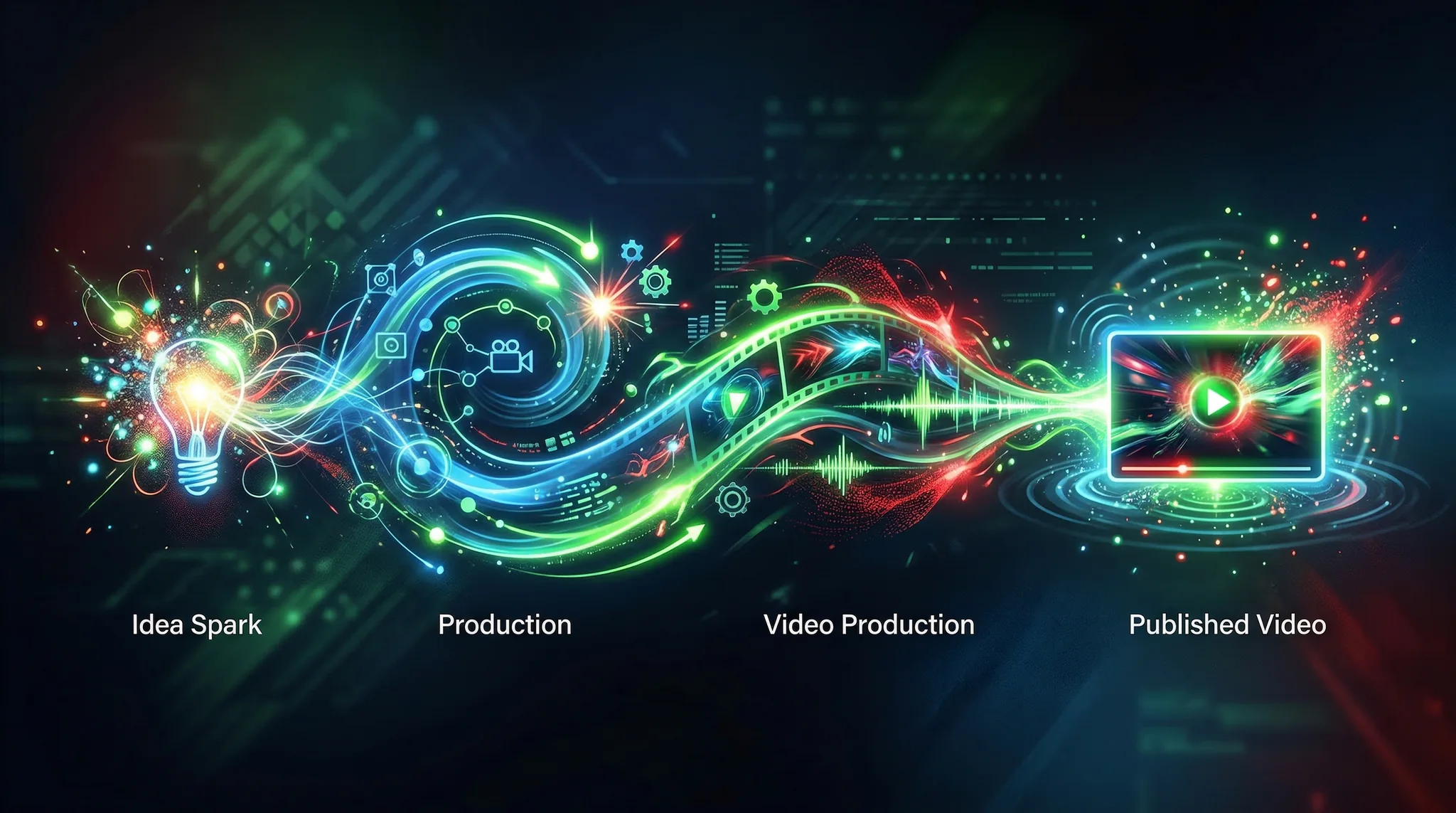
The most effective approach isn’t using every AI tool available — it’s integrating a focused set of tools that address your specific bottlenecks. Here’s a practical workflow:
- Ideation: Use ChatGPT or Claude to brainstorm topics, research angles, and outline scripts
- Scripting: Draft full scripts with AI assistance, then personalize with your voice and expertise
- Production: Generate B-roll, thumbnails, and visual assets using AI video generators
- Editing: Use Descript for rough cuts and CapCut for Shorts optimization
- Optimization: Apply TubeBuddy or VidIQ recommendations for titles, tags, and descriptions
Pros and Cons of AI-Heavy YouTube Workflows
Pros:
- Dramatically faster production cycles
- Lower costs for B-roll, music, and visual assets
- Enables solo creators to produce team-level output
- Easier to test and iterate on content ideas
- Removes technical barriers (editing, graphics, music)
Cons:
- Over-reliance can lead to generic, undifferentiated content
- AI-generated content still needs human curation and quality control
- Audience authenticity expectations may conflict with heavy AI usage
- Tool costs can add up across multiple subscriptions
- Potential policy changes from YouTube regarding AI content disclosure
FAQ
Does YouTube penalize AI-generated content?
YouTube requires creators to disclose “altered or synthetic” content that could be mistaken for real people or events. Standard AI-assisted workflows (AI-written scripts, AI-generated B-roll, AI thumbnails) are not penalized. However, staying transparent with your audience is always recommended.
What’s the minimum AI toolkit for a YouTube creator?
At minimum: one AI writing tool (ChatGPT Free or Claude Free) for scripting and optimization, and one AI image generator (Midjourney or Flux via free tiers) for thumbnails. These two categories deliver the most impact per dollar for most creators.
How much do AI tools cost per month for YouTube creators?
A comprehensive AI toolkit ranges from $50-150/month: writing assistant ($20), video generation ($12-20), image generation ($10), editing tool ($24), and SEO tool ($5-10). Selective use of free tiers can reduce this significantly.
Will AI replace human YouTube creators?
No. AI tools amplify human creativity but can’t replace the personality, lived experience, and authentic connection that audiences subscribe for. Channels built entirely on AI-generated content without a human element consistently underperform channels that use AI as a tool to enhance human-created content.
Which AI tool has the biggest impact on YouTube growth?
For most creators, AI thumbnail generation and title optimization provide the highest ROI. These directly impact click-through rate, which is YouTube’s primary recommendation signal. Better thumbnails and titles can improve views by 30-50% without changing any other aspect of your content.
Final Recommendations
The best AI tools for YouTube creators today are the ones that solve your specific bottlenecks without introducing unnecessary complexity. Start with your biggest pain point — whether that’s thumbnail creation, scripting, B-roll, or editing — and add one tool at a time. Master each tool before adding the next. And remember: AI is most powerful when it handles the repetitive, technical work so you can focus on what makes your channel unique — your perspective, your personality, and your expertise.