The Best AI Prompt Libraries for Image and Video Creators today
The difference between a mediocre AI generation and a stunning one often comes down to the prompt. But writing effective prompts from scratch for every generation is time-consuming, and the learning curve for each AI model’s quirks can be steep. That’s where AI prompt libraries come in — curated collections of tested, optimized prompts that serve as starting points for your own creative work. The best prompt libraries don’t just give you copy-paste prompts; they teach you the patterns and structures that make prompts work.
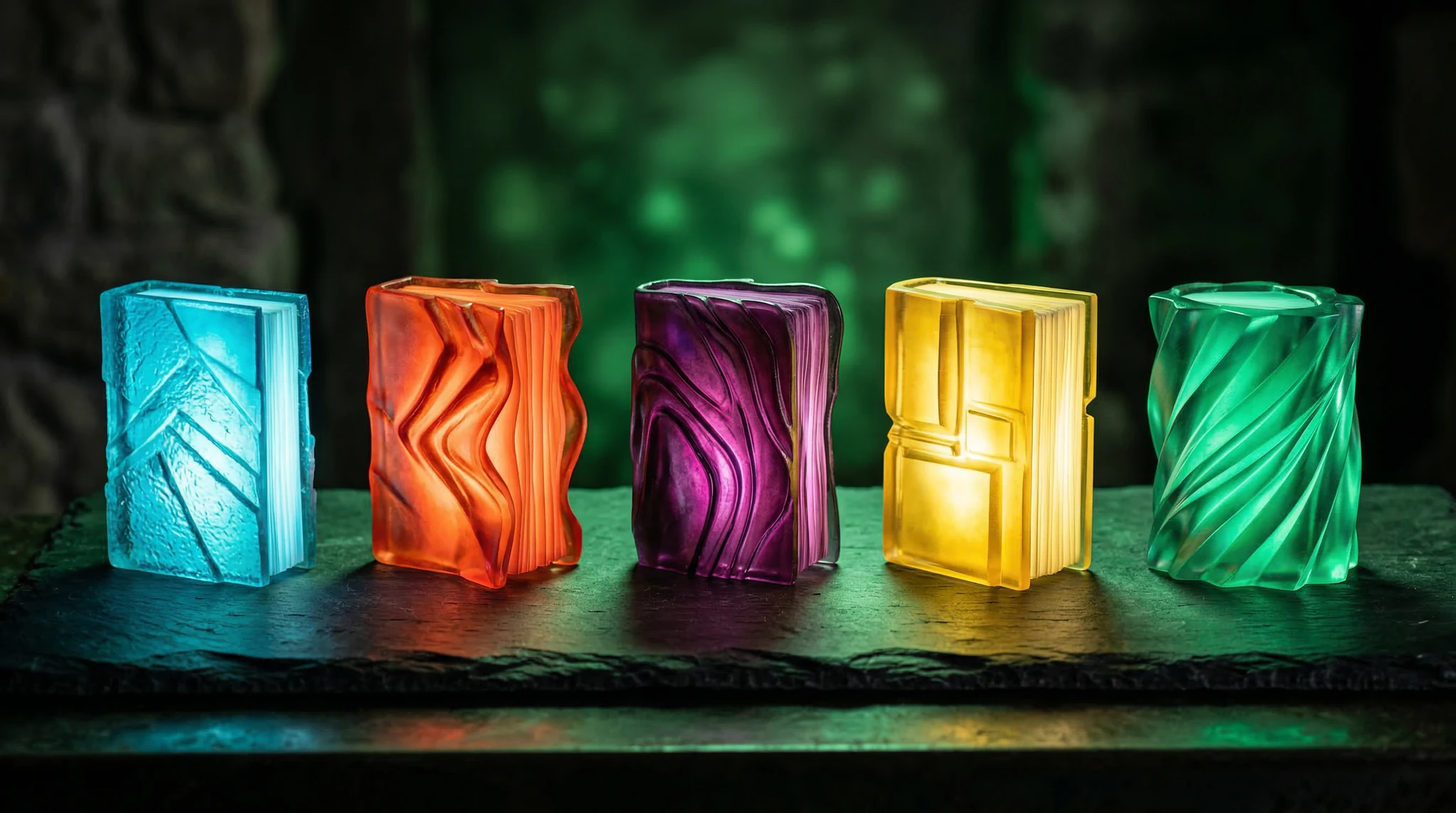
After evaluating dozens of prompt resources, here are the five AI prompt libraries that consistently deliver value for image and video creators today.
1. Vidzy Prompt Generator
Vidzy’s Prompt Generator takes a different approach from traditional static prompt libraries. Instead of browsing a fixed collection, you describe what you want in plain language and the tool generates an optimized prompt tailored to your target model (Flux, Sora, Midjourney, etc.). This dynamic approach means the prompts adapt to each model’s specific strengths and syntax preferences.
What makes it stand out: These AI prompt libraries are designed for professional results.
- Model-specific optimization — prompts are tailored to each AI generator’s syntax
- Covers both image and video generation prompts
- Free to use, no account required
- Continuously updated as models evolve
- Explains prompt structure so you learn while you use it
Best for: Creators who want optimized prompts for specific models without memorizing each model’s preferred syntax. Especially useful for video prompts, which are less well-documented than image prompts.
Limitations: Generated prompts are starting points — you’ll still want to customize for your specific vision. Less browsable than curated galleries since it’s generative rather than static.
2. PromptHero
PromptHero is one of the largest community-driven prompt libraries, with millions of prompts tagged by model, style, and subject matter. Each prompt is paired with its generated output, so you can see exactly what a prompt produces before using it. The search and filtering system is robust, making it easy to find prompts matching your specific aesthetic needs. Using the right AI prompt libraries makes all the difference in your output quality.
What makes it stand out:
- Massive library with visual output examples for every prompt
- Community ratings highlight the most effective prompts
- Covers Stable Diffusion, Midjourney, DALL-E, Flux, and more
- Advanced search filters by style, subject, model, and popularity
- Free access to the full library
Best for: Visual learners who want to browse output examples and find prompts that match a specific aesthetic. The gallery format makes it excellent for inspiration and discovering styles you hadn’t considered.
Limitations: Quality varies since it’s community-contributed. Prompts may not be optimized for the latest model versions. Can be overwhelming for beginners due to sheer volume. Limited video generation prompts. With these AI prompt libraries, you can achieve stunning results every time.
3. Civitai Prompt Collection
Civitai, known primarily as a repository for Stable Diffusion models and LoRAs, also hosts an extensive prompt library specifically optimized for open-source image generation models. What distinguishes Civitai’s prompts is their technical depth — they often include negative prompts, sampling settings, and model-specific parameters that significantly affect output quality.
What makes it stand out:
- Technically detailed prompts including settings and parameters
- Paired with specific model and LoRA recommendations
- Active community that tests and refines prompts
- Strong coverage of niche styles and specialized aesthetics
- Integration with ComfyUI and Automatic1111 workflows
Best for: Creators using Stable Diffusion, Flux, or other open-source models who want technically complete prompt recipes they can reproduce exactly. The model-specific pairing helps achieve consistent results. Master AI prompt libraries to take your AI generation to the next level.
Limitations: Heavily skewed toward Stable Diffusion ecosystem. Less useful for Midjourney, DALL-E, or video generators. Technical depth can be intimidating for beginners. Content moderation is less strict than other platforms.
4. Arthub.ai
Arthub.ai positions itself as a professional prompt library with an emphasis on commercially-useful output. The curation is tighter than community-driven alternatives — prompts are organized into professional categories like product photography, architectural visualization, fashion, editorial, and branding. Each prompt includes detailed breakdowns explaining why specific terms and structures are used.
What makes it stand out: The best AI prompt libraries combine technical precision with creative vision.
- Professionally curated with commercial use cases in mind
- Educational breakdowns explain prompt structure and reasoning
- Organized by professional categories (product, fashion, architecture, etc.)
- Cross-model compatibility notes
- Regular updates reflecting model improvements
Best for: Professional creators and marketers who need prompts for specific commercial applications. The educational breakdowns make it particularly valuable for improving your own prompt-writing skills.
Limitations: Smaller library than PromptHero or Civitai. Some premium content requires paid access. Focused primarily on image generation with limited video prompt coverage.
5. Midjourney Community Showcase
Midjourney’s own community showcase, accessible through their web platform, serves as an implicit prompt library for the platform. Every publicly generated image includes its prompt, making the entire Midjourney gallery searchable by both visual similarity and text. The advantage of this “library” is that every prompt is guaranteed to work with the current Midjourney model. These AI prompt libraries are designed for professional results.
What makes it stand out:
- Every prompt is verified to work with the current Midjourney version
- Massive scale — millions of prompt-image pairs
- Visual search lets you find prompts for images similar to your vision
- Always current — new prompts are added in real time
- Style reference discovery through community output
Best for: Midjourney users specifically. The visual search feature is particularly valuable — upload a reference image and find prompts that produced similar results.
Limitations: Only useful for Midjourney. No educational content explaining why prompts work. Can be difficult to filter for specific quality levels. Prompts may use parameters specific to older versions. Using the right AI prompt libraries makes all the difference in your output quality.
How to Use Prompt Libraries Effectively
Simply copying prompts verbatim rarely produces the best results. Here’s how to get the most value from prompt libraries:
- Use prompts as templates, not final products. Take a prompt that produces something close to your vision, then modify specific elements (subject, lighting, style, mood) while keeping the structural patterns that make it effective.
- Study the patterns, not just the words. Notice how effective prompts structure information — typically subject first, then style, lighting, camera, and mood. Understanding this structure lets you write effective original prompts.
- Adapt for your model. A prompt optimized for Midjourney won’t perform identically on Flux or DALL-E. Use model-aware tools like Vidzy’s Prompt Generator to translate prompt concepts across models.
- Build your own personal library. When you find or write prompts that consistently produce good results, save them in a personal collection organized by category and model. This becomes your most valuable prompt resource over time.
- Combine elements from multiple prompts. Take the lighting description from one prompt, the composition from another, and the style from a third. Remixing proven prompt elements is often more effective than using any single prompt as-is.
What Makes a Prompt Library Worth Using
Not all prompt collections are equal. The best AI prompt libraries share these characteristics:
- Visual examples. Every prompt should be paired with its output so you know what to expect.
- Model specificity. Prompts should indicate which model and version they were tested on.
- Regular updates. AI models change frequently; prompts optimized for last year’s model may underperform on current versions.
- Educational context. The best libraries explain why prompts work, not just what to type.
- Search and filtering. You need to find relevant prompts quickly, not browse endlessly.
FAQ
Are AI prompt libraries free?
Most prompt libraries offer substantial free access. PromptHero, Civitai, Midjourney’s community showcase, and Vidzy’s Prompt Generator are all free to use. Some platforms like Arthub.ai offer premium content alongside free prompts. You can build an effective prompt workflow entirely with free resources. With these AI prompt libraries, you can achieve stunning results every time.
Do I need different prompts for different AI models?
Yes. Each model interprets prompts differently. Midjourney responds well to comma-separated keywords with parameters, DALL-E prefers natural language descriptions, Flux benefits from technical photography terms, and video models need temporal and motion descriptions. Model-specific optimization meaningfully improves results.
Can I use prompt library prompts commercially?
The prompts themselves are generally not copyrightable — you can use any prompt structure you find. The images generated are subject to each AI platform’s commercial usage terms. Always verify your specific model’s terms of service before commercial use.
How do I write better prompts without a library?
Study the structure of effective prompts: start with the subject, add style and medium, describe lighting and composition, specify mood and atmosphere, and include technical parameters. Practice iterating on prompts — change one element at a time to see its effect. Read our AI image generator comparison for platform-specific prompt tips.
Are video prompts different from image prompts?
Yes, significantly. Video prompts need to describe motion, timing, camera movement, and temporal progression in addition to visual elements. They typically include action verbs, duration indicators, and camera direction that image prompts don’t need. Video prompt resources are currently less developed than image prompt libraries.
Final Thoughts
AI prompt libraries are essential tools for any creator working with AI generators. They save time, improve results, and — most importantly — teach you the patterns that make prompts effective. Start with a general-purpose library like PromptHero for inspiration, use model-specific tools like Vidzy’s Prompt Generator for optimization, and gradually build your own personal collection of proven prompts. The investment in prompt quality pays dividends across every generation you create.

![Best Mobile Apps for AI Image Generation [2026]](https://getvidzy.com/wp-content/uploads/2026/03/post104-featured-1-768x432.webp "Best Mobile Apps for AI Image Generation [2026] 4")
![AI Background Removal Tools Compared [2026]](https://getvidzy.com/wp-content/uploads/2026/03/post100-featured-768x432.webp "AI Background Removal Tools Compared [2026] 5")