Why AI Stock Footage Is Replacing Traditional Stock Libraries
Stock footage has always been expensive, generic, and limiting. A single 10-second clip from premium stock libraries costs $50-200, and you end up using the same overused clips that appear in thousands of other videos. AI stock footage changes everything — you can generate custom, royalty-free video clips that match your exact vision in minutes, at a fraction of the cost.
This tutorial teaches you how to create professional-grade AI stock footage for your projects, from corporate videos to social media content to YouTube productions.
What Makes Good Stock Footage
Before generating, understand what makes stock footage useful. Great AI stock footage is:
Generic enough to be versatile — works in multiple projects and contexts
Specific enough to be valuable — captures a clear concept, emotion, or action
Technically excellent — stable camera, good lighting, proper framing
Emotionally resonant — conveys a feeling viewers connect with
Properly composed — includes space for text overlays and graphics
Step 1: Identify What Footage You Need
Start by auditing your content needs. Common stock footage categories:
Most In-Demand Categories
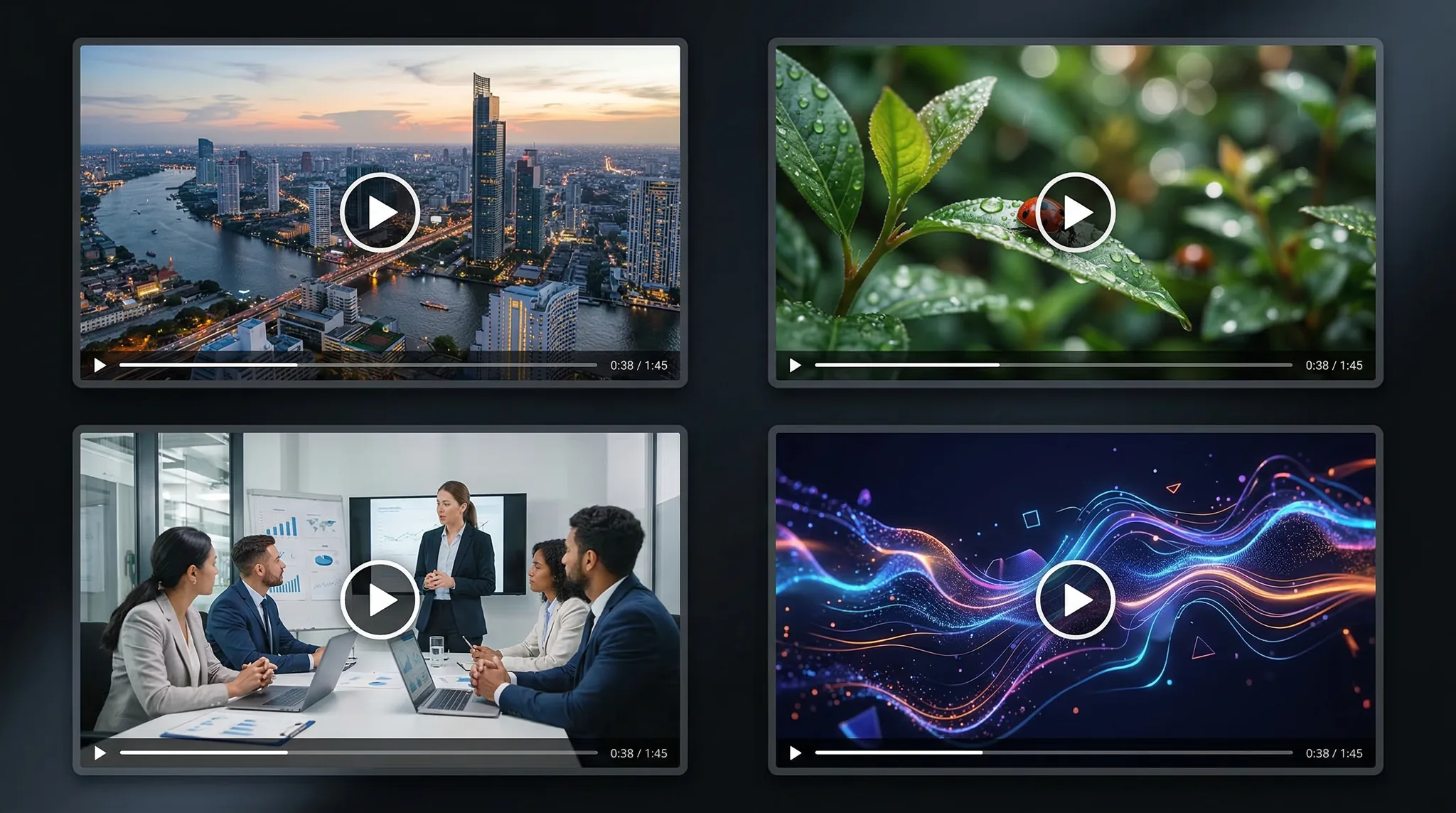
Business and corporate — office environments, meetings, technology, teamwork
Nature and landscapes — aerials, sunsets, forests, oceans, wildlife
Technology — screens, code, data visualization, futuristic interfaces
Lifestyle — people exercising, cooking, socializing, working from home
Food and beverage — cooking, pouring, plating, restaurant ambiance
Abstract and motion graphics — particles, gradients, geometric patterns
Urban and city — skylines, streets, traffic, architecture
Medical and health — wellness, lab environments, fitness
Step 2: Master Stock Footage Prompting
Stock footage prompts need to be more structured than creative prompts. You are aiming for professional, broadcast-quality results.
Master prompt formula:[Camera shot type] of [subject/scene]. [Action/motion description]. [Lighting type]. [Color palette]. [Mood/atmosphere]. Cinematic quality, [frame rate] fps, [aspect ratio].
Camera Shot Types for Stock
Wide/establishing shot — shows the full scene, sets context
Medium shot — subject from waist up, most versatile for people
Aerial/drone shot — overhead perspective, great for landscapes and cities
Tracking shot — camera follows subject, adds dynamism
Dolly in/out — smooth forward/backward movement
Static/locked-off — tripod-mounted, steady. Essential for B-roll
Step 3: Generate Stock Footage by Category
Open Vidzy and generate with Sora 2. Here are optimized prompts for the most popular categories:
Business and Corporate
A medium shot of diverse professionals collaborating around a modern conference table in a bright office with floor-to-ceiling windows. Natural daylight, warm tones. People gesturing and smiling during discussion. Smooth handheld camera with gentle movement. Corporate documentary style, 16:9.Close-up of hands typing on a sleek laptop keyboard. Soft screen glow reflecting on the keys. Shallow depth of field, modern minimalist desk setup in background. Clean office lighting. Smooth, steady shot. 16:9.
Nature and Landscapes
Aerial drone shot slowly gliding over a turquoise ocean with waves breaking on a white sand beach below. Late afternoon golden hour lighting. Vivid tropical colors. Smooth steady drone footage, cinematic quality. 16:9.A slow dolly shot through a misty old-growth forest at dawn. Sunbeams filtering through the canopy, illuminating floating particles. Lush green ferns and moss. Ethereal, peaceful atmosphere. Nature documentary quality, 16:9.
Technology
Extreme close-up of a futuristic holographic data interface with floating graphs and metrics. Blue and cyan color palette, dark background. Data points animating and updating. Sci-fi corporate aesthetic, shallow depth of field. 16:9.
Food and Beverage
Slow-motion close-up of golden honey drizzling from a wooden dipper onto a stack of fluffy pancakes. Steam rising gently. Warm morning light from a window. Rich warm color palette. Food commercial quality, shallow depth of field. 16:9.
Abstract and Motion Backgrounds
Abstract flowing gradient of deep blue and purple light, with soft golden particles drifting slowly upward. Smooth organic movement, deep dark background. Cinematic motion background, seamless and loopable. Perfect for text overlays. 16:9.
Step 4: Build a Personal Stock Library
Organize your generated footage for easy access:
Create a folder structure by category (Business, Nature, Tech, Abstract, etc.)
Use descriptive file names — “office-meeting-medium-shot-daylight.mp4” not “output_001.mp4”
Tag with keywords — maintain a spreadsheet or database with searchable tags
Rate quality — mark your best clips for quick access
Note aspect ratios and durations — know what you have available at a glance
Recommended Library Size
A useful personal stock library should include:
20-30 business/corporate clips
15-20 nature/landscape clips
10-15 technology clips
10-15 abstract/motion backgrounds
10-15 lifestyle clips
5-10 food/beverage clips
That is 70-105 clips — enough to edit most projects entirely from your own library.
Step 5: Optimize for Professional Use
Make your AI stock footage production-ready:
Color grade for neutrality — stock footage should be slightly flat so editors can grade it to match their project
Ensure clean in/out points — trim the first and last half-second where AI generation can be less stable
Check for AI artifacts — morphing objects, inconsistent shadows, or distorted faces. Discard clips with visible issues
Maintain consistent quality — your whole library should have a consistent quality level
Step 6: Use Your Footage Effectively
Best practices for incorporating AI stock footage into projects:
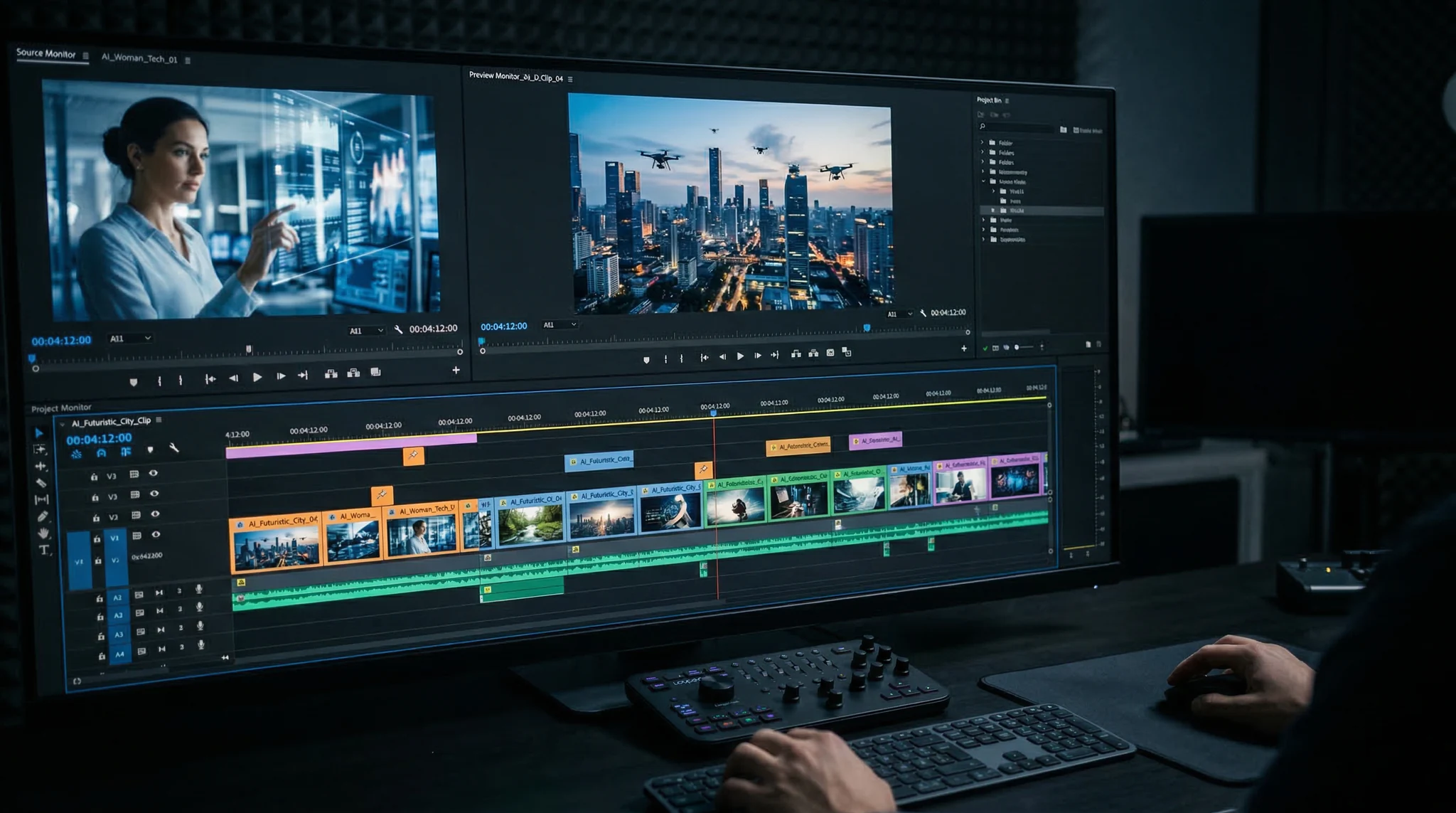
B-roll coverage — use stock clips to illustrate narration or fill gaps between interview segments
Title sequences — abstract and motion background clips make excellent title card backgrounds
Transition shots — use establishing shots to transition between topics or locations
Social media content — pair stock footage with text overlays for educational or motivational posts
Presentations — replace static slides with video backgrounds for more engaging presentations
Selling AI Stock Footage
You can also sell your AI-generated clips on stock platforms:
Pond5 — accepts AI-generated content with proper disclosure
Adobe Stock — allows AI-generated content tagged as such
Artgrid — curated platform worth applying to
Check each platform’s current policies on AI-generated content, as requirements and acceptance vary and evolve over time.
Tips for Selling
Focus on underserved niches where traditional stock is expensive or unavailable
Create consistent series (10+ clips of the same theme/style)
Write detailed, keyword-rich descriptions
Upload in the highest quality possible
FAQ
Is AI stock footage really free to use?
When you generate footage through an AI tool, you typically have full usage rights for the output. With Vidzy, the footage you generate is yours to use in personal and commercial projects. Always verify the specific terms of service for your generation tool.
Can AI stock footage match the quality of premium stock libraries?
For many categories — absolutely. Abstract backgrounds, nature scenes, technology visuals, and establishing shots can match or exceed premium stock quality. Footage with realistic people is improving rapidly but may still show occasional artifacts. Review every clip carefully before using in professional projects.
How do I avoid the “AI look” in stock footage?
Use professional cinematography language in your prompts — reference specific camera types, lens characteristics, and lighting setups. Add “shot on RED camera” or “ARRI Alexa footage quality” to signal broadcast-grade output. Post-production color grading also helps blend AI footage with traditionally shot content.
What aspect ratio should I generate stock footage in?
16:9 is the universal standard for professional video. Generate primarily in 16:9 and create additional 9:16 versions of your best clips for social media use. Some clips (especially abstract backgrounds) are worth generating in 1:1 as well.
Build Your AI Stock Footage Library Today
Stop paying $100+ per stock clip. With Vidzy, you can build an entire custom stock footage library tailored to your exact needs — for a fraction of the cost and in a fraction of the time. Start generating your most-needed categories first, build systematically, and you will never search a stock library again.
Explore more production techniques on the Vidzy blog.
Elena Vasquez is a digital marketing consultant specializing in AI-powered content for small businesses. She helps brands leverage AI video and image tools to create professional marketing assets on any budget. She writes about use cases, social media strategies, and practical AI tutorials.
Why AI Art for Print on Demand Is a Massive Opportunity The AI art print on demand market has exploded. Sellers on Etsy, Redbubble, and Amazon Merch are using AI image generators to create unique designs — t-shirts, posters, phone cases, mugs — without needing traditional art skills. The barrier to entry has never been […]
Why AI Slideshow Presentations Are Changing the Game Creating polished AI slideshow presentations used to require hours of design work, stock footage licensing, and video editing expertise. With modern AI video generators, you can now turn bullet points into cinematic slide-based videos in minutes. Whether you are pitching a startup, building a course, or creating […]
Design AI YouTube Thumbnails That Boost Your Click-Through Rate Your YouTube thumbnail is your video’s billboard. It is the single most important factor determining whether someone clicks your video or scrolls past it. YouTube’s own creator academy confirms that 90% of top-performing videos use custom thumbnails. Yet most creators either lack design skills, cannot afford […]
Elena Vasquez
11 min read
Your Next Video Is 30 Seconds Away
Download Vidzy free, pick a template, and create your first video right now.