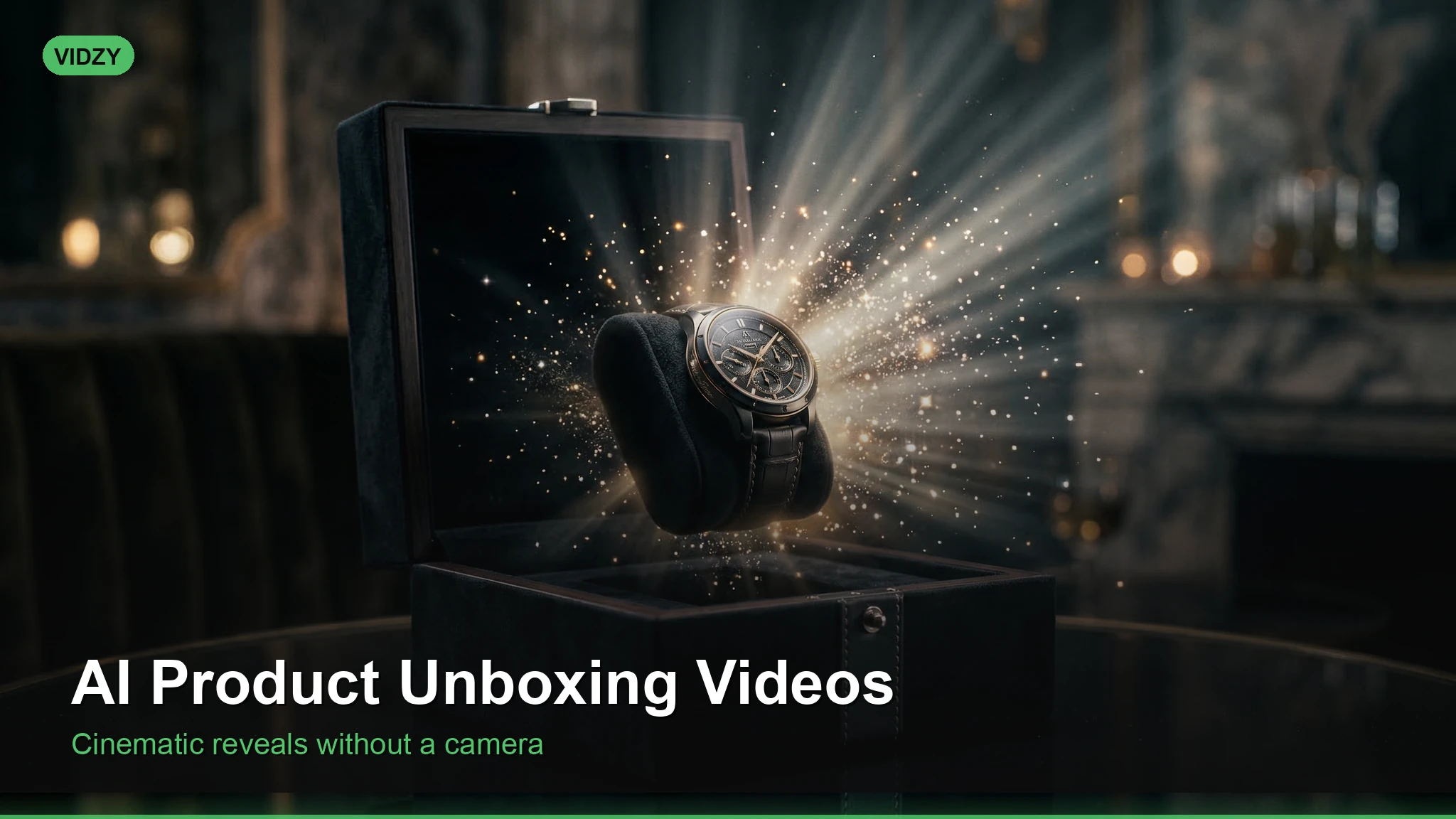
Why AI Product Unboxing Videos Are a Marketing Superpower
Unboxing videos generate billions of views annually. The anticipation and reveal format is psychologically compelling — and it sells products. But creating a traditional unboxing video requires having the physical product, a camera setup, good lighting, and editing skills. With AI video generation, you can create AI product unboxing video content before a product even ships, during pre-launch campaigns, or to supplement your existing content strategy.
This tutorial shows you how to generate realistic, engaging unboxing videos using AI — perfect for e-commerce brands, dropshippers, and content creators.
When to Use AI Unboxing Videos
AI product unboxing video content is ideal for:
Pre-launch marketing — create unboxing content before your product is manufactured
Product concepts and prototypes — visualize packaging concepts before committing to production
Supplementary content — add variety to your content calendar without filming every time
A/B testing — test different packaging designs and see audience reactions
Dropshipping — create premium unboxing content for products you do not physically handle
Step 1: Design Your Unboxing Sequence
Every great unboxing follows a proven structure. Plan your video shot by shot:
Package arrival shot (2-3 seconds) — the sealed box on a clean surface
Close-up of branding (2 seconds) — logo, premium details, label
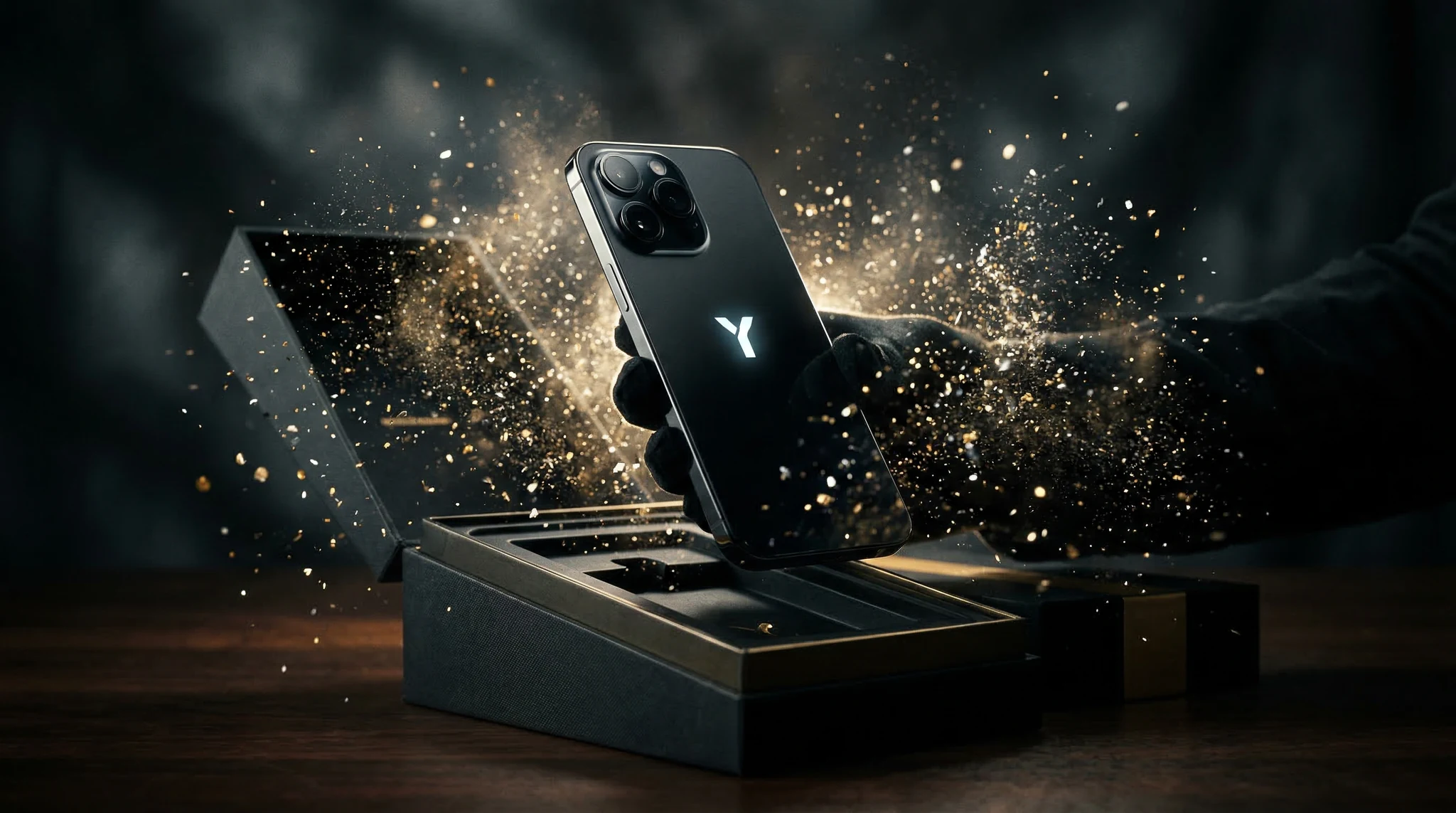
Opening the box (3-4 seconds) — the satisfying lid-lift moment
Tissue paper or wrapping reveal (2 seconds) — layers of packaging
Product reveal (3-4 seconds) — the hero moment, dramatic lighting
Pick one style and maintain it across all your prompts for a cohesive video.
Step 3: Craft Your AI Prompts
Generate each shot of your unboxing sequence as a separate AI video clip. Here is a complete prompt set for a premium skincare product unboxing:
Shot 1 — Package arrival:A pair of hands placing an elegant matte black gift box with embossed gold logo onto a white marble countertop. Soft natural window light from the left. Overhead camera angle looking slightly down. Cinematic quality, shallow depth of field, 9:16 vertical video.Shot 2 — Branding close-up:Extreme close-up of a luxury black box with gold foil embossed logo and satin ribbon. Fingers gently touching the textured surface. Soft diffused lighting, macro lens shallow depth of field. Premium product photography feel, 9:16 vertical.Shot 3 — Opening the box:Hands carefully lifting the lid of an elegant matte black box, revealing layers of black tissue paper inside. White marble surface. Overhead camera angle, slow deliberate movement. Soft natural lighting, cinematic quality, ASMR-like attention to detail. 9:16 vertical.Shot 4 — Tissue paper reveal:Hands gently parting black tissue paper inside a luxury gift box, revealing a glass bottle with gold cap nestled in the packaging. Anticipation moment, slow movement. Overhead shot, soft lighting, cinematic shallow focus. 9:16 vertical.Shot 5 — Product reveal:Hands lifting a beautiful frosted glass skincare bottle with gold cap out of a luxury black box. Product catches the light beautifully. Slight slow motion, medium close-up shot. White marble background, soft natural lighting, premium product photography. 9:16 vertical.Shot 6 — Product details:Close-up rotating shot of a premium frosted glass skincare bottle with gold cap. Elegant typography on the label. Light reflecting off the glass surface. Dark background, dramatic studio lighting with rim light. Slow rotation, cinematic quality. 9:16 vertical.
YouTube Shorts: 30-60 seconds, more detail-oriented, verbal or text narration
Product page: 10-15 second hero video, autoplay-friendly, no sound dependency
Advanced Techniques
Image-to-Video Unboxing
If you have real product photos, upload them to Vidzy and use image-to-video to animate them. This creates the most realistic results because the AI is working with your actual product imagery.
Seasonal Unboxing Themes
Adapt your unboxing aesthetic for seasons and holidays:
Holiday: Red and gold packaging, pine branches, warm candlelight
Summer: Bright colors, outdoor settings, tropical elements
Black Friday: Dramatic dark backgrounds, bold sale text overlays
Multi-Product Unboxing
For subscription boxes or bundles, generate each product reveal separately, then edit them into a sequence of escalating excitement. Save the best product for last.
FAQ
Will viewers know the unboxing is AI-generated?
With current AI video quality, most casual viewers will not notice, especially on mobile. However, transparency builds trust. Consider adding a small disclaimer or using AI unboxing content alongside real product photos. The goal is enhancing your marketing, not deceiving customers.
What products work best for AI unboxing videos?
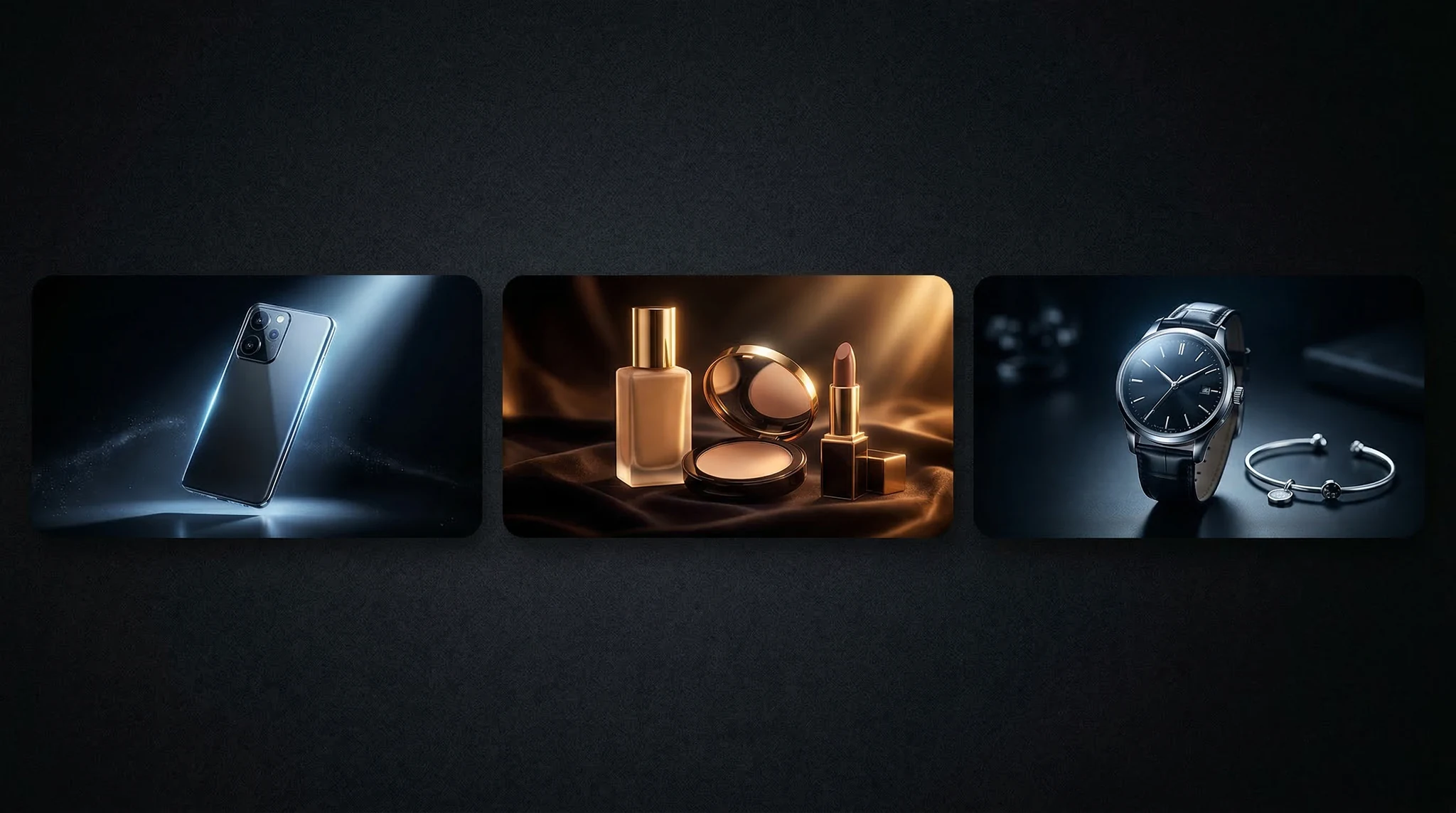
Products with distinctive packaging — boxes, bottles, electronics with clean industrial design. Avoid products where very specific text, logos, or fine print need to be readable, as AI can struggle with precise text rendering.
How do I make the product look like my actual product?
Use image-to-video features with real product photos as the starting frame. Include very specific physical descriptions in your prompts — shape, color, material, size relative to hands. Multiple generations and careful selection help you find the closest match.
Can I use AI unboxing videos in paid ads?
Yes, many e-commerce brands use AI-generated content in ads. Ensure any claims about the product are truthful, and be prepared to disclose AI usage if your advertising platform or jurisdiction requires it.
Start Creating AI Unboxing Content
AI-generated unboxing videos let you create professional product reveal content at scale. Whether you are launching a new product, running a dropshipping store, or building a content calendar, Vidzy gives you the tools to produce cinematic unboxing experiences that drive sales.
Check out more e-commerce content strategies on the Vidzy blog.
Elena Vasquez is a digital marketing consultant specializing in AI-powered content for small businesses. She helps brands leverage AI video and image tools to create professional marketing assets on any budget. She writes about use cases, social media strategies, and practical AI tutorials.
The Art and Science of AI Memes That Go Viral Memes are the universal language of the internet. They drive engagement, build brand personality, and generate shares at a rate no other content format can match. But creating original, shareable memes requires either great design skills or the luck of finding the perfect template at […]
Create Stunning AI Time-Lapse Videos Without a Camera Traditional time-lapse photography requires expensive equipment, hours of patience, and ideal conditions. Now you can generate breathtaking AI time lapse video content in minutes — sunrises over mountain ranges, flowers blooming, cityscapes transitioning from day to night, or seasons changing in a single shot. AI video generation […]
Build a Cohesive Visual Brand Using AI Content Generation Brand consistency is what separates a forgettable social media presence from a recognizable one. When every image, video, and visual asset shares the same color palette, lighting style, composition language, and overall aesthetic, your audience begins to recognize your content before they even see your name. […]
Elena Vasquez
11 min read
Your Next Video Is 30 Seconds Away
Download Vidzy free, pick a template, and create your first video right now.