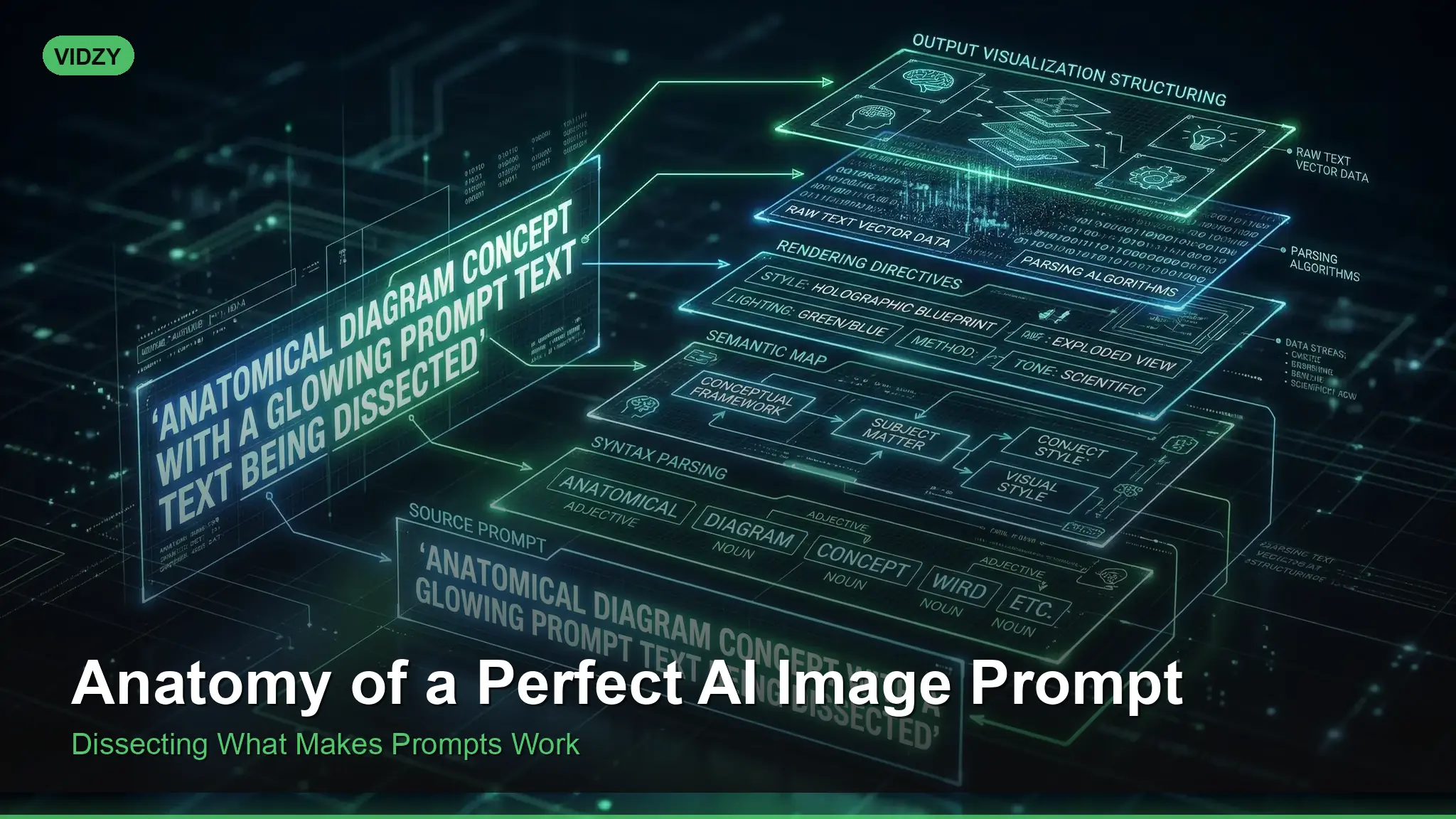
Understanding AI Image Prompt Structure
Every stunning AI-generated image starts with a well-structured prompt. While it might seem like some people have a magic touch with AI generators, the truth is far more systematic. There is a clear AI image prompt structure that consistently produces better results — a formula that works whether you are using Midjourney, Stable Diffusion, DALL·E, or Flux.
Think of an AI image prompt as a blueprint. Architects do not sketch a vague rectangle and hope the construction crew builds something beautiful. They specify dimensions, materials, orientations, and finishes. Your prompt is that blueprint, and the AI model is your construction crew. The more precise and well-organized your instructions, the closer the final result will be to your vision.
This guide dissects the anatomy of a perfect prompt, component by component, so you can build your own from the ground up.
The Layered Prompt Framework
After analyzing thousands of successful prompts across every major AI platform, a consistent pattern emerges. The best prompts are built in layers, each adding a different dimension to the final image. Here is the framework:
Layer 1: Core Subject → What is in the image
Layer 2: Environment → Where it exists
Layer 3: Style and Medium → How it looks aesthetically
Layer 4: Technical Specifications → Camera, lens, lighting
Layer 5: Mood and Atmosphere → How it feels emotionally
You do not always need all five layers. Sometimes three will do. But knowing all five gives you complete control when you need it.
Layer 1: Core Subject — The Anchor
Your subject is the anchor of your prompt. It should appear early — ideally in the first few words — because most AI models give the strongest weight to the beginning of the prompt.
Weak subject: “a person” — too vague, the model fills in every detail randomly.
Strong subject: “an elderly Japanese fisherman with weathered hands and a salt-and-pepper beard” — specific age, ethnicity, distinguishing features, and character.
Details that strengthen a subject description:
- Age and physical characteristics
- Clothing and accessories
- Pose or action (standing, running, looking over their shoulder)
- Expression (pensive, joyful, determined)
- Defining props (a leather-bound book, a chipped ceramic mug)
Prompt: “An elderly Japanese fisherman with weathered hands and a salt-and-pepper beard, wearing a faded indigo work jacket, mending a fishing net on a wooden dock”
Notice how the subject alone already paints a vivid scene. Each detail gives the model something concrete to render.
Layer 2: Environment — The Stage
Where your subject exists matters as much as the subject itself. Environment sets context, provides visual depth, and influences the overall tone.
Environment details to consider:
- Location: urban alley, tropical beach, ancient library, space station corridor
- Time of day: dawn, midday, twilight, deep night
- Weather/conditions: foggy, rain-soaked, sun-drenched, snow-covered
- Background elements: cherry blossoms falling, city lights out of focus, storm clouds gathering
- Scale cues: towering above, nestled among, dwarfed by
Prompt: “An elderly Japanese fisherman mending a fishing net on a weathered wooden dock, small harbor town at dawn, misty mountains in the background, calm water reflecting pink sky” These AI image prompt structure are designed for professional results.
Layer 3: Style and Medium — The Aesthetic DNA
This layer defines the visual language of your image. Is it a photograph or a painting? Realistic or stylized? Modern or vintage?
Medium Keywords
- Photography: photograph, editorial photo, documentary photography, fashion photography, street photography
- Illustration: digital illustration, watercolor painting, oil painting, charcoal drawing, ink wash
- 3D/CG: 3D render, Unreal Engine, Octane render, CGI, isometric
- Stylized: anime, comic book art, pixel art, vector illustration, Art Nouveau
Reference Styles
You can reference visual styles that the model has learned from its training data: “in the style of National Geographic photography,” “Studio Ghibli aesthetic,” “Wes Anderson color palette,” “film noir.”
Prompt: “Editorial photograph of an elderly Japanese fisherman mending a net on a dock at dawn, documentary photography style, National Geographic, muted warm tones” Using the right AI image prompt structure makes all the difference in your output quality.
Layer 4: Technical Specifications — The Director’s Chair
This is where prompt engineers separate themselves from casual users. Technical camera and lighting specifications give you granular control that closely mirrors real photography.
Camera and Lens
- Focal length: 24mm (wide-angle distortion), 50mm (natural perspective), 85mm (portrait compression), 200mm (telephoto compression)
- Aperture cues: “shallow depth of field” (f/1.4–2.8), “everything in focus” (f/11–16)
- Camera references: “shot on Hasselblad,” “Leica M10,” “Canon 5D Mark IV” — each evokes a different look
- Film stocks: “Kodak Portra 400” (warm skin tones), “Fuji Velvia” (vivid saturation), “Ilford HP5” (classic black and white grain)
For a thorough exploration of how camera language affects AI output, check out our guide on camera angles in AI prompts.
Lighting
Lighting deserves its own attention. The right lighting keyword can completely transform an image:
- Natural: golden hour, overcast, dappled sunlight through trees
- Studio: Rembrandt lighting, butterfly lighting, split lighting
- Dramatic: chiaroscuro, rim lighting, single spotlight
- Atmospheric: volumetric fog, god rays, neon glow
Our complete lighting keywords guide covers every lighting term and when to use it.
Prompt: “Editorial photograph of an elderly Japanese fisherman mending a net on a dock, golden hour, shot on Fuji X-T5 with 56mm f/1.2, shallow depth of field, warm Kodak Portra tones, soft backlit rim lighting” With these AI image prompt structure, you can achieve stunning results every time.
Layer 5: Mood and Atmosphere — The Emotional Layer
The final layer is the hardest to quantify but often the most important. Mood keywords tell the AI how the image should feel.
Mood vocabulary to master:
- Calm: serene, peaceful, tranquil, contemplative, meditative
- Dramatic: epic, intense, powerful, imposing, awe-inspiring
- Dark: moody, ominous, brooding, mysterious, haunting
- Warm: nostalgic, cozy, intimate, heartfelt, golden
- Cool: clinical, minimalist, futuristic, sterile, ethereal
Color palette specifications also live in this layer. Instead of hoping for the right colors, specify them: “muted earth tones,” “desaturated teal and orange,” “high-contrast black and white,” “pastel color grading.”
The Complete Prompt: All Five Layers
Let us see our fisherman prompt with all five layers combined:
Prompt: “Editorial photograph of an elderly Japanese fisherman with weathered hands and a salt-and-pepper beard, mending a fishing net on a weathered wooden dock, small harbor town at dawn with misty mountains in the background, shot on Fuji X-T5 56mm f/1.2, shallow depth of field, golden hour backlit rim lighting, Kodak Portra warm tones, serene and contemplative mood, National Geographic documentary style” Master AI image prompt structure to take your AI generation to the next level.
That prompt is approximately 60 words — well within the sweet spot — and provides clear direction on every dimension the model needs to resolve.
Word Order Matters
Most AI models give disproportionate weight to words at the beginning of the prompt. As a general rule:
- Most important concept first — usually the subject or the style if style is paramount
- Supporting details in the middle — environment, lighting, camera
- Refinement keywords at the end — mood, quality boosters, color palette
If you are generating a portrait, start with the person. If you are generating an architectural shot, start with the building. If style is your priority (e.g., “watercolor painting of…”), lead with the style.
Quality Boosters: When and How to Use Them
You will see prompts peppered with terms like “8K,” “ultra-detailed,” “masterpiece,” or “award-winning.” These quality boosters can help, but they are not magic words. Use them sparingly and strategically:
Effective quality terms:
highly detailed— encourages fine texture and sharpnessprofessional photography— pushes toward polished outputaward-winning— can slightly elevate composition quality8K, ultra HD— mostly useful in Stable Diffusion to push resolution perception
Diminishing returns: Stacking five quality boosters does not make the image five times better. One or two well-placed terms are sufficient. Your specific descriptive layers do far more heavy lifting than generic quality words.
Adapting the Framework for Different Use Cases
Product Photography
Emphasize Layer 2 (clean environment) and Layer 4 (studio lighting). Minimize mood — you want clarity, not atmosphere.
Prompt: “Professional product photograph of a matte black wireless speaker on a white marble surface, soft studio lighting, three-point setup, shallow depth of field, clean minimalist background, commercial advertising style” The best AI image prompt structure combine technical precision with creative vision.
Concept Art
Emphasize Layer 3 (style) and Layer 5 (mood). Technical camera specs are less relevant for illustrated styles.
Prompt: “Digital concept art of a massive floating city above the clouds, ancient stone architecture mixed with bioluminescent technology, epic wide establishing shot, volumetric god rays, awe-inspiring and mysterious atmosphere, detailed environment design” These AI image prompt structure are designed for professional results.
Social Media Content
Keep it punchier. Emphasize subject and style, use platform-appropriate sizing. Our video size guide helps you choose the right dimensions for each platform.
Frequently Asked Questions
Is there a maximum prompt length I should stick to?
Most models have a technical token limit (typically 75–77 tokens for Stable Diffusion, approximately 300 words for Midjourney). Practically, 30–75 words tends to be the productive range. Beyond that, later words get diminishing attention. If your prompt needs to be long, front-load the most important details.
Should I write prompts as sentences or comma-separated keywords?
Both work, and the best approach depends on the platform. DALL·E and newer models handle natural sentences well. Stable Diffusion and Midjourney often respond better to comma-separated keyword phrases. You can also mix the two: a sentence for the subject and setting, followed by comma-separated technical and mood keywords.
How do I know which layer is causing a problem in my output?
Isolate variables. Start with just Layer 1 and Layer 3 (subject and style). If the result is close, add one layer at a time. If it goes wrong after adding lighting terms, you know where to adjust. This systematic approach is far faster than rewriting the entire prompt from scratch.
Build Your Prompt with the Right Tools
The layered framework becomes second nature with practice, but you can accelerate the learning curve with the right tools. Vidzy’s Prompt Generator guides you through each layer with structured input fields, helping you build professional-quality prompts even as a beginner.
Ready to create stunning visuals with perfectly structured prompts? Download Vidzy and start generating today.