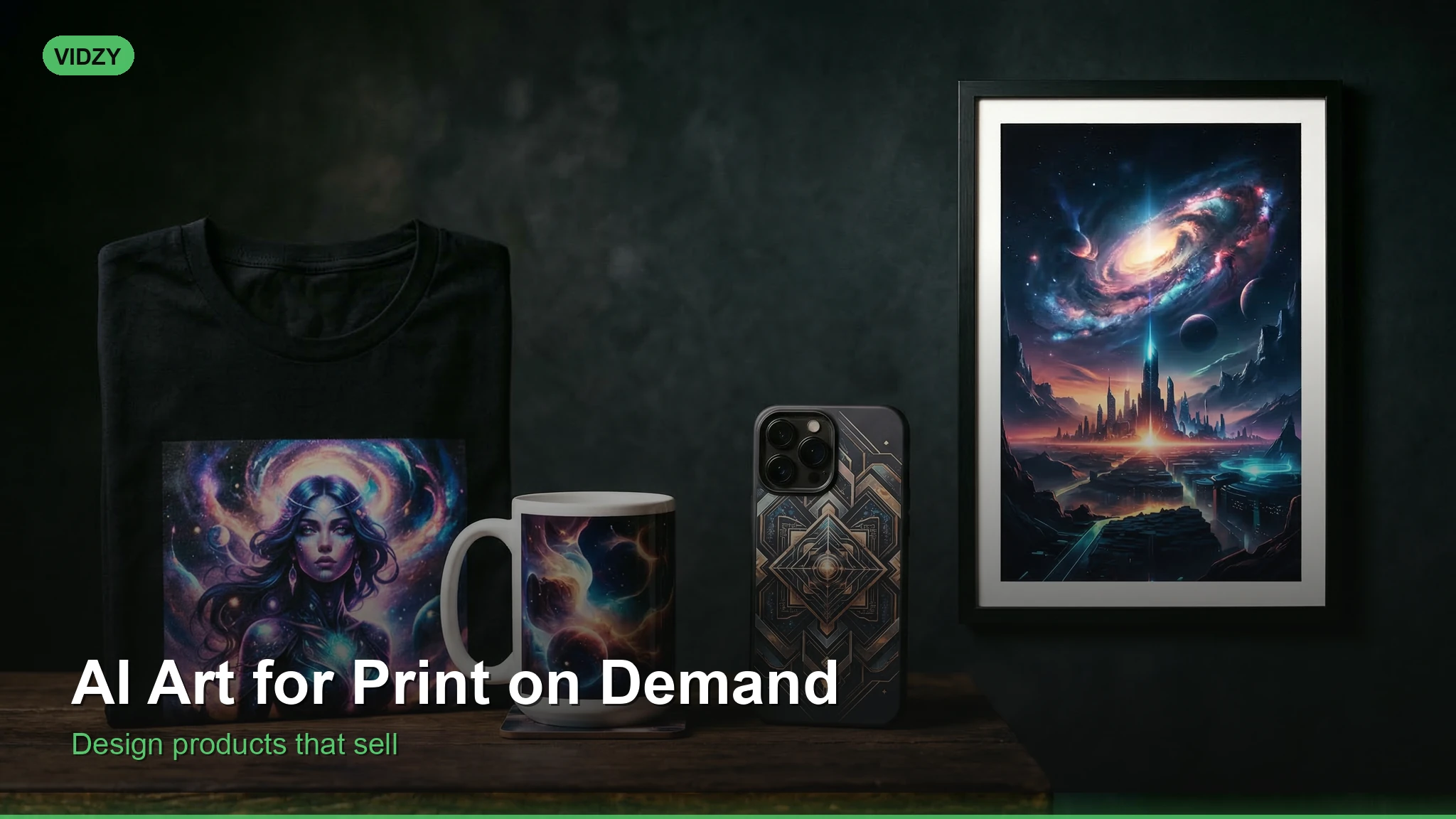
Why AI Art for Print on Demand Is a Massive Opportunity
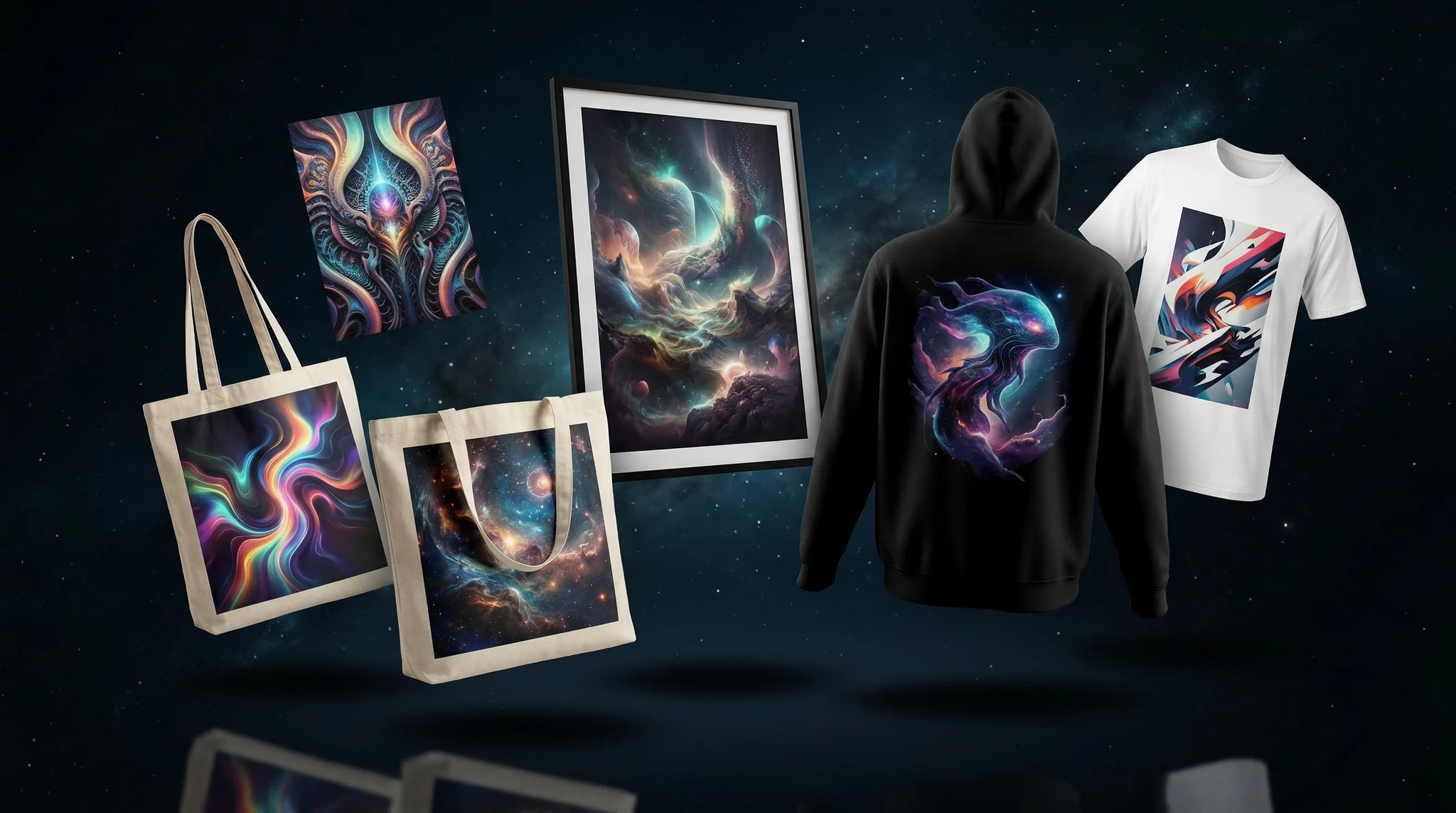
The AI art print on demand market has exploded. Sellers on Etsy, Redbubble, and Amazon Merch are using AI image generators to create unique designs — t-shirts, posters, phone cases, mugs — without needing traditional art skills. The barrier to entry has never been lower, and the profit margins remain healthy because your “production cost” for artwork is essentially zero.
This tutorial walks you through the complete process of generating AI art specifically optimized for print on demand products, from choosing the right models to preparing print-ready files.
Step 1: Choose the Right AI Image Generator
Not all AI models produce print-quality results. For AI art print on demand, you need high resolution, clean lines, and designs that work well on physical products.
Best models for POD art:
Flux — excellent for detailed illustrations, typography, and consistent style. Available through Vidzy
DALL-E 3 — strong at following complex prompts and generating text within images
Midjourney — produces highly aesthetic results with minimal prompting
Flux is particularly strong for POD because it handles text rendering better than most models, which is critical for quote-based designs and typography products.
Step 2: Understand What Sells on POD Platforms
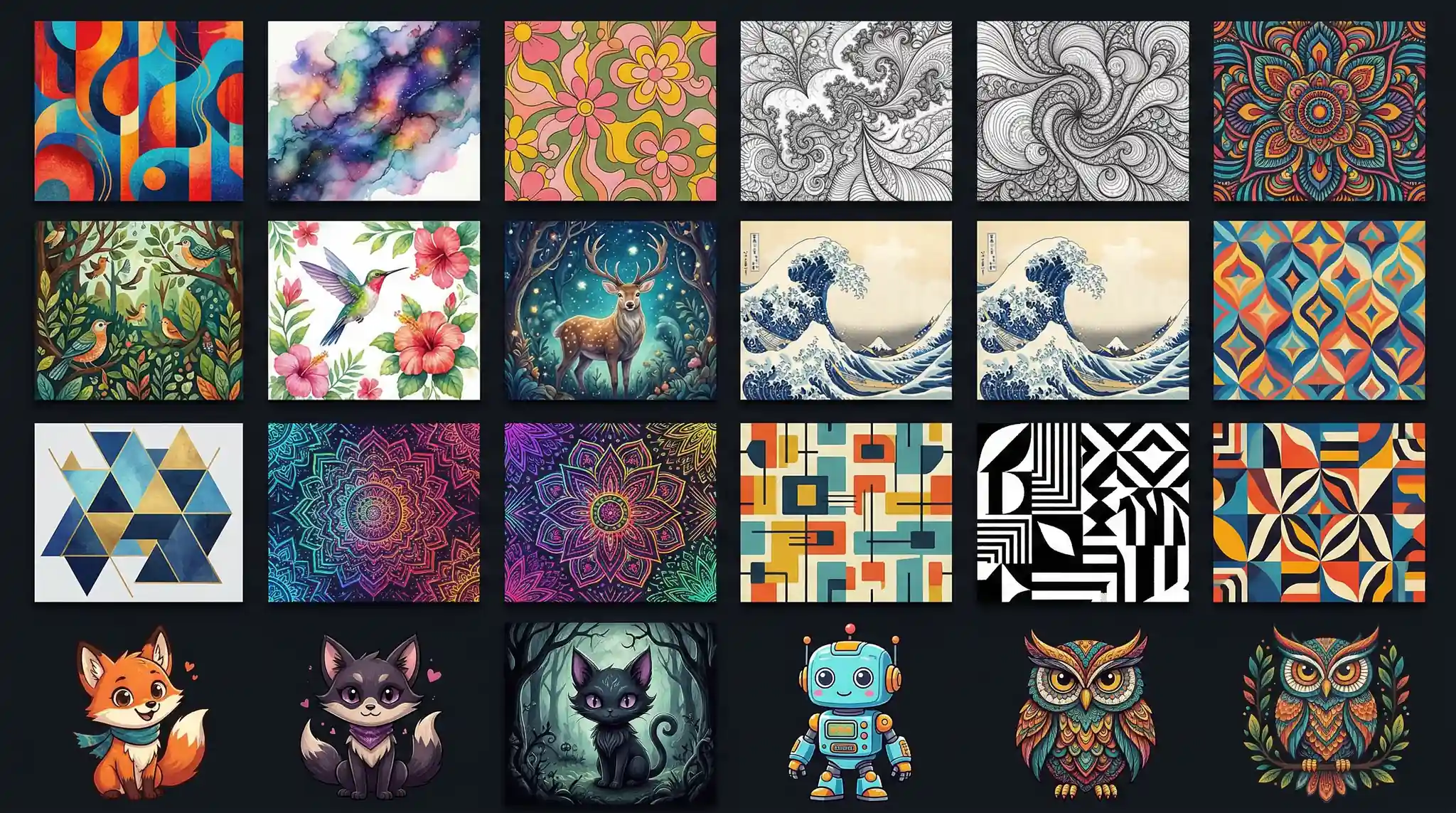
Before generating art, research what actually sells. The most profitable POD niches for AI art include:
Motivational quotes with visual backgrounds — always in demand
Pet-related art — breed-specific illustrations and funny designs
Retro and vintage aesthetics — 80s, 90s, vaporwave styles
Minimalist line art — clean designs that print well on any product
Research Tools
Use Etsy search autocomplete, Google Trends, and Amazon bestseller lists to validate demand before creating designs. Look for niches with steady search volume but moderate competition.
Step 3: Craft Print-Optimized AI Prompts
POD art prompts differ from general AI art prompts. You need to account for print constraints:
Essential prompt elements for POD:
Transparent or solid background — “on a pure black background” or “isolated on white background”
High contrast — designs must be visible on colored products
Clean edges — “vector-style,” “clean lines,” “no noise or artifacts”
Simple composition — avoid overly complex scenes that lose detail when printed small
Prompt Templates by Product Type
T-shirt design:A bold graphic design of [subject] in [style] style. Isolated on a pure black background. High contrast colors, clean vector-like edges. T-shirt ready design. No text, centered composition.Poster/wall art:[Subject] in [art style] style. Rich detail, vibrant colors. Gallery-quality fine art print. High resolution, painterly texture. Dramatic lighting with [color] palette.Sticker design:A cute kawaii-style [subject] illustration. White outline border, sticker-ready design. Bright saturated colors, simple clean shapes. Isolated on white background.Mug design:A wraparound mug design featuring [subject]. Seamless horizontal pattern. [Style] illustration style, cheerful colors. White background, print-ready artwork.
Step 4: Generate and Curate Your Designs
Open Vidzy and start generating with Flux for best POD results.
Generate in batches — create 10-20 variations of each concept
Select the top 3-5 — choose designs with cleanest edges and strongest visual impact
Test at different sizes — zoom in to check for artifacts or blurry areas
Verify text readability — if your design includes text, make sure every letter is correct
Common Generation Mistakes to Avoid
Too much detail — intricate designs get lost on small products like phone cases
Misspelled text — always double-check AI-generated text carefully
Copyrighted characters — never prompt for existing brand characters or logos
Low contrast — light designs on light products are invisible
Step 5: Prepare Files for Print
AI-generated images typically need post-processing before uploading to POD platforms:
Upscale resolution — most POD platforms want 300 DPI. Use an AI upscaler to increase resolution to at least 4500×5400 pixels for t-shirts
Remove backgrounds — use remove.bg or Photoshop for transparent PNG files
Clean up edges — smooth any rough edges or artifacts around your design
Color profile — convert to sRGB for screen-printed products, CMYK for direct-to-garment
Save as PNG — always use PNG format to preserve transparency and quality
Platform-Specific Requirements
Redbubble: minimum 2875×2875 px for most products
Merch by Amazon: exactly 4500×5400 px, sRGB, PNG under 25MB
Etsy (with Printful/Printify): 300 DPI, dimensions vary by product
Track analytics — double down on niches that convert
Profit Expectations and Timeline
Realistic expectations for AI-powered POD:
Month 1-2: Upload 50-100 designs, expect minimal sales while listings index
Month 3-4: Identify winning niches, scale those designs
Month 6+: Consistent passive income as your catalog grows
Top sellers typically maintain 500+ active designs across platforms. With AI, you can reach that number in weeks rather than months.
FAQ
Is it legal to sell AI-generated art on POD platforms?
Most POD platforms currently allow AI-generated designs. However, you cannot copyright AI-generated images in many jurisdictions. Always check each platform’s current terms of service, as policies are evolving.
What resolution do I need for print on demand?
Minimum 300 DPI at the print size. For t-shirts, this typically means 4500×5400 pixels. AI upscalers can help you reach these resolutions from standard AI-generated images.
How do I avoid creating designs that look AI-generated?
Use specific style references in your prompts (e.g., “watercolor illustration style” or “vintage screen print aesthetic”). Post-process with color adjustments and texture overlays. Avoid the default “hyper-detailed digital art” look that screams AI.
Which POD platform is best for beginners?
Redbubble has the lowest barrier to entry — no upfront costs, handles all printing and shipping. Etsy with Printful/Printify offers higher margins but requires more listing optimization work.
Start Your AI Print on Demand Business
With AI art generators and print on demand platforms, you can launch a design business with zero inventory and zero upfront costs. Use Vidzy to generate stunning Flux artwork, prepare your files for print, and start uploading to POD platforms today. The key is volume and niche targeting — start generating and let the data guide your strategy.
For more AI creative tutorials, visit the Vidzy blog.
Elena Vasquez is a digital marketing consultant specializing in AI-powered content for small businesses. She helps brands leverage AI video and image tools to create professional marketing assets on any budget. She writes about use cases, social media strategies, and practical AI tutorials.
Create Professional AI Headshots for LinkedIn That Make a Strong First Impression Your LinkedIn profile photo is often the very first thing a recruiter, client, or business connection sees. Research consistently shows that profiles with professional headshots receive significantly more views and connection requests than those with casual photos or no photo at all. But […]
Master Nano Banana 2: The Complete Tutorial for Photorealistic AI Images Nano Banana 2 is quickly becoming one of the most talked-about AI image models in the creative community, and for good reason. This model delivers stunningly photorealistic outputs with a level of detail and coherence that rivals much larger, more resource-intensive generators. Whether you […]
Build a Complete AI Content Creation Workflow from Ideation to Publishing Creating content with AI is easy. Creating content with AI systematically — in a way that is repeatable, scalable, and consistently high-quality — is where most creators and teams fall short. An AI content workflow transforms scattered experimentation into a structured production pipeline that […]
Elena Vasquez
11 min read
Your Next Video Is 30 Seconds Away
Download Vidzy free, pick a template, and create your first video right now.



![How to Make AI Headshots for LinkedIn [Step by Step]](https://getvidzy.com/wp-content/uploads/2026/03/post113-featured-768x432.webp "How to Make AI Headshots for LinkedIn [Step by Step] 6")