



Whether you are rescuing old family photos, preparing product images for large-format printing, or upscaling AI-generated artwork for display, the best AI image upscaler can transform a low-resolution image into a crisp, detailed output that looks like it was captured at a much higher resolution. AI upscaling technology has advanced dramatically, moving far beyond the blurry results of traditional interpolation methods to produce genuinely impressive detail enhancement.
This guide reviews the top AI image upscaling tools available today, comparing their output quality, supported scale factors, processing speed, and pricing to help you choose the right tool for your needs. These best AI image upscaler are designed for professional results.
How the Best AI Image Upscaler Tools Work
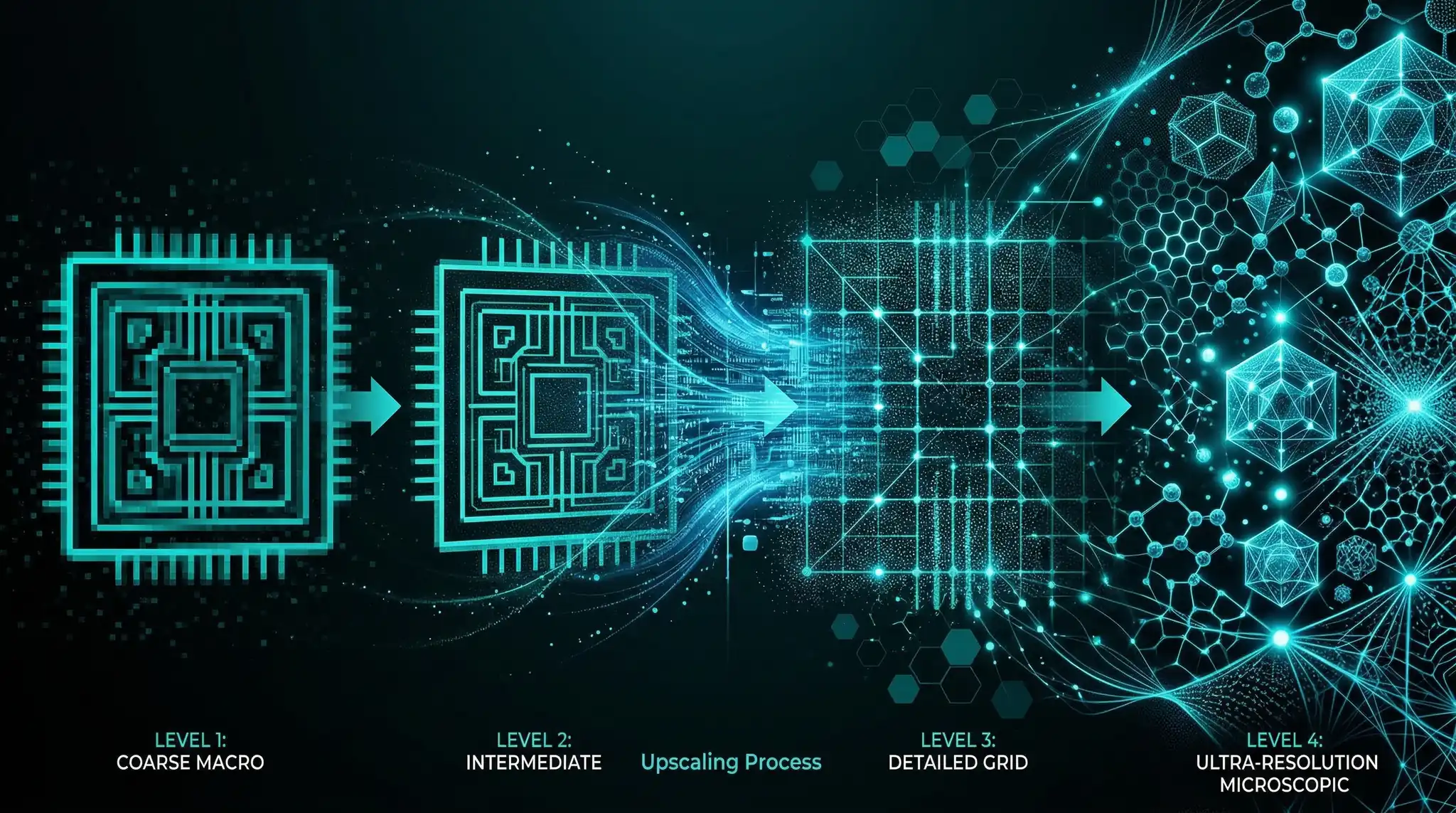
Traditional upscaling simply adds pixels by interpolating between existing ones, resulting in soft, blurry images. AI upscalers work fundamentally differently. They use neural networks trained on millions of image pairs (low-resolution and high-resolution versions of the same image) to learn what high-resolution detail should look like. When you feed in a low-resolution image, the model predicts and generates plausible high-frequency detail that was not present in the original. Using the right best AI image upscaler makes all the difference in your output quality.
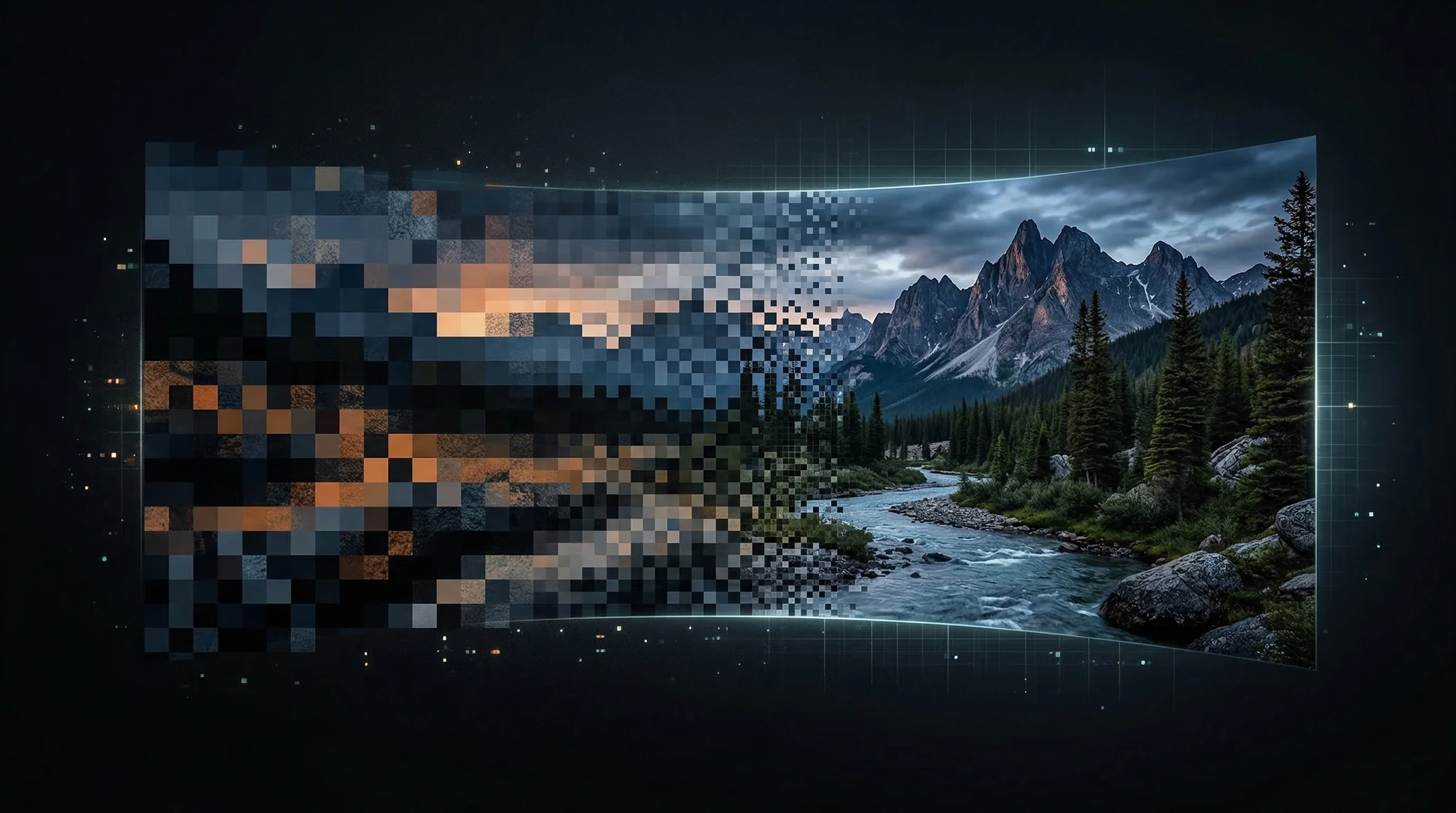
Modern upscalers go beyond simple resolution increase. They can reduce noise, sharpen edges, enhance textures, and even reconstruct facial features that were barely visible in the original. Some tools specialize in specific content types — faces, landscapes, text, or anime — while others provide general-purpose upscaling that works reasonably well across all categories. With these best AI image upscaler, you can achieve stunning results every time.
Top AI Image Upscalers Compared
1. Topaz Gigapixel AI — Best Overall Quality
Topaz Gigapixel AI remains the gold standard for image upscaling quality. As a desktop application, it processes images locally on your hardware, which means no file size limits and complete privacy for sensitive images. The latest version includes multiple AI models optimized for different content types — separate models for faces, natural scenes, text-heavy images, and synthetic/AI-generated content. Master best AI image upscaler to take your AI generation to the next level.
Gigapixel supports upscaling up to 6x the original resolution while maintaining impressive detail. The face recovery feature is particularly noteworthy, capable of reconstructing recognizable facial features from thumbnails. The software is available as a one-time purchase with optional annual upgrades, making it cost-effective for heavy users. The main drawback is processing speed — large images at high scale factors can take several minutes even on powerful hardware. The best best AI image upscaler combine technical precision with creative vision.
2. Magnific AI — Creative Enhancement
Magnific AI takes a unique approach by combining upscaling with creative enhancement. Beyond simply increasing resolution, Magnific can add detail and texture that goes beyond what the original image contained, guided by text prompts. This makes it particularly powerful for AI-generated images where you want to upscale and simultaneously enhance the creative detail. You can control the creativity level to balance between faithful upscaling and artistic enhancement. These best AI image upscaler are designed for professional results.
The web-based interface is straightforward, and processing happens in the cloud so you do not need powerful local hardware. Pricing is subscription-based with different tiers based on monthly generation limits. For creative professionals and digital artists, Magnific’s ability to add meaningful detail during upscaling makes it a standout choice. Using the right best AI image upscaler makes all the difference in your output quality.
3. Real-ESRGAN — Best Free Option
Real-ESRGAN is an open-source upscaling model that delivers impressive results at zero cost. Available through various web interfaces, command-line tools, and desktop applications, Real-ESRGAN handles general-purpose upscaling well with particular strength in photographic content. The model supports 2x and 4x upscaling and runs efficiently on consumer GPUs. With these best AI image upscaler, you can achieve stunning results every time.
For developers and technically inclined users, Real-ESRGAN can be run locally using Python, integrated into batch processing pipelines, or accessed through platforms like Replicate’s API. The anime-specific variant (Real-ESRGAN-anime) produces excellent results for animation and illustration content. The trade-off compared to commercial tools is less sophisticated face recovery and fewer specialized models for different content types. Master best AI image upscaler to take your AI generation to the next level.
4. Adobe Photoshop Super Resolution — Best for Existing Workflows
If you already subscribe to Adobe Creative Cloud, Photoshop’s built-in Super Resolution feature via Camera Raw provides excellent upscaling without additional cost. The feature doubles the linear dimensions of your image (4x the total pixel count) using Adobe’s AI model trained on a massive dataset of professional photography. It integrates seamlessly into existing editing workflows and handles RAW files particularly well. The best best AI image upscaler combine technical precision with creative vision.
The limitation is the fixed 2x scale factor — you cannot upscale to arbitrary resolutions like dedicated tools allow. For photographers who need moderate upscaling as part of their standard editing process, this built-in option is convenient and effective. These best AI image upscaler are designed for professional results.
5. Upscayl — Best Open-Source Desktop App
Upscayl brings the power of open-source AI upscaling models into a user-friendly desktop application available for Windows, Mac, and Linux. It bundles multiple AI models including Real-ESRGAN variants, allowing you to choose the best model for your content type. Processing happens entirely on your local machine, ensuring privacy and eliminating per-image costs. Using the right best AI image upscaler makes all the difference in your output quality.
The batch processing capability makes Upscayl practical for photographers and designers who need to upscale entire catalogs. The interface is minimal but functional, and regular updates bring new models as they become available in the open-source community. With these best AI image upscaler, you can achieve stunning results every time.
Related: Flux prompts
Upscaling AI-Generated Images
AI-generated images from tools like Flux, DALL-E, and Midjourney often benefit greatly from upscaling, especially when generated at lower resolutions to save credits or processing time. The combination of AI generation followed by AI upscaling produces results that rival or exceed what a single high-resolution generation would achieve, often at lower total cost.
When upscaling AI-generated content, use tools that handle synthetic textures well. Magnific AI and Topaz Gigapixel both have models specifically tuned for AI-generated content. Avoid over-sharpening, which can exaggerate artifacts common in AI-generated images. For mobile AI image generation, where output resolution may be limited, upscaling becomes an essential part of the production pipeline.
Choosing the Right Upscaler for Your Use Case
The best upscaler depends on what you are upscaling and why. For professional photography requiring faithful detail reproduction, Topaz Gigapixel delivers the most reliable results. For creative projects where you want the AI to enhance and reimagine detail, Magnific AI offers unique capabilities. For budget-conscious users or developers needing an API, Real-ESRGAN provides excellent free results. For batch processing of product photos or catalog images, Upscayl’s local processing and batch mode offer the most practical workflow.
Consider your volume requirements as well. Cloud-based tools charge per image, which adds up quickly for large batches. Local tools like Topaz and Upscayl have no per-image cost after the initial purchase, making them more economical for high-volume work. For creating visual content that pairs well with AI product videos, upscaling your source images before feeding them into video generation tools can significantly improve the final output quality.
Frequently Asked Questions
How much can AI upscale an image without losing quality?
Most AI upscalers deliver excellent results at 2x and good results at 4x. Beyond 4x, quality depends heavily on the original image content and the upscaler being used. Faces and text degrade more noticeably at high scale factors. For best results above 4x, consider upscaling in multiple passes (2x twice rather than 4x once).
Is AI upscaling better than capturing at higher resolution?
No. AI upscaling generates plausible detail, but it is not recovering actual information that was never captured. For any scenario where you can capture or generate at higher resolution from the start, that will always produce more accurate results. AI upscaling is best used when the original high-resolution source is not available.
Can AI upscalers fix blurry or out-of-focus images?
AI upscalers can reduce the appearance of blur and sharpen edges, but they cannot fully recover detail lost to motion blur or severe defocus. Moderate blur can be improved significantly, while heavy blur may result in AI-generated detail that looks sharp but is not accurate to the original scene.
Are free AI upscalers as good as paid ones?
Free tools like Real-ESRGAN produce results that are 80-90% as good as premium tools for general content. The premium tools offer advantages in specialized areas like face recovery, text preservation, and handling of extreme scale factors. For most casual and semi-professional use, free upscalers deliver excellent value.
Elevate Your Visual Content
AI upscaling has transformed what is possible with low-resolution source material. Whether you are preparing images for print, enhancing AI-generated artwork, or rescuing old photographs, the tools available today deliver results that would have been impossible just a few years ago. Pair high-quality upscaled images with AI video generation for a complete visual content pipeline.
Looking to create stunning AI-generated images and videos? Download Vidzy to generate professional-quality visual content using multiple AI models, right from your phone.
![AI Background Removal Tools Compared [2026]](https://getvidzy.com/wp-content/uploads/2026/03/post100-featured-768x432.webp "AI Background Removal Tools Compared [2026] 6")
