


How Podcasters Create AI Podcast Video Clips That Drive Growth
The podcasting landscape has shifted dramatically. Audio-only shows still thrive, but the creators who are growing fastest today have one thing in common: they’re turning their episodes into AI podcast video clips that dominate social media feeds. With platforms like TikTok, Instagram Reels, and YouTube Shorts favoring video content, podcasters who rely solely on audio distribution are leaving massive audience growth on the table.
The good news? You don’t need a video production team, expensive gear, or even a camera. AI video generation tools now make it possible to transform your best podcast moments into scroll-stopping visual content in minutes. Here’s exactly how podcasters are doing it — and how you can start today.
Why AI Podcast Video Clips Matter for Growth
Consider the numbers: short-form video content generates 2-3x more engagement than static posts, and podcast clips shared as video on YouTube Shorts and TikTok consistently drive new listener discovery. But the traditional approach — recording video during podcast sessions, then manually editing clips — is time-consuming and requires equipment many podcasters don’t have.

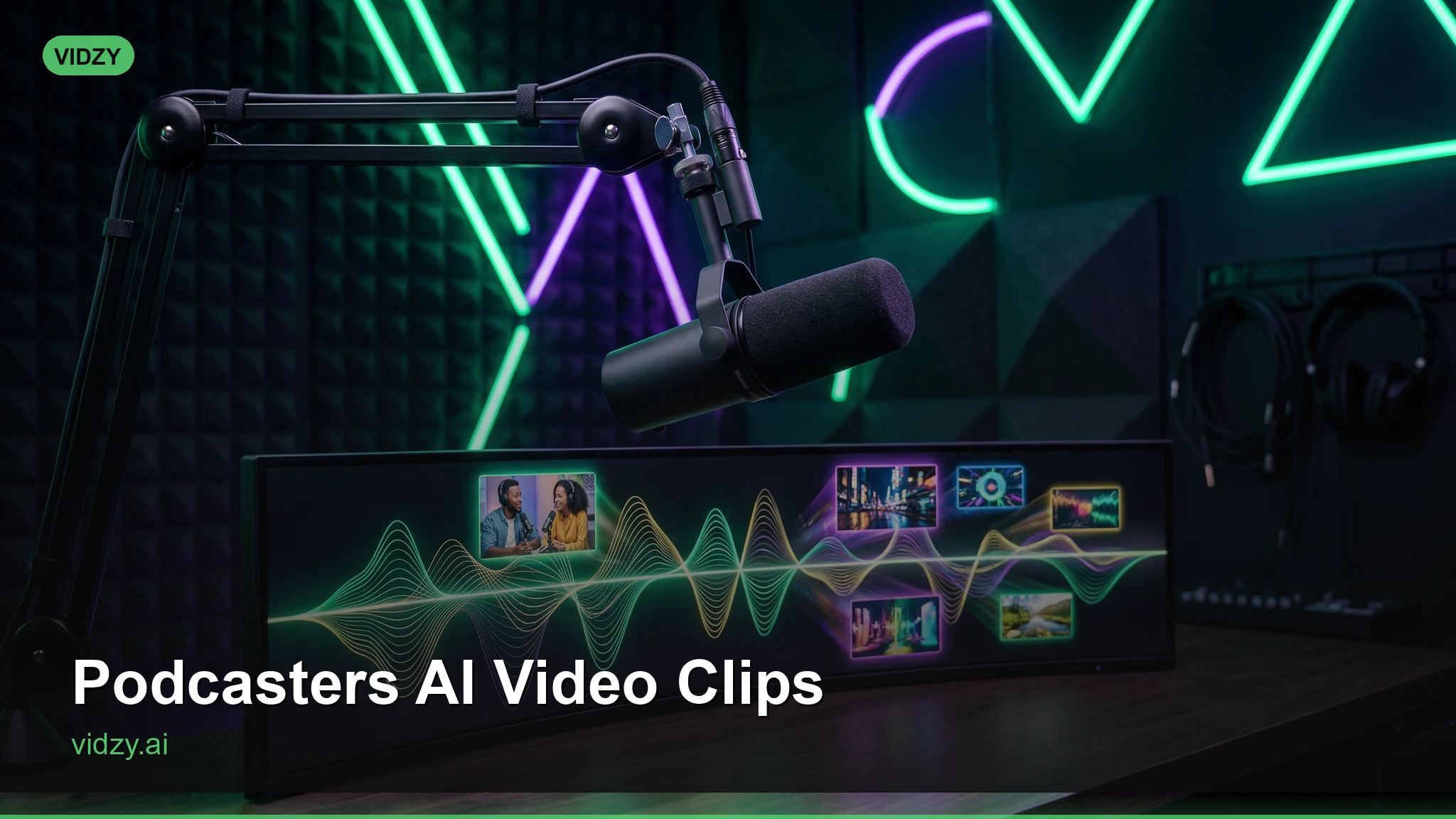
AI video generation solves this by creating visually compelling clips from your audio content. Instead of showing a talking head or a static waveform, you can illustrate the topics you’re discussing with cinematic visuals that capture attention and communicate your message before someone even presses play.
5 Types of AI Video Clips Every Podcaster Should Create
1. Topic Visualization Clips
When you discuss a concept, AI can generate visuals that bring it to life. If your episode covers space exploration, generate sweeping cosmic landscapes. If you’re discussing entrepreneurship, create dynamic cityscapes and startup office scenes. These clips pair your audio commentary with relevant, eye-catching visuals that make listeners stop scrolling.
Prompt example: “Cinematic aerial shot of a bustling startup office at golden hour, people collaborating around screens showing growth charts, warm natural lighting through floor-to-ceiling windows, shallow depth of field, 4K quality”

2. Quote Cards in Motion
Static quote graphics are played out. Instead, generate atmospheric background videos that complement your best quotes. Layer your audio and text over a slowly moving, mood-appropriate scene. A motivational quote hits differently when it’s set against a sunrise over mountains rather than a flat colored background. These AI podcast video clips are designed for professional results.
3. Episode Trailers
Create 15-30 second trailers for upcoming episodes using AI-generated scenes that hint at the topics you’ll cover. These work brilliantly as pre-release teasers on social media and help build anticipation for new drops.
4. Audiogram Replacements
Traditional audiograms — those videos with waveform animations — have become background noise on social feeds. Replace them with AI-generated video that actually illustrates what’s being discussed. The engagement difference is significant: AI video audiograms typically see 40-60% higher watch times compared to traditional waveform versions.
5. Channel Branding Intros and Outros
Generate professional intro and outro sequences for your podcast’s video presence. Create atmospheric scenes that match your show’s brand — whether that’s a cozy library for a book review podcast or a neon-lit studio for a tech show.
Step-by-Step: Creating Your First AI Podcast Clip
Step 1: Identify Your Clip-Worthy Moments
Not every minute of your podcast needs a video clip. Focus on moments that are self-contained, emotionally resonant, or intellectually provocative. Hot takes, surprising statistics, personal stories, and practical advice all make excellent clip material. Aim for segments between 30-90 seconds.
Step 2: Write Prompts That Match Your Content
The key to effective AI podcast video clips is alignment between what the audience hears and what they see. Don’t generate random pretty footage — create visuals that reinforce your message. If you’re discussing the stress of modern work life, your prompt should evoke that feeling visually.
Use a tool like Vidzy’s Prompt Generator to craft detailed prompts that include mood, lighting, camera angle, and style direction. The more specific your prompt, the more relevant your output. Using the right AI podcast video clips makes all the difference in your output quality.
Step 3: Generate Multiple Variations
Generate 3-4 versions of each clip and choose the one that best matches the tone of your audio. AI generation is probabilistic — each run produces slightly different results, and sometimes the third attempt captures exactly the feeling you need.
Step 4: Assemble the Final Clip
Combine your AI-generated video with the podcast audio segment using any video editor. Add subtitles (critical for social media, where most viewers watch without sound), your podcast name as a watermark, and a call-to-action to listen to the full episode.
Step 5: Optimize for Each Platform
Different platforms prefer different formats. Generate your AI video in 9:16 vertical for TikTok, Reels, and Shorts. For Twitter/X and LinkedIn, 1:1 square or 16:9 landscape often performs better. The Vidzy Video Sizes Tool can help you determine the right dimensions for each platform.
Prompt Strategies for Different Podcast Genres
True Crime & Mystery Podcasts
Lean into atmospheric, moody visuals. Dark corridors, rain-slicked city streets, close-ups of vintage detective equipment, foggy landscapes at twilight. These create the tension and intrigue that true crime audiences crave.
Business & Entrepreneurship Podcasts
Modern offices, skyline views, confident professionals in dynamic settings, data visualization scenes, bustling markets. Keep the energy upward and aspirational.
Health & Wellness Podcasts
Natural settings, meditation spaces, sunrise scenes, fresh food preparation, yoga studios with soft natural light. The visuals should evoke calm and intentionality. With these AI podcast video clips, you can achieve stunning results every time.
Comedy Podcasts
Bright, slightly surreal scenes work well. Exaggerated scenarios, colorful urban environments, playful compositions. Don’t be afraid to prompt for absurd or whimsical visuals that match your comedic tone.
Tech & Science Podcasts
Futuristic laboratories, circuit board macro shots, space scenes, holographic displays, clean minimalist tech environments. Lean into the visual language of innovation.
Best Practices for AI Podcast Video Clips
- Consistency is key: Develop a visual style for your clips and stick with it. Audiences should recognize your content before they even see your name.
- Front-load the hook: The first 2 seconds determine whether someone keeps watching. Start with your most visually striking moment and your most provocative audio bite.
- Add subtitles always: 85% of social media video is watched without sound. Your subtitles make or break discoverability.
- Post clips the same day as your episode: Recency matters. Share clips while the episode is fresh for maximum cross-pollination.
- Test different visual styles: What works for one audience won’t work for another. Try photorealistic, cinematic, animated, and abstract styles to see what resonates.
Tools and Workflow for Podcasters
The most efficient workflow combines AI video generation with a lightweight editing tool. Generate your visuals using a mobile-friendly app like Vidzy, which lets you create videos from text prompts directly on your phone. Then combine the generated video with your audio clips in any editor — CapCut, iMovie, or DaVinci Resolve all work well.
For podcasters releasing weekly episodes, batch your clip creation. Identify 3-5 clip-worthy moments per episode, generate all the visuals in one session, then schedule them throughout the week. This turns a potentially time-consuming process into a streamlined 30-minute workflow.
Frequently Asked Questions
Can I use AI-generated video clips for my monetized podcast?
Yes. Most AI video generation platforms grant commercial usage rights on paid plans. Always check the specific terms of the tool you’re using, but platforms like Vidzy include commercial rights for all generated content.
What video length works best for podcast clips on social media?
For TikTok and Instagram Reels, 30-60 seconds is the sweet spot. YouTube Shorts can go up to 60 seconds. LinkedIn favors slightly longer content at 60-90 seconds. The key is to match the clip length to the strength of the content — don’t pad a 30-second moment into a 60-second clip. Master AI podcast video clips to take your AI generation to the next level.
Do AI video clips actually drive podcast downloads?
Data from podcast hosting platforms shows that podcasters who regularly share video clips on social media see 20-40% increases in episode downloads. The clips serve as discovery mechanisms, introducing your show to audiences who wouldn’t find it through audio-only platforms.
How many clips should I create per episode?
Start with 3-5 clips per episode. This gives you enough content to post throughout the week between episodes without overwhelming your audience. As you learn which moments resonate, you can adjust your volume.
What if my podcast is interview-based? Can AI video still work?
Absolutely. For interview podcasts, generate visuals that illustrate the topics your guest is discussing. If they’re sharing a story about their journey, create scenes that match the narrative. The visuals add a dimension that pure audio can’t provide.
Start Creating AI Podcast Video Clips Today
The podcasters who are winning on social media today aren’t the ones with the biggest production budgets — they’re the ones using AI tools strategically to transform their audio content into visual experiences. Every episode you release contains dozens of potential video clips. The only question is whether you’ll take the 30 minutes to create them.
Ready to turn your podcast into a visual content engine? Download Vidzy and start generating your first AI podcast video clips today — no camera, crew, or editing experience required.