



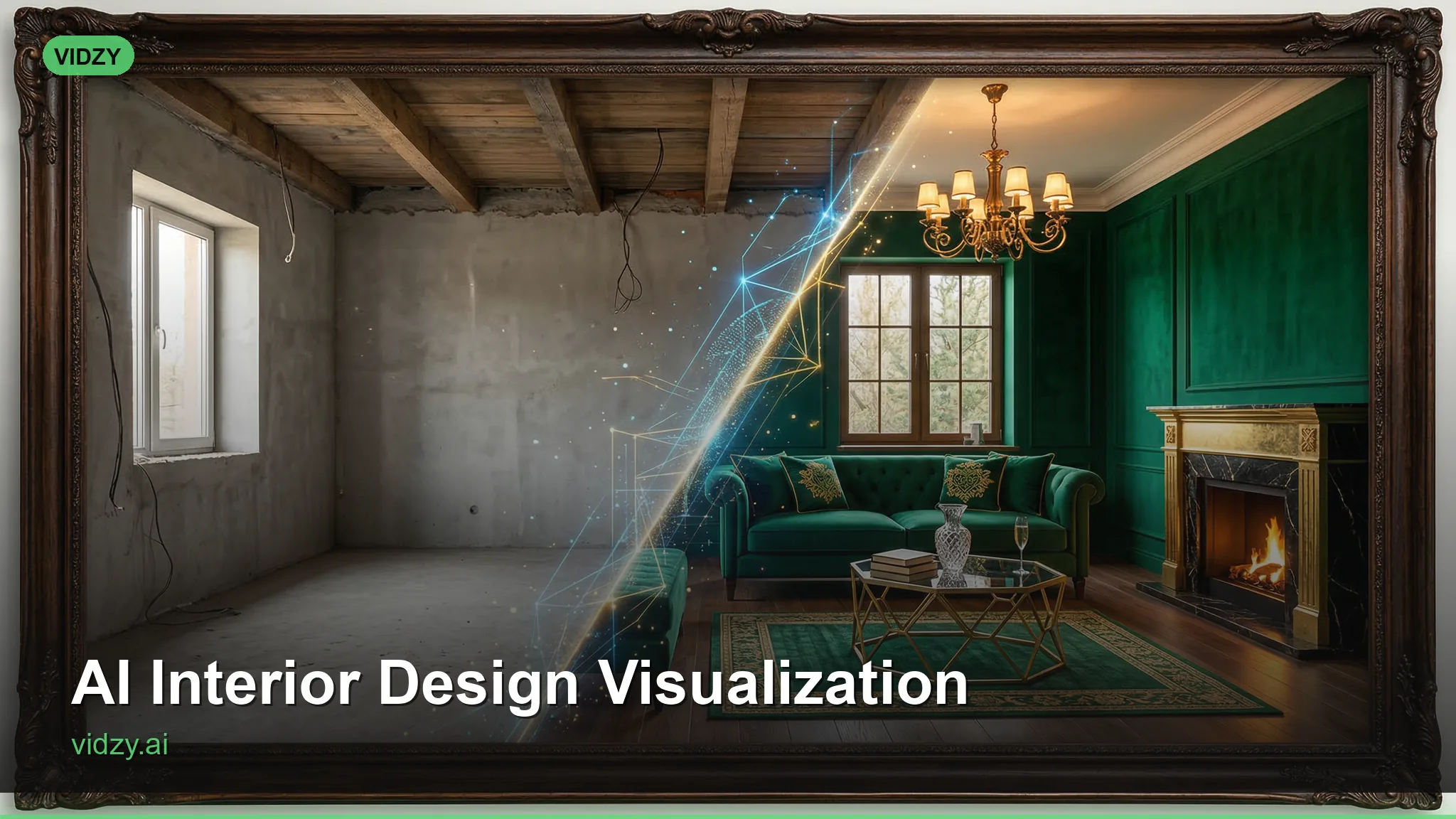
How AI Interior Design Video Transforms Client Presentations
Interior designers have always faced a fundamental communication gap: the vision in your head rarely translates through mood boards, fabric swatches, and 2D floor plans. Clients struggle to imagine how a space will feel, how light will move through it, how textures will interact. Static renderings help, but they lack the immersive quality that convinces clients to commit to bold design choices. That gap is closing rapidly with AI interior design video — a technology that lets designers create photorealistic, walkthrough-quality video content of unbuilt spaces in minutes.
Whether you’re an independent interior designer, part of a studio, or working in residential or commercial design, AI video generation is reshaping how design concepts are presented, marketed, and sold. Here’s how forward-thinking designers are using it today.
Why Video Changes Everything for Interior Design
A photograph captures a single moment from a single angle. A video captures atmosphere. When a client sees a camera slowly pan across a living room concept — sunlight streaming through sheer curtains, shadows playing across textured walls, a gentle rack focus from a vase of flowers to the sofa beyond — they don’t just understand the design. They feel it. These AI interior design video are designed for professional results.
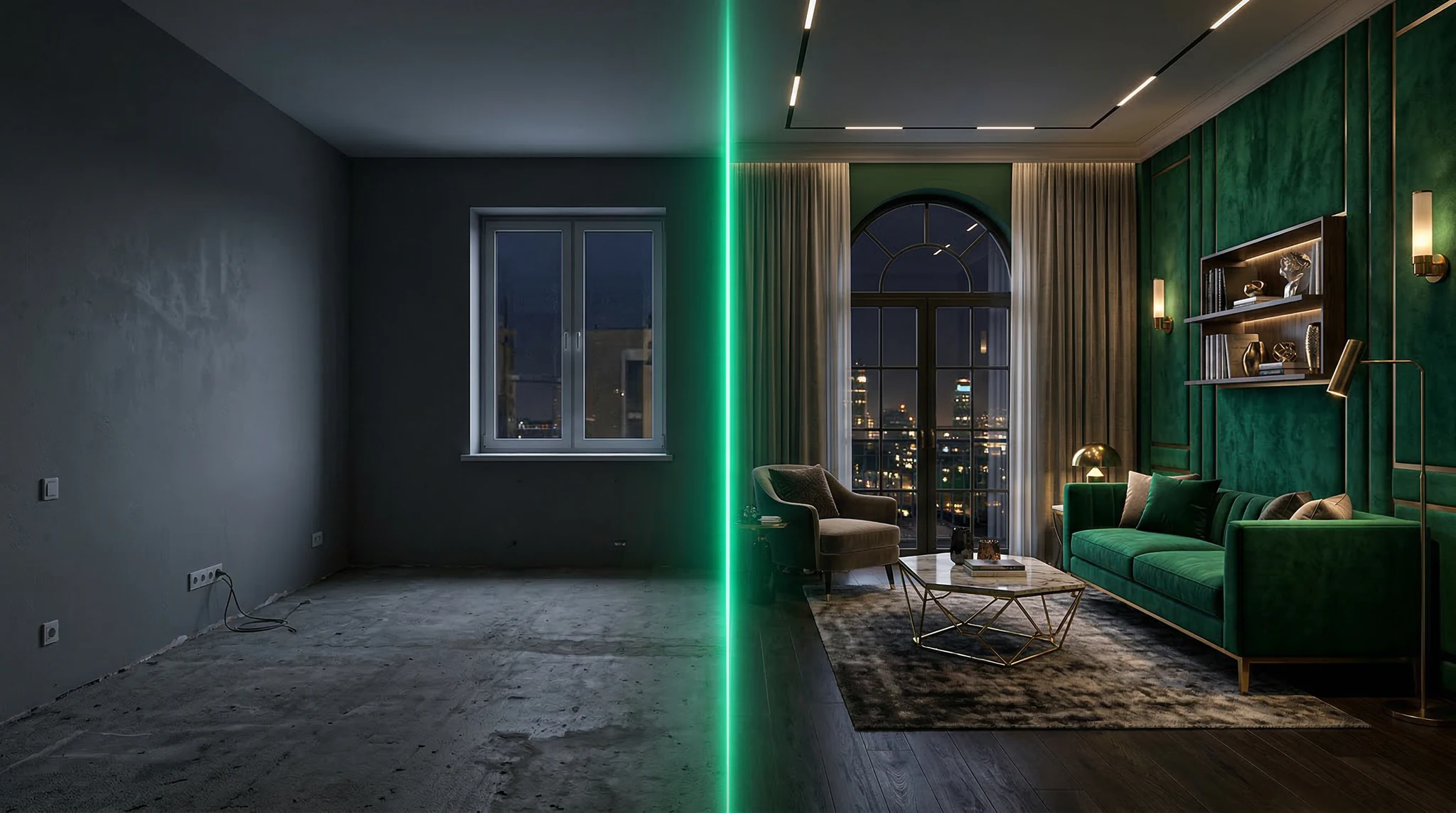
This emotional connection is what converts design proposals into signed contracts. Traditional 3D rendering software can produce video walkthroughs, but the process is expensive and time-consuming. A single photorealistic room render can take hours; a video walkthrough might take days. AI video generation compresses this timeline from days to minutes while delivering quality that’s increasingly competitive with traditional renders.
7 Ways Interior Designers Use AI Video
1. Client Concept Presentations
Instead of presenting a mood board and asking clients to imagine the final result, present a video. Generate photorealistic clips of each room concept, showing the space from multiple angles with different lighting conditions. Morning light, evening ambiance, overhead fixtures — show the client how their space will live throughout the day. Using the right AI interior design video makes all the difference in your output quality.
Prompt example: “Photorealistic interior of a modern minimalist living room, warm oak flooring, cream linen sofa with olive green cushions, large arched window with morning golden hour light casting long shadows, monstera plant in ceramic pot, brass floor lamp, slow camera dolly from doorway into room, shallow depth of field, architectural photography style”
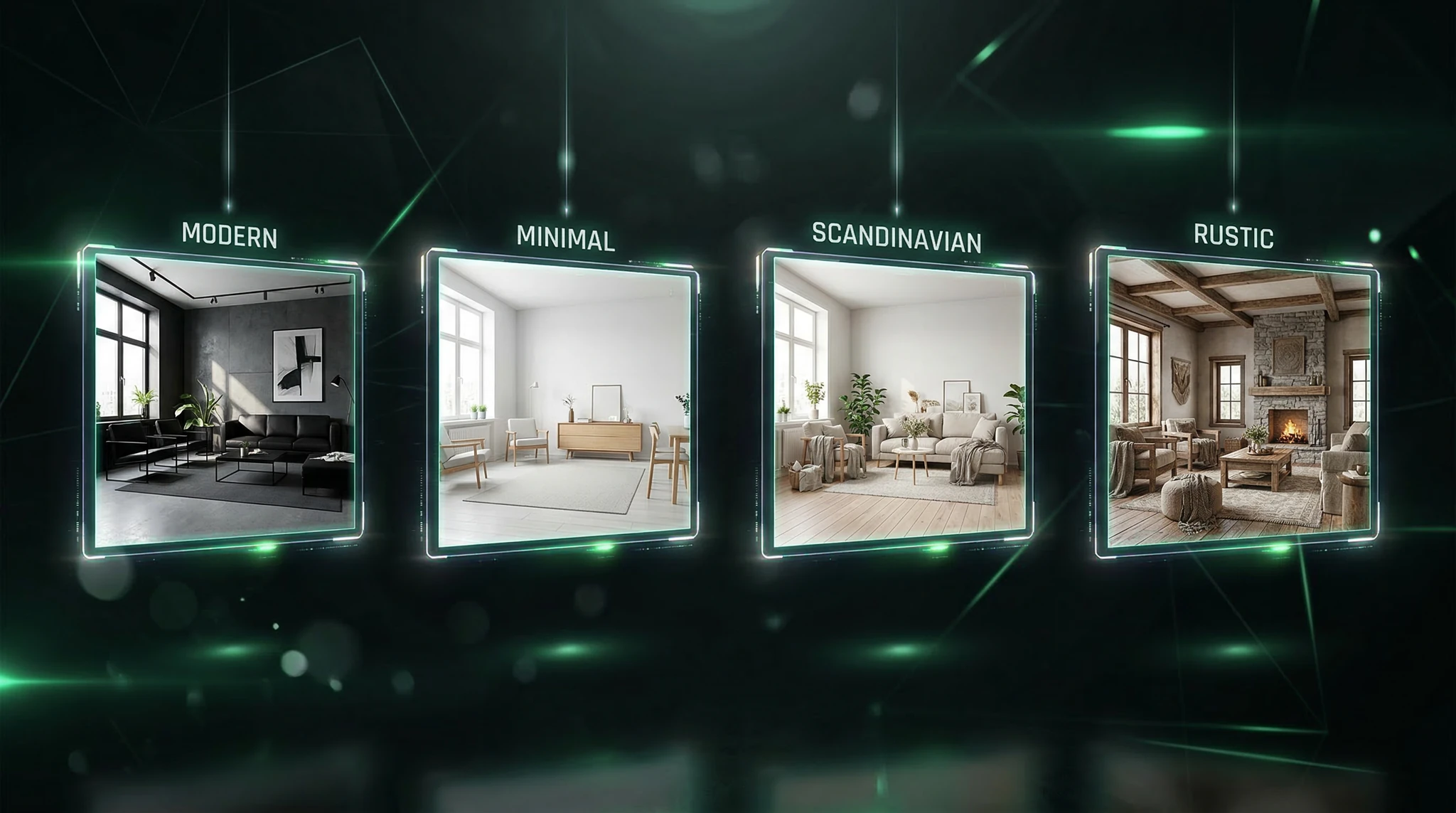
2. Before-and-After Transformations
Generate a video of the current space’s aesthetic (or similar) followed by the proposed design. This side-by-side comparison helps clients appreciate the transformation’s impact. The contrast between the “before” and “after” states creates an emotional response that static images can’t match. With these AI interior design video, you can achieve stunning results every time.
3. Material and Texture Exploration
Show clients how different material choices change a room’s character. Generate the same space with marble countertops versus butcher block, hardwood floors versus polished concrete, velvet upholstery versus linen. Being able to visualize these variations through video speeds up the decision-making process dramatically.
4. Social Media Portfolio Content
Interior designers live and die by their Instagram presence. AI-generated video content of your design concepts creates portfolio pieces that drive engagement and attract new clients. A beautifully composed video walkthrough of a kitchen design concept gets significantly more saves and shares than a static image. Master AI interior design video to take your AI generation to the next level.
5. Lighting Studies
One of the hardest things to communicate in interior design is how lighting transforms a space. Generate clips showing the same room under different lighting conditions — natural daylight, warm evening lamps, dramatic pendant lighting, candlelight ambiance. This demonstrates your lighting design expertise and helps clients understand why lighting choices matter.
6. Seasonal Styling Variations
Show clients how a space can be restyled seasonally without structural changes. Generate the same living room styled for summer (light linens, fresh flowers, open windows) and winter (warm throws, candles, deeper color accents). This extends the value of your design work and opens opportunities for ongoing styling consultations. The best AI interior design video combine technical precision with creative vision.
7. Real Estate Staging Previews
For designers who work with real estate agents, AI video lets you show how empty properties could look staged — without physically staging them. Generate furnished versions of vacant rooms and create walkthrough videos that help buyers envision themselves in the space.
Crafting Prompts for Photorealistic Interior Scenes
The quality of your AI-generated interior design videos depends entirely on the quality of your prompts. Interior design has specific visual requirements that generic prompts won’t satisfy. Here’s what to include: These AI interior design video are designed for professional results.
Architecture and Layout
Specify room proportions, ceiling heights, window placement, and architectural features. “Double-height ceiling with exposed steel beams” produces a fundamentally different space than “standard 8-foot ceiling with crown molding.”
Materials and Finishes
Be specific about surfaces. “Carrara marble waterfall island” is far more useful than “marble counter.” Name the materials you’d specify in a real project: “brushed brass hardware,” “white oak engineered flooring in herringbone pattern,” “hand-troweled Venetian plaster walls in warm gray.” Using the right AI interior design video makes all the difference in your output quality.
Lighting Conditions
Interior photography is all about light. Specify the time of day, light direction, artificial lighting fixtures, and shadow quality. “Soft north-facing natural light with warm brass pendant lamp creating a pool of light over the dining table” gives you a dramatically different result than “well-lit room.”
Camera and Composition
Think like an architectural photographer. Specify focal length, camera height, and movement. “Shot at eye level with a 24mm wide-angle lens, slow dolly forward through the entryway into the living space” creates an immersive walkthrough effect. Vidzy’s Prompt Generator can help you structure these technical details into effective prompts. With these AI interior design video, you can achieve stunning results every time.
Integrating AI Video into Your Design Workflow
The most successful designers don’t replace their existing workflow with AI — they augment it. Here’s a practical integration approach:
- Discovery and brief: Use traditional methods — client meetings, site visits, measurements
- Concept development: Develop your design concept using your standard process — sketches, mood boards, space planning
- Rapid visualization: Before investing in detailed 3D renders, generate AI video concepts to test ideas and get early client feedback. This is where AI saves the most time — eliminating concepts that don’t resonate before you invest hours in detailed rendering
- Client presentation: Present AI video alongside mood boards and material samples for a multi-sensory presentation
- Refinement: Use client feedback to adjust and regenerate, iterating quickly without the time cost of re-rendering
- Final documentation: Produce traditional technical drawings and specifications for implementation
Building Your Design Portfolio with AI Content
One of the most powerful applications of AI interior design video is portfolio development. New designers often face a chicken-and-egg problem: you need a portfolio to get clients, but you need clients to build a portfolio. AI video lets you create photorealistic portfolio pieces based on your design concepts, even before a single project is built. Master AI interior design video to take your AI generation to the next level.
Create a signature style by generating consistent content that reflects your design aesthetic. If you specialize in Japandi interiors, generate a series of videos showing your approach applied to different room types. If your focus is maximalist, bold color, create a portfolio that shows that confidence. Tools like Vidzy make it possible to build a visually stunning portfolio on your phone, generating content between client meetings or during downtime.
Marketing Your Interior Design Services with AI Video
Beyond client presentations, AI video transforms how you market your services: The best AI interior design video combine technical precision with creative vision.
- Instagram Reels: Short, atmospheric room tours that showcase your style and attract followers
- Website hero videos: Looping video backgrounds on your website’s homepage that immediately communicate quality
- Pinterest video pins: Interior design video pins get saved 20x more than static images on Pinterest
- YouTube: Design concept videos and room transformation series that build your authority
- Client proposals: Embedded video in your proposals that demonstrates investment in the client’s vision
Use the Video Sizes Tool to ensure your content is optimized for each platform’s preferred dimensions.
Frequently Asked Questions
How accurate are AI-generated interior design videos compared to 3D renders?
AI-generated videos are excellent for conveying mood, atmosphere, and general design direction. They’re not yet suitable for precise spatial planning or exact material matching — you won’t get pixel-perfect fabric pattern reproduction. Think of them as high-quality concept visualizations rather than technical drawings. For final client approval on specific materials and placements, traditional renders or physical samples remain important. These AI interior design video are designed for professional results.
Can AI video replace professional interior photography?
For completed projects, professional photography still produces the most accurate representation of your work. AI video is most valuable for unrealized concepts, marketing content, portfolio development, and social media. Many designers use both: professional photography for completed work and AI video for concepts and marketing.
What interior design styles work best with AI video generation?
Clean, well-defined styles generate the best results. Minimalist, Scandinavian, modern, and contemporary interiors tend to produce very convincing output. More complex styles with intricate patterns, dense decorative elements, or highly specific cultural references may require more prompt refinement. That said, the technology improves rapidly — styles that were challenging six months ago now render beautifully. Using the right AI interior design video makes all the difference in your output quality.
How do I keep my AI-generated content looking consistent with my brand?
Develop a prompt template that includes your brand’s signature elements: preferred color temperature, typical materials, styling approach, and photography style. Use this template as a foundation for every generation, only changing the specific room type and design elements. This creates a cohesive visual portfolio that feels intentional and curated.
Elevate Your Design Presentations with AI Video
Interior design has always been about helping clients see possibilities. AI video generation gives you the power to show them those possibilities with a fidelity and emotional impact that mood boards and floor plans can never match. The designers who adopt this technology now are building portfolios, winning clients, and establishing reputations that will define the next era of interior design.
Your design vision deserves to be seen in motion. Download Vidzy and start bringing your interior design concepts to life with AI video today.