

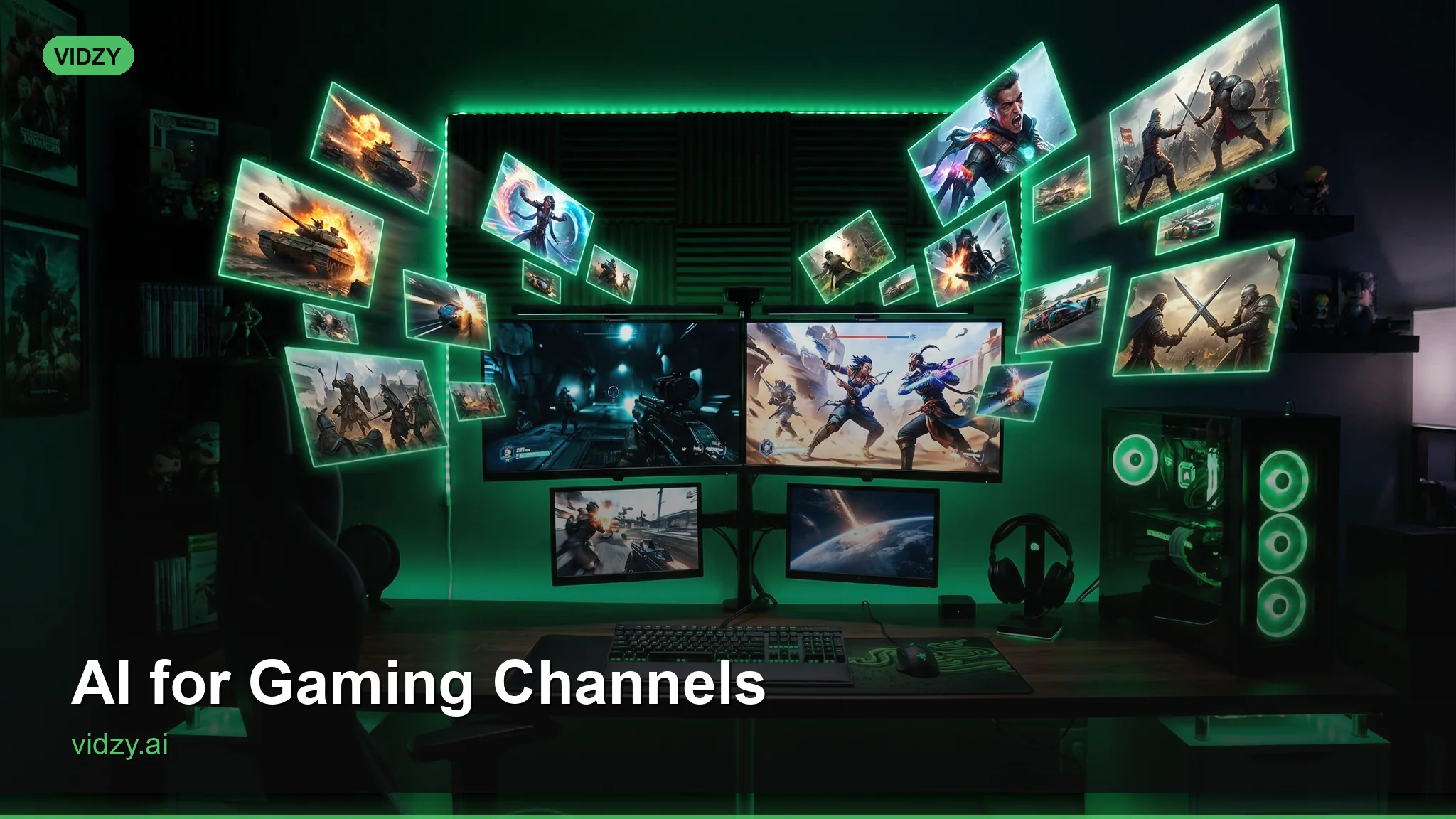
Level Up Your Channel with AI Gaming Content That Stands Out
The gaming content space on YouTube, Twitch, and TikTok is brutally competitive. Millions of creators are posting gameplay clips, reviews, and commentary every day. The ones who break through aren’t just better players — they’re better content creators. They have professional intros, stunning thumbnails, cinematic channel trailers, and visual identities that stick in viewers’ minds. AI gaming content gives every creator access to the production quality that was previously reserved for channels with dedicated design teams and five-figure production budgets.
Whether you’re a solo YouTuber, a Twitch streamer, an esports team, or a gaming news channel, AI video generation can transform your channel’s visual presence. Here’s how to use it effectively.
Why Production Quality Matters in Gaming
Gaming audiences are visually sophisticated. They spend hours immersed in AAA game worlds with Hollywood-level visual effects. When they switch to YouTube or Twitch, they subconsciously compare your channel’s production quality against the games they were just playing. Channels with polished intros, branded transitions, and professional visual identities earn more trust, more subscribers, and more watch time. These AI gaming content are designed for professional results.

The good news: you don’t need to match a AAA game studio’s budget. AI-generated video content can produce cinematic intros, dramatic backgrounds, and stylized visuals that elevate your channel’s entire aesthetic. And unlike traditional motion graphics, you don’t need After Effects skills or a design degree.
10 AI Video Ideas for Gaming Content Creators
1. Channel Intros and Outros
First impressions matter. A 3-5 second cinematic intro that plays at the beginning of your videos establishes your brand and signals quality. Generate dramatic scenes that match your channel’s personality — a cyberpunk cityscape for a sci-fi gaming channel, an epic fantasy landscape for an RPG-focused creator, a neon-lit arena for competitive gaming content. Using the right AI gaming content makes all the difference in your output quality.
Prompt example: “Epic cinematic flythrough of a massive futuristic gaming arena, holographic screens displaying game interfaces, neon blue and purple lighting, crowd silhouettes in the stands, dramatic camera swooping through the space, cyberpunk aesthetic, volumetric fog, 4K quality”

2. Stream Starting Soon / BRB Screens
Every Twitch streamer needs “Starting Soon,” “BRB,” and “Stream Ending” screens. Instead of static images, generate animated video loops that keep viewers engaged while they wait. A slowly orbiting space station, a rain-soaked neon city street, or an enchanted forest with floating particles all make compelling waiting screens. With these AI gaming content, you can achieve stunning results every time.
3. Video Thumbnails and Concept Art
While thumbnails are typically static images, generating dramatic AI scenes for thumbnail backgrounds elevates your click-through rate. Create epic, eye-catching environments that complement your thumbnail text and face overlays. Test multiple visual concepts to find what gets clicks.
4. Anime-Style Content
Anime aesthetics are hugely popular in the gaming community. Generate anime-styled character scenes, battle sequences, and environmental shots for channel art, video intros, and social media content. The anime style translates well to AI generation and resonates strongly with gaming audiences. Master AI gaming content to take your AI generation to the next level.
Prompt example: “Anime style scene of a warrior character standing on a cliff edge overlooking a vast fantasy kingdom, dramatic wind blowing cape, sword glowing with magical energy, vibrant sunset sky with dramatic clouds, Studio Ghibli meets shonen anime aesthetic, dynamic composition”
5. Game Review Visual Segments
When reviewing games, use AI-generated footage as transition segments between talking-head sections and gameplay footage. Generate themed environments that match the game being reviewed — a medieval scene for an RPG review, a neon-soaked city for a cyberpunk game, a cosmic landscape for a space game. These transitions add production value and visual variety. The best AI gaming content combine technical precision with creative vision.
6. Lore and Story Recap Videos
Many gaming channels create lore exploration content. AI video can illustrate the stories, characters, and worlds you’re discussing. Instead of showing static concept art or gameplay screenshots, generate cinematic scenes that bring lore to life. This makes lore content dramatically more engaging and watchable.
7. Top 10 / List Video B-Roll
Top 10 lists and ranking videos are gaming YouTube staples. Generate unique visual transitions and themed backgrounds for each item on your list. This replaces the static numbered graphics that most creators use and makes your list content feel more premium. These AI gaming content are designed for professional results.
8. Esports Team Branding
Esports teams need branded content for social media, event presentations, player introductions, and highlight reels. Generate team-themed environments, dramatic player introduction sequences, and championship-worthy visual content. AI makes it possible for amateur and semi-pro teams to have branding that rivals professional esports organizations.
9. Community Highlight and Montage Intros
When compiling community clips or montage videos, create a dramatic intro sequence that sets the tone. An epic, slow-building cinematic scene that transitions into the first clip creates anticipation and elevates the entire montage. Generate these in the visual style that matches your content — anime for anime game montages, realistic for FPS content, fantasy for RPG compilations. Using the right AI gaming content makes all the difference in your output quality.
10. YouTube Shorts and TikTok Gaming Content
Short-form gaming content is explosive on YouTube Shorts and TikTok. Use AI-generated backgrounds and transitions to enhance quick tips, hot takes, news reactions, and meme-style content. The vertical format benefits from visually striking backgrounds that make your content pop in the feed.
Style Guide: Matching AI Content to Gaming Genres
FPS / Competitive Shooters
Gritty, realistic environments. Military installations, urban combat zones, tactical operations. High contrast lighting with dramatic shadows. Color palettes: dark blues, grays, and tactical greens with accent flashes of orange or red. With these AI gaming content, you can achieve stunning results every time.
RPG / Fantasy
Epic landscapes, magical environments, ancient ruins, enchanted forests. Dramatic scale — towering mountains, vast kingdoms, deep dungeons. Color palettes: rich golds, deep greens, mystical purples, and warm amber lighting.
Sci-Fi / Space
Futuristic cities, space stations, alien worlds, holographic technology. Clean lines mixed with cosmic grandeur. Color palettes: cool blues, deep space blacks, neon accents, and starlight whites. Master AI gaming content to take your AI generation to the next level.
Horror / Survival
Atmospheric, unsettling environments. Abandoned buildings, foggy forests, dimly lit corridors. Minimal lighting with dramatic shadows. Color palettes: desaturated tones, sickly greens, deep reds, and oppressive darkness.
Anime / JRPG
Vibrant, stylized scenes. Cherry blossom gardens, floating islands, crystal caverns, dramatic battle arenas. Bold colors and dynamic compositions. Color palettes: bright and saturated — vivid blues, hot pinks, electric greens, and golden yellows. The best AI gaming content combine technical precision with creative vision.
Workflow for Gaming Content Creators
Here’s a practical workflow that maximizes efficiency:
- Batch generate: Set aside one session per month to generate all your channel art, intros, stream screens, and transition footage. Use Vidzy to generate everything from your phone between gaming sessions.
- Build a visual library: Save all generated content in organized folders by theme and use case. When editing a new video, you can pull from your library instead of generating from scratch.
- Create templates: Once you find intro/outro styles that work, save the prompts and regenerate variations as needed. This maintains brand consistency while keeping content fresh.
- Test and iterate: Track which visual styles perform best in your analytics. Do anime-style intros get better retention? Does cyberpunk B-roll keep viewers engaged longer? Use data to refine your visual strategy.
Prompt Engineering for Gaming Visuals
Gaming content requires prompts that capture dramatic, high-energy aesthetics. Key elements to include: These AI gaming content are designed for professional results.
- Scale and drama: Gaming audiences respond to epic scale. “Massive,” “towering,” “vast,” and “sweeping” create the grand environments that gaming content demands.
- Lighting effects: Volumetric fog, lens flares, god rays, neon glows, and particle effects add cinematic quality that resonates with gaming audiences accustomed to AAA visual effects.
- Dynamic composition: Low-angle shots, dramatic perspectives, and dynamic camera movements create energy. “Low-angle looking up at…” or “dramatic flythrough…” produce more engaging results than neutral perspectives.
- Art style specification: Be explicit about your desired style — “photorealistic,” “anime style,” “pixel art inspired,” “oil painting aesthetic.” Gaming content spans many visual styles, and specifying yours ensures consistency.
Vidzy’s Prompt Generator helps you structure these elements into prompts optimized for gaming content.
Frequently Asked Questions
Can I monetize YouTube videos that include AI-generated content?
Yes. YouTube’s monetization policies allow AI-generated content as long as it’s original (not copying existing copyrighted work) and meets their other content guidelines. Many successful gaming channels already use AI-generated intros, B-roll, and graphics in monetized content. Using the right AI gaming content makes all the difference in your output quality.
Will AI-generated content look out of place next to real gameplay footage?
The key is using AI content for distinct segments — intros, transitions, backgrounds, and B-roll — rather than trying to pass it off as gameplay. Viewers understand and appreciate production elements that are clearly part of the channel’s branding. A cinematic intro before gameplay is expected and welcome; AI footage pretending to be gameplay would feel wrong.
What resolution and aspect ratio should I use for gaming content?
For YouTube videos: 16:9 at 1080p or 4K. For YouTube Shorts, TikTok, and Instagram Reels: 9:16 vertical. For Twitch overlays and stream screens: 16:9 at 1080p. Always match your generation resolution to your output format to avoid quality loss from scaling. The Video Sizes Tool has exact specs for every platform. With these AI gaming content, you can achieve stunning results every time.
How do esports teams use AI video for branding?
Esports teams use AI-generated content for player introduction sequences, social media announcements, event promotional videos, and team branding packages. The ability to generate professional-quality branded content quickly is especially valuable during tournament seasons when content demand spikes.
Can I generate content in the style of specific games?
You can generate content inspired by game aesthetics (cyberpunk, medieval fantasy, space opera) but should avoid prompting for specific copyrighted game characters, logos, or trademarked elements. Describe the visual style and aesthetic rather than naming the specific game, and you’ll get on-brand results without copyright concerns.
Level Up Your Gaming Channel Today
In the gaming content arms race, visual production quality is the differentiator that separates growing channels from stagnant ones. AI video generation gives you the cinematic intros, branded stream screens, and premium visual content that makes viewers subscribe and keep coming back. You’ve got the gaming skills — now give your channel the visual identity it deserves.
Ready to make your channel look like a million bucks without spending it? Download Vidzy and start creating professional AI gaming content today.