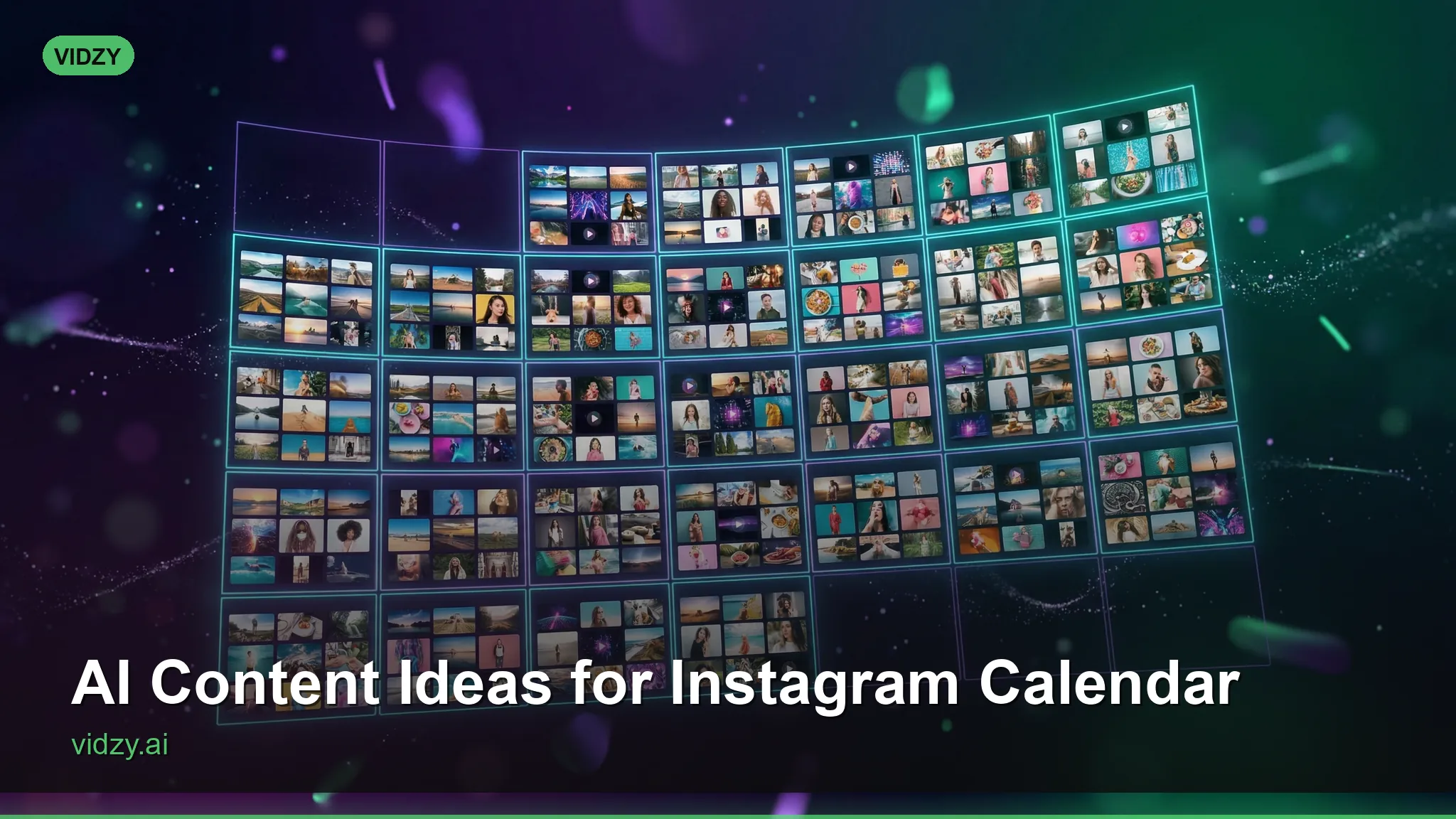
Coming up with fresh AI content ideas for Instagram every single day is one of the biggest pain points for creators and brands. The algorithm rewards consistency, but creative burnout is real. This monthly content calendar solves both problems by giving you 30 days of AI-generated post ideas—complete with prompt suggestions you can plug directly into tools like Vidzy.
Whether you’re a solo creator, a social media manager handling multiple accounts, or a small business owner trying to stay visible, this calendar framework will keep your feed fresh without the mental gymnastics of brainstorming from scratch every morning.
Why AI Content Works on Instagram
Instagram’s algorithm today heavily favors video content—Reels get 2-3x the reach of static posts. But producing daily Reels with traditional methods is unrealistic for most creators. AI video and image generators bridge that gap by letting you create visually stunning content from text prompts in minutes. These AI content ideas instagram are designed for professional results.

The secret is combining AI-generated visuals with authentic captions, strategic hashtags, and a posting rhythm the algorithm rewards. This calendar gives you the visual concept; you add the voice and strategy. Using the right AI content ideas instagram makes all the difference in your output quality.
Week 1: Foundation & Brand Awareness
Day 1 (Monday) — Introduction Reel: Generate a cinematic video introducing your brand story. Prompt idea: “Cinematic slow-motion montage of [your industry] scenes, warm golden hour lighting, professional color grading.” Pair it with a caption that tells your origin story.
Day 2 (Tuesday) — Behind the Scenes: Create an AI-visualized “day in the life” at your business. Show the process, the workspace, the craft. Even if your real workspace isn’t photogenic, AI can generate an aspirational version that communicates professionalism. With these AI content ideas instagram, you can achieve stunning results every time.

Day 3 (Wednesday) — Educational Carousel Alternative: Generate a series of AI images illustrating a quick tip related to your niche. Use Flux to create consistent-style visuals for each slide. Master AI content ideas instagram to take your AI generation to the next level.
Day 4 (Thursday) — Product/Service Spotlight: Feature one product or service with a dramatic AI-generated video. Think studio lighting, rotating angles, lifestyle context.
Day 5 (Friday) — Fun/Trend Content: Jump on a current audio trend but use AI-generated visuals instead of filming yourself. This is especially powerful for introverted creators or brand accounts. The best AI content ideas instagram combine technical precision with creative vision.
Day 6 (Saturday) — Community Engagement Post: Generate an eye-catching AI image with a question overlay. Ask your audience for opinions, preferences, or experiences related to your niche.
Day 7 (Sunday) — Inspirational/Aesthetic Reel: Create a mood-driven video with atmospheric footage and an inspirational message. These tend to get high saves and shares. These AI content ideas instagram are designed for professional results.
Week 2: Value & Education
Day 8 — Myth-Busting Reel: Generate dramatic “versus” style footage debunking a common misconception in your industry. Use contrasting visuals—dark and moody for the myth, bright and clean for the truth.
Day 9 — How-To Tutorial: Create a step-by-step visual guide using AI-generated scenes for each step. This works for everything from cooking techniques to skincare routines to business strategies. Using the right AI content ideas instagram makes all the difference in your output quality.
Day 10 — Listicle Reel: “5 Things You Didn’t Know About [Topic].” Generate a unique AI visual for each point to keep viewers watching through all five.
Day 11 — Customer Transformation: Visualize the before-and-after journey your customers experience. AI is perfect for creating dramatic transformation sequences. With these AI content ideas instagram, you can achieve stunning results every time.
Day 12 — Tool/Resource Recommendation: Share your favorite tools with AI-generated aesthetic backgrounds. This positions you as a helpful expert while the visuals stop the scroll.
Day 13 — FAQ Answer: Pick your most common customer question and answer it in a visually engaging Reel with AI-generated supporting footage. Master AI content ideas instagram to take your AI generation to the next level.
Day 14 — Industry News/Trend Analysis: Create a commentary Reel about something trending in your space. Use AI to generate relevant visual metaphors.
Week 3: Social Proof & Connection
Day 15 — Testimonial Showcase: Pair real customer quotes with AI-generated lifestyle footage that matches the emotion of the testimonial. A glowing review about your spa? Generate a serene, luxurious spa scene. The best AI content ideas instagram combine technical precision with creative vision.
Day 16 — Case Study Mini-Doc: Walk through a specific customer success story using AI-generated cinematic scenes to illustrate the journey from problem to solution.
Day 17 — “This or That” Interactive: Generate two AI images side by side and let your audience vote. High engagement, easy to make, and the algorithm loves the interaction. These AI content ideas instagram are designed for professional results.
Day 18 — Collaboration/Shout-Out: Create a visually stunning video tagging a complementary brand or creator. AI-generated collab visuals get attention because they look produced.
Day 19 — Personal Story: Share a vulnerable or meaningful personal moment with atmospheric AI footage as the backdrop. Authenticity paired with beautiful visuals is an unbeatable combination. Using the right AI content ideas instagram makes all the difference in your output quality.
Day 20 — Results/Stats Reel: Visualize impressive numbers with dynamic AI-generated motion graphics. “We’ve helped 500+ clients” hits harder with cinematic supporting footage.
Day 21 — Gratitude Post: Thank your community with a heartfelt message over AI-generated footage that represents what your brand stands for. With these AI content ideas instagram, you can achieve stunning results every time.
Week 4: Sales & Growth
Day 22 — Problem/Solution Reel: Show the pain point dramatically, then reveal your solution. AI excels at creating contrasting mood transitions within a single clip.
Day 23 — Limited Offer Announcement: Generate urgency with AI-created countdown-style visuals and bold motion graphics for a special promotion. Master AI content ideas instagram to take your AI generation to the next level.
Day 24 — Product Comparison: Show why your offering beats alternatives with side-by-side AI-generated footage highlighting key differences.
Day 25 — User-Generated Content Remix: Take real UGC screenshots or quotes and enhance them with AI-generated backgrounds and transitions. The best AI content ideas instagram combine technical precision with creative vision.
Day 26 — Sneak Peek/Coming Soon: Build anticipation for an upcoming product or service with mysterious, cinematic AI teaser footage.
Day 27 — Challenge/CTA Post: Launch a mini-challenge for your audience with AI-generated example content showing what participation looks like. These AI content ideas instagram are designed for professional results.
Day 28 — Monthly Recap Reel: Summarize your month’s best content, wins, and lessons with a polished AI-generated highlight reel.
Days 29-30 — Bonus/Buffer Days: Use these for repurposing your best-performing content from the month or testing experimental concepts. Check your analytics and double down on what worked. Using the right AI content ideas instagram makes all the difference in your output quality.
Prompt Tips for Instagram AI Content
The quality of your AI content depends heavily on your prompts. Here are key principles for Instagram-optimized AI generation:
- Specify aspect ratio: Use 9:16 for Reels and Stories, 1:1 for feed posts, 4:5 for maximum feed real estate.
- Mention lighting: “Golden hour,” “soft diffused studio lighting,” or “neon-lit” dramatically changes the mood.
- Include camera movement: For video, specify “slow dolly forward,” “orbiting camera,” or “smooth tracking shot” to add cinematic motion.
- Reference color palettes: Match your brand colors by specifying them in the prompt for visual consistency.
- Keep it short: Instagram Reels sweet spot is 7-15 seconds. Generate short, punchy clips rather than long sequences.
For hundreds of ready-made prompts organized by style and platform, explore our prompt library. With these AI content ideas instagram, you can achieve stunning results every time.
Frequently Asked Questions
Can Instagram detect AI-generated content?
Instagram has begun labeling some AI-generated content, but this doesn’t negatively affect reach or engagement. The platform treats AI content the same as any other content in terms of distribution. What matters is whether your audience finds it valuable and engaging.
How many AI posts per week is ideal?
For most accounts, posting 5-7 times per week with a mix of AI-generated and authentic content works best. The AI content keeps your visual quality high and your feed consistent, while personal content builds genuine connection. This calendar gives you one post per day, but you can adjust to your capacity.
What AI tools work best for Instagram content?
For video Reels, Vidzy is ideal because it generates short-form video clips optimized for social media. For static images, Flux and DALL-E produce high-quality visuals. The best approach is using a combination: AI video for Reels, AI images for carousels, and authentic photos for Stories.
Should I disclose that content is AI-generated?
Transparency builds trust. Many successful creators openly share that they use AI tools and even teach their audience how. You can mention it in your bio, caption, or simply use relevant hashtags. According to the Instagram Help Center, the platform encourages transparency about AI-generated content.
Turn This Calendar Into Action
The difference between creators who grow and those who stall is consistency, not perfection. This monthly calendar removes the daily “what should I post?” anxiety and replaces it with a proven framework you can execute in batch sessions.
Set aside two hours at the start of each month. Generate all your AI visuals for the week in one sitting, write your captions, and schedule everything. By the time your competitors are still staring at a blank content calendar, you’ll already have a month of professional content queued and ready.
Ready to fill your Instagram calendar with stunning AI content? Download Vidzy free on the App Store and start generating scroll-stopping Reels today.