Couples and event planners spend thousands on professional videography, yet many still end up with footage that misses key moments or lacks cinematic polish. Wedding AI video prompts offer a new creative tool: generate dreamy establishing shots, romantic slow-motion sequences, and atmospheric B-roll that elevate any wedding or event highlight reel without requiring a second camera crew.
This guide provides ready-to-use prompts for every stage of a wedding day — from venue establishing shots to reception celebrations. Paste them into Vidzy, adjust the details to match the real event, and generate cinematic supplementary footage in minutes. For fully customized prompts tailored to your specific venue and style, try the Vidzy Prompt Generator.
How Wedding AI Video Prompts Fit Into Your Workflow
AI-generated wedding footage is not meant to replace your real wedding video. It is meant to enhance it. Professional videographers and DIY couples alike can use AI clips for: These wedding AI video prompts are designed for professional results.
- Establishing shots: Aerial views of the venue, sunset timelapses, and exterior beauty shots that were missed on the day.
- Transition sequences: Dreamy, slow-motion filler between real footage segments — flower petals drifting, candlelight flickering, rain on windows.
- Social media teasers: Short, cinematic loops optimized for Instagram Reels or TikTok to build anticipation before the full video drops.
- Concept visualization: Show clients a mood reel before the event to align on the visual style and color palette.
Venue & Establishing Shot Prompts
Prompt 1: “Aerial drone shot slowly descending toward a grand country estate wedding venue at golden hour. Manicured gardens, a stone fountain, and rows of white chairs set up on a green lawn. Warm, romantic light. Smooth camera descent, slight push forward at the end.”
Prompt 2: “Wide establishing shot of a rustic barn wedding venue at twilight. String lights glow along the roofline. A gravel path leads to open barn doors revealing warm interior lighting. Fireflies in the foreground. Soft, dreamy focus, warm amber and lavender tones.” Using the right wedding AI video prompts makes all the difference in your output quality.
Prompt 3: “Cinematic dolly shot along a beachfront wedding setup at sunset. White fabric drapes billow gently from a wooden arch. Rose petals line the sandy aisle. Waves lap at the shore in the background. Warm golden-hour light, shallow depth of field.”
Prompt 4: “Timelapse of a vineyard wedding venue from afternoon to sunset. Rows of grapevines stretch toward rolling hills. The sky transitions from blue to coral to deep purple. String lights in the courtyard glow brighter as darkness falls. Static camera, smooth time transition.” With these wedding AI video prompts, you can achieve stunning results every time.
Ceremony Detail & Atmosphere Prompts
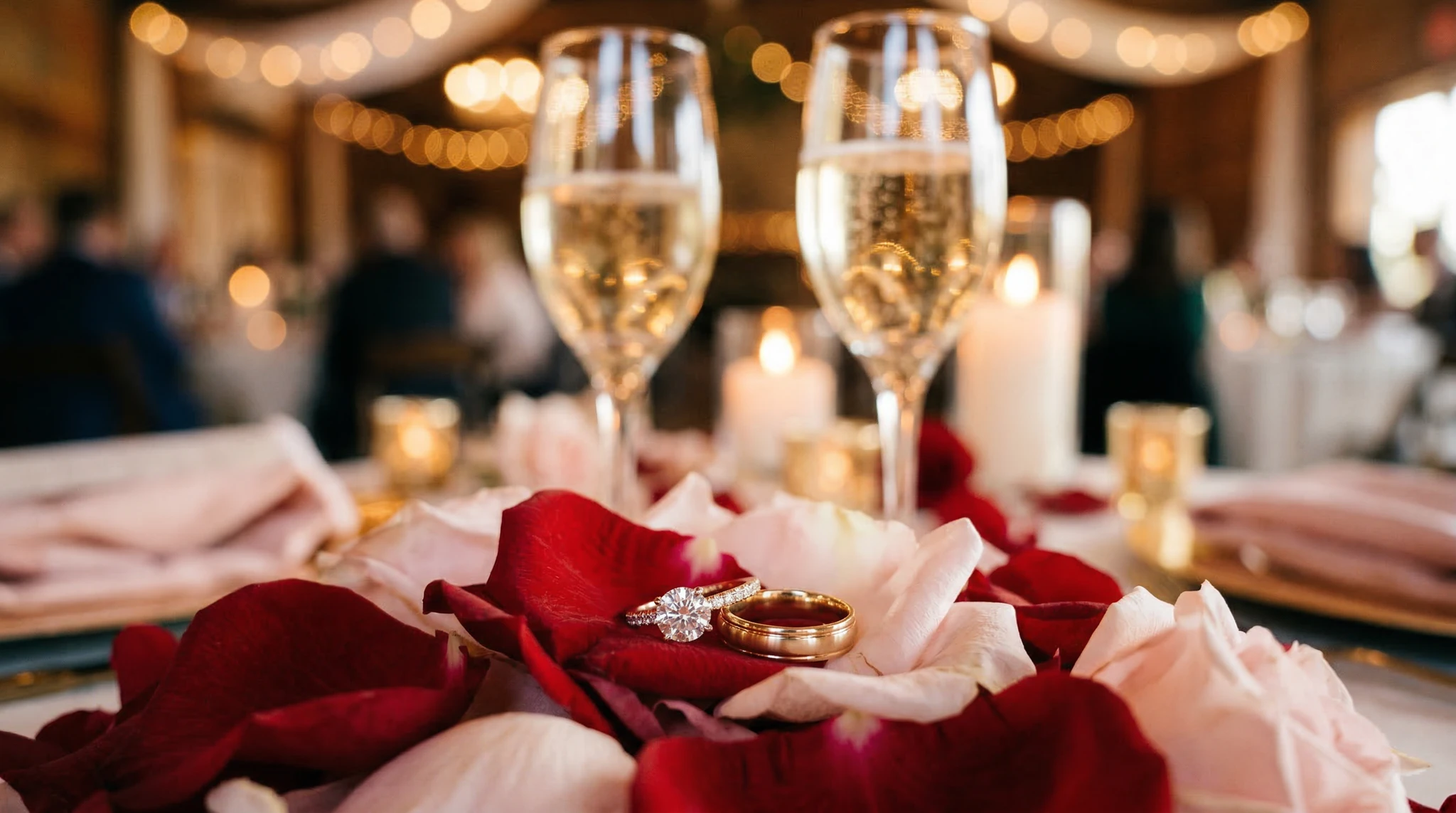
Prompt 5: “Extreme close-up of wedding rings resting on an open rose, soft morning light from a nearby window. Shallow depth of field, creamy bokeh background. A single water droplet glistens on a petal. Warm, romantic tones, photorealistic macro detail.”
Prompt 6: “Slow-motion shot of white rose petals falling through warm golden light against a dark, blurred background. The petals drift and tumble gracefully. Romantic, ethereal mood. Can be used as a transition overlay. Soft, warm color grading.” Master wedding AI video prompts to take your AI generation to the next level.
Prompt 7: “Close-up of hands lighting a unity candle during a ceremony. Two smaller flames merge into one. Warm candlelight illuminates the hands from below. Dark, intimate background. Shallow focus, slow motion, reverent atmosphere.”
Prompt 8: “Cinematic shot of a cathedral interior prepared for a wedding. Sunlight streams through tall stained-glass windows, casting colored light patterns on stone floors and wooden pews adorned with white flowers. Camera slowly pushes down the central aisle. Majestic, reverent mood.” The best wedding AI video prompts combine technical precision with creative vision.
Make sure your generated clips match the aspect ratio of your wedding film. The Video Sizes Guide shows you exactly which dimensions to use for YouTube, Instagram, and widescreen cinema formats.
Reception & Celebration Prompts
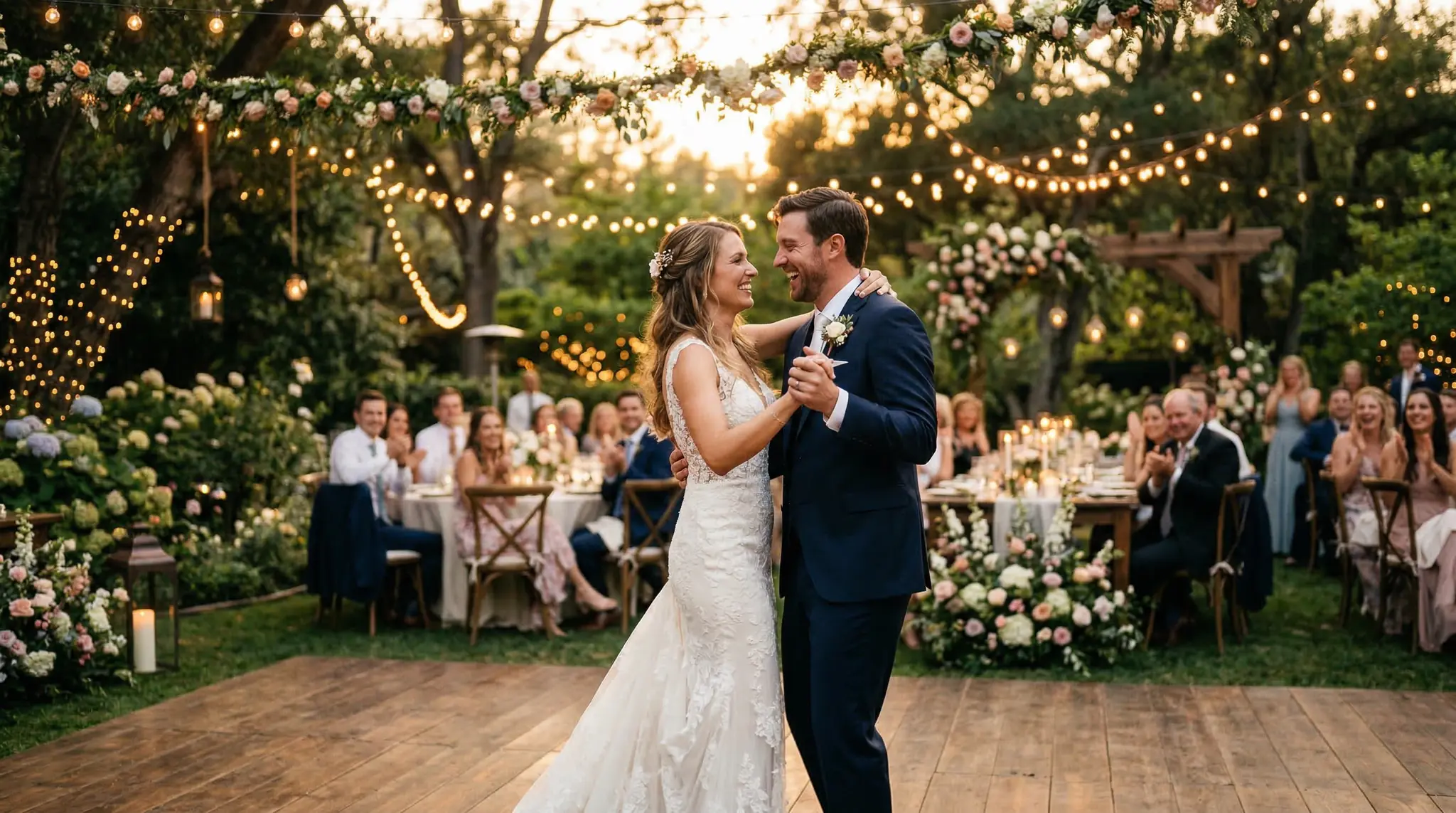
Prompt 9: “Wide shot of a candlelit outdoor reception dinner under a canopy of string lights. Long wooden tables with white linen, floral centerpieces, and gold cutlery. Guests in soft-focus silhouette. Warm, ambient glow. Gentle camera drift to the right. Romantic evening atmosphere.” These wedding AI video prompts are designed for professional results.
Prompt 10: “Slow-motion close-up of champagne being poured into crystal flutes. Golden bubbles rise through the glass. Background is a soft bokeh of warm reception lights. Celebratory, luxurious mood. Macro detail on the liquid surface.”
Prompt 11: “Overhead top-down shot of a three-tier white wedding cake decorated with fresh flowers and gold leaf. A cake knife slowly cuts into the first slice. Crumbs and soft frosting detail. Warm, soft lighting from above. Elegant, editorial style.” Using the right wedding AI video prompts makes all the difference in your output quality.
Prompt 12: “Dance floor scene at a wedding reception. Colorful DJ lights sweep across joyful guests dancing. Confetti falls in slow motion. The camera orbits around the crowd at shoulder height. Energetic, warm, celebratory atmosphere. Slight motion blur for dynamism.”
Romantic & Artistic B-Roll Prompts
Prompt 13: “Silhouette of a couple standing forehead-to-forehead at sunset on a hilltop. The sky behind them glows with warm orange and pink. A gentle breeze moves the bride’s veil. Wide shot, romantic backlit composition. No visible facial features, just the outline.” With these wedding AI video prompts, you can achieve stunning results every time.
Prompt 14: “Close-up of a bride’s hand gently adjusting a pearl necklace in a gilded mirror. Soft window light falls on the dressing table. Perfume bottles and flowers in soft focus. Warm, intimate, getting-ready scene. Film-like color grading, slight grain.”
Prompt 15: “Slow-motion shot of sparklers held by unseen hands forming a glowing tunnel. A couple walks through the sparkler exit, silhouetted against the bright sparks. Night scene, warm golden particles, shallow depth of field. Romantic, celebratory, magical.” Master wedding AI video prompts to take your AI generation to the next level.
Prompt 16: “Aerial shot of a couple walking hand-in-hand down a tree-lined path in autumn. Golden and red leaves carpet the ground. Dappled sunlight filters through the canopy. Camera slowly rises to reveal the full avenue of trees. Warm, nostalgic, romantic.”
Event-Specific Prompts (Beyond Weddings)
Prompt 17 (Corporate Gala): “Elegant ballroom establishing shot. Crystal chandeliers illuminate round tables set with white linens and tall floral arrangements. Guests in formal attire mingle in soft focus. Camera slowly glides across the room at eye level. Luxurious, sophisticated atmosphere.” The best wedding AI video prompts combine technical precision with creative vision.
Prompt 18 (Birthday Party): “Close-up of birthday candles being blown out on a decorated cake. The flames flicker and extinguish one by one in slow motion. Wisps of smoke curl upward. Warm candlelight on a child’s delighted face. Joyful, intimate moment.”
Prompt 19 (Graduation): “Slow-motion shot of graduation caps thrown into a clear blue sky. The camera looks straight up as dozens of caps tumble and spin against the sunlight. Lens flare, joyful energy. Wide-angle, bright and optimistic color palette.” These wedding AI video prompts are designed for professional results.
Prompt 20 (New Year’s Eve): “Fireworks exploding over a city skyline at midnight. Multiple bursts in gold, silver, and red. Reflections shimmer on a river below. Camera slowly pans across the skyline. Cinematic, celebratory. Deep blacks and vibrant pyrotechnic colors.”
Tips for Wedding & Event AI Video
- Match the real footage style. If the actual wedding video uses warm, desaturated tones, specify those in your AI prompts. Consistency matters when intercutting real and generated clips.
- Keep it generic enough to blend. Avoid generating AI clips with specific identifiable faces or branding. Use silhouettes, close-ups of hands, and atmospheric shots that blend seamlessly with real footage.
- Use for transitions. AI-generated flower-petal falls, candlelight flickers, and bokeh light sequences make excellent transition overlays between real scenes.
- Generate in the right mood. Specify the time of day, color temperature, and emotional tone so the AI clip matches the surrounding real footage.
Frequently Asked Questions
Is it ethical to use AI-generated footage in a wedding video?
Yes, as long as you are transparent with your client. AI-generated B-roll and establishing shots are supplementary — they enhance the real footage, not replace it. Many videographers already use stock footage for transitions; AI generation simply gives you custom clips tailored to the specific event’s style and color palette. Using the right wedding AI video prompts makes all the difference in your output quality.
Which AI model is best for romantic, soft-focus wedding visuals?
Both Sora 2 and Veo 3.1 handle wedding aesthetics well. Sora 2 excels at photorealistic close-ups (rings, flowers, candles), while Veo 3.1 produces smoother camera movements for establishing shots and tracking sequences. Use both inside Vidzy for the best results. The Cost Calculator helps you plan credits across multiple generations.
Can I create a full wedding highlight reel with AI only?
You can create a concept reel or mood video entirely with AI, which is useful for pre-wedding planning or social media teasers. For the actual highlight reel, AI footage works best as supplementary B-roll combined with real ceremony and reception footage captured on the day.
Elevate Your Wedding Videos with AI
Every wedding deserves cinematic beauty, but not every budget allows for a multi-camera crew with a drone pilot. AI-generated B-roll fills the gaps — establishing shots you missed, atmospheric transitions that set the mood, and detail close-ups that add polish to the final edit. Use the prompts in this guide as your starting point, and customize them to match the unique style of each event.
Download Vidzy and give every wedding video the cinematic treatment it deserves.