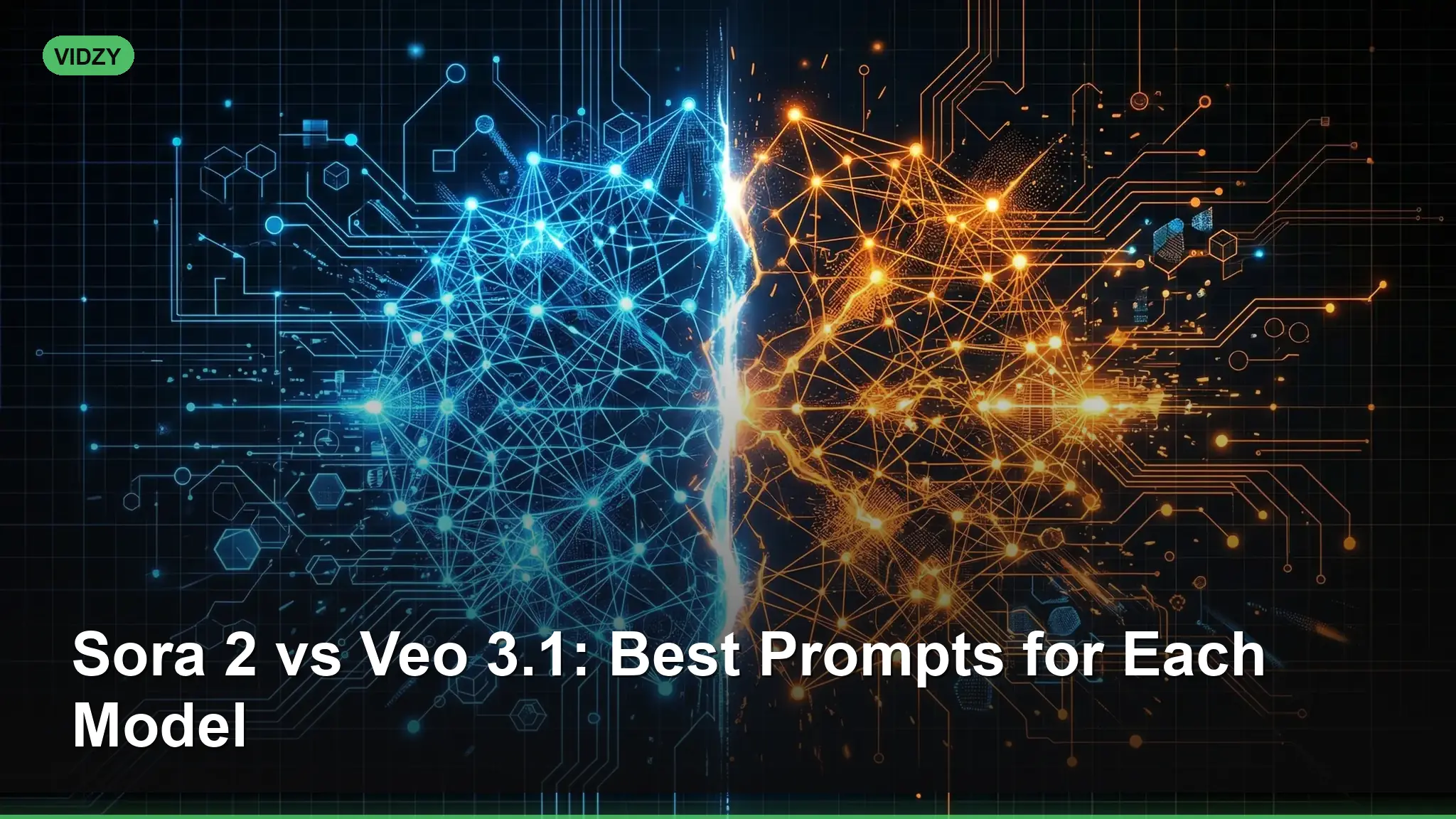
If you have access to both Sora 2 and Veo 3.1, choosing the right model for the right scene can mean the difference between a mediocre clip and a jaw-dropping one. Understanding Sora vs Veo prompts — what each model excels at, and how to write prompts that play to those strengths — is the fastest way to level up your AI video output.
This guide breaks down the key differences between the two models, provides side-by-side prompt examples, and gives you a framework for deciding which to use. Both models are available inside Vidzy, so you can test any of these prompts immediately and compare results in the same app.
Sora 2 vs Veo 3.1: A Quick Overview
Before diving into prompts, it helps to understand what makes each model unique. Both are state-of-the-art text-to-video generators, but they have distinct strengths. These sora vs veo prompts are designed for professional results.
Sora 2 Strengths
- Photorealistic scenes: Sora 2 renders lifelike textures, skin detail, and natural lighting with remarkable consistency.
- Complex multi-subject compositions: Scenes with multiple people, animals, or objects interacting tend to maintain coherence.
- Cinematic camera language: Responds well to specific film terminology — dolly, crane, Steadicam, rack focus.
- Atmospheric effects: Fog, rain, volumetric light, fire, and particle effects are a strong suit.
Veo 3.1 Strengths
- Smooth, controlled camera motion: Veo 3.1 produces exceptionally fluid tracking shots, pans, and orbits with minimal jitter.
- Stylized and artistic looks: Performs well with painterly, anime, and illustrative style prompts.
- Landscape and architecture: Wide establishing shots of environments — cities, nature, interiors — are rendered with strong spatial coherence.
- Image-to-video: Veo 3.1’s image-to-video mode is especially strong at animating a still photo while preserving its composition.
Sora vs Veo Prompts: Side-by-Side Comparisons
Below are paired prompts — one optimized for Sora 2, one for Veo 3.1 — covering the same scene concept. Notice how the wording shifts to leverage each model’s strengths.
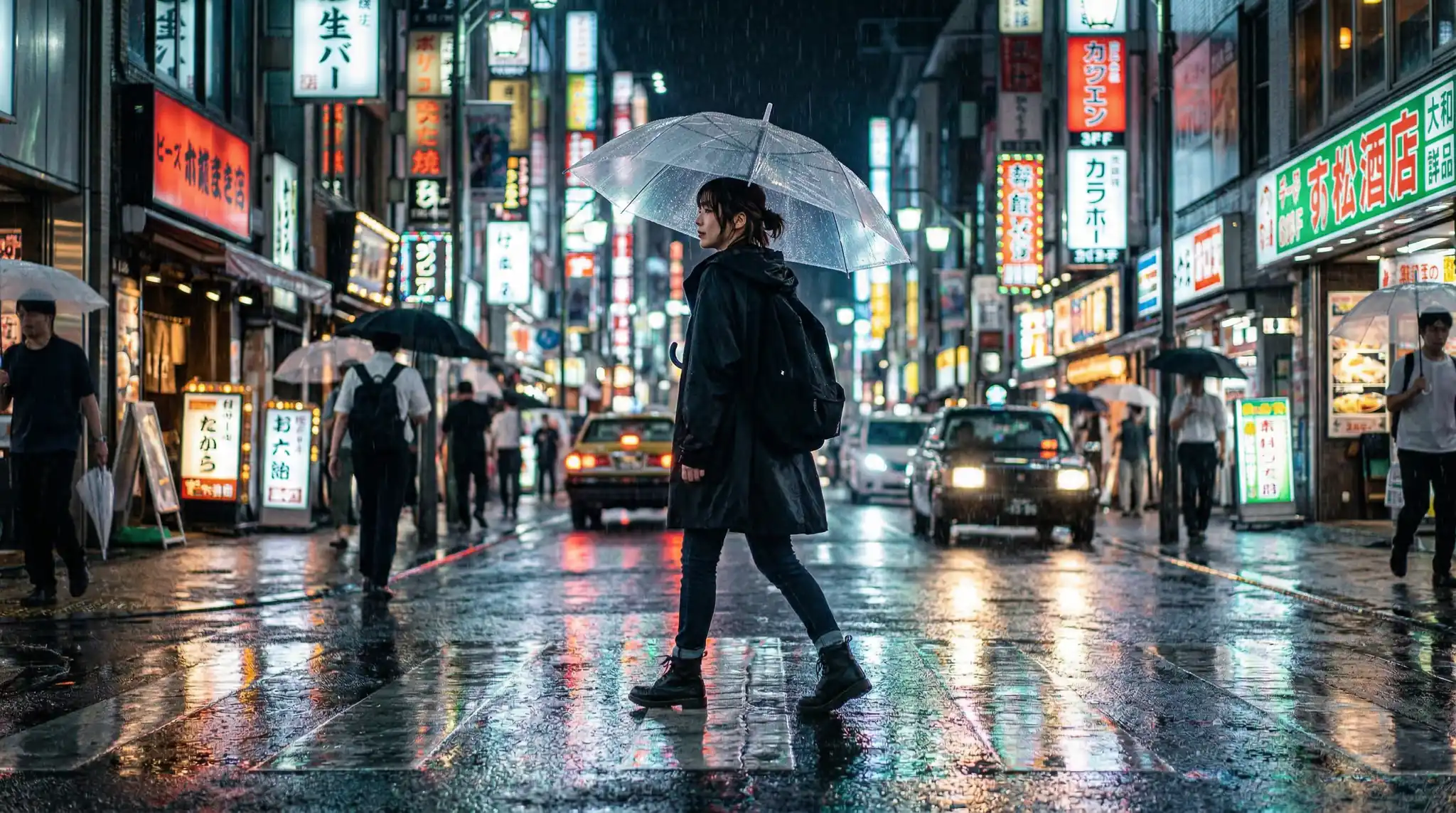
Scene 1: Rainy City Street
Sora 2 Prompt: “Photorealistic close-up of a woman walking down a rain-soaked Tokyo street at night. Neon signs reflect in puddles on the asphalt. Raindrops are visible in mid-air, illuminated by streetlights. Shallow depth of field, 85mm lens, film grain. She glances back over her shoulder toward the camera.” Using the right sora vs veo prompts makes all the difference in your output quality.
Veo 3.1 Prompt: “Smooth tracking shot following a figure walking down a neon-lit Tokyo street in the rain at night. Camera glides at waist height, maintaining steady distance. Reflections shimmer on wet pavement. Cinematic color grading, cool blue and warm neon contrast. Slow, fluid motion.”
Why the difference: Sora 2 gets the close-up with rain detail and human expression. Veo 3.1 gets the tracking motion — it will produce a smoother, more controlled camera path. With these sora vs veo prompts, you can achieve stunning results every time.
Scene 2: Nature Landscape
Sora 2 Prompt: “Cinematic wide shot of a grizzly bear catching a salmon mid-leap in an Alaskan river. Water splashes freeze in mid-air. Dense pine forest in the background, overcast sky. Photorealistic fur detail, shallow depth of field on the bear. National Geographic documentary style.”
Veo 3.1 Prompt: “Sweeping aerial establishing shot of an Alaskan river winding through dense pine forest. Camera slowly descends from a high altitude toward the river surface. Overcast sky, muted green and silver palette. Smooth, continuous camera descent. Epic landscape scale.” Master sora vs veo prompts to take your AI generation to the next level.
Why the difference: Sora 2 handles the animal action and frozen-moment detail. Veo 3.1 handles the sweeping aerial with smooth vertical descent. Use Sora for the close-up wildlife shot, Veo for the establishing wide.
Scene 3: Interior / Product
Sora 2 Prompt: “Macro close-up of espresso being poured into a ceramic cup in a sunlit Italian café. Steam rises from the surface. Crema swirls in slow motion. Background is a soft bokeh of rustic wooden shelves. Warm golden light, hyper-detailed textures.” The best sora vs veo prompts combine technical precision with creative vision.
Veo 3.1 Prompt: “Slow orbital camera move around a beautifully plated dish on a marble countertop in a modern kitchen. Soft directional light from a window on the left. The camera completes a quarter orbit, revealing the dish from multiple angles. Clean, editorial food-photography aesthetic.”
Why the difference: Sora 2 excels at the macro liquid detail and texture. Veo 3.1 produces the smooth orbital move around a static subject without camera wobble. These sora vs veo prompts are designed for professional results.
Scene 4: Stylized / Artistic
Sora 2 Prompt: “A photorealistic astronaut standing in a field of sunflowers on an alien planet. Two moons visible in a purple sky. The astronaut’s visor reflects the flowers. Hyper-detailed spacesuit texture, volumetric light rays through the flower stalks. Cinematic, Ridley Scott aesthetic.”
Veo 3.1 Prompt: “Painterly, impressionist-style animation of a figure walking through a field of sunflowers under a swirling Van Gogh sky. Thick brushstroke textures, vibrant yellows and deep blues. Camera gently pushes forward. Dreamlike, artistic, animated painting feel.” Using the right sora vs veo prompts makes all the difference in your output quality.
Why the difference: Sora 2 brings the photorealism and sci-fi detail. Veo 3.1 shines with the artistic, painterly style transfer — it handles non-photorealistic styles with strong coherence.
When to Use Sora 2
Choose Sora 2 when your prompt involves: With these sora vs veo prompts, you can achieve stunning results every time.
- Close-ups of faces, hands, or fine textures
- Action sequences with multiple interacting subjects
- Atmospheric effects: rain, fog, fire, smoke, particles
- Photorealistic or hyper-realistic style requirements
- Specific film-camera emulation (anamorphic, 35mm, IMAX)
When to Use Veo 3.1
Choose Veo 3.1 when your prompt involves:
- Long, smooth camera movements: orbits, tracking shots, crane moves
- Wide establishing shots of landscapes, cities, or interiors
- Stylized or artistic looks: anime, watercolor, oil painting, pixel art
- Image-to-video animation from a still reference image
- Architectural walkthroughs and spatial navigation
Not sure which to pick? Run both inside Vidzy and compare. Use the Cost Calculator to see exactly how many credits each generation will use before you commit. Master sora vs veo prompts to take your AI generation to the next level.
Universal Prompt-Writing Tips That Work for Both Models
Regardless of which model you choose, these prompt principles improve results across the board:
- Lead with the shot type. Start your prompt with the camera framing: “Close-up,” “Wide shot,” “Aerial,” “POV.” This anchors the composition.
- Specify lighting. “Golden hour,” “overcast,” “neon-lit,” “single spotlight” — lighting is the single biggest factor in visual mood.
- Describe motion explicitly. Do not assume the model will add camera movement. State it: “slow dolly forward,” “static tripod,” “handheld tracking.”
- Include style references. Mentioning a director (“Wes Anderson color palette”), a film stock (“Kodak Portra 400”), or an art movement (“Art Deco”) gives the model a strong stylistic anchor.
- Keep it under 100 words. Both models perform best with concise, structured prompts. More words do not always mean more detail — they can introduce conflicting instructions.
Need help structuring your prompts? The Vidzy Prompt Generator formats your ideas into optimized prompts for both Sora 2 and Veo 3.1 automatically. The best sora vs veo prompts combine technical precision with creative vision.
Combining Both Models in a Single Project
The most powerful workflow is not choosing one model — it is using both. Professional creators often generate close-ups and action shots with Sora 2, then cut to Veo 3.1 for wide establishing shots and smooth transitions. Because both models are available inside Vidzy, you can build a complete sequence without switching tools.
A typical edit might look like this: These sora vs veo prompts are designed for professional results.
- Opening wide shot (Veo 3.1) — smooth aerial establishing the location
- Subject close-up (Sora 2) — photorealistic detail on the main character or product
- Tracking shot (Veo 3.1) — fluid following camera through the environment
- Action moment (Sora 2) — dynamic interaction, atmospheric effects
- Final wide pull-out (Veo 3.1) — smooth reverse dolly to close the sequence
Frequently Asked Questions
Is Sora 2 or Veo 3.1 better overall?
Neither is universally better. Sora 2 leads in photorealism, close-ups, and atmospheric effects. Veo 3.1 leads in camera smoothness, stylized looks, and spatial coherence. The best results come from choosing the right model for each specific shot, which is why Vidzy gives you access to both.
Do Sora 2 and Veo 3.1 cost different amounts of credits?
Credit costs may vary by model and generation length. Use the Cost Calculator inside Vidzy to check the exact cost before generating. This lets you plan your budget and decide when to use which model. Using the right sora vs veo prompts makes all the difference in your output quality.
Can I use the same prompt for both models?
You can, and it is a good way to compare outputs. However, you will get better results if you tailor the prompt to each model’s strengths. For example, add more texture and lighting detail for Sora 2, and emphasize camera motion and style keywords for Veo 3.1. The Prompt Generator can help you adapt a base prompt for each model.
Choose the Right Model, Get Better Videos
Understanding the differences between Sora 2 and Veo 3.1 is the single biggest lever for improving your AI video quality. Stop guessing — use the framework in this guide to match your creative vision to the right model, write prompts that play to its strengths, and generate videos that look intentional, not accidental.
Download Vidzy to access both Sora 2 and Veo 3.1 in one app, and start producing your best AI video work today.