

Ultra-High-Resolution Portrait Restoration
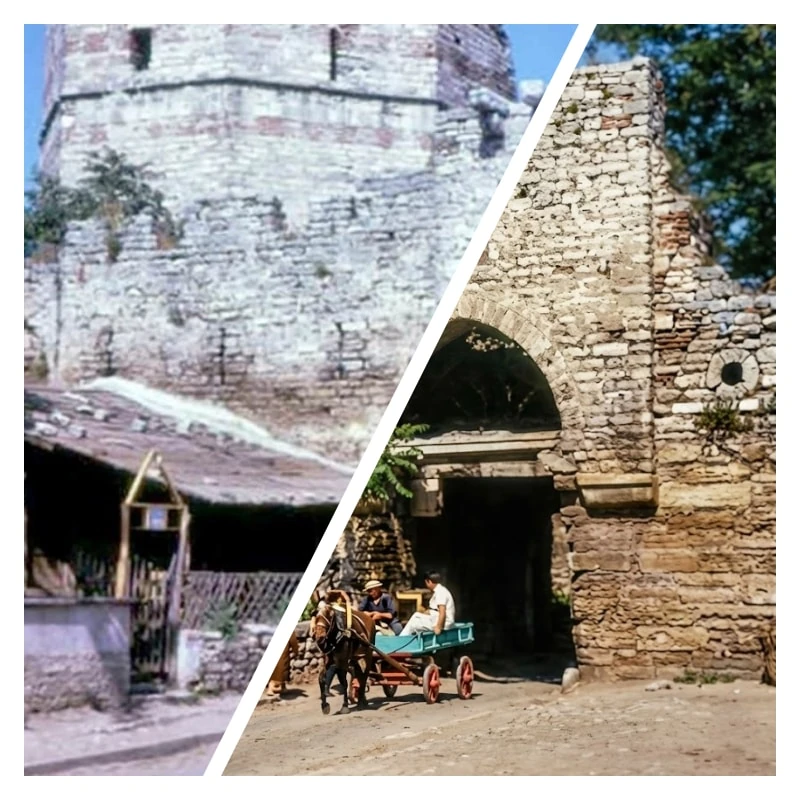
Prompt
{
"prompt": "Restore and fully enhance this old, blurry, faded, and damaged portrait photograph. Transform it into an ultra-high-resolution, photorealistic image with HDR-like lighting, natural depth-of-field, professional digital studio light effects, and realistic bokeh. Apply super-resolution enhancement to recreate lost details in low-resolution or blurred areas. Smooth skin and textures while preserving all micro-details such as individual hair strands, eyelashes, pores, facial features, and fabric threads. Remove noise, scratches, dust, and artifacts completely. Correct colors naturally with accurate contrast and brightness. Maintain realistic shadows, reflections, and lighting dynamics, emphasizing the subject while keeping the background softly blurred. Ensure every element, including clothing and background textures, is ultra-detailed and lifelike. If black-and-white, restore accurate grayscale tones with proper contrast. Avoid over-processing or artificial look. Output should be a professional, modern, ultra-high-quality, photorealistic studio-style portrait, preserving authenticity, proportions, and mood, completely smooth yet ultra-detailed.",
"steps": [
{
"step": 1,
"action": "Super-resolution",
"description": "Upscale the image to ultra-high-resolution (8K or higher) to recreate lost details."
},
{
"step": 2,
"action": "Deblur and repair",
"description": "Fix blur, motion artifacts, scratches, dust, and other damage in the photo."
},
{
"step": 3,
"action": "Texture and micro-detail enhancement",
"description": "Smooth skin and surfaces while preserving ultra-micro-details such as pores, hair strands, eyelashes, and fabric threads."
},
{
"step": 4,
"action": "Color correction",
"description": "Adjust colors naturally, maintain realistic contrast and brightness, simulate modern camera color science."
},
{
"step": 5,
"action": "HDR lighting and digital studio effect",
"description": "Apply HDR-like lighting, professional digital studio lighting, realistic shadows, reflections, and controlled depth-of-field with soft bokeh background."
},
{
"step": 6,
"action": "Background and detail restoration",
"description": "Ensure background elements, clothing, and textures are sharp, ultra-detailed, and clean, while preserving natural blur for depth."
},
{
"step": 7,
"action": "Grayscale adjustment (if applicable)",
"description": "Restore black-and-white portraits with accurate grayscale tones and proper contrast."
},
{
"step": 8,
"action": "Final polishing",
"description": "Avoid over-processing, maintain a natural and authentic look, preserve original mood and proportions, ensure ultra-smooth yet ultra-detailed output."
}
]
}
How to Use This AI Image Prompt
- Click Copy Prompt above to copy the full prompt text
- Open your preferred AI image generator
- Paste the prompt and adjust any variables to your needs
- Generate and iterate — try modifying keywords for different results
Or use Vidzy to generate AI images with one tap — no prompt editing needed. Download free on the App Store.
Tips for Better AI Image Results
- Be specific: Add details about lighting, camera angle, style, and mood for more accurate AI output.
- Iterate: Generate multiple versions and pick the best one. Small wording changes can produce very different results.
- Combine ideas: Mix elements from different prompts in our free prompt library to create unique compositions.
- Match the model: Different AI models interpret prompts differently. Try the same prompt across multiple tools to compare results.
Frequently Asked Questions
Can I modify this prompt?
Absolutely. This prompt is a starting point. Feel free to change subjects, styles, lighting, or any other details to match your creative vision.
What AI tool works best with this prompt?
This prompt works with most AI image generators including Flux, Nano Banana 2, Midjourney, and DALL-E.
Is this prompt free to use?
Yes, all prompts in the Vidzy library are free to copy and use for personal and commercial projects.

Your Next Video Is 30 Seconds Away
Download Vidzy free, pick a template, and create your first video right now.
