

Seaside walker
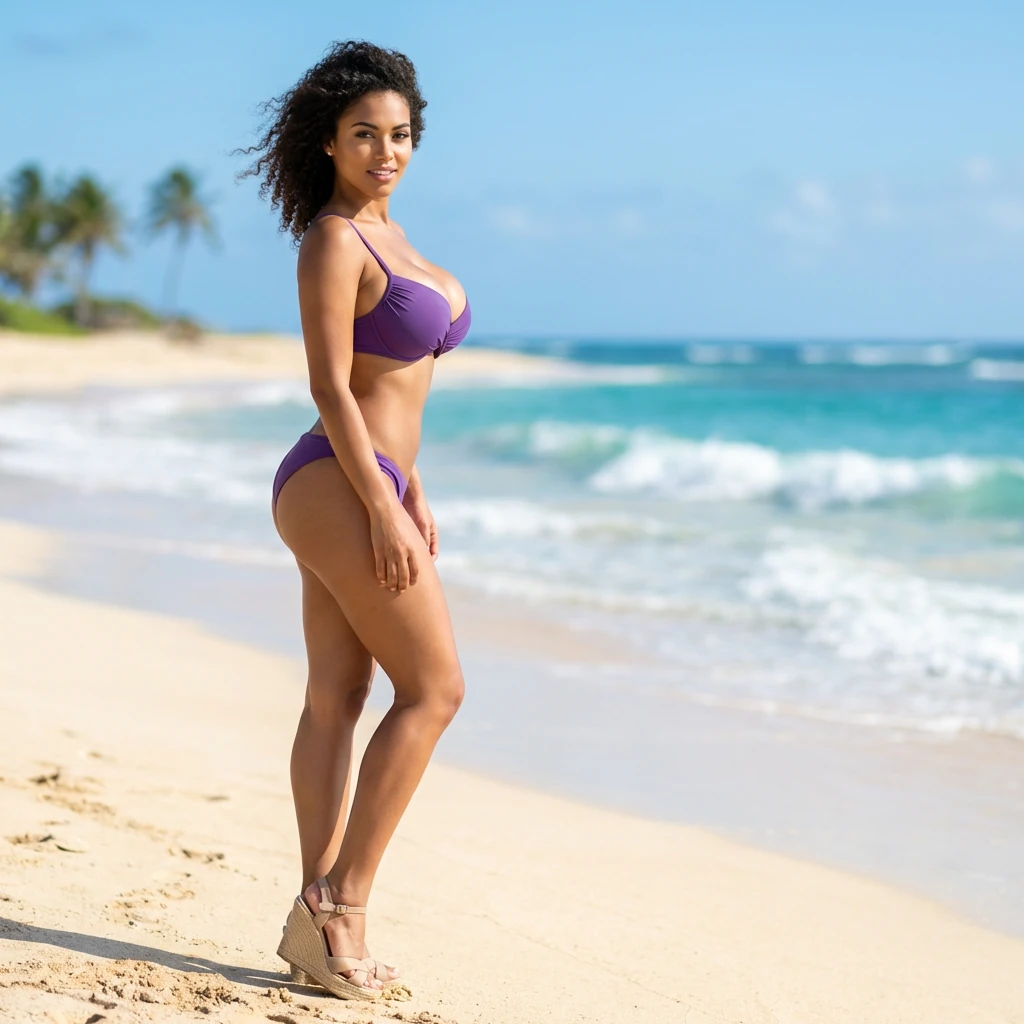
Prompt
{
"prompt": "A high-quality, full-body outdoor photo of a young woman with a curvaceous yet slender physique and a very voluminous bust, standing on a sunny beach. She is captured in a three-quarter view (3/4 angle), looking toward the camera with a confident, seductive, and provocative expression. She wears a stylish purple bikini that highlights her figure and high-heeled sandals on her feet, which are planted in the golden sand. The background features a tropical beach with soft white sand, gentle turquoise waves, and a clear blue sky. The lighting is bright, natural sunlight, creating realistic shadows and highlights on her skin. The composition is professional, following the rule of thirds, with a shallow depth of field that slightly blurs the ocean background to keep the focus entirely on her.",
"scene_type": "Provocative beach photography",
"subjects": [
{
"role": "Main subject",
"description": "Young woman with a curvy but slim build, featuring a very prominent and voluminous bust.",
"wardrobe": "Purple bikini, high-heeled sandals.",
"pose_and_expression": "Three-quarter view, standing on sand, provocative and sexy attitude, confident gaze."
}
],
"environment": {
"setting": "Tropical beach",
"details": "Golden sand, turquoise sea, clear sky, bright daylight."
},
"lighting": {
"type": "Natural sunlight",
"quality": "Bright and direct",
"effects": "Realistic skin textures, natural highlights"
},
"composition": {
"framing": "Full-body shot",
"angle": "3/4 view",
"depth_of_field": "Shallow (bokeh background)"
},
"style_and_quality_cues": [
"High-resolution photography",
"Realistic skin texture",
"Vibrant colors",
"Professional lighting",
"Sharp focus on subject"
],
"negative_prompt": "cartoon, drawing, anime, low resolution, blurry, distorted anatomy, extra limbs, unrealistic skin, flat lighting, messy hair"
}
How to Use This AI Image Prompt
- Click Copy Prompt above to copy the full prompt text
- Open your preferred AI image generator
- Paste the prompt and adjust any variables to your needs
- Generate and iterate — try modifying keywords for different results
Or use Vidzy to generate AI images with one tap — no prompt editing needed. Download free on the App Store.
Tips for Better AI Image Results
- Be specific: Add details about lighting, camera angle, style, and mood for more accurate AI output.
- Iterate: Generate multiple versions and pick the best one. Small wording changes can produce very different results.
- Combine ideas: Mix elements from different prompts in our free prompt library to create unique compositions.
- Match the model: Different AI models interpret prompts differently. Try the same prompt across multiple tools to compare results.
Frequently Asked Questions
Can I modify this prompt?
Absolutely. This prompt is a starting point. Feel free to change subjects, styles, lighting, or any other details to match your creative vision.
What AI tool works best with this prompt?
This prompt works with most AI image generators including Flux, Nano Banana 2, Midjourney, and DALL-E.
Is this prompt free to use?
Yes, all prompts in the Vidzy library are free to copy and use for personal and commercial projects.

Your Next Video Is 30 Seconds Away
Download Vidzy free, pick a template, and create your first video right now.
