From pulsing neon waveforms to hand-drawn anime lyric sequences, music video AI prompts unlock a visual language that used to require After Effects expertise and weeks of rendering time. AI video generators like Sora 2 and Veo 3.1 can now produce stunning music visualizers, abstract motion graphics, and stylized lyric videos from a single text description.
This guide delivers battle-tested prompts for every music-video style — ambient visualizers, EDM light shows, lo-fi animations, and cinematic performance clips. Paste them into Vidzy, match the vibe to your track, and generate visuals that feel custom-made. Need help building prompts from scratch? The Vidzy Prompt Generator structures your ideas into model-optimized descriptions instantly.
Why Musicians and Producers Use Music Video AI Prompts
Independent artists and producers rarely have the budget for a full music-video shoot. Even a simple lyric video can cost hundreds of dollars when outsourced to a motion designer. AI video generation changes the math entirely: you describe the visual mood, style, and movement, and the model renders broadcast-quality footage in minutes. These music video AI prompts are designed for professional results.
These prompts are designed for text-to-video models. They work especially well with Sora 2 (strong on cinematic realism and complex motion) and Veo 3.1 (excellent at smooth, stylized visuals). Both are available inside the Vidzy app.
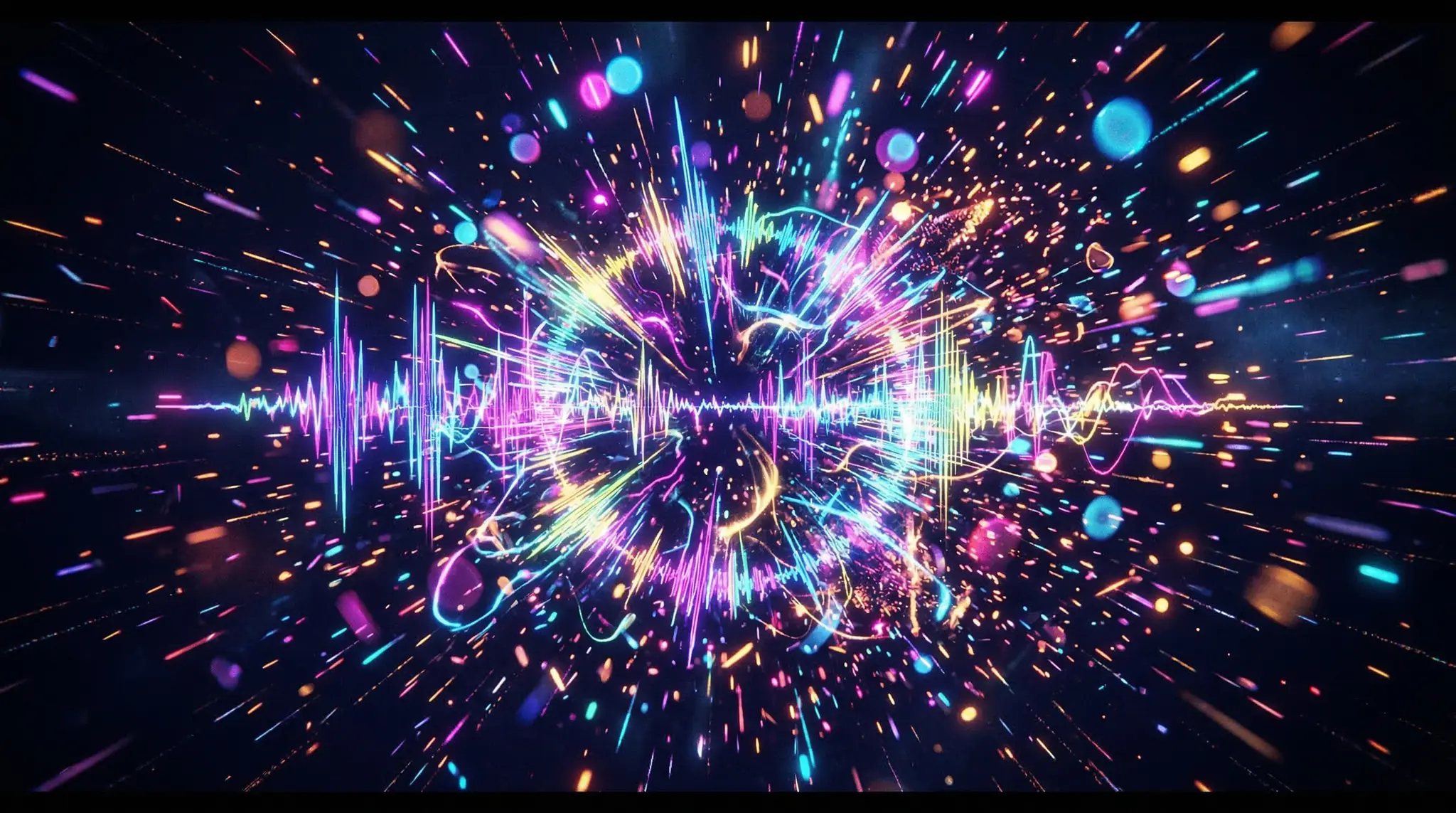
Abstract & Waveform Visualizer Prompts
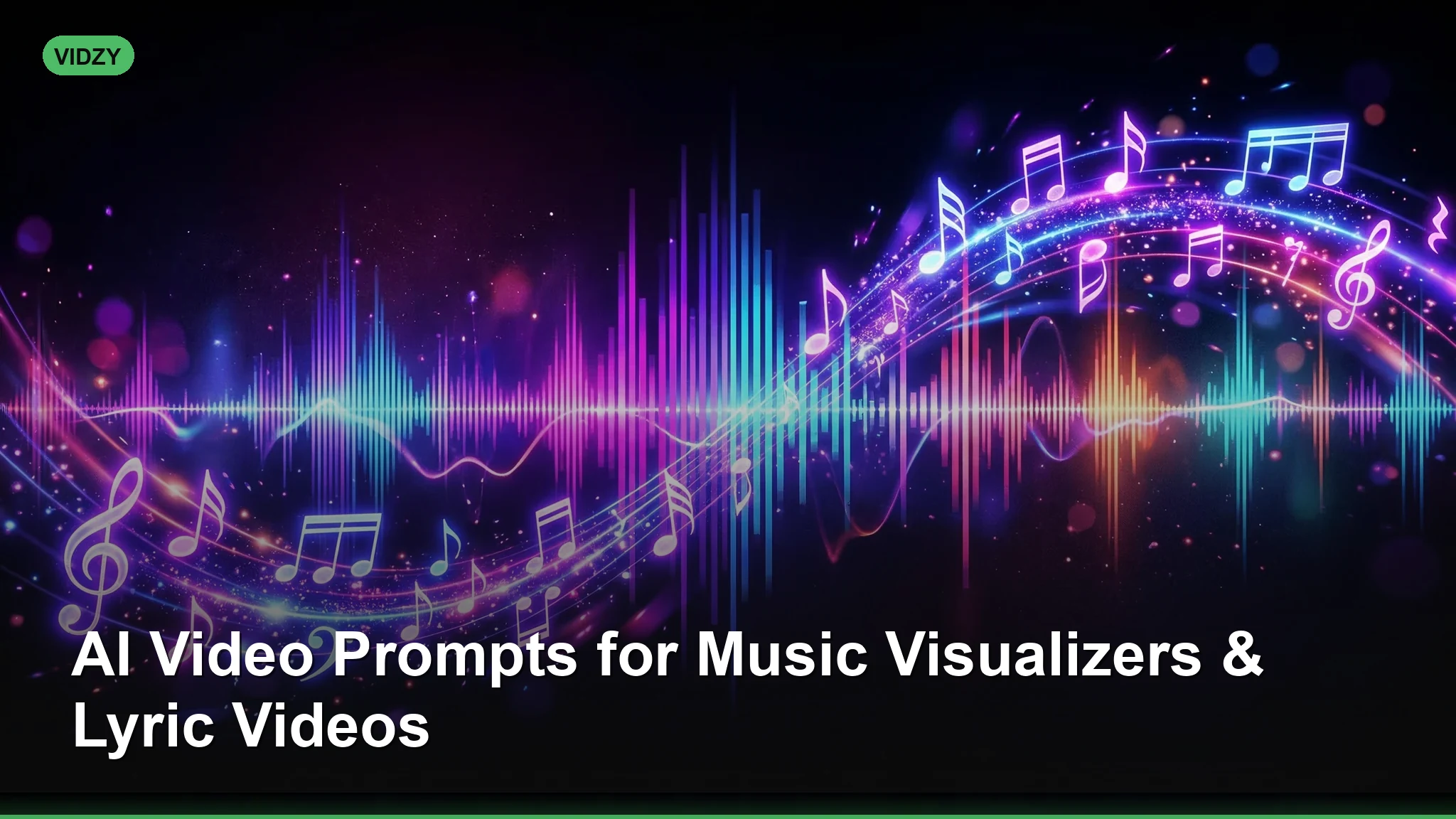
Prompt 1: “Abstract audio visualizer. Glowing neon sound waves pulse and ripple outward from the center of a black void. Colors shift from electric blue to hot pink in sync with an imagined bass beat. Smooth, organic motion. Particles scatter at each pulse. 4K, 60fps feel.” Using the right music video AI prompts makes all the difference in your output quality.
Prompt 2: “Cosmic visualizer. A three-dimensional sphere of light filaments floats in deep space. The filaments vibrate and expand with rhythmic energy, casting colored light onto nearby asteroid fragments. Deep purple and gold palette. Slow camera orbit.”
Prompt 3: “Minimalist waveform animation on a clean white background. A single thin black line oscillates like a heartbeat monitor, gradually growing more complex and layered. Bauhaus-inspired geometric shapes emerge from the peaks. Monochrome with one accent color: red.” With these music video AI prompts, you can achieve stunning results every time.
Prompt 4: “Liquid metal visualizer. Chrome mercury blob floats in zero gravity, constantly morphing in response to imagined music. Surface reflects a neon-lit environment. Camera slowly circles the object. Hyper-realistic material rendering, dark background.”
EDM & Electronic Music Prompts
Prompt 5: “POV shot moving through an infinite neon tunnel that pulses with bass drops. Geometric shapes — triangles, hexagons, circles — fly past the camera at high speed. Cyberpunk color palette: magenta, cyan, electric yellow. Fast-paced, energetic motion.” Master music video AI prompts to take your AI generation to the next level.
Prompt 6: “Aerial shot of a massive outdoor EDM festival at night. Laser beams sweep across thousands of silhouetted fans. A towering LED stage structure flashes complex patterns. Fog machines create volumetric light rays. Cinematic drone camera slowly pushing in.”
Prompt 7: “Futuristic DJ booth inside a virtual reality club. Holographic turntables float in mid-air, emitting particle streams of light with each scratch. The walls are made of shifting digital panels showing abstract patterns. Tron-like aesthetic, deep blues and whites.” The best music video AI prompts combine technical precision with creative vision.
Lo-Fi & Anime-Style Prompts
Prompt 8: “Lo-fi anime study scene. A girl sits at a desk by a rain-streaked window at night, wearing oversized headphones. A steaming cup of tea beside her laptop. City lights glow softly outside. Gentle, looping animation style. Warm, muted color palette. Studio Ghibli-inspired.”
Prompt 9: “Anime-style music video scene. A lone figure stands on a Tokyo rooftop at sunset, hair blowing in the wind, looking out over the city skyline. Cherry blossom petals drift through the frame. Melancholic, nostalgic mood. Soft cel-shading, pastel sky.” These music video AI prompts are designed for professional results.
Prompt 10: “Retro pixel-art animation of a boombox sitting on a beach boardwalk at sunset. 16-bit style palm trees sway gently. Pixel waves lap at the shore. Warm synthwave color palette — orange, pink, purple gradient sky. Subtle scanline effect.”
Anime-style prompts benefit from specific style keywords. Check out the Video Sizes Guide to pick the right resolution and aspect ratio before you generate — square 1:1 works great for album art loops, while 9:16 is ideal for Instagram stories. Using the right music video AI prompts makes all the difference in your output quality.
Cinematic Performance & Narrative Prompts
Prompt 11: “Cinematic close-up of a singer performing under a single spotlight on an otherwise dark stage. Smoke swirls around them. The camera slowly orbits, revealing the empty venue behind. Black-and-white with a single color accent on the microphone (gold). Film grain, shallow depth of field.”
Prompt 12: “Split-screen music video. Left side: a pianist plays a grand piano in a burning room, flames licking the walls. Right side: the same pianist plays in a room filling with water, submerged up to the waist. Both sides mirror each other’s movements. Dramatic, surreal.” With these music video AI prompts, you can achieve stunning results every time.
Prompt 13: “One-take Steadicam shot walking through a house party in slow motion. People frozen mid-dance, confetti suspended in air, a drink mid-pour. The camera weaves between the frozen figures. Warm golden lighting, shallow focus, 35mm film look.”
Prompt 14: “Silhouette of a guitarist standing on a desert mesa at golden hour. The guitar catches the sun. Behind them, a massive dust storm approaches in slow motion. Epic, wide-angle composition. Warm amber and deep shadow contrast.” Master music video AI prompts to take your AI generation to the next level.
Lyric Video & Typography Prompts
Prompt 15: “Kinetic typography animation on a dark background. Bold white sans-serif words appear and shatter into fragments with each beat. Letters reassemble into new words. Minimal, high-contrast, smooth motion. Monochrome with occasional red accent.”
Prompt 16: “Handwritten lyrics appearing on aged parchment paper, as if an invisible hand is writing them in real time with a fountain pen. Ink bleeds slightly into the paper fibers. Warm, vintage sepia tone. Camera slowly drifts downward as new lines appear.” The best music video AI prompts combine technical precision with creative vision.
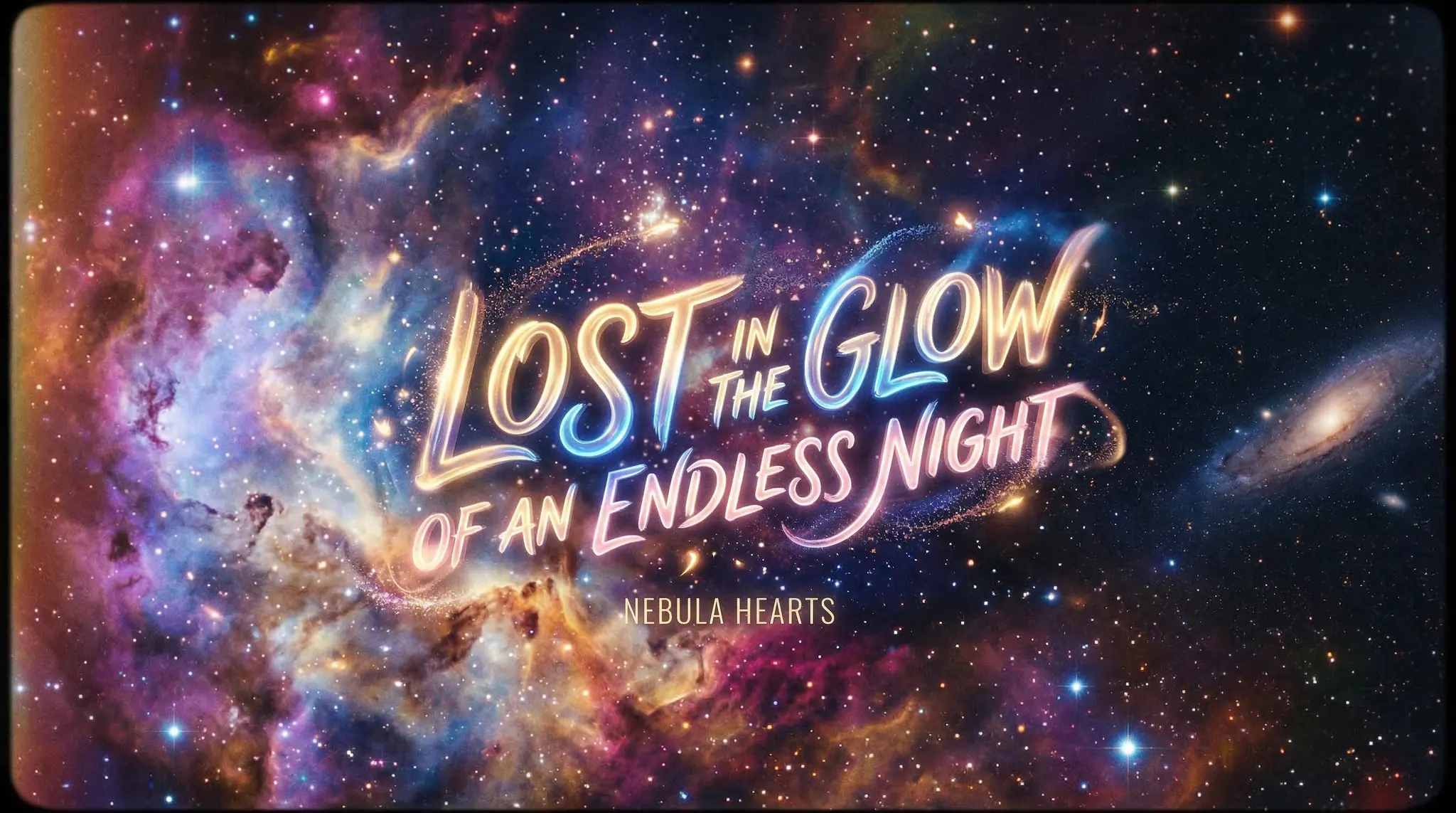
Prompt 17: “3D floating text in outer space. Glowing neon lyrics drift through a star field, each word rotating slowly. Lens flares spark as the camera passes through the text. Deep space background with nebula colors: purple, teal, and rose.”
Genre-Specific Mood Prompts
Prompt 18 (Jazz): “Smoky 1950s jazz club interior. A saxophone player performs under a warm amber spotlight. The audience is in soft-focus silhouette. Cigarette smoke curls upward. Camera drifts lazily. Sepia-toned, film noir aesthetic, 35mm grain.” These music video AI prompts are designed for professional results.
Prompt 19 (Metal): “Dark, gothic cathedral interior. The camera pushes through rows of lit candelabras toward a massive pipe organ. Lightning flashes through stained-glass windows, casting fractured color across stone walls. Ominous, dramatic, high contrast.”
Prompt 20 (Acoustic/Folk): “Intimate campfire scene in a pine forest at night. Close-up of hands strumming an acoustic guitar, firelight dancing on the wood grain. Sparks drift upward into a star-filled sky. Warm, cozy, soft-focus background. Documentary feel.” Using the right music video AI prompts makes all the difference in your output quality.
Tips for Better Music Visualizer Results
- Match the energy. Use words like “pulsing,” “explosive,” and “rapid” for high-BPM tracks. Use “drifting,” “gentle,” and “slow” for ambient or lo-fi pieces.
- Specify color palettes. Color drives emotional response. Neon and cyberpunk palettes suit electronic music; warm amber and sepia suit acoustic and jazz.
- Describe the rhythm visually. Phrases like “pulses with each beat” or “expands on the drop” help the model create motion that feels musical, even without actual audio sync.
- Loop-friendly framing. If you want a seamless loop for a visualizer, mention “loopable” or “seamless loop” and keep camera movement minimal — slow orbits and static shots loop best.
- Layer multiple clips. Generate several short clips with the same style keywords and edit them together. This creates variety while maintaining visual cohesion.
Once your visualizer is ready, generate hashtags with the Hashtag Generator to maximize reach on YouTube and social platforms.
Frequently Asked Questions
Can I sync AI-generated visuals to my music?
AI video generators produce visuals without audio input, so they do not automatically sync to a beat. However, you can align clips to your track in any video editor by cutting on the beat. Generate multiple short clips and assemble them on your timeline for tight synchronization.
What aspect ratio should I use for a music visualizer?
For YouTube music videos, use 16:9 (1920×1080). For Instagram Reels and TikTok, use 9:16 (1080×1920). For album art loops on Spotify Canvas, use 9:16 vertical. Square 1:1 works well for social posts and embedded players. Check the Video Sizes Guide for a full breakdown.
Which AI model handles anime-style visuals best?
Both Sora 2 and Veo 3.1 can produce anime-inspired visuals, but adding style keywords like “cel-shaded,” “Studio Ghibli-inspired,” or “anime aesthetic” significantly improves results. Experiment with both models inside Vidzy to see which matches your vision. For a detailed comparison, check out our blog for model-specific guides.
Create Your Music Visuals with AI
You no longer need a VFX team or motion graphics expertise to produce professional music visuals. Whether you are an independent artist releasing a single or a producer building a visual album, these prompts give you a starting point for every genre and style. Paste them into Vidzy, adjust the mood to match your track, and render visuals that elevate your music.
Download Vidzy and start generating music visuals that match the energy of your sound.