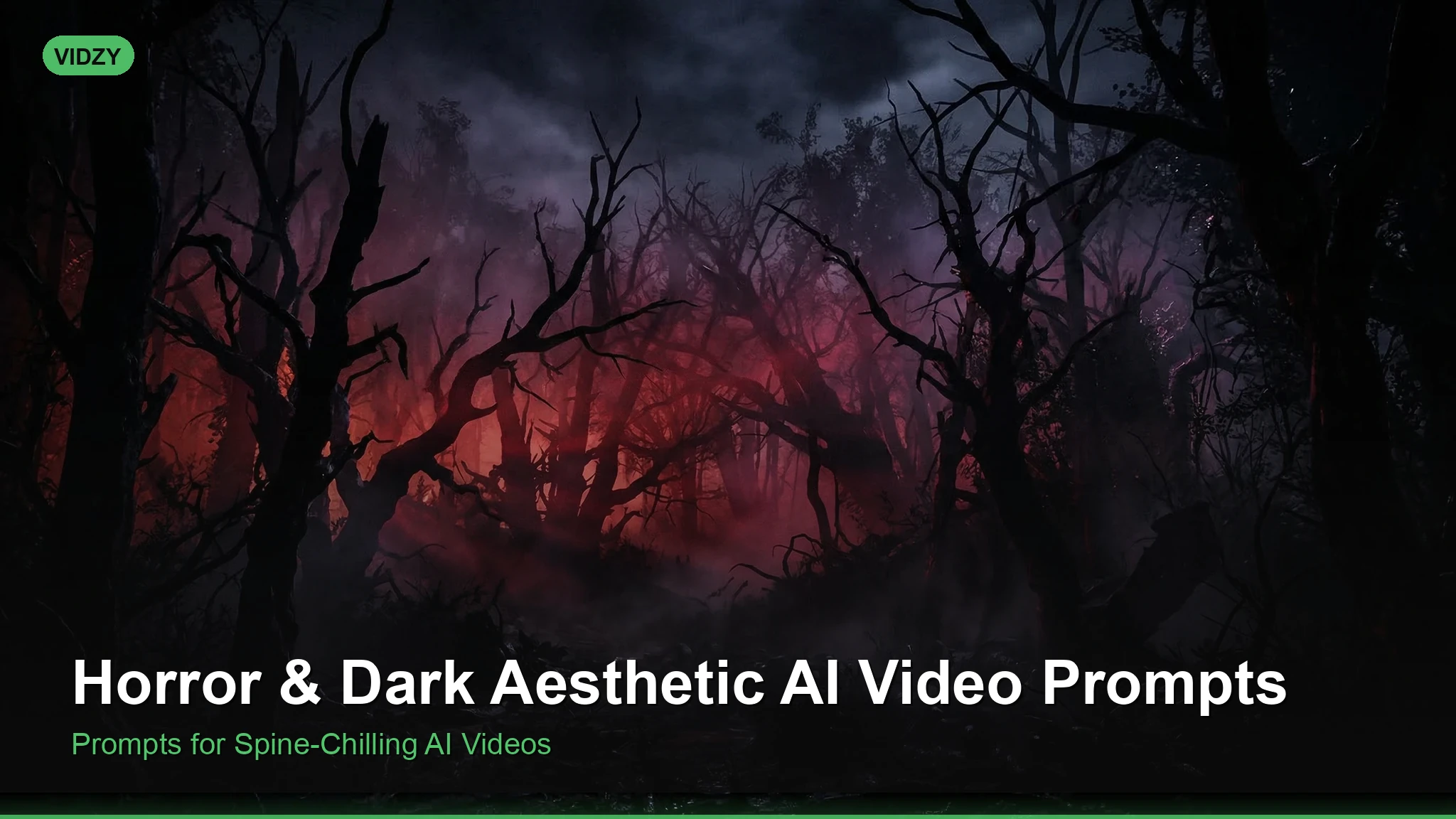
If you want to create spine-chilling, atmospheric footage with AI video generators like Sora, Kling, or Runway, you need the right horror AI video prompts. Dark aesthetic visuals — from fog-drenched graveyards to glitching supernatural apparitions — are among the most visually striking content you can generate. In this guide, we break down dozens of ready-to-use prompts across sub-genres of horror, complete with tips on structure, style keywords, and how to push each generator to its cinematic limit.
Why Horror AI Video Prompts Are So Effective
Horror and dark aesthetic content thrives on atmosphere: lighting, texture, pacing, and the uncanny. AI video generators excel at producing dreamlike, surreal imagery — which is exactly the territory horror lives in. The slight imperfections and unpredictable movements that AI sometimes introduces can actually enhance the unsettling quality of horror footage. A face that shifts slightly wrong, a shadow that moves independently, a hallway that stretches impossibly — these “flaws” become features in horror content.
Whether you’re building a short film mood reel, creating TikTok horror content, or prototyping visuals for a game trailer, these prompts will give you a strong foundation. These horror AI video prompts are designed for professional results.
Gothic Horror AI Video Prompts
Gothic horror draws on crumbling architecture, candlelight, and aristocratic decay. These prompts evoke the atmosphere of classic literary horror.
Prompt: “Slow dolly shot through an abandoned Victorian mansion at night. Cobwebs drape across a grand staircase lit by a single flickering candelabra. Dust particles float in the amber light. A woman in a white gown stands motionless at the top of the stairs, her face obscured by shadow. Cinematic, 4K, desaturated color palette with deep blacks and warm amber highlights.”
Prompt: “Aerial drone shot descending into a fog-filled cemetery at dusk. Ancient stone crosses and crumbling mausoleums emerge from thick gray mist. A single raven perches on a headstone and tilts its head toward camera. Gothic horror aesthetic, shallow depth of field, muted tones with deep blue shadows.”
Prompt: “Close-up of a leather-bound book opening by itself on a wooden desk. The pages flip rapidly, revealing hand-drawn occult symbols that glow faintly red. Candlelight flickers violently. Dust rises from the pages. Dark academia aesthetic, cinematic lighting, anamorphic lens flare.”
For gothic prompts, emphasize period-specific details: wrought iron gates, oil lamps, velvet curtains, and weathered stone. Specifying a desaturated or muted color palette keeps the output grounded in the genre. Using the right horror AI video prompts makes all the difference in your output quality.
Supernatural & Paranormal Prompts
Supernatural horror leans into the inexplicable — apparitions, distorted reality, and things that should not exist.
Prompt: “A long, empty hospital corridor lit by buzzing fluorescent lights. One light at the far end flickers and goes dark. In the moment of darkness, a pale figure appears standing motionless in the corridor. The light returns and the figure is closer. Found footage style, VHS grain, 1990s camcorder aesthetic.”
Prompt: “Medium shot of a child sitting cross-legged on the floor of a dimly lit bedroom, drawing with crayons. The camera slowly pans to the wall behind the child, revealing the shadow cast does not match the child’s movements — it stands upright while the child remains seated. Psychological horror, naturalistic lighting, handheld camera.”
Prompt: “Time-lapse of a mirror in an empty bathroom. Condensation slowly forms on the glass, and letter by letter, a word appears as if traced by an invisible finger: ‘LEAVE.’ The condensation drips down, distorting the word. Horror aesthetic, cold blue-white lighting, static camera.”
The key to effective supernatural prompts is restraint. The most unsettling AI horror footage suggests rather than shows. Describe what is almost visible rather than explicit monsters. With these horror AI video prompts, you can achieve stunning results every time.
Body Horror & Surreal Prompts
Body horror explores the grotesque transformation of the human form. AI generators can produce deeply unsettling surreal imagery in this space.
Prompt: “Extreme close-up of a human eye. The iris slowly begins to fracture like cracking porcelain, revealing a dark void beneath. The pupil dilates unnaturally wide. Macro photography style, shallow depth of field, clinical lighting against a black background. Body horror, surrealist aesthetic.”
Prompt: “A figure walks down a rain-soaked city street at night. With each step, their reflection in the puddles shows a slightly different version — taller, thinner, limbs at wrong angles. The figure does not notice. Shot from behind, wide angle lens, neon reflections in wet pavement, psychological horror tone.”
Prompt: “Slow zoom into a portrait painting in a dark gallery. The subject’s expression gradually shifts from neutral to anguished. Cracks form in the paint around the mouth as if the figure is trying to scream. Oil painting texture, gallery lighting, unsettling and surreal.”
When crafting body horror prompts, focus on describing transformation over time. AI video generators respond well to prompts that describe a progression — something normal becoming abnormal frame by frame. Master horror AI video prompts to take your AI generation to the next level.
Dark Aesthetic & Atmospheric Prompts
Not all dark content needs to be overtly horrifying. Dark aesthetic videos — moody, atmospheric, and visually rich — perform exceptionally well on social media and as b-roll.
Prompt: “Slow-motion shot of black smoke rising and curling against a deep crimson background. The smoke forms fleeting shapes — almost like faces — before dissipating. Abstract, dark aesthetic, high contrast, studio lighting.”
Prompt: “A lone figure in a black coat walks across an endless salt flat under a heavy overcast sky. The horizon line is barely visible. No landmarks, no other people. Minimalist, existential, desaturated, wide aspect ratio, Andrei Tarkovsky-inspired cinematography.”
Prompt: “Overhead shot of a banquet table in a dark room, covered in wilting black roses, melted candles, and tarnished silverware. Petals fall slowly onto the table surface. Dark romantic aesthetic, chiaroscuro lighting, baroque composition.”
Dark aesthetic prompts benefit from referencing specific art movements or filmmakers. Terms like chiaroscuro, baroque, film noir, and director names (David Lynch, Tarkovsky, Kubrick) give AI generators strong stylistic anchors. The best horror AI video prompts combine technical precision with creative vision.
Cyberpunk Horror & Dark Sci-Fi Prompts
Blending horror with cyberpunk and dystopian sci-fi creates a rich visual space — neon-lit nightmares and technological dread.
Prompt: “A humanoid android sits in a dark workshop, its chest panel open revealing tangled wires and a faintly pulsing red light. Its head twitches erratically. Oil drips from one eye socket. Cyberpunk horror, neon blue and red lighting, shallow depth of field, Blade Runner aesthetic.”
Prompt: “First-person POV walking through a derelict space station corridor. Emergency lights pulse red. Cables hang from the ceiling like vines. At the far end of the corridor, a door slowly opens by itself, revealing only darkness beyond. Sci-fi horror, Alien film aesthetic, anamorphic widescreen.”
For cyberpunk horror, always specify your lighting colors (neon blue, red, magenta) and reference touchstone films or games to guide the aesthetic. These horror AI video prompts are designed for professional results.
How to Structure Your Horror Prompts
Effective horror AI video prompts follow a consistent structure:
- Camera & framing: Specify shot type (close-up, wide, POV, dolly, static)
- Setting & environment: Describe the location with sensory detail
- Subject & action: What is happening, and what changes over time
- Mood & atmosphere: Lighting, color palette, emotional tone
- Style reference: Name a filmmaker, genre, or visual style
Need help structuring your prompts? Try the AI Video Prompt Generator — it helps you build detailed, well-structured prompts step by step, including style and mood parameters that are critical for horror content. Using the right horror AI video prompts makes all the difference in your output quality.
Tips for Better Horror AI Videos
Use negative space. Horror is about what you don’t show. Describe large areas of darkness, empty rooms, and distant figures. The viewer’s imagination fills in the rest.
Specify slow movement. Fast motion often looks chaotic in AI video. Slow dolly shots, slow zooms, and slow-motion footage give the generator time to maintain coherence while building dread. With these horror AI video prompts, you can achieve stunning results every time.
Layer your audio later. AI video generators produce silent output. Plan to add sound design — creaking doors, distant whispers, low drones — in post-production. A perfectly silent horror clip becomes terrifying with the right audio.
Lean into the uncanny valley. If a face or figure looks slightly wrong in your output, that may be exactly what you want for horror. Evaluate “imperfect” generations before discarding them. Master horror AI video prompts to take your AI generation to the next level.
Planning to share your horror clips on social media? Make sure to check the Video Size Guide so your content is formatted correctly for each platform — vertical 9:16 for TikTok and Reels, widescreen 16:9 for YouTube.
FAQ
Do AI video generators allow horror content?
Most generators permit dark and atmospheric content but may restrict explicit gore or extreme violence. Sora, Runway, and Kling each have content policies. Gothic horror, psychological horror, and dark aesthetic content generally passes moderation. If a prompt is rejected, try softening explicit terms — use “unsettling” instead of “terrifying,” or “dark figure” instead of graphic descriptions. The best horror AI video prompts combine technical precision with creative vision.
What is the best AI video generator for horror?
Sora and Runway Gen-3 both handle atmospheric, cinematic horror well. Kling is strong for realistic human figures in dim lighting. For surreal or abstract horror, Runway’s stylistic flexibility is a good match. Experiment across platforms to find the best fit for your specific sub-genre.
How long should horror AI video prompts be?
Aim for 40-80 words. Include camera direction, setting, subject action, lighting, and style. Too short and you lose control of the output; too long and the generator may ignore parts of your prompt. Focus on the most important visual elements.
Can I use AI horror videos commercially?
Check the terms of service for your specific generator. Most commercial plans (Sora Pro, Runway Pro, etc.) grant commercial usage rights to generated content. Always verify before publishing or selling.
Start Creating Dark Aesthetic AI Videos
Horror and dark aesthetic content is one of the most rewarding genres to explore with AI video generation. The technology’s strengths — surreal imagery, dreamlike motion, and atmospheric rendering — align perfectly with what makes horror visually compelling. Use the prompts above as starting points, then iterate: adjust lighting, swap locations, change camera angles, and refine your style keywords.
Ready to build your first horror prompt? Head to the Prompt Generator and start crafting cinematic, atmospheric video prompts in minutes. For hashtag ideas to maximize reach when you post your creations, use the Hashtag Generator to find trending horror and aesthetic tags.