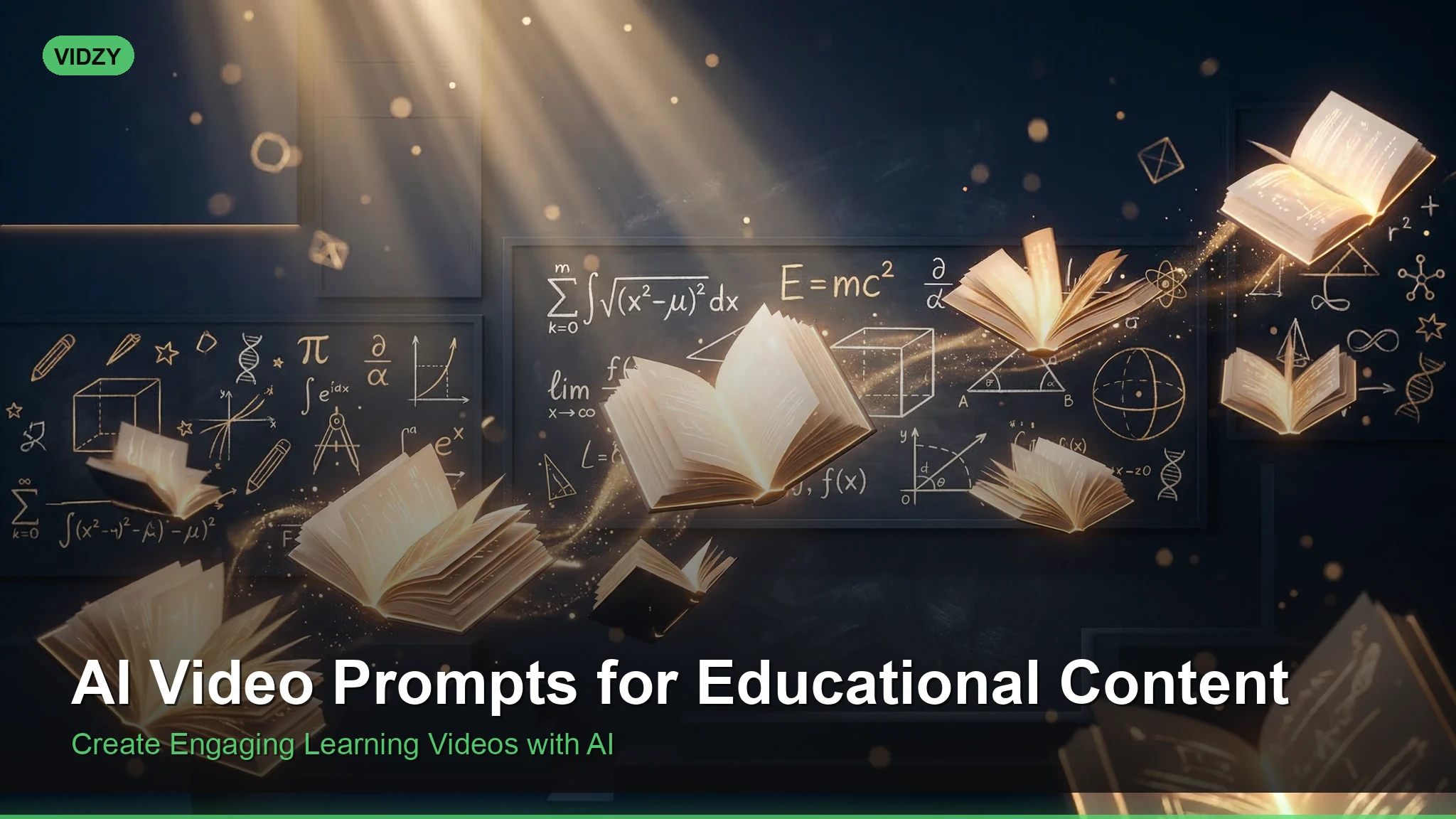
Creating engaging educational videos has never been more accessible. With educational AI video prompts, teachers, course creators, and content marketers can generate professional-quality explainer visuals, animated diagrams, and compelling b-roll — without a film crew or animation budget. Whether you are building a YouTube educational channel, producing corporate training materials, or creating classroom resources, the right prompts turn AI video generators into powerful teaching tools.
Why Educational AI Video Prompts Matter
Visual learning is not optional — it is how most people absorb information. Studies consistently show that video improves retention, comprehension, and engagement compared to text alone. But producing educational video has traditionally required motion graphics skills, stock footage subscriptions, or expensive production teams. These educational AI video prompts are designed for professional results.
AI video generators like Sora, Runway, and Kling change that equation entirely. With a well-crafted prompt, you can generate a visual explanation of photosynthesis, a dramatic reenactment of a historical event, or an animated diagram of how an engine works — in minutes rather than days. The key is knowing how to write prompts that are specific, visually clear, and pedagogically useful. Using the right educational AI video prompts makes all the difference in your output quality.
Science & Nature Educational Prompts
Science content benefits enormously from visual demonstration. These prompts generate footage that illustrates natural processes and scientific concepts. With these educational AI video prompts, you can achieve stunning results every time.
Prompt: “Cinematic macro shot of a water droplet falling onto a still pond surface. Show the impact in extreme slow motion — the crown splash forming, satellite droplets rising, and concentric ripples expanding outward. Crystal clear water, studio lighting against a dark background. Educational physics demonstration of surface tension and fluid dynamics.”
Prompt: “Cross-section animation of a plant root system underground. Camera slowly pulls back to reveal roots branching through dark soil layers, absorbing blue-highlighted water droplets that travel upward through the stem toward green leaves above ground. Educational botanical illustration style, clean background, labeled-diagram aesthetic.”
Prompt: “Time-lapse of a thunderstorm forming over flat farmland. Cumulus clouds build vertically into towering cumulonimbus formations. Lightning flashes illuminate the cloud interior. Rain sheets move across the landscape. Wide angle, National Geographic documentary style, golden hour to storm transition.”
Prompt: “Microscopic view of red blood cells flowing through a blood vessel. Cells tumble and flex as they navigate through the vessel, some squeezing through a narrow capillary. Warm red and pink tones, shallow depth of field, medical documentary aesthetic, clean and educational.”
For science prompts, always specify the educational intent in the prompt itself. Phrases like “educational demonstration,” “diagram style,” or “documentary aesthetic” help the generator prioritize clarity over artistic abstraction. Master educational AI video prompts to take your AI generation to the next level.
History & Social Studies Prompts
Bringing historical events and periods to life visually makes them more memorable and emotionally resonant for learners. The best educational AI video prompts combine technical precision with creative vision.
Prompt: “Wide establishing shot of an ancient Roman marketplace at midday. Citizens in togas browse stalls selling pottery, fabrics, and produce. A stone aqueduct is visible in the background. Warm Mediterranean light, dust in the air, historically accurate architecture. Documentary reconstruction style, cinematic.”
Prompt: “Aerial shot of a medieval European city surrounded by stone walls. Thatched-roof houses line narrow cobblestone streets. Smoke rises from chimneys. A castle with towers overlooks the settlement from a hilltop. Overcast sky, muted earth tones, historical documentary aesthetic, 4K.”
Prompt: “Close-up of hands writing with a quill pen on aged parchment paper by candlelight. Ink flows from the metal nib forming elegant script. The candle flame flickers, casting moving shadows. 18th century study setting, warm amber tones, shallow depth of field, historical atmosphere.”
When generating historical content, include specific period details — architecture styles, clothing, tools, and lighting conditions appropriate to the era. This grounds the output in historical accuracy rather than generic fantasy. These educational AI video prompts are designed for professional results.
Math & Abstract Concept Prompts
Abstract concepts are the hardest to teach and the most valuable to visualize. These prompts translate mathematical and logical ideas into compelling visuals. Using the right educational AI video prompts makes all the difference in your output quality.
Prompt: “3D animation of the Fibonacci spiral forming step by step. Golden rectangles subdivide on screen, and a smooth spiral curve traces through them. Numbers appear at each square: 1, 1, 2, 3, 5, 8, 13. Clean white background, blue and gold color scheme, educational motion graphics style.”
Prompt: “Visualization of gravity wells in space. A large sphere depresses a flexible fabric grid, creating a deep funnel shape. Smaller spheres roll along the curved surface, orbiting the larger mass before spiraling inward. Dark space background with glowing blue grid lines, physics simulation aesthetic.”
Prompt: “Animated bar chart growing in real-time showing population growth over centuries. Bars rise from a timeline axis, each bar a different color representing a continent. Numbers tick upward as bars grow. Clean infographic design, white background, modern data visualization style.”
For mathematical prompts, use language like “step by step,” “forming gradually,” and “clean background.” This encourages the generator to produce clear, sequential visuals rather than cluttered abstract art. With these educational AI video prompts, you can achieve stunning results every time.
Technology & Engineering Prompts
Explaining how things work is a core educational need. These prompts generate mechanical and technological visualizations. Master educational AI video prompts to take your AI generation to the next level.
Prompt: “Transparent cutaway view of an electric car showing its internal components. Camera slowly rotates around the vehicle revealing the battery pack glowing blue beneath the floor, electric motors at the axles, and wiring connecting all systems. Technical illustration style, clean studio background, automotive engineering aesthetic.”
Prompt: “Animation of data packets traveling through the internet. Glowing blue cubes of data leave a laptop, travel through fiber optic cables visualized as glowing tubes, pass through server racks in a data center, and arrive at a smartphone on the other end. Dark background, neon accents, tech documentary style.”
Engineering prompts work best when you describe the journey or process — how energy flows, how data moves, how parts interact. Give the generator a path to follow. The best educational AI video prompts combine technical precision with creative vision.
How to Structure Educational Prompts
Educational content has specific requirements that differ from artistic or entertainment prompts. Follow this structure for the best results: These educational AI video prompts are designed for professional results.
- State the subject clearly: Name the concept, process, or event you are visualizing
- Describe the visual progression: What happens first, then next, then after that
- Specify the aesthetic: Use “educational,” “documentary,” “diagram,” “clean,” or “infographic”
- Set technical parameters: Camera angle, lighting, background, aspect ratio
- Add clarity keywords: “Well-lit,” “clear,” “labeled,” “uncluttered”
Building structured prompts from scratch takes practice. The AI Video Prompt Generator walks you through each element — subject, style, camera, lighting — so you can assemble educational prompts quickly without missing critical details. Using the right educational AI video prompts makes all the difference in your output quality.
Tips for Better Educational AI Videos
Keep it focused. One concept per video. Do not try to explain the entire water cycle in a single prompt. Break complex topics into individual clips: evaporation, condensation, precipitation, collection — each with its own prompt.
Use simple camera movements. Slow pans, steady zooms, and static wide shots work best for educational content. Complex camera work distracts from the information you are trying to communicate.
Plan for narration. AI-generated educational videos are silent. Write your script first, then create prompts that match the narration beat by beat. This ensures your visuals align with your teaching points.
Combine clips into sequences. Generate 3-5 short clips that together explain a concept, then edit them into a sequence with transitions, text overlays, and voiceover in your video editor.
If you are publishing educational content on YouTube or social media, use the Video Size Guide to ensure your exports match platform requirements — 16:9 for YouTube, 9:16 for Shorts and Reels, 1:1 for educational Instagram posts.
FAQ
Can AI-generated videos be used in classrooms?
Yes. AI-generated educational videos are excellent supplementary materials. However, always review generated content for accuracy before presenting to students. AI generators may produce visually plausible but factually incorrect details, especially for historical or scientific content. Use them as visual aids alongside verified curriculum materials.
What is the best AI video generator for educational content?
Sora produces high-quality realistic footage well-suited for science and history visualizations. Runway Gen-3 offers strong stylistic control useful for abstract and diagrammatic content. For clean, graphic-style animations, experiment with prompts that specify “motion graphics” or “infographic” aesthetics across any generator.
How do I make AI educational videos more accurate?
Be extremely specific in your prompts. Instead of “show a cell dividing,” write “show a eukaryotic animal cell undergoing mitosis: chromosomes condense, align at the cell equator, separate to opposite poles, and the cell pinches into two daughter cells.” Specificity reduces the generator’s room for creative interpretation where you need accuracy.
Are AI educational videos good for YouTube?
Absolutely. Educational content is one of YouTube’s strongest categories. AI-generated visuals can serve as b-roll, animated explainers, or full visual sequences. Pair them with quality narration, captions, and clear titles for maximum engagement and retention. Many successful edu-channels already incorporate AI-generated visuals into their workflow.
Start Creating Educational Video Content
Educational AI video prompts unlock a visual production pipeline that was previously available only to well-funded studios and animation teams. A teacher can now generate a visualization of plate tectonics. A startup can produce product explainer footage. A YouTuber can illustrate abstract concepts with cinematic quality.
The prompts in this guide are ready to copy and use. Customize them for your subject matter, adjust the style to match your brand, and iterate based on what works. For help building your prompts, start with the Prompt Generator. To plan your content scripts before generating visuals, check out the Script Template Tool for structured frameworks that keep your educational videos clear and engaging.