




Google DeepMind’s Veo 3.1 has emerged as one of the most impressive AI video generators available, and finding the best Veo prompts can mean the difference between generic output and breathtakingly realistic footage. Veo 3.1 excels at photorealistic rendering, natural motion, and temporal consistency — meaning characters and objects maintain their appearance throughout the entire clip without the morphing artifacts that plague other models.
In this comprehensive guide, we’ve compiled the best Veo 3.1 prompts across multiple categories, each optimized for Veo’s unique strengths. Whether you’re generating realistic human subjects, natural environments, product footage, or artistic content, these prompts will help you produce results that are genuinely difficult to distinguish from real camera footage.
What Makes Veo 3.1 Different from Other AI Video Models
Before diving into the prompts, it’s worth understanding what sets Veo 3.1 apart — because writing effective Veo prompts requires leveraging its specific advantages. According to Google DeepMind’s Veo page, the model was designed with three core principles: physical accuracy, temporal coherence, and cinematic understanding.
Here’s where Veo 3.1 particularly excels compared to competitors: These veo prompts are designed for professional results.
- Realistic human faces and expressions: Veo 3.1 handles facial detail, micro-expressions, and natural skin rendering better than most competitors
- Physics-aware motion: Water, fabric, hair, and particle effects follow physically plausible behavior
- Temporal consistency: Objects and people maintain their appearance throughout the clip without sudden changes
- Lighting realism: The model understands how light interacts with different materials — subsurface scattering on skin, caustics through glass, soft shadows in overcast conditions
- Camera understanding: Veo responds well to specific lens and camera references, producing convincing depth of field and perspective
These strengths mean your Veo prompts should emphasize realistic scenarios, natural lighting conditions, and precise material descriptions. The model handles “real world” content exceptionally well.
Photorealistic Human Subject Veo Prompts
Veo 3.1’s most impressive capability is generating convincing human subjects. These prompts push this strength to its limits, creating footage of people that is startlingly realistic — natural micro-expressions, accurate skin rendering, and believable interaction with their environment.
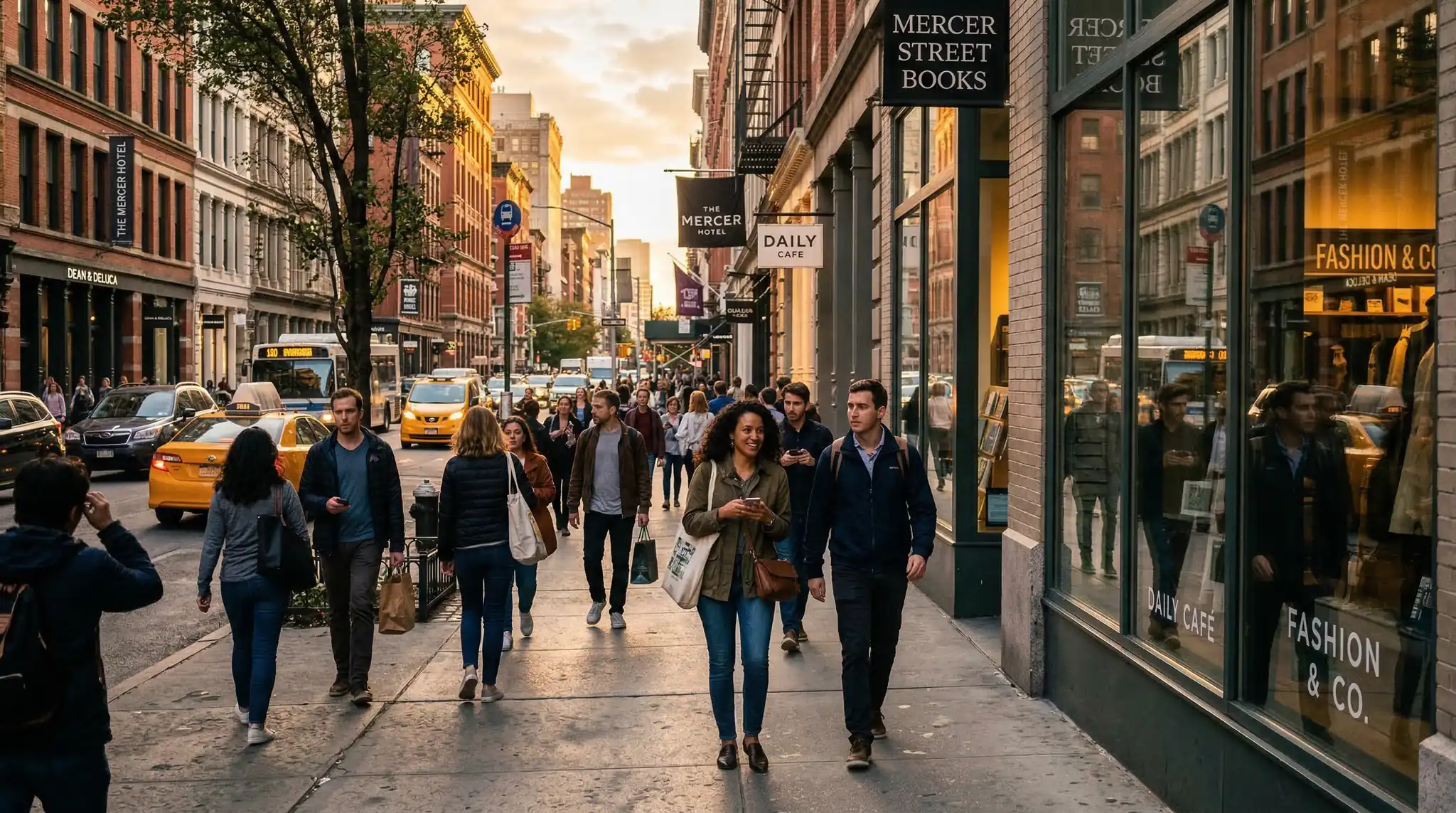
Prompt 1: “A middle-aged woman reading a letter at a kitchen table in the morning. Natural window light from the left illuminates her face. She reads silently, and we see subtle emotions cross her face — a slight furrow of the brow, the corner of her mouth turns up, her eyes glisten. She puts the letter down and looks out the window with a quiet smile. Shot on 50mm lens, f/2.0. Documentary-style, no music needed. Pure human emotion.” Using the right veo prompts makes all the difference in your output quality.
Prompt 2: “Close-up of a barista making a pour-over coffee. Focus on the hands — veins visible, a small tattoo on the wrist, fingernails slightly stained from coffee. The hands are steady and practiced, maintaining a slow circular pour. Steam rises and catches side light. The barista looks up briefly and nods to an off-screen customer. Natural café lighting, slightly warm color temperature. Realistic hand detail and movement.”
Prompt 3: “Two friends having a conversation at an outdoor restaurant table. One speaks while the other listens intently, occasionally nodding. The listener picks up a water glass and drinks. Natural reactions — a laugh, a raised eyebrow, leaning in. The interaction feels genuinely spontaneous, not performed. Golden hour sunlight. Background of other diners softly out of focus. Shot on telephoto lens compressing the background. Real-world feel.”
Prompt 4: “A grandfather teaching his granddaughter to tie a fishing knot on a dock at a lake. His weathered hands guide her small hands. She concentrates, tongue sticking out slightly. He demonstrates patiently, she tries, fails, he demonstrates again. She succeeds and looks up at him with pride. He tousles her hair. Warm afternoon light, lake water sparkles in background. Genuine intergenerational connection.” With these veo prompts, you can achieve stunning results every time.
Prompt 5: “A street photographer walking through a crowded market, raising their camera and taking a photo. The moment of raising the camera, composing, and pressing the shutter is captured in subtle slow motion. Their eye squints slightly at the viewfinder. The mechanical click of the shutter. They lower the camera and check the screen, nodding with satisfaction. Busy market environment, shallow depth of field isolating the photographer.”
Natural Environment and Landscape Veo Prompts
Veo 3.1’s physics-aware rendering makes it outstanding for natural environments. Water behaves like water, leaves move realistically in wind, and atmospheric effects like fog and rain look convincingly real. These prompts leverage that realism for nature content that rivals professional documentary footage.
Prompt 6: “A mountain stream flowing over smooth river rocks in a temperate forest. The water is crystal clear — every pebble on the stream bed is visible. Sunlight creates dancing caustic patterns on the rocks beneath the surface. Small eddies form behind larger stones. Fallen autumn leaves drift on the current. The camera sits at water level, shooting upstream. The sound of flowing water fills the scene. National park documentary quality.” Master veo prompts to take your AI generation to the next level.
Prompt 7: “Rain beginning to fall on a still pond in a garden. The first drops create perfect concentric circles that expand and intersect. The rain intensifies, creating a complex pattern of overlapping ripples. Water lilies bob gently. The surface becomes a textured sheet of moving water. Overcast light creates a silvery, contemplative mood. The camera looks straight down at the water surface. Meditative, ASMR-quality rain detail.”
Prompt 8: “A single tree in a meadow captured from the same angle across four seasons. Spring: leaves emerging as pale green buds, wildflowers in the grass. Summer: full dense canopy of deep green, tall grass. Autumn: leaves turning gold and red, some falling in the wind. Winter: bare branches against a grey sky, frost on the grass. Each season transitions smoothly into the next. The tree is the constant, the world changes around it.”
Prompt 9: “Fog rolling through a coastal forest at dawn. The camera is positioned between massive tree trunks, looking toward the ocean which is barely visible through the mist. Shafts of early light angle through the canopy creating volumetric god rays in the fog. Moisture drips from fern fronds. A spider web between two branches is beaded with dew drops, each one a tiny lens. Pacific Northwest atmosphere, ancient and quiet.” The best veo prompts combine technical precision with creative vision.
Prompt 10: “Aerial view of turquoise ocean waves breaking on a white sand beach. The waves create lace-like patterns of foam that wash up the sand and retreat. The gradient from deep blue to turquoise to white foam is perfectly rendered. A single set of footprints leads along the shoreline. The camera drifts slowly along the coastline. Maldives or Caribbean clarity. The water transparency shows the sandy bottom through the shallow areas.”
Veo Prompts for Realistic Product and Commercial Content
Because Veo 3.1 excels at realistic rendering, it produces exceptionally convincing product footage. These prompts create content where the line between AI-generated and real camera footage is nearly invisible — ideal for e-commerce, marketing, and brand content.
Prompt 11: “A hand reaches for a glass of iced tea on a sunny patio table. Condensation droplets slide down the cold glass. Ice cubes clink as the glass is lifted. The person takes a sip and sets the glass back down. Sunlight creates lens flare through the amber liquid. Lemon slice floats among the ice. The condensation ring left on the wooden table glistens. Summer afternoon, the realism is in the small details — water physics, glass refraction, natural hand movement.” These veo prompts are designed for professional results.
Prompt 12: “A leather bag on a workshop bench. Close-up of hands applying leather conditioner with a cloth, showing the leather darkening and gaining a rich sheen as the oil absorbs. The grain of the leather is visible — natural imperfections and patina. Workshop tools visible in soft focus behind. Warm overhead pendant light. The craftsmanship and material quality are the story. Heritage brand aesthetic, honest and tactile.”
Prompt 13: “Fresh pasta being made by hand. Close-up of flour being mounded on a wooden board, eggs cracked into the center. Hands fold the flour into the eggs, kneading into a smooth dough. The dough is rolled thin, then cut into tagliatelle ribbons. Flour dust floats in warm kitchen light. The pasta is tossed with flour to separate the strands. Italian grandmother’s kitchen, generations of knowledge in those movements.”
Dynamic Action and Motion Veo Prompts
Veo 3.1’s physics engine handles complex motion well. These prompts create dynamic content where realistic movement is crucial — sports, dance, vehicles, and natural forces. The focus is on motion that feels physically correct rather than floaty or uncanny. Using the right veo prompts makes all the difference in your output quality.
Prompt 14: “A rock climber ascending a natural cliff face in warm afternoon light. Close-up on chalked hands gripping a small hold, then pulling up. Muscles in the forearm tense. The climber reaches for the next hold — a moment of suspension. The camera is beside the cliff, shooting across the rock face. Below, the valley is visible in a vertigo-inducing depth. The physical effort is palpable. Free Solo documentary quality.”
Prompt 15: “A dancer in a flowing dress performing a contemporary routine in an empty warehouse. The fabric of the dress follows her movements with physically accurate draping and flow — extending during spins, settling during pauses. Dust particles are visible in the shafts of light from high windows. Her bare feet slide across the concrete floor. The camera orbits slowly. The dress is the visual co-star, its movement as important as the dancer’s.”
Prompt 16: “A pottery wheel in action. Clay spins at steady speed as hands shape a bowl from a lump. Water streams over the clay, making it glisten. The hands press inward, the walls of the bowl rise. Then a tool creates a smooth rim. Excess clay curls away. The precise pressure and the responsive clay create a mesmerizing interaction. Close-up, overhead and side angles. Workshop light from large windows. Meditative and skillful.” With these veo prompts, you can achieve stunning results every time.
Atmospheric and Mood-Driven Veo Prompts
Veo 3.1 handles atmospheric effects with remarkable realism — rain, fog, snow, steam, and light all behave naturally. These prompts lean into mood and atmosphere, creating footage that evokes strong emotional responses through environment and lighting rather than action.
Prompt 17: “An empty park bench after rain. Every surface is wet and reflective. A few last drops fall from the overhead tree, landing on the bench seat with tiny splashes. Puddles on the path reflect the grey sky and the dark silhouette of the tree. One abandoned newspaper sits on the bench, its pages damp and wrinkled. The scene is still except for the occasional drip. Overcast diffused light. Loneliness without being sad — a quiet moment between storms.”
Prompt 18: “A window in an old house during a thunderstorm at night. Viewed from inside, looking out. Rain streams down the glass, distorting the view of the street outside. Lightning flashes illuminate the room briefly — we see sparse furniture, worn wallpaper. Thunder rumbles. A cat sits on the windowsill, ears twitching with each flash. The rain sound is heavy and persistent. Cozy shelter from the storm.” Master veo prompts to take your AI generation to the next level.
Prompt 19: “Candles guttering in a draft in a stone wine cellar. Dozens of candles at various heights, their flames bending together when a draft passes through, then recovering. Wax drips down the sides. Wine barrels visible in the flickering shadows. Cobwebs in corners catch the light. The stone walls are cold and damp. Medieval atmosphere, intimate and slightly mysterious. The fire physics must be realistic — flames respond to air movement.”
Veo Prompts for Storytelling and Narrative Content
Beyond single shots, Veo 3.1 can create brief narrative sequences with emotional arcs. These prompts tell mini-stories that connect with viewers on a human level — ideal for brand storytelling and content marketing.
Prompt 20: “A young woman sits alone at a café table writing postcards. She writes carefully, pauses to think, writes more. She looks out the window at the unfamiliar city. Her backpack and travel guide sit on the adjacent chair. She finishes a postcard, reads it back, smiles to herself, and adds it to a small stack. She picks up her coffee and sips. The warmth of solo travel, connecting with people far away through words on paper.” The best veo prompts combine technical precision with creative vision.
Prompt 21: “An old man opens a dusty violin case that hasn’t been touched in years. He lifts the violin carefully, examines it, tightens the bow. He raises it to his chin, and after a moment of hesitation, begins to play. His fingers find the positions from muscle memory. The notes are rusty at first, then smoother. His eyes close. The room fills with music and memory. Natural room light, the violin’s wood glows warm. Bittersweet, beautiful.”
Prompt 22: “Time-lapse of a community garden plot through one growing season. Bare soil is tilled, seeds are planted, sprouts emerge, plants grow and spread, flowers bloom, vegetables ripen, hands harvest tomatoes and peppers. Different gardeners appear at different stages — an elderly couple, a young family, a solo teenager with headphones. The plot connects these separate lives. Natural light changes with the seasons. Community, growth, patience.”
Advanced Veo 3.1 Prompt Techniques
To get the most out of Veo 3.1, apply these advanced prompting strategies that leverage the model’s specific architecture and training. These techniques go beyond basic descriptions to unlock Veo’s full potential. Use our AI Prompt Generator to apply these techniques automatically. These veo prompts are designed for professional results.
- Describe physics explicitly: “Water splashes realistically,” “fabric drapes according to gravity,” “hair moves naturally in wind” — Veo responds to physics cues
- Specify lighting temperature: Use Kelvin values or descriptive temperature. “Warm 3200K tungsten lighting” or “cool overcast 6500K daylight” gives Veo precise color temperature guidance
- Reference real-world cameras for realism: “Shot on Canon R5” or “iPhone 15 Pro video” grounds the output in a recognizable visual quality level
- Include micro-details: The details that sell realism — condensation on a glass, dust in a light beam, a scuff on a shoe, a loose thread. These imperfections make footage believable
- Describe transitions between states: “The smile fades slowly,” “the light gradually shifts from warm to cool,” “the crowd noise builds” — temporal descriptions improve Veo’s sequencing
Frequently Asked Questions
How does Veo 3.1 compare to Sora 2 for video generation?
Both are excellent but excel in different areas. Veo 3.1 tends to produce more photorealistic results with better physics simulation, especially for natural environments and human subjects. Sora 2 often handles more stylized, cinematic content and creative camera work better. Many creators use both — Veo for realistic footage and Sora for cinematic flair. Vidzy supports both models, so you can compare results directly.
What resolution does Veo 3.1 generate?
Veo 3.1 generates video at up to 4K resolution with options for various aspect ratios including 16:9, 9:16 (vertical), and 1:1 (square). For social media, 1080p is typically sufficient. For professional or large-screen use, 4K provides the detail needed. Check our Video Sizes Guide for optimal export settings per platform.
Can Veo 3.1 generate videos with audio?
Veo 3.1 supports synchronized audio generation in some configurations, but results vary. For professional results, most creators generate the video first and then add audio in post-production. The model does understand audio cues in prompts (like “the sound of rain” or “quiet café ambiance”), which can influence the visual rendering even when audio output is not used.
Generate Realistic AI Videos with Vidzy
These Veo prompts represent the cutting edge of realistic AI video generation. Whether you need photorealistic human subjects, convincing natural environments, or commercial-grade product footage, Veo 3.1 delivers results that consistently surprise with their realism.
Download Vidzy to start generating photorealistic AI videos using Veo 3.1, Sora 2, and other top-tier models — all from your iPhone. With our Prompt Generator, you can craft optimized prompts for any model and any style in seconds.
![50 Best Sora 2 Prompts for Stunning AI Videos [2026]](https://getvidzy.com/wp-content/uploads/2026/03/p1_featured-768x432.webp)
