


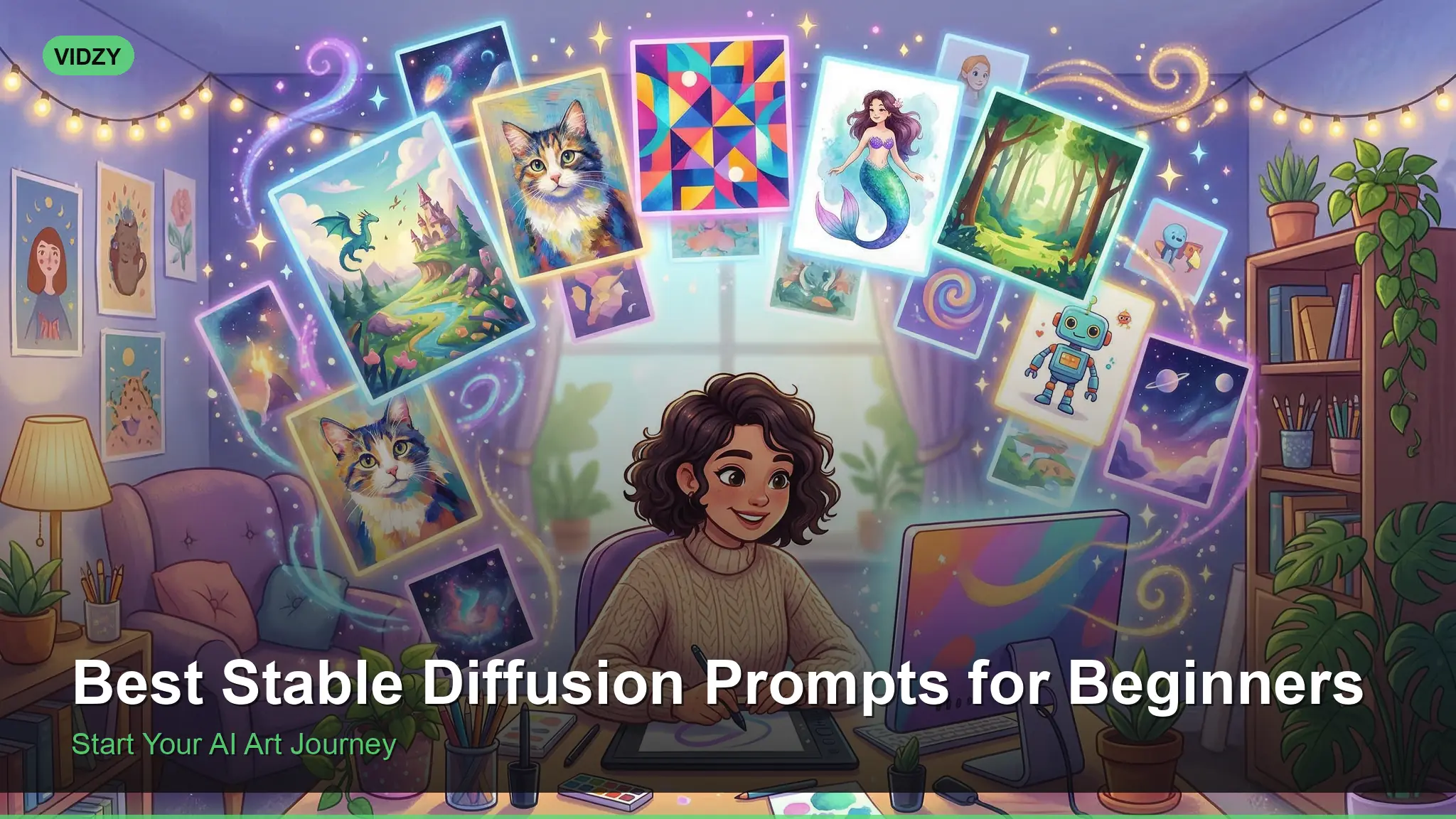
Master Stable Diffusion Prompts and Start Generating Stunning AI Images Today
If you’ve just installed Stable Diffusion — or you’re using it through an online interface like Automatic1111, ComfyUI, or a hosted platform — you’re probably staring at a blank prompt box wondering what to type. The difference between a mediocre AI image and a jaw-dropping one comes down almost entirely to your prompt. This guide covers the best stable diffusion prompts for beginners, from fundamental prompt structure to ready-to-use examples across every popular category.
No theory-heavy fluff. Just practical prompts, clear explanations of why they work, and the techniques that will level up your results immediately.
How Stable Diffusion Prompts Work (The 60-Second Version)
Stable Diffusion reads your prompt as a sequence of weighted concepts. The order matters — words at the beginning of your prompt carry more influence than words at the end. The model also understands certain “trigger phrases” that activate specific visual styles it learned during training.
Here’s the basic anatomy of an effective prompt:
[Subject] + [Details] + [Environment/Setting] + [Lighting] + [Style/Medium] + [Quality Modifiers]
For example:
A young woman reading a book in a cozy café, warm afternoon light streaming through windows, soft bokeh background, shot on 35mm film, Kodak Portra 400, highly detailed, photorealistic
Every section adds specificity. Remove “warm afternoon light streaming through windows” and you get a flat, generic café scene. Add it back, and the whole image transforms.
Essential Quality Modifiers Every Beginner Needs
Before we get to specific prompts, memorize these quality boosters. Append them to almost any prompt for better results:
- highly detailed, 8K, ultra HD — Pushes the model toward higher fidelity output
- photorealistic, hyperrealistic — Anchors the style to real-world photography
- professional photography, award-winning — Triggers compositional quality
- sharp focus, intricate details — Reduces soft or blurry artifacts
- cinematic lighting, volumetric lighting — Dramatically improves mood and depth
Equally important is the negative prompt. This tells the model what to avoid. A solid default negative prompt for photorealistic images:
blurry, low quality, distorted, deformed, ugly, bad anatomy, bad hands, extra fingers, mutated, disfigured, watermark, text, signature, cropped
Use this as your starting negative prompt and adjust based on what artifacts you see in your results.
Best Stable Diffusion Prompts by Category
Photorealistic Portraits
Portraits are the most popular category in Stable Diffusion, and also where prompt quality matters most. Bad prompts produce uncanny valley results. Good prompts produce images that are genuinely hard to distinguish from photographs.
Portrait of a middle-aged man with salt-and-pepper beard, wearing a navy peacoat, standing on a foggy pier at dawn, soft diffused natural light, shallow depth of field, shot on Canon EOS R5 with 85mm f/1.2 lens, skin pores visible, photorealistic, 8K
Close-up portrait of an elderly woman with deep smile lines, silver hair pulled back, wearing simple pearl earrings, warm window light creating Rembrandt triangle on cheek, Hasselblad medium format look, fine art portrait photography, emotional and authentic
Key tip: Always specify a camera, lens, or film stock. “Shot on Fujifilm X-T5 with 56mm f/1.2” gives radically different results than just “photograph.”
Landscape and Nature
Landscapes are forgiving for beginners because they avoid the anatomy challenges of human subjects. Focus on lighting and atmosphere.
Breathtaking mountain landscape at golden hour, snow-capped peaks reflecting in a perfectly still alpine lake, wispy clouds catching pink and orange light, shot on large format camera, Velvia 50 film, National Geographic quality, ultra-wide composition, vivid colors
Dense enchanted forest with sunbeams cutting through morning mist, moss-covered ancient trees, a winding dirt path disappearing into the fog, fairy tale atmosphere, volumetric god rays, hyperdetailed, 8K wallpaper quality
Fantasy and Concept Art
This is where Stable Diffusion truly shines. The model has been trained on enormous amounts of concept art, making fantasy prompts consistently impressive.
An ancient dragon perched atop a crumbling gothic cathedral, scales shimmering with iridescent blue and gold, massive wings spread against a stormy purple sky, lightning illuminating the scene, epic fantasy art, Greg Rutkowski style, trending on ArtStation, highly detailed digital painting
A lone samurai standing in a field of red spider lilies, full moon behind them casting long shadows, wind blowing through their kimono, dramatic composition, dark fantasy mood, concept art, matte painting quality, cinematic color grading
Architectural and Interior Design
Modern minimalist living room with floor-to-ceiling windows overlooking a mountain range, warm wood accents, white Boucle sofa, brass pendant lights, golden hour light flooding in, interior design magazine photography, architectural visualization, 4K
Ancient Roman bathhouse restored to its original glory, marble columns, steaming thermal pools, intricate mosaic floors, warm torchlight mixed with shafts of daylight from above, historical reconstruction, photorealistic architectural rendering
Food Photography
Artisanal sourdough bread on a rustic wooden cutting board, steam rising from freshly cut slice, scattered flour, warm morning kitchen light, shallow depth of field, professional food photography, Bon Appétit magazine style, appetizing and inviting, 85mm macro lens
Product Photography
Luxury perfume bottle on a reflective black surface, dramatic studio lighting with colored gel accents in purple and gold, water droplets on glass, high-end commercial product photography, clean sharp focus, advertising campaign quality, 8K
Understanding Prompt Weighting in Stable Diffusion
One of Stable Diffusion’s most powerful features is prompt weighting — the ability to emphasize or de-emphasize specific concepts. The syntax varies by interface, but the most common format uses parentheses:
- (word:1.3) — Increases weight by 30%
- (word:0.7) — Decreases weight by 30%
- ((word)) — Shorthand for roughly 1.21x weight
For example, if you want to strongly emphasize dramatic lighting in a portrait:
Portrait of a woman in a dark room, (dramatic Rembrandt lighting:1.4), (deep shadows:1.2), single light source from left, moody atmosphere, cinematic, photorealistic
Don’t over-weight. Anything above 1.5 tends to cause artifacts. Stay in the 1.1 to 1.4 range for best results.
Best Stable Diffusion Models for Beginners
The base Stable Diffusion model is just the starting point. Community-created fine-tuned models (called “checkpoints”) dramatically affect output quality:
- Realistic Vision — Best all-around model for photorealistic images. Handles portraits, landscapes, and products beautifully.
- DreamShaper — Versatile model that balances photorealism with artistic style. Great for beginners who want to explore.
- Juggernaut XL — Top-tier SDXL model for photorealistic output. Requires more VRAM but produces stunning results.
- Proteus — Excellent at following complex prompts accurately. Good prompt adherence for detailed scenes.
If you prefer not to manage local installations, Vidzy lets you generate AI images using Flux models through a simple interface — no setup, no GPU required.
Negative Prompts: What to Exclude and Why
Negative prompts are arguably as important as positive prompts in Stable Diffusion. Here are category-specific negative prompts:
For portraits:
bad anatomy, bad hands, extra fingers, missing fingers, fused fingers, too many fingers, mutated hands, deformed iris, deformed pupils, extra limbs, cloned face, disfigured, gross proportions, malformed limbs
For landscapes:
blurry, low resolution, oversaturated, cartoon, anime, illustration, painting, watermark, text, human, person, figure
For product shots:
blurry, low quality, distorted, warped, bent, scratched, dirty, fingerprints, text, watermark, logo, brand name
Prompt Structure Tips That Make a Real Difference
Front-load the most important concept. “A majestic lion in golden savanna light” will emphasize the lion more than “Golden savanna light with a majestic lion in it.”
Use commas to separate distinct concepts. The model treats comma-separated phrases as distinct ideas, which helps prevent concept blending.
Be specific about what you DON’T want. If you keep getting anime-style results when you want photorealism, add “anime, cartoon, illustration, 3D render” to your negative prompt.
Match your style keywords to your model. A model fine-tuned on photorealism won’t respond well to “trending on ArtStation, digital painting” — use “professional photography, DSLR” instead.
For help crafting well-structured prompts automatically, try Vidzy’s AI Prompt Generator. It builds prompts using proven structures that work across Stable Diffusion, Flux, and Midjourney.
Sampling Methods and Steps: Quick Settings Guide
Your prompt is only half the equation. These generation settings also matter:
- Sampling method: DPM++ 2M Karras is the best default for most use cases. It balances speed and quality.
- Steps: 25-35 steps for most images. More steps doesn’t always mean better quality — it hits diminishing returns around 40.
- CFG Scale: 5-8 is the sweet spot. Lower values (3-5) give the model more creative freedom. Higher values (8-12) make it follow your prompt more strictly but can look over-processed.
- Resolution: Generate at 512×512 (SD 1.5) or 1024×1024 (SDXL) natively, then upscale. Generating at non-native resolutions causes composition artifacts.
Frequently Asked Questions
What’s the difference between Stable Diffusion 1.5 and SDXL?
SDXL (Stable Diffusion XL) generates at higher native resolution (1024×1024 vs 512×512), understands complex prompts better, and produces more detailed images. However, it requires significantly more VRAM (8GB+ recommended vs 4GB for SD 1.5). If your GPU can handle it, always use SDXL-based models.
Why do my Stable Diffusion images look blurry or low quality?
The three most common causes are: generating at a non-native resolution, using too few sampling steps (try 30), or using a CFG scale that’s too high (lower it to 7). Also make sure “highly detailed, sharp focus, 8K” is in your prompt and “blurry, low quality” is in your negative prompt.
Can I use Stable Diffusion prompts in other AI image generators?
Most stable diffusion prompts work well in Flux and reasonably well in Midjourney, though each tool has its own strengths. Midjourney doesn’t support negative prompts or weighting syntax. Flux handles natural language descriptions better than keyword-style prompts. Adapt your prompts to each tool’s strengths for best results.
How do I get consistent characters across multiple images?
In Stable Diffusion, use the same seed number with similar prompts to maintain consistency. For more control, use IP-Adapter or InstantID extensions that let you reference a face across generations. This is one of SD’s biggest advantages over cloud-based generators.
Is Stable Diffusion free to use?
Yes, Stable Diffusion itself is open source and completely free. You need a computer with a decent GPU (NVIDIA with 6GB+ VRAM recommended) to run it locally. Alternatively, cloud services and tools like Vidzy let you generate images without local hardware.
Start Generating Better Images Right Now
The best way to improve at stable diffusion prompts is to generate, evaluate, and iterate. Take any prompt from this guide, run it, then change one element at a time — swap the lighting, change the lens, adjust the mood. Every generation teaches you how the model interprets language.
Bookmark this page as your reference. Come back whenever you need a starting prompt for a new category or a reminder of the quality modifiers that make the biggest difference.
Ready to skip the learning curve? Vidzy’s AI Prompt Generator builds optimized prompts for Stable Diffusion, Flux, and Midjourney automatically — just describe what you want and get a perfectly structured prompt in seconds.
![50 Best Nano Banana 2 Prompts for Stunning Images [2026]](https://getvidzy.com/wp-content/uploads/2026/03/nb2-featured-768x432.webp)
![30 Best AI Portrait Prompts [Copy & Paste Ready]](https://getvidzy.com/wp-content/uploads/2026/03/post37-featured-768x432.webp)
