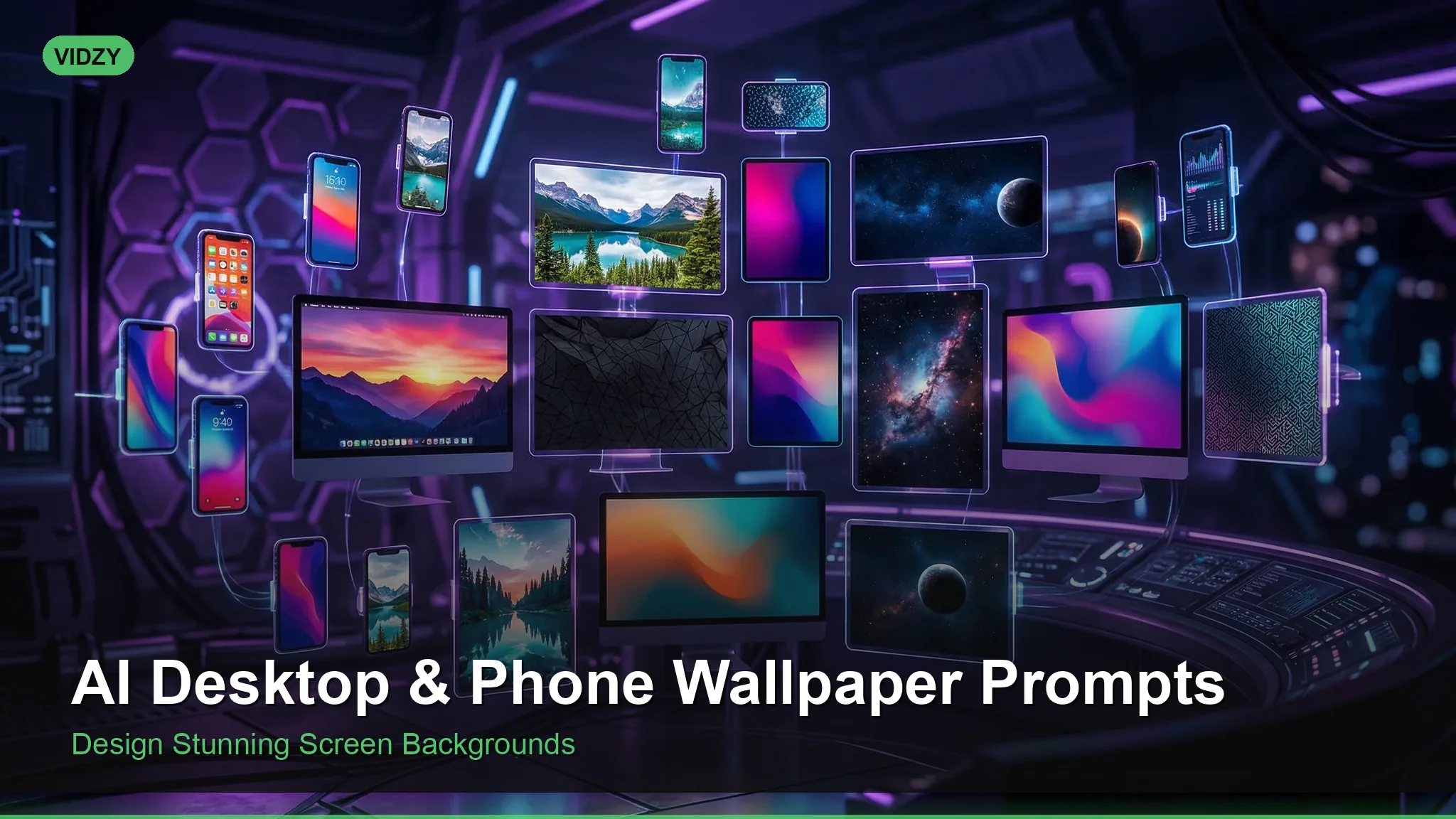
Generate Beautiful Custom Wallpapers with AI Wallpaper Prompts
Your wallpaper is the image you look at more than any other — dozens of times per day, every time you unlock your phone or glance at your desktop. So why settle for the default options or generic stock images? With AI wallpaper prompts, you can generate custom wallpapers perfectly tailored to your aesthetic preferences, device resolution, and mood.
This guide covers prompts optimized for both desktop and phone wallpapers across every popular style — from minimal abstract designs to epic landscapes, cyberpunk cityscapes, and calming nature scenes. Every prompt includes aspect ratio guidance so your images look sharp on any screen.
Getting the Aspect Ratio Right
The single most important technical detail for wallpaper generation is the aspect ratio. Using the wrong ratio means you’ll need to crop, which always degrades the composition.
- Desktop/laptop: 16:9 (1920×1080, 2560×1440, 3840×2160)
- Ultrawide monitor: 21:9 (2560×1080, 3440×1440)
- iPhone: 9:19.5 (roughly 9:20 or use 1170×2532)
- Android: 9:20 or 9:21 depending on device
- iPad: 3:4 (2048×2732)
In most AI generators, you can specify the aspect ratio directly. In Flux, use the width and height parameters. In Midjourney, add --ar 16:9 or --ar 9:20 to your prompt.
Pro tip: For phone wallpapers, design with the understanding that the top portion of the image will be partially covered by the status bar and clock, and the bottom by the dock or gesture bar. Keep the focal point in the center-to-upper-third of the image.
Minimal and Abstract Wallpapers
Minimal wallpapers are the most versatile — they look clean behind app icons and don’t distract from your content.
Gradient Mesh
Abstract gradient mesh wallpaper, smooth flowing blend of deep midnight blue and soft lavender purple, subtle grain texture overlay, modern minimalist design, 4K resolution, calming and sophisticated, suitable for phone wallpaper with centered focal glow
Geometric Minimal
Minimalist geometric wallpaper, a single thin gold line forming an abstract mountain silhouette against a matte charcoal background, no other elements, extreme negative space, premium luxury feel, 4K desktop wallpaper, clean and understated
Soft Organic Shapes
Abstract organic shapes wallpaper, overlapping translucent rounded forms in sage green, cream white, and warm terracotta, soft shadows creating depth, muted earthy color palette, modern Scandinavian aesthetic, calm and balanced composition, 4K
Dark Mode OLED
Pure black AMOLED wallpaper with subtle bioluminescent organic patterns glowing in deep teal and electric blue, minimalist, most of the image is true black #000000, glowing elements concentrated in lower third, perfect for OLED phone screens, stunning in the dark
Nature and Landscape Wallpapers
Landscape wallpapers never go out of style, and AI generators excel at producing them with dramatic lighting and composition.
Mountain Dawn
Majestic mountain range at first light, layers of misty ridges fading into soft pastel pink and orange sky, perfectly still alpine lake reflecting the peaks, breathtaking landscape photography, ultra-wide 16:9 composition, National Geographic quality, 8K resolution, serene and awe-inspiring
Tropical Ocean
Aerial view of a turquoise tropical lagoon with a small white sandbar, gradient from shallow crystal-clear water to deep ocean blue, coral reef patterns visible through the water, drone photography perspective, vivid colors, summer paradise wallpaper, 4K, warm and inviting
Enchanted Forest
Mystical forest path with towering ancient trees, sunbeams cutting through canopy creating volumetric god rays, moss-covered roots and scattered wildflowers, magical and peaceful atmosphere, rich greens and golden light, fantasy landscape, perfect phone wallpaper composition with vertical tree lines, 4K
Northern Lights
Spectacular aurora borealis display over a frozen Scandinavian lake, vibrant green and purple curtains of light dancing across the star-filled sky, snow-covered pine trees silhouetted in foreground, long exposure photography look, breathtaking night sky wallpaper, 16:9 desktop, 8K
Desert Minimalism
Single perfect sand dune with razor-sharp ridge line dividing light and shadow, warm golden sand against a clear gradient blue sky, vast empty composition, minimal desert landscape, zen and meditative feeling, Mark Rothko color field meets landscape photography, ultra clean, 4K wallpaper
Cyberpunk and Sci-Fi Wallpapers
AI wallpaper prompts in the cyberpunk genre consistently produce some of the most visually stunning results because AI models have rich training data in this aesthetic.
Neon City Rain
Cyberpunk city street at night in heavy rain, neon signs in Japanese and English reflecting in wet pavement, pink and cyan color palette, towering skyscrapers disappearing into fog, steam rising from street grates, Blade Runner aesthetic, moody atmospheric urban scene, 16:9 desktop wallpaper, ultra detailed, cinematic
Space Station Interior
Interior of a futuristic space station, large observation window showing Earth and stars, clean white and blue ambient lighting, holographic displays floating in the air, plants growing in hydroponic pods along the walls, sci-fi but grounded and realistic, 4K desktop wallpaper, serene and contemplative
Retro Synthwave
Synthwave retro-futuristic landscape, chrome sun setting behind a grid horizon line, reflective chrome ocean, palm tree silhouettes, neon magenta and deep purple sky with scan lines, 1980s retrowave aesthetic, outrun style, perfect desktop wallpaper, vibrant and nostalgic
Mecha Landscape
Abandoned giant mecha robot overgrown with vines and moss sitting in a peaceful meadow, wildflowers growing around its massive feet, soft golden hour lighting, mix of technology and nature, post-apocalyptic but beautiful and hopeful, Studio Ghibli meets sci-fi, 4K wallpaper
Dark and Moody Wallpapers
Stormy Seascape
Dramatic ocean storm, massive dark waves crashing against jagged coastal rocks, lightning bolt illuminating towering storm clouds, dark and moody color palette with deep grays and flashes of electric white, powerful and cinematic seascape, 16:9 desktop wallpaper, 4K, raw power of nature
Gothic Architecture
Gothic cathedral interior, massive stone arches and ribbed vaults disappearing into shadow, single beam of light from a rose window casting colored patterns on the floor, dark and atmospheric, architectural photography, reverent and mysterious mood, vertical phone wallpaper composition, 4K
Noir Cityscape
Black and white city skyline at night, rain streaking across the frame, distant lights creating bokeh circles, film noir atmosphere, dark moody and cinematic, high contrast with deep blacks, minimalist urban night photography, 16:9 desktop wallpaper, timeless elegance
Seasonal and Cozy Wallpapers
Autumn Forest Path
Winding path through a New England autumn forest, peak fall foliage in vibrant red, orange, and golden yellow, fallen leaves carpeting the ground, soft diffused sunlight filtering through canopy, warm and cozy atmosphere, nostalgic and peaceful, 4K wallpaper, inviting composition
Winter Cabin
Cozy log cabin in a snow-covered forest at twilight, warm golden light glowing from windows, gentle snowfall, smoke rising from chimney, surrounded by tall evergreen trees dusted with fresh snow, hygge winter atmosphere, magical and inviting, phone wallpaper vertical composition, 4K
Cherry Blossom Spring
Japanese temple framed by cherry blossom branches in full bloom, soft pink petals falling gently, calm reflection pond in foreground, early morning mist, pastel spring color palette, peaceful and meditative, traditional Japanese garden aesthetic, 4K wallpaper, dreamy and serene
Tips for Perfect AI Wallpapers
Keep important elements away from edges. Phones and desktops have status bars, docks, and icons overlaying the wallpaper. Design with “safe zones” in mind — put the focal point where it won’t be covered.
Consider dark mode compatibility. Wallpapers with very light or white areas can look jarring when your phone UI is in dark mode. Dark and medium-toned wallpapers are more versatile across both modes.
Generate at the highest resolution possible. Wallpapers need to look sharp at full-screen size. Generate at 4K (3840×2160 for desktop, or equivalent for your phone resolution) and only downscale if needed. Upscaling a low-res generation rarely works well for wallpapers.
Test with icons and widgets. The best wallpaper in isolation might look terrible with a grid of app icons on top. Before committing, set it as your wallpaper temporarily and see if it works with your actual layout.
For quick wallpaper generation without writing complex prompts, Vidzy’s AI Prompt Generator can build perfectly structured wallpaper prompts for any style and resolution.
Frequently Asked Questions
What’s the best AI tool for generating wallpapers?
Flux Pro excels at both photorealistic landscapes and abstract designs with accurate aspect ratio control. Midjourney v6 produces the most aesthetically polished results, especially for fantasy and artistic styles. For phone wallpapers specifically, Vidzy makes it easy to generate at the right resolution without technical setup.
How do I make wallpapers that look good on both light and dark mode?
Choose medium-toned wallpapers with moderate contrast. Deep blues, dark greens, and muted warm tones work across both modes. Avoid pure white backgrounds (blinding in dark mode) and pure black backgrounds (elements disappear in light mode). A safe bet is a dark-to-medium gradient with subtle visual interest.
Can I generate wallpapers that match my phone case or desk setup?
Absolutely. Describe your setup’s color scheme in the prompt. “Wallpaper matching a rose gold and marble desk aesthetic, soft pink and white tones with subtle gold accents” gives you results that complement your physical space. This is one of the biggest advantages of custom AI wallpapers over stock options.
Why do my AI wallpapers look blurry when set as actual wallpaper?
You’re likely generating at too low a resolution. Most modern phones have displays exceeding 1080×2340 pixels, and 4K monitors need 3840×2160. Always match your generation resolution to your device’s actual display resolution. If your AI tool has a maximum output size below your screen resolution, use an AI upscaler like Real-ESRGAN on the result.
How often should I change my wallpaper?
That’s entirely personal, but many people find that changing their wallpaper weekly or monthly keeps their device feeling fresh. With AI generation, you can create themed collections — a set of wallpapers for each season, mood, or aesthetic — and rotate through them. Some people even generate a new AI wallpaper every morning as part of their creative routine.
Make Every Screen Uniquely Yours
Generic wallpapers are fine. Custom AI wallpaper prompts are better. With the techniques and prompts in this guide, you can create wallpapers that match your exact aesthetic, your device’s exact resolution, and your exact mood — no compromises, no settling for “close enough.”
Pick a category above that resonates, paste the prompt into your preferred AI image generator, and generate five or ten variations. You’ll find your new wallpaper within minutes.
Want to streamline the process? Try Vidzy’s free AI Prompt Generator to create perfectly structured wallpaper prompts — just describe the vibe you want and get a production-ready prompt instantly.
![Best Midjourney Prompts: Complete Collection [2026]](https://getvidzy.com/wp-content/uploads/2026/03/post59-featured-768x432.webp)