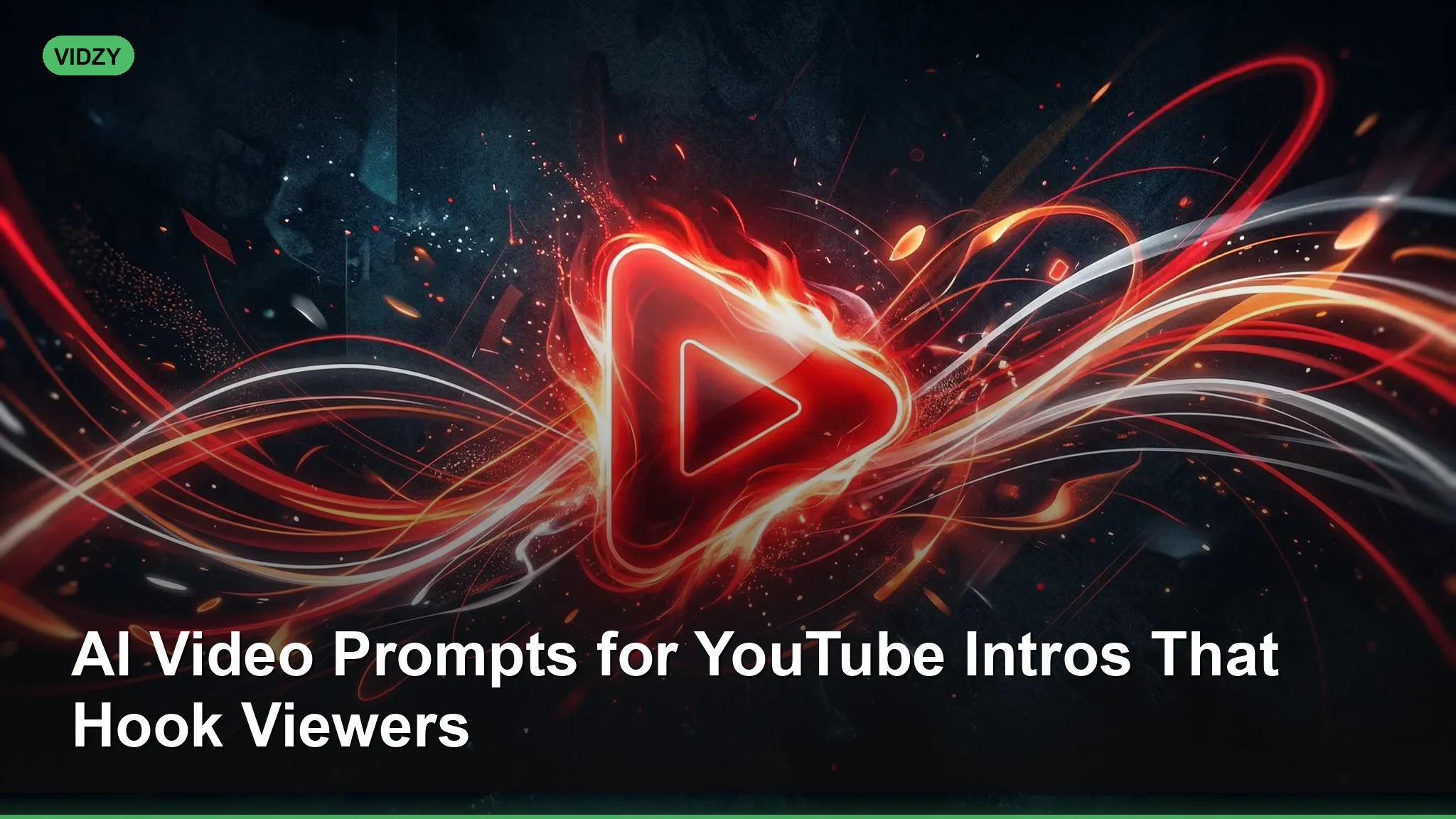
The first five seconds of a YouTube video determine whether someone stays or clicks away. That is why mastering AI video prompts YouTube creators can use for intros has become one of the most valuable skills in the content game. With AI video generators like Sora, Wan 2.5, and Veo now producing broadcast-quality motion graphics and cinematic footage from text alone, you no longer need After Effects expertise or a motion design budget to create intros that rival the biggest channels. In this guide, we break down the anatomy of a perfect YouTube intro and give you ready-to-use prompts for every major content niche.
Why AI Video Prompts for YouTube Intros Matter
YouTube’s algorithm heavily rewards watch time and audience retention. A strong intro reduces your bounce rate in those critical first moments, which signals to YouTube that your content is worth recommending. Traditionally, creators either paid hundreds of dollars for custom motion graphics or used generic templates that made their channel look like everyone else’s. AI video generation changes this equation entirely. You can now create a unique, on-brand intro in minutes by writing a descriptive prompt and letting the model handle the heavy lifting.
The key is understanding what makes an intro effective. According to Think with Google, the most successful YouTube intros share three qualities: they establish visual identity within two seconds, they create a sense of momentum, and they set the tone for the content that follows. Every prompt in this article is designed with those principles in mind. These AI video prompts youtube are designed for professional results.
How to Structure AI Video Prompts for YouTube Intros
A YouTube intro prompt needs to do more than describe a pretty scene. It needs to describe motion, energy, and brand identity in a way that translates to a 3-to-5-second clip. Here is the framework we recommend:
Visual hook + Motion/transition + Brand elements + Energy level + Style reference Using the right AI video prompts youtube makes all the difference in your output quality.
Let us break that down. The visual hook is what grabs attention — it could be an explosion of particles, a dramatic camera push, or a bold graphic reveal. The motion or transition describes how the scene evolves over the clip’s duration. Brand elements include colors, themes, or recurring visual motifs. Energy level tells the model whether this is a calm, meditative intro or a high-octane opening. And a style reference anchors the aesthetic.
AI Video Prompts YouTube Tech Channels Will Love
Tech content dominates YouTube, and the best tech channels have intros that feel sleek, modern, and authoritative. These prompts lean into digital aesthetics, clean geometry, and futuristic motion design. With these AI video prompts youtube, you can achieve stunning results every time.
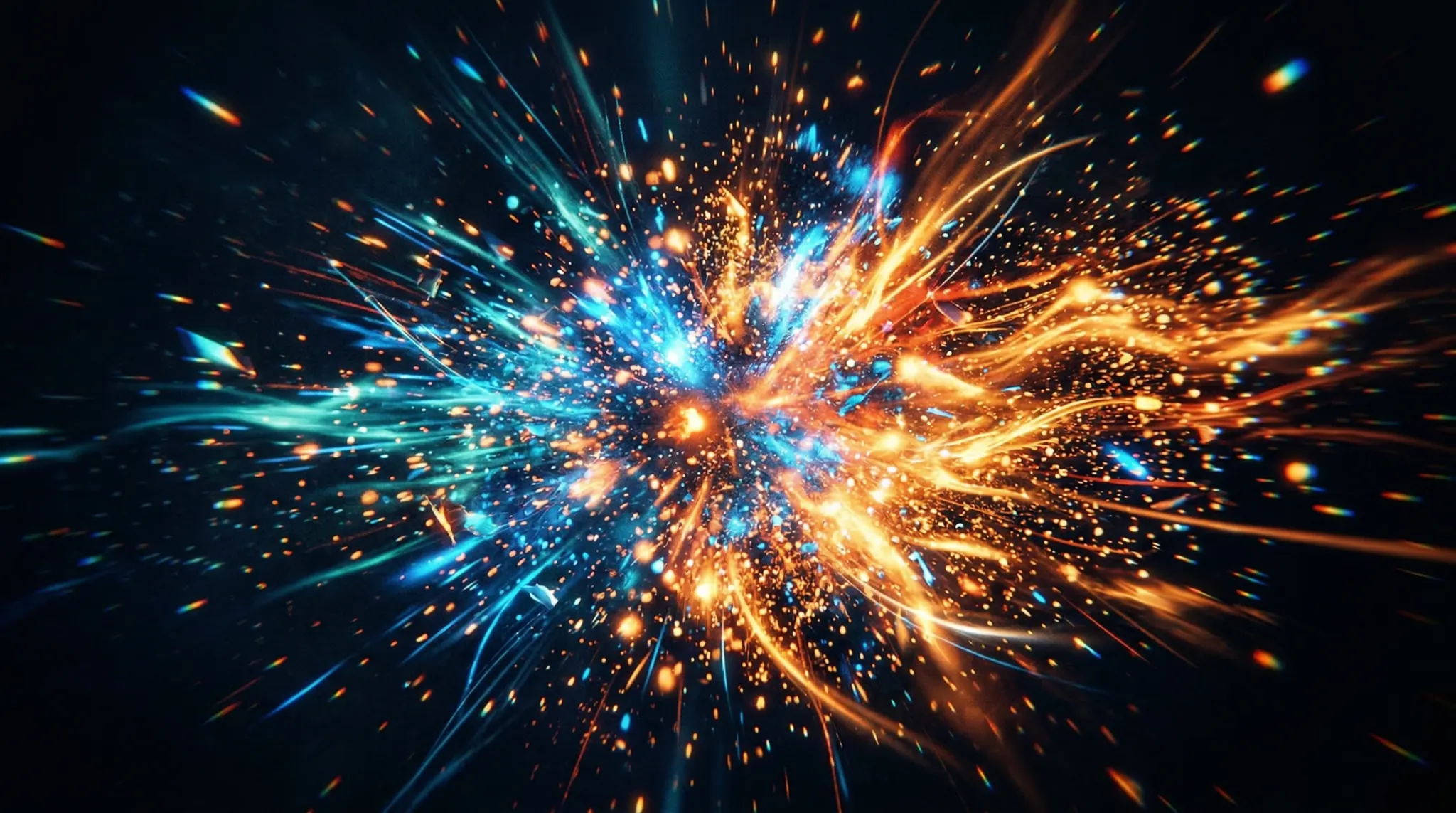
Prompt: “Dynamic 3D animation of a glowing circuit board landscape. Camera flies low over microchip terrain as data streams rise like pillars of blue light. Particles assemble into a geometric logo shape at center frame. Dark background, electric blue and white color scheme, futuristic tech aesthetic. 3 seconds, smooth 60fps motion.”
Prompt: “Quick-cut montage of close-up tech shots: a mechanical keyboard key being pressed in slow motion, RGB lighting sweeping across a GPU, code scrolling on a curved ultrawide monitor. Each shot lasts half a second with a glitch transition between them. Cyberpunk color grading with teal and magenta accents.” Master AI video prompts youtube to take your AI generation to the next level.
Prompt: “A single glass sphere sits on a reflective dark surface. The camera pushes in as holographic wireframe models of gadgets — smartphone, laptop, VR headset — orbit inside the sphere. Clean, minimal Apple-keynote aesthetic. Soft white studio lighting, shallow depth of field.”
AI Video Prompts for Travel and Vlog Intros
Travel and lifestyle vloggers need intros that convey wanderlust, energy, and personality. These prompts emphasize cinematic landscapes, dynamic motion, and warm, inviting color palettes. The best AI video prompts youtube combine technical precision with creative vision.
Prompt: “Breathtaking aerial shot sweeping over a tropical coastline at golden hour. Crystal-clear turquoise water meets white sand beach. Camera banks right to reveal a cliffside village with terracotta roofs. Warm amber and teal color grading, cinematic lens flare, drone footage style.”
Prompt: “Rapid montage of global landmarks with smooth morph transitions between each: Eiffel Tower dissolves into the Tokyo skyline, which morphs into the Grand Canyon. Each location is shown at a different time of day for visual variety. Travel documentary aesthetic, rich saturated colors, energetic pacing.” These AI video prompts youtube are designed for professional results.
Prompt: “A vintage compass on an aged leather map. The camera slowly zooms in as the compass needle spins and golden light particles emanate from its center, transitioning into an aerial landscape view. Warm sepia tones fading to vibrant natural colors. Adventure documentary style.”
Related: Veo 3.1 prompts Using the right AI video prompts youtube makes all the difference in your output quality.
Gaming Channel Intro Prompts
Gaming intros need high energy, bold colors, and a sense of action that matches the content. These prompts create intros that feel like they belong on channels with millions of subscribers.
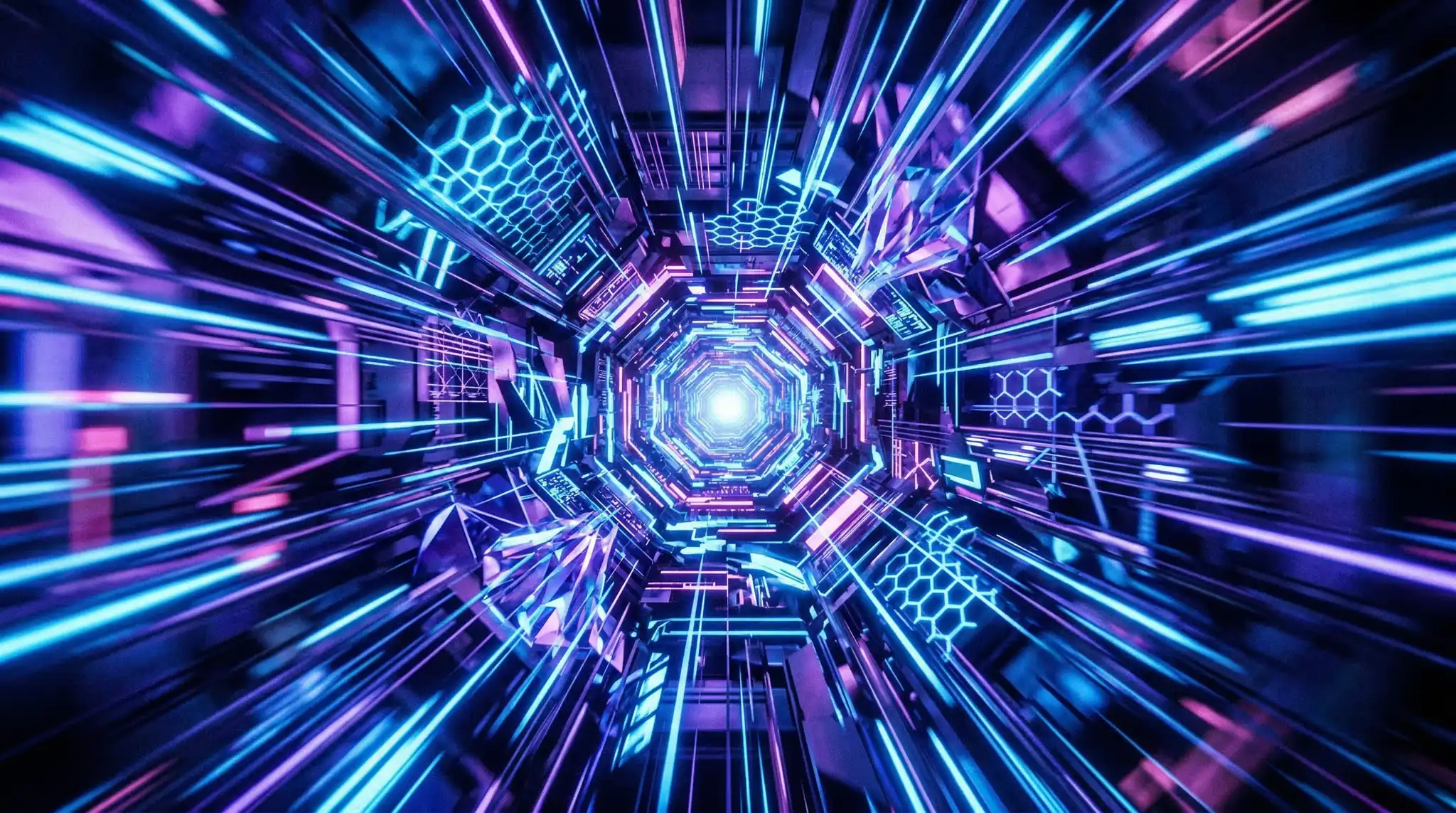
Prompt: “Explosive 3D text reveal emerging from a shattered ground surface. Chunks of rock and debris fly toward the camera as molten lava glows beneath the cracks. Sparks and smoke fill the frame. Dark cinematic atmosphere with orange and red fire lighting. Epic gaming intro style, 4K detail.” With these AI video prompts youtube, you can achieve stunning results every time.
Prompt: “First-person camera sprinting through a neon-lit cyberpunk corridor. Walls pulse with electric patterns as the camera accelerates toward a bright portal at the end. Speed lines and motion blur increase as we approach. Synthwave purple and blue palette, retro-futuristic gaming aesthetic.”
Prompt: “Top-down view of a game controller on a desk that transforms into a 3D battle arena. Miniature characters emerge and begin an epic clash with particle effects and energy beams. Camera pulls back to reveal the full scene. Stylized Pixar-meets-gaming art direction, vibrant colors.” Master AI video prompts youtube to take your AI generation to the next level.
Need help coming up with the right dimensions for your YouTube content? Our Video Sizes Guide has every platform’s recommended resolution and aspect ratio in one place.
Cooking and Food Channel Intro Prompts
Food content is deeply sensory, and the best cooking intros make viewers hungry before the recipe even starts. These prompts focus on texture, warmth, and that satisfying quality that makes food videos so watchable. The best AI video prompts youtube combine technical precision with creative vision.
Prompt: “Extreme slow-motion shot of olive oil being poured into a hot cast-iron skillet. The oil shimmers and ripples as herbs — rosemary and thyme — drop into frame and sizzle on contact. Warm kitchen lighting, shallow depth of field, close-up macro lens. Cozy cooking show aesthetic.”
Prompt: “Overhead time-lapse of ingredients assembling themselves into a complete dish on a wooden cutting board. Vegetables chop themselves, spices sprinkle from above, and a finished plate comes together in 4 seconds. Bright natural light from a window, clean food photography style.” These AI video prompts youtube are designed for professional results.
Fitness and Wellness Intro Prompts
Fitness creators need intros that convey power, discipline, and transformation. These prompts use dramatic lighting and strong silhouettes to create an aspirational mood.
Prompt: “Dramatic silhouette of an athlete doing a box jump in an industrial gym. Backlit by a single intense spotlight creating god rays through chalk dust in the air. Slow-motion at the peak of the jump. High-contrast black and gold color grading, Nike commercial aesthetic.” Using the right AI video prompts youtube makes all the difference in your output quality.
Prompt: “Split-screen transformation sequence: left side shows an empty gym at dawn, right side shows the same gym packed with energy during a workout. Both sides animate simultaneously as morning light floods in from the left. Motivational, clean sports documentary style.”
Tips for Perfecting Your AI YouTube Intro
Once you have generated your intro clip, here are some practical tips to make it work even harder for your channel: With these AI video prompts youtube, you can achieve stunning results every time.
- Keep it under 5 seconds. Longer intros increase drop-off. The best YouTube intros are 2 to 4 seconds of pure visual impact.
- Add your audio in post. AI generates silent video. Layer a sound effect, a musical sting, or a signature audio cue in your editor to complete the experience.
- Match your thumbnail style. Use our Thumbnail Preview Tool to ensure your intro and thumbnail create a cohesive first impression.
- Generate variations. Create 3 to 5 versions of your intro and A/B test which one produces the best retention in YouTube Studio analytics.
- Use image-to-video for brand consistency. If you have a logo or brand mark, use it as a starting frame in image-to-video mode so the AI builds the animation around your actual branding.
Frequently Asked Questions
What is the best AI model for YouTube intros?
For pure visual quality, Sora and Veo produce the most polished results. However, Wan 2.5 offers excellent quality as an open-source alternative and is available through many platforms including Vidzy. The best choice depends on your specific aesthetic needs — Sora excels at photorealism while Wan 2.5 handles stylized and artistic looks particularly well.
Can I use AI-generated intros commercially on YouTube?
Yes. Most AI video platforms grant commercial usage rights for generated content. However, you should always check the specific terms of service for the model and platform you are using. Content generated through Vidzy is yours to use commercially, including for monetized YouTube content. Master AI video prompts youtube to take your AI generation to the next level.
How do I add my logo to an AI-generated intro?
The simplest approach is to generate the intro video first, then overlay your logo in a video editor like DaVinci Resolve, CapCut, or Premiere Pro. For a more integrated result, use image-to-video mode with your logo as the input image, prompting the AI to animate it with effects and motion.
Start Making Scroll-Stopping YouTube Intros
A professional intro sets the tone for everything that follows on your channel. With these AI video prompts, you can create intros that look like they cost thousands of dollars but take only minutes to generate. Whether you run a tech review channel, a travel vlog, or a gaming empire, the prompts above give you a starting point you can customize to fit your brand.
Ready to create your YouTube intro? Download Vidzy and turn any of these prompts into a broadcast-quality video clip right from your iPhone. Your next viral video starts with a great intro.