Explainer videos are conversion machines — landing pages with video convert up to 80% better than those without, according to Wyzowl’s annual video marketing report. But producing a professional explainer has traditionally meant hiring animators, writing scripts, and waiting weeks for delivery. With the right AI explainer video prompts, you can generate polished visual sequences in minutes and assemble them into explainer videos that actually drive action.
This guide gives you 10 proven prompt templates covering the most common explainer video styles — from SaaS product walkthroughs to e-commerce demos. Each prompt is optimized for AI video generators like Sora 2 and Veo 3.1, both available inside Vidzy. Need a script before you start generating visuals? The Script Template Tool helps you outline a complete explainer video script in seconds. These AI explainer video prompts are designed for professional results.
Why AI Explainer Video Prompts Matter for Marketing
Traditional explainer videos cost between $5,000 and $20,000 for a 60-second animated piece. For startups, small businesses, and solo marketers, that budget is often out of reach. AI video generation dramatically lowers the barrier: you write a prompt describing the visual you need, and the model renders it. You then stitch clips together in any video editor, add voiceover, and publish. Using the right AI explainer video prompts makes all the difference in your output quality.
The key to making this work is writing prompts that produce clean, focused visuals — not cinematic art shots, but clear, communicative sequences that support a narrator’s message. The prompts below are designed with that goal in mind. With these AI explainer video prompts, you can achieve stunning results every time.
SaaS & Software Explainer Prompts
Prompt 1 — Dashboard Overview: “Clean, modern software dashboard displayed on a floating MacBook Pro screen against a minimal white-gray gradient background. The screen shows colorful analytics charts and graphs. The laptop slowly rotates 15 degrees. Soft ambient lighting, no reflections, corporate-clean aesthetic. Thin depth of field on the screen.” Master AI explainer video prompts to take your AI generation to the next level.
This type of shot works as the opening of a SaaS explainer — it immediately establishes that the product is a software tool. Pair it with a voiceover like “Meet [Product Name], the dashboard that simplifies your workflow.” The best AI explainer video prompts combine technical precision with creative vision.
Prompt 2 — Problem Visualization: “Overhead shot of a cluttered office desk covered in sticky notes, tangled cables, coffee-stained papers, and an overflowing inbox on a laptop screen. The scene is desaturated and slightly chaotic. Camera slowly zooms in on the overwhelmed screen. Stressful, disorganized mood.” These AI explainer video prompts are designed for professional results.
Every good explainer starts with the problem. This prompt generates the “before” state — visual chaos that the product solves. Follow it with a clean, organized “after” shot generated from the next prompt. Using the right AI explainer video prompts makes all the difference in your output quality.
Prompt 3 — Solution Reveal: “The same office desk, now clean and organized. A single laptop displays a minimal, elegant interface with green checkmarks. A plant and a coffee cup in soft focus. Bright, natural window light. Camera slowly pulls back to reveal the tidy workspace. Calm, satisfying, optimistic mood.” With these AI explainer video prompts, you can achieve stunning results every time.
E-Commerce & Product Explainer Prompts
Prompt 4 — Product Hero Shot: “A sleek matte-black wireless earbud case sits on a white marble surface. The lid slowly opens to reveal the earbuds inside, glowing with a subtle LED indicator. Soft studio lighting from the upper left. Camera orbits 90 degrees. Clean, premium product-photography aesthetic. No background distractions.” Master AI explainer video prompts to take your AI generation to the next level.
Hero shots are the backbone of e-commerce explainers. Swap the product description for whatever you are selling — a skincare bottle, a smart watch, a kitchen gadget — and keep the clean studio lighting and slow orbit. The best AI explainer video prompts combine technical precision with creative vision.
Prompt 5 — Lifestyle Context: “A person sitting on a modern sofa in a bright, airy living room, using a tablet to browse an online store. Close-up over-the-shoulder shot showing the screen. Soft natural light from large windows. Relaxed, aspirational mood. Shallow depth of field on the tablet. Warm, contemporary interior design.” These AI explainer video prompts are designed for professional results.
Prompt 6 — Unboxing Sequence: “Hands carefully opening a premium kraft-paper box on a wooden table, revealing a neatly packaged product wrapped in tissue paper. Top-down camera angle. The hands lift the product out slowly. Satisfying, ASMR-like quality. Warm, soft lighting. Clean, minimal background.” Using the right AI explainer video prompts makes all the difference in your output quality.
For e-commerce, make sure your video dimensions match the platform. The Video Sizes Guide shows the optimal export settings for Shopify product pages, Amazon listings, and social ads. With these AI explainer video prompts, you can achieve stunning results every time.
Conceptual & Abstract Explainer Prompts
Prompt 7 — Data Flow Visualization: “Abstract 3D visualization of glowing data particles flowing through a network of interconnected nodes. Blue and teal color palette against a dark background. Particles travel along curved paths between nodes, which pulse with light when data arrives. Smooth, continuous animation. Futuristic, clean, corporate.”
Abstract data visualizations work for fintech, cybersecurity, cloud computing, and any B2B product that handles information. They communicate complexity without showing actual UI, which is useful when the product is under NDA or still in development.
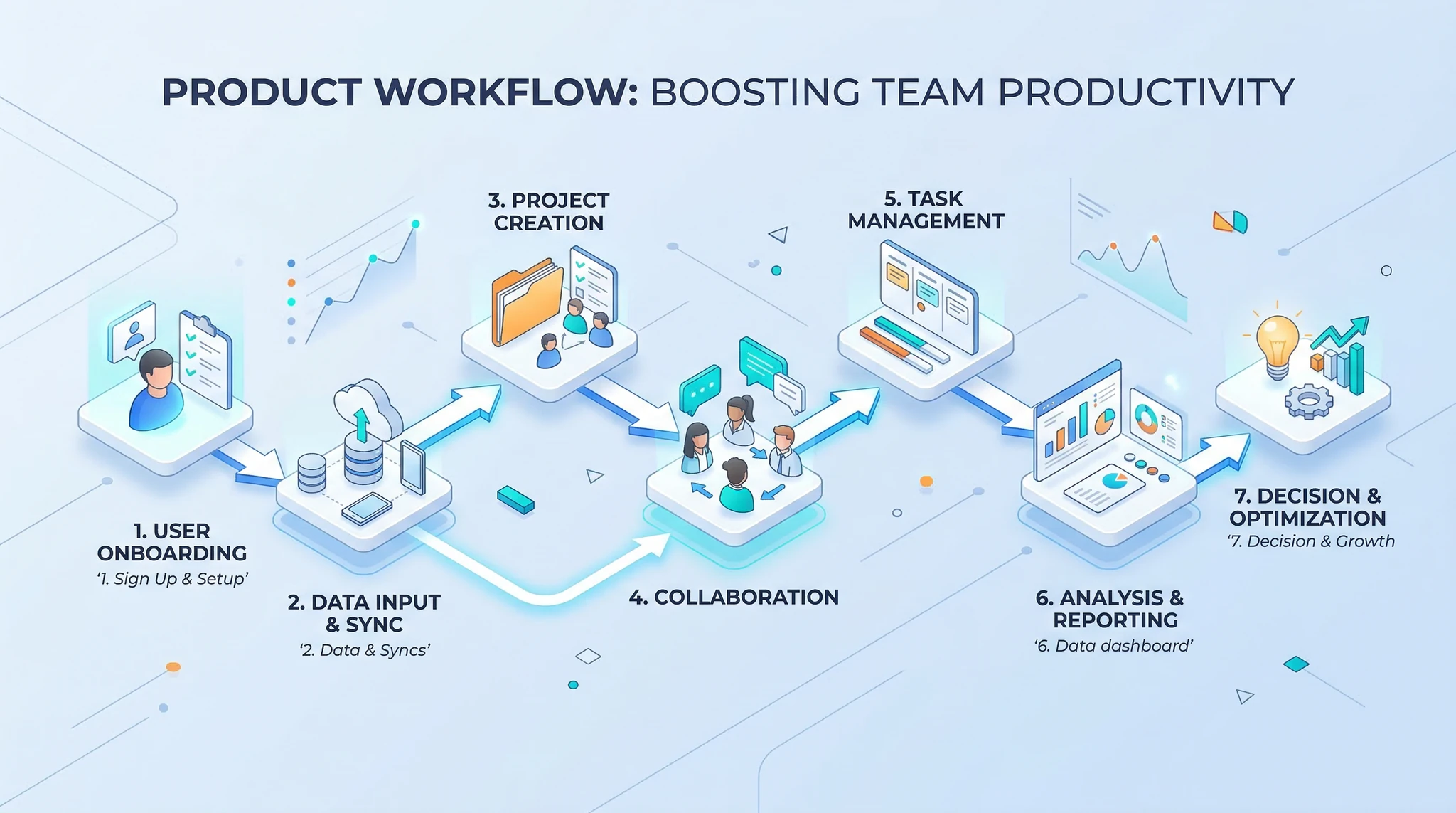
Prompt 8 — Process Steps: “Isometric 3D animation of three floating platforms connected by glowing arrows. Platform one shows a document icon, platform two shows a gear icon, platform three shows a checkmark icon. Each platform lights up in sequence — left to right. Clean white background, soft shadows. Corporate infographic style, blue and green accents.”
Three-step process shots are essential for explainer videos that follow the classic “problem, solution, result” structure. The isometric 3D style reads clearly even at small sizes on mobile.
Testimonial & Social Proof Prompts
Prompt 9 — Customer Success Scene: “A small business owner standing in front of their shop, smiling and looking directly at the camera. Morning sunlight, warm tones, shallow depth of field with the shop sign blurred in the background. Authentic, approachable, documentary-style. The person gives a subtle nod. Natural, not overly posed.”
While you cannot generate a real customer testimonial with AI, you can create representative B-roll that plays behind a voiceover testimonial or text overlay. This adds visual warmth to what might otherwise be a static quote card.
Prompt 10 — Results Celebration: “Close-up of a laptop screen showing a graph with a line trending sharply upward. The screen is angled slightly. In the background, blurred figures high-five in a modern office. Warm, optimistic lighting. Camera racks focus from the screen to the celebrating team. Success, growth, achievement mood.”
How to Assemble AI Clips Into a Complete Explainer
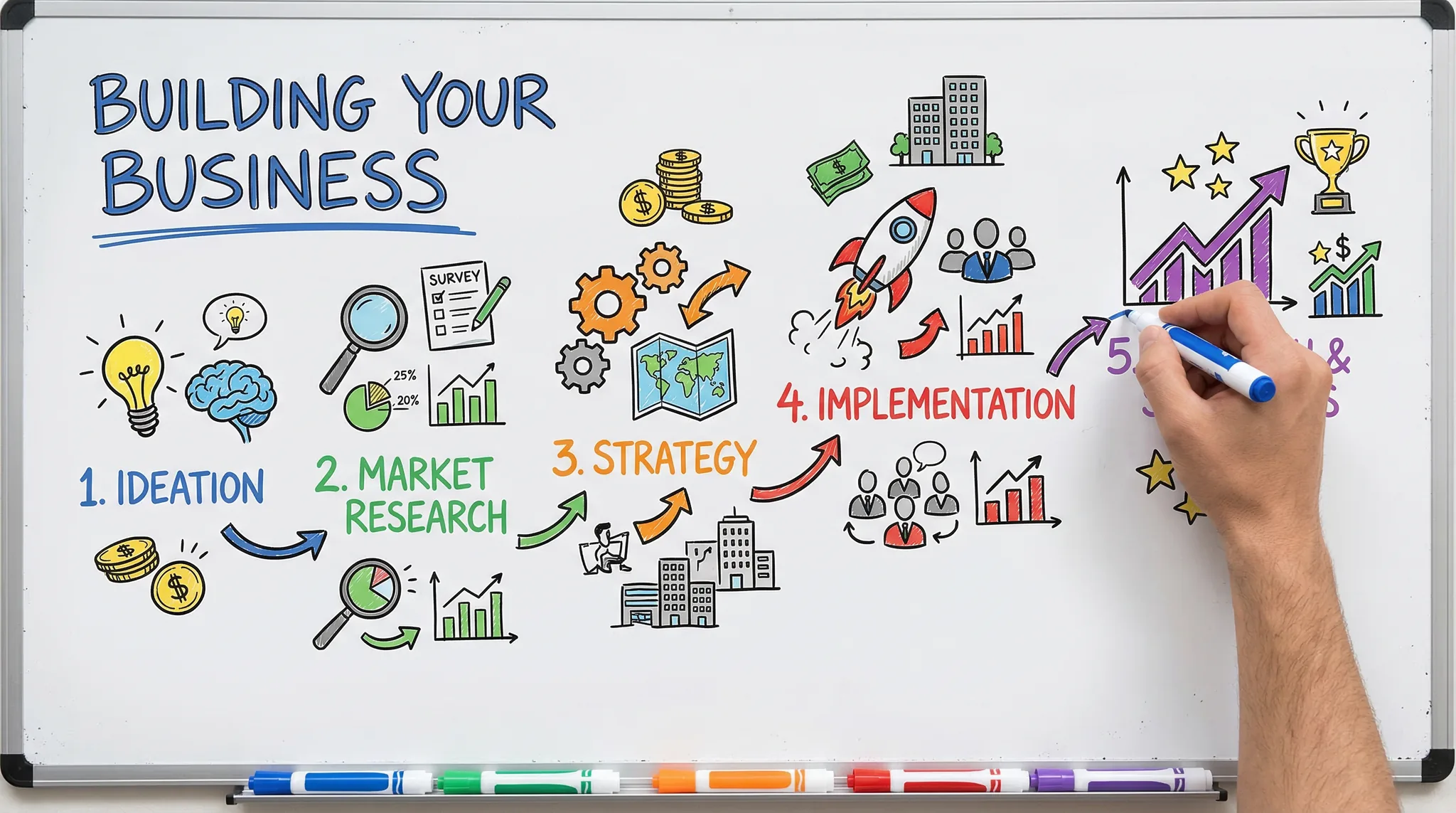
Generating individual clips is only half the job. Here is a simple framework for assembling them into a cohesive explainer video:
- Write the script first. Use the Script Template Tool to outline your narrative. A typical explainer follows: Hook (5s) → Problem (10s) → Solution (15s) → How It Works (20s) → Social Proof (10s) → CTA (5s).
- Generate clips for each section. Use the prompts above as templates. Customize them with your product details, brand colors, and setting.
- Record or generate voiceover. AI voice tools or a simple microphone recording work. Match the tone to your brand — conversational for B2C, authoritative for B2B.
- Edit in any video editor. Import your AI clips, lay the voiceover on the timeline, add text overlays and transitions. Keep transitions simple — cuts and crossfades work best.
- Add a clear CTA. End with a strong call to action: “Start your free trial,” “Shop now,” or “Learn more at [URL].”
Tips for High-Converting Explainer Visuals
- Keep backgrounds clean. Cluttered backgrounds distract from the message. Specify “minimal background,” “white backdrop,” or “soft gradient” in your prompts.
- Slow camera movement only. Explainer videos need to communicate, not dazzle. Slow orbits, gentle push-ins, and static shots let the viewer focus on the content.
- Match brand colors. Specify your brand’s color palette in the prompt: “blue and teal accents” or “coral and warm white palette.” Consistency builds trust.
- Generate multiple takes. Run each prompt 2-3 times and pick the best output. AI generation is non-deterministic, so variation is expected and useful.
- Optimize length. According to Wistia’s engagement data, explainer videos under 2 minutes retain the most viewers. Aim for 60-90 seconds.
Frequently Asked Questions
Can AI-generated explainer videos replace professional animation?
For polished brand videos at enterprise scale, professional animation studios still deliver the highest quality. But for startups, small businesses, landing page videos, and social media ads, AI-generated clips provide 80% of the quality at a fraction of the cost and turnaround time. Many teams use AI clips for rapid prototyping and A/B testing before investing in a full production.
What is the best aspect ratio for an explainer video?
For website landing pages and YouTube, use 16:9 (1920×1080). For social media ads on Instagram and Facebook feeds, use 1:1 (1080×1080) or 4:5 (1080×1350). For Stories and Reels, use 9:16 (1080×1920). Generate the same prompt in multiple aspect ratios if you plan to distribute across platforms.
How many AI video clips do I need for a 60-second explainer?
Most 60-second explainers use 8-12 individual shots, each lasting 4-8 seconds. Since AI generators typically produce 4-10 second clips, plan to generate about 10-15 clips (including alternates) to have enough coverage for your edit. Use the Cost Calculator to budget your credits accordingly.
Turn Prompts Into Conversions
Explainer videos drive signups, sales, and engagement — but only if they look professional and communicate clearly. With the 10 prompts in this guide, you have a toolkit for every section of a conversion-focused explainer: problem setups, product reveals, data visualizations, and success scenes. Customize them for your product, generate the clips in Vidzy, and assemble a video that works as hard as your sales team.
Download Vidzy and start building explainer videos that convert — no animation studio required.