Why Aerial Drone AI Video Prompts Are a Game Changer
Drone footage has become the gold standard for cinematic content. From sweeping landscape reveals to dramatic urban flyovers, aerial perspectives instantly elevate any video. But flying a drone comes with significant barriers — expensive equipment, flight regulations, weather dependencies, restricted airspaces, and the skill required to pilot smoothly.
Aerial drone AI video prompts eliminate every one of those barriers. With AI video generators, you can create stunning aerial footage of any location, real or imagined, at any time of day, in any weather, with zero risk to equipment. You can fly over active volcanoes, soar through fantasy landscapes, or capture golden-hour cityscapes that would require weeks of planning with a real drone.
This guide provides ready-to-use prompts for generating aerial and drone-style AI videos across landscapes, cities, coastlines, and more. Each prompt incorporates real cinematography techniques that drone operators use, translated into language AI models understand.
Mountain and Landscape Aerial Prompts
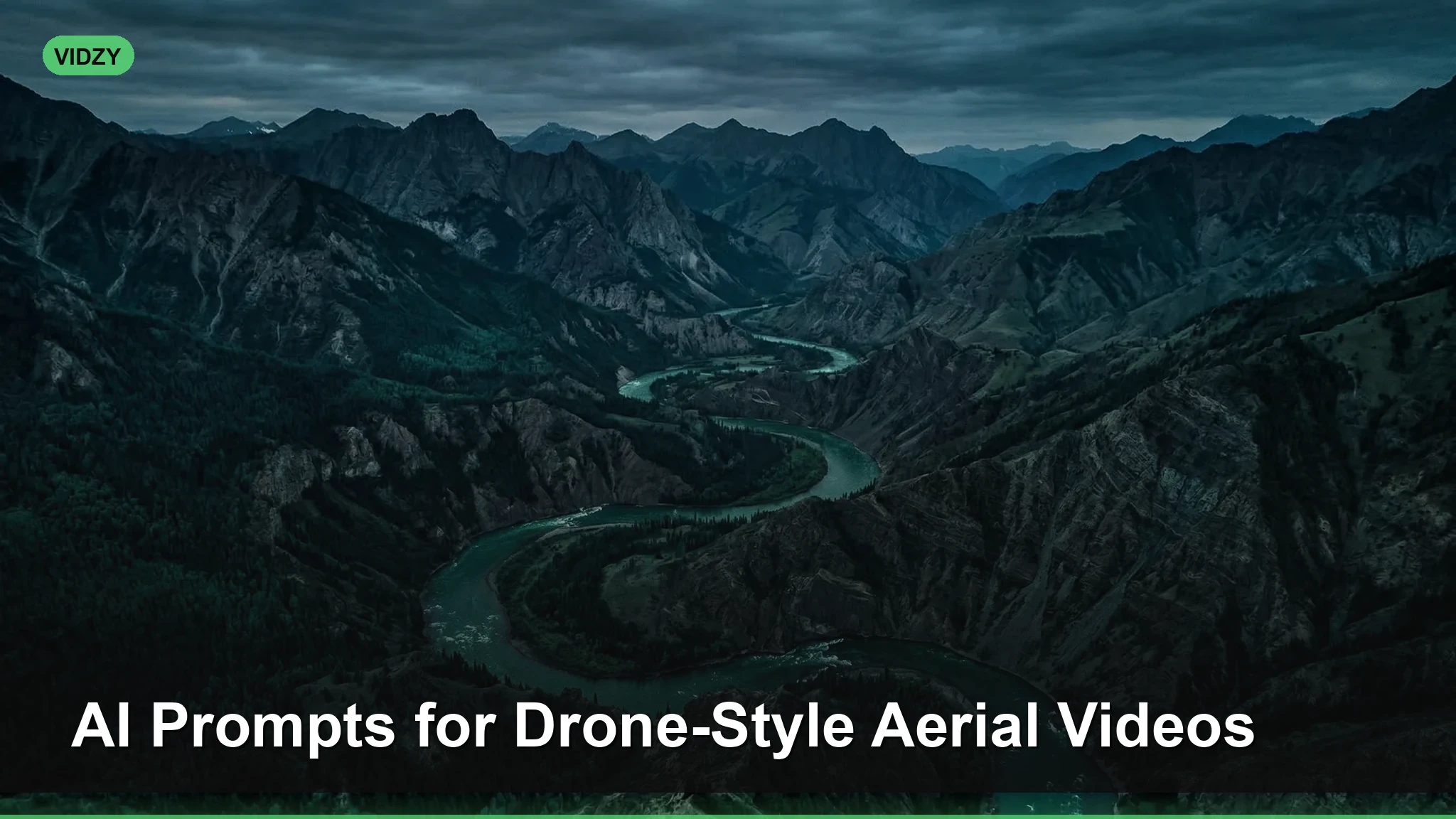
Mountain landscapes are where drone footage truly shines. The sense of scale and grandeur is difficult to capture any other way.
“Aerial drone shot flying low over a misty mountain valley at sunrise, revealing snow-capped peaks emerging from a sea of clouds. Camera slowly ascending while pushing forward, golden light breaking over the eastern ridge, pine forests visible on lower slopes. Cinematic color grading, photorealistic, DJI Mavic quality, smooth stabilized motion.”
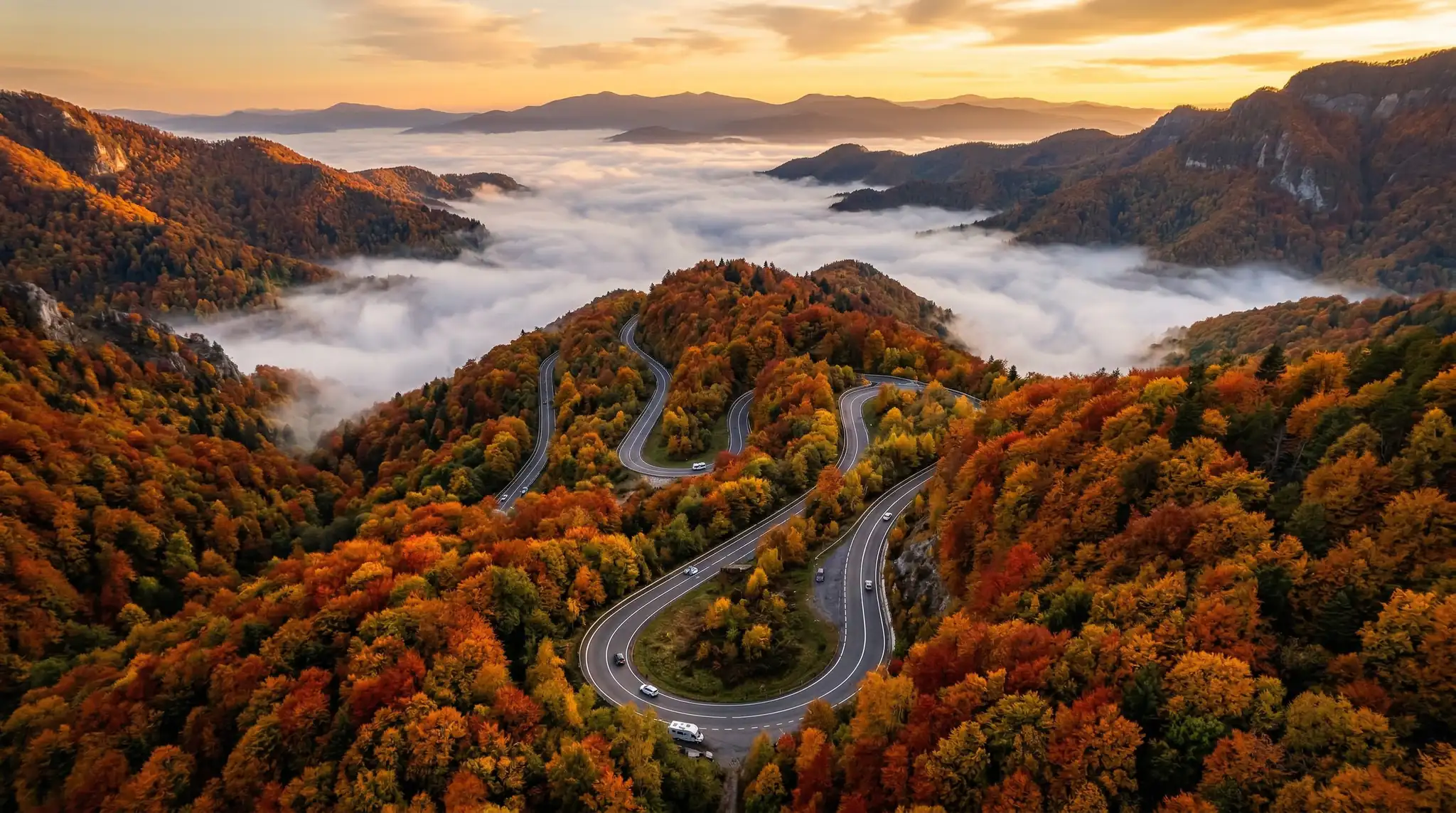
“Bird’s-eye view drone shot looking straight down at a winding river cutting through autumn forest, vivid red, orange, and gold foliage creating a tapestry pattern around the blue-green water. Slow forward movement following the river’s path, high altitude perspective, sharp detail, warm color palette, National Geographic aerial photography style.”
“Dramatic drone pullback reveal starting close on a lone hiker standing at a cliff edge, rapidly ascending and pulling backward to reveal the massive canyon system stretching to the horizon. Desert landscape, layered red and orange rock formations, late afternoon dramatic shadows, epic scale reveal, cinematic 4K quality.”
For landscape aerials, the “reveal” technique — where the camera pulls back to show scale — is the most emotionally impactful. Specifying camera direction and movement speed is essential.
Urban and Cityscape Aerial Prompts
City drone footage creates dynamic, modern content perfect for travel videos, real estate, and brand content.
“Aerial drone shot gliding between skyscrapers in a modern city at twilight, glass facades reflecting the purple and orange sky, city lights beginning to turn on floor by floor. Smooth lateral movement at mid-building height, volumetric light from the setting sun between buildings, cinematic depth, photorealistic architecture detail.”
“Top-down drone perspective of a busy city intersection at night, streams of car headlights and taillights creating red and white light trails, pedestrians crossing in crosswalks. Hyperlapse-style time compression, neon signs and streetlights, rain-wet streets reflecting all light sources, urban energy, sharp detail.”
“Drone orbit shot circling a historic European cathedral at golden hour, warm sunlight illuminating ornate Gothic architecture, long shadows stretching across the surrounding plaza. 360-degree orbit, maintaining consistent altitude, tiny people visible below for scale, rich warm color grading, travel documentary quality.”
Urban aerials benefit from specifying time of day precisely. Twilight — the twenty minutes after sunset — provides the most cinematic light because city lights and natural sky light are balanced. Use the AI Prompt Generator to fine-tune your city aerial prompts with specific architectural styles.
Coastal and Ocean Aerial Prompts
Coastlines provide the most visually dramatic contrast — land meeting water in endlessly varied patterns that look spectacular from above.
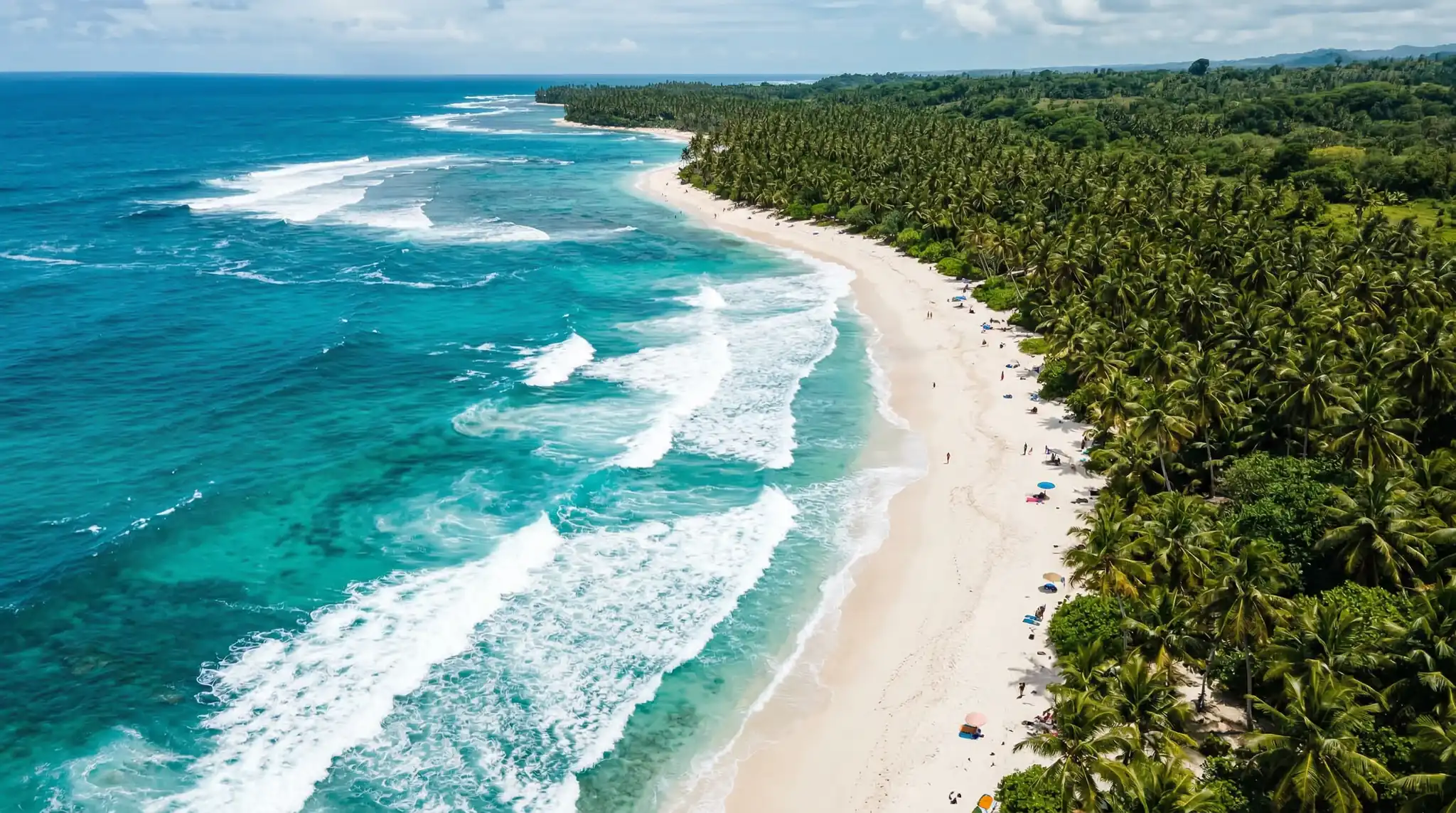
“Aerial drone shot flying along a tropical coastline, turquoise water transitioning to deep blue, white sand beach with palm tree shadows, gentle waves creating white foam lines. Low altitude following the shoreline, camera angled 45 degrees toward the water, Caribbean color palette, paradise vacation aesthetic, crystal clear water showing reef patterns below.”
“Bird’s-eye view of massive ocean waves crashing against rugged sea cliffs, white spray exploding upward, dark volcanic rock contrasting with turquoise water. High altitude looking straight down, patterns of wave sets approaching the coast, raw power of nature, dramatic and moody color grading, photorealistic water texture.”
“Drone tracking shot following a lone sailboat crossing a calm ocean at sunset, golden light path stretching across the water surface toward the horizon. Gradually ascending altitude to reveal the vast empty ocean surrounding the small vessel, sense of solitude and freedom, warm cinematic color grading, peaceful mood.”
Coastal footage relies heavily on water clarity and color. Terms like “turquoise,” “crystal clear,” and “visible reef below” push the AI toward the tropical water look that viewers associate with premium travel content.
Fantasy and Impossible Aerial Prompts
This is where AI aerial footage truly surpasses real drones — you can fly over landscapes that do not exist.
“Aerial drone shot flying over a massive floating island in the sky, waterfalls cascading off the edges into clouds below, lush green vegetation covering the surface, ancient stone ruins visible among the trees. Fantasy landscape, volumetric clouds at the same altitude, golden hour lighting, Studio Ghibli inspired but photorealistic rendering.”
“Drone flyover of an alien planet surface, vast crystalline formations growing from red desert sand, two suns setting on the horizon casting double shadows, a distant city of organic curved architecture. Science fiction landscape, otherworldly color palette of deep reds and iridescent blues, cinematic wide shot, photorealistic textures.”
“Aerial reveal of a massive ancient tree in the center of an enchanted forest, the tree towering above the canopy with glowing bioluminescent leaves, fireflies swirling around its branches. Drone ascending alongside the trunk, magical atmosphere, twilight sky, rich greens and warm golden light from the tree, fantasy cinematic quality.”
Fantasy aerial prompts are incredibly popular for cinematic storytelling and music video backgrounds. They give creators access to visuals that would cost millions in CGI.
Related: Veo 3.1 prompts
Real Estate and Architecture Aerial Prompts
Real estate professionals and architects use drone footage extensively. These prompts generate property showcases and architectural reveals.
“Smooth aerial drone approach toward a modern luxury mansion with infinity pool, landscaped gardens, and ocean view. Starting from distance, gradually descending and approaching the property, revealing architectural details as the camera gets closer. Golden hour lighting, real estate marketing quality, warm and inviting atmosphere, manicured lawn and palm trees.”
“Drone orbit around a completed modern office building, glass and steel architecture reflecting the sky, rooftop garden visible, surrounding urban context shown. Full 360-degree orbit at consistent altitude, afternoon light, architectural visualization quality, clean and professional aesthetic.”
For real estate content, consider the final dimensions carefully. Instagram posts work best in square format while YouTube uses widescreen. Check the Video Sizes Reference to pick the right dimensions for your platform.
Drone Camera Movement Terminology for Better Prompts
Understanding real drone cinematography movements dramatically improves your prompts. Here are the key movements and when to use them:
Reveal shot: Camera starts facing an obstruction (hill, building, clouds) then rises or moves past it to reveal a hidden landscape. Creates surprise and awe. Use for first impressions and dramatic openings.
Orbit: Camera circles around a subject at a constant distance and altitude. Creates a sense of importance and allows viewers to see all sides. Perfect for architecture, landmarks, and isolated subjects.
Tracking shot: Camera follows a moving subject from behind, beside, or above. Creates narrative momentum. Ideal for vehicles, people, and animals in motion.
Top-down or bird’s-eye: Camera points straight down, creating abstract pattern-like compositions. Reveals geometry and patterns invisible from ground level. Great for roads, rivers, fields, and urban grids.
Pullback reveal: Camera starts close to a subject and rapidly pulls back to show surrounding context and scale. The most emotionally powerful drone movement. Perfect for showing a person in a vast landscape.
Fly-through: Camera moves forward through a narrow space — between buildings, through a canyon, under a bridge. Creates immersive, thrilling perspective. Best for action-oriented content.
Including these terms in your prompts gives the AI precise instructions for camera behavior, resulting in much more cinematic output.
Tips for Photorealistic Aerial AI Videos
Reference real camera systems. Mentioning “DJI Inspire quality” or “Mavic 3 Cine footage” gives the AI a quality benchmark to target.
Specify altitude and angle. Low altitude (50 feet) creates speed and intimacy. High altitude (500+ feet) creates scale and abstraction. The angle — 45 degrees, straight down, or level horizon — fundamentally changes the shot feel.
Include atmospheric effects. Mist, haze, clouds, and fog add depth layers that make aerial footage feel three-dimensional. “Volumetric fog in the valley” or “thin cloud layer below the camera” adds realistic atmosphere.
Describe the light direction. Side lighting creates dramatic shadows and texture. Backlighting creates silhouettes and lens flare. Front lighting is flat but detailed. Specify where the sun is relative to the camera.
Add environmental motion. Wind in trees, waves on water, moving vehicles, smoke from chimneys — these details add life to aerial scenes and make them feel captured rather than generated.
Frequently Asked Questions
Can AI-generated drone footage replace real drone shots?
For many use cases, yes. AI aerial footage works excellently for social media content, mood boards, presentations, and creative projects. For professional real estate listings or documentary work requiring specific real locations, actual drone footage remains necessary.
Do I need to know how to fly a drone to write good aerial prompts?
No, but understanding basic drone movements like orbit, tracking, and reveal helps you write more specific prompts. This guide covers the key movements above. The AI handles the “flying” — you just need to describe what you want to see.
What resolution should I request for aerial videos?
Always specify “4K” or “high resolution” in your prompts. Real drone footage is typically shot in 4K or higher, so matching that expectation helps the AI produce more realistic results. Also mention “sharp detail” and “cinematic quality” for best outcomes.
Can I create aerial footage of real specific locations with AI?
AI can generate aerial footage that resembles specific types of locations — “a Mediterranean coastal village” or “Manhattan skyline” — but it creates original compositions rather than exact replicas of specific addresses. For known landmarks, results vary by model.
How do I make aerial footage feel smooth and stabilized?
Include phrases like “smooth gimbal-stabilized movement,” “steady drone motion,” and “cinematic stabilization” in your prompts. Avoiding terms like “handheld” or “shaky” also helps. Specifying slow movement speed produces smoother results.
Take Flight Without a Drone
Aerial drone AI video prompts open up a world of cinematic possibilities that previously required expensive equipment, technical skill, and favorable conditions. From sweeping mountain reveals to impossible fantasy landscapes, you can now create professional aerial content with nothing more than a well-crafted prompt.
Start with the prompts in this guide, customize them for your projects, and experiment with different camera movements and environments. Download Vidzy and create your first aerial masterpiece today.
![Best AI Video Prompts for Instagram Reels [2026]](https://getvidzy.com/wp-content/uploads/2026/03/post19_featured-768x432.webp "Best AI Video Prompts for Instagram Reels [2026] 7")